Unable to see style system option on first container component | Community
Skip to main content
Level 6
August 30, 2023
Solved

Unable to see style system option on first container component

  • August 30, 2023
  • 1 reply
  • 960 views

Hi,

I have a container component 

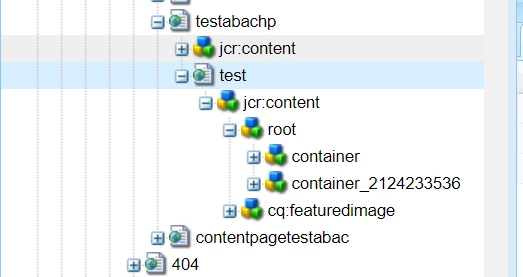
When I add a container on the page, it doesn't have the style system options visible. When I add another one, the new one has them. But not the first one.
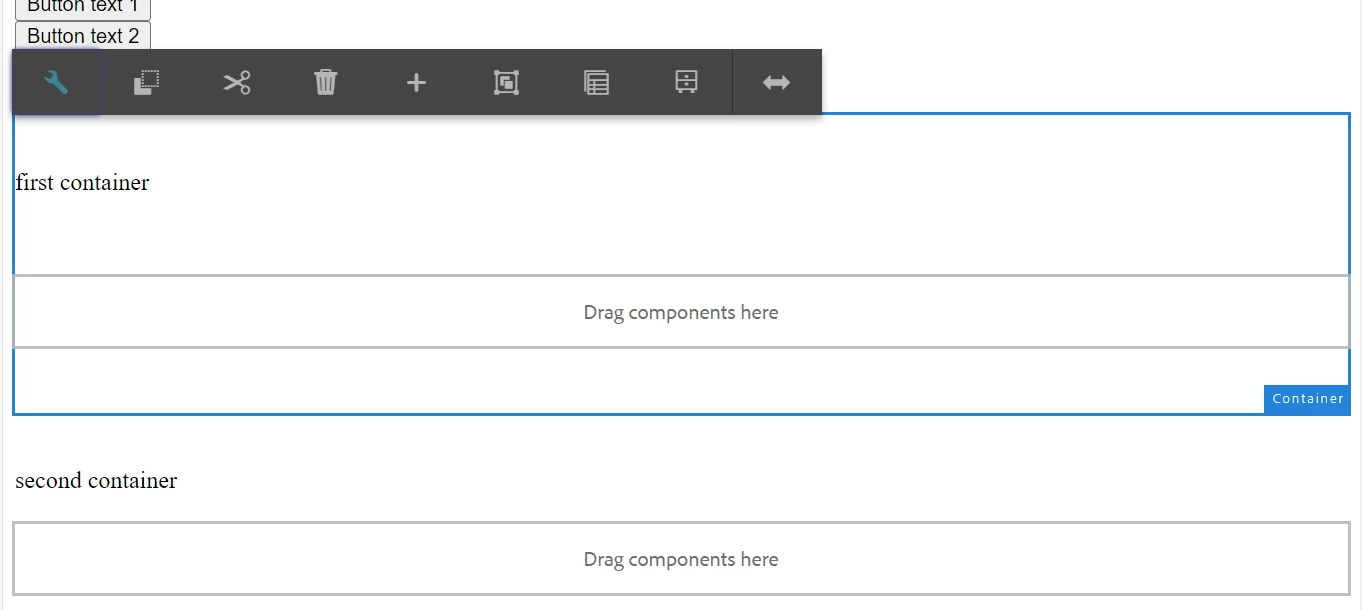
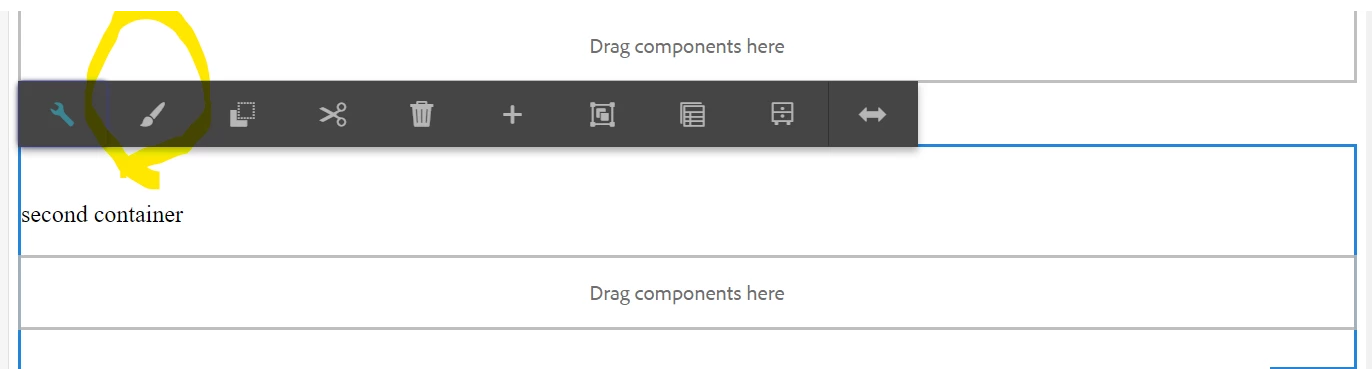


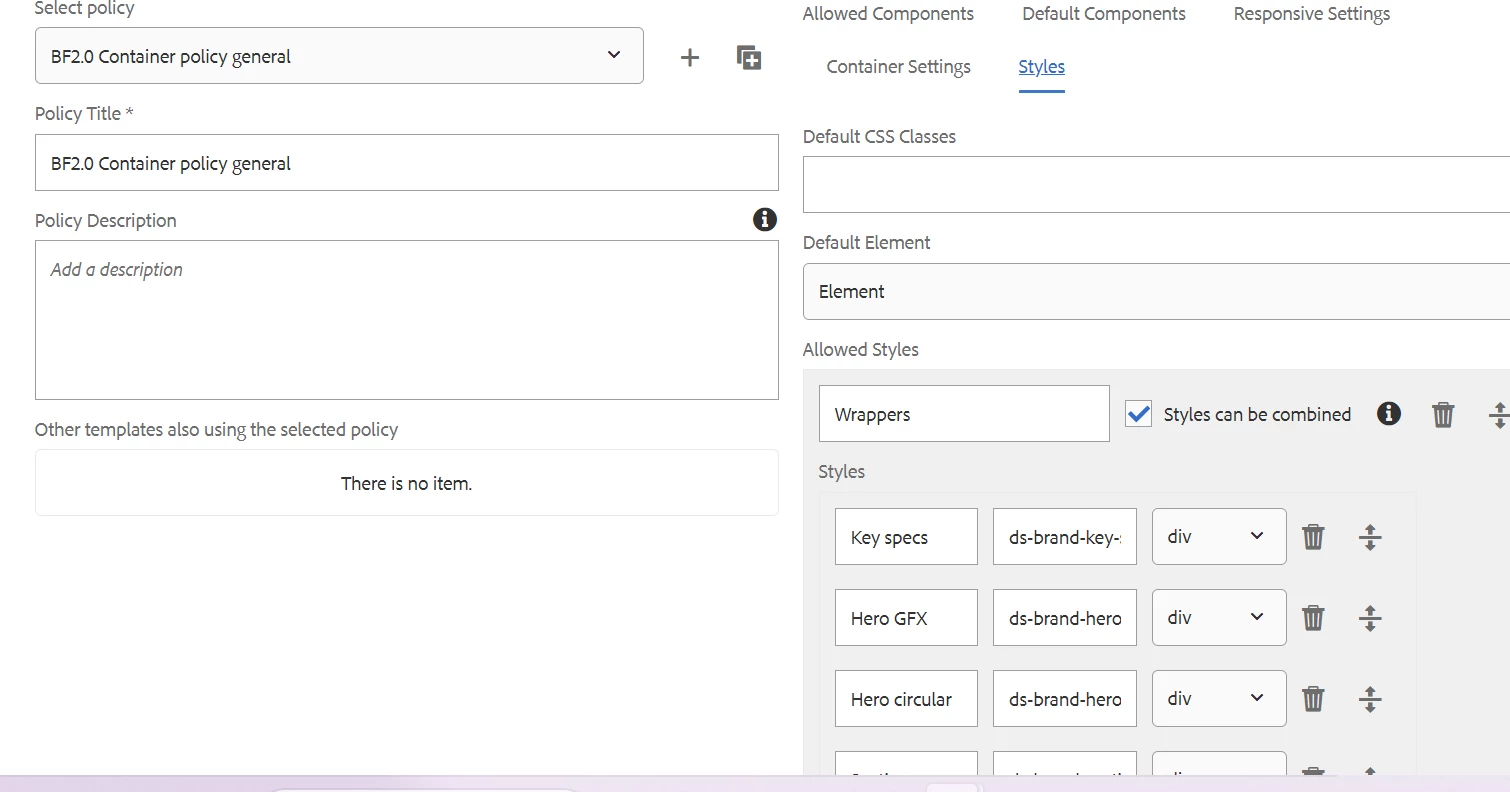
The classes are adding if I choose any style on the second container.

If I rename container with container-1 style system option is showing on container1.



This post is no longer active and is closed to new replies. Need help? Start a new post to ask your question.
Best answer by Sady_Rifat

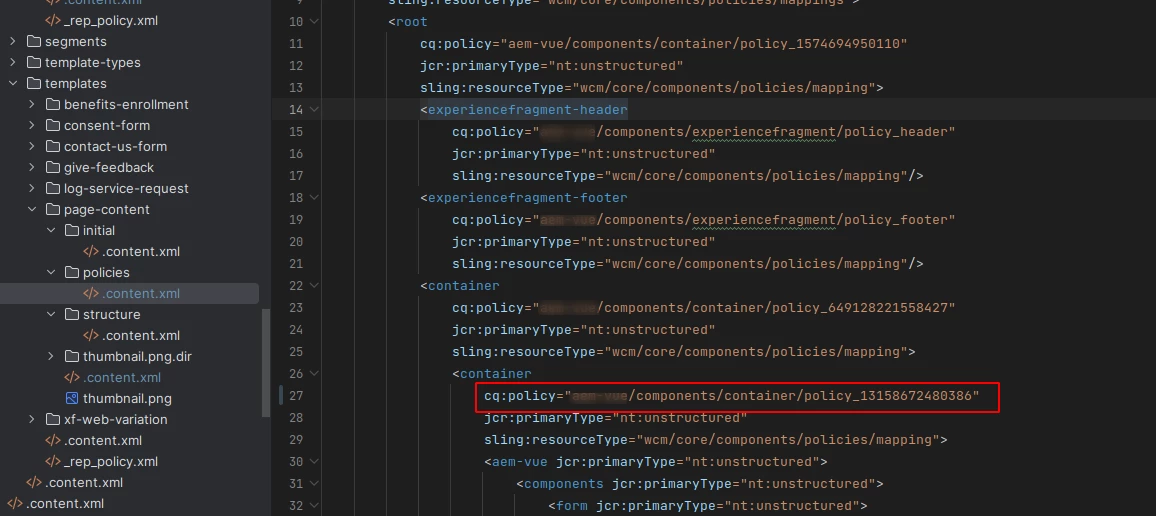
Ok. The container component you are trying to configure style is under a default container. This means you are following this structure,

. └── root/ └── container -> Defatult container that is comes from template structure/ └── container -> The component that you set the policy

Or similar to this, What happened for the 1st container is the structure policy navigates to it where your styles are not configured. When you add another container it actually finds your configured style policy.
So the solution can be in two ways,
Either change the map of policy from templates/your-template/policies. In my case I changed it

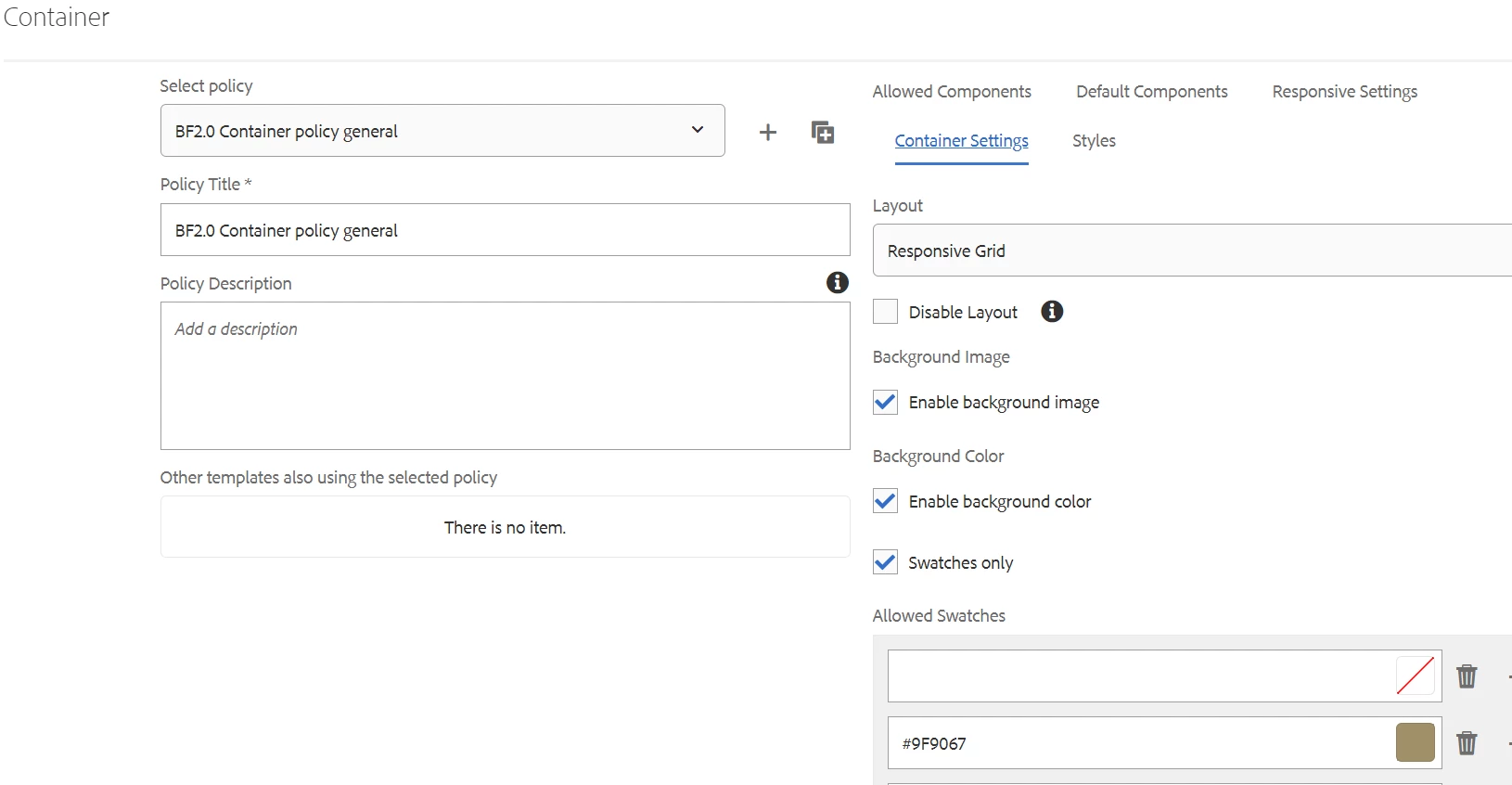
or, you can go to that policy (settings/wcm/policies) and update the policy with styleGroups


Hope you will understand my point now.

1 reply

Sady_Rifat
Community Advisor
Community Advisor
August 30, 2023

Hello @vani1012 ,

My belief is all your problem is related to your policy. I can give you some hints to find your problem area.

  • Check your templates policy
  • Is it the main layout policy, or does your page structure already refer to the container?
  • If so update your policy it should work.
Vani1012Author
Level 6
August 30, 2023

Hi @sady_rifat ,

Can you please explain a bit more, I am not getting your point.


Sady_Rifat
Community Advisor
Sady_RifatCommunity AdvisorAccepted solution
Community Advisor
August 30, 2023

Ok. The container component you are trying to configure style is under a default container. This means you are following this structure,

. └── root/ └── container -> Defatult container that is comes from template structure/ └── container -> The component that you set the policy

Or similar to this, What happened for the 1st container is the structure policy navigates to it where your styles are not configured. When you add another container it actually finds your configured style policy.
So the solution can be in two ways,
Either change the map of policy from templates/your-template/policies. In my case I changed it

or, you can go to that policy (settings/wcm/policies) and update the policy with styleGroups


Hope you will understand my point now.