Unable to see policy and other icons on template for editing with exisiting projects and getting not found 404 error for templates with new projects created | Community
Skip to main content
Level 2
November 5, 2022
Question

Unable to see policy and other icons on template for editing with exisiting projects and getting not found 404 error for templates with new projects created

  • November 5, 2022
  • 2 replies
  • 3014 views

Hi All,


I am trying to create SPA project with AEM 6.5.14 using archetype 27. so far i have been successfull to create integrate and develop a custom component successfully as mentioned SPA tutorials of adobe.


the issue started when i wanted to author custom component created (Open - Weather) on my react home page. i dont see any options on layout container of template for editing policies or the lock icon. this issues turns out to appear in all other previously created templates
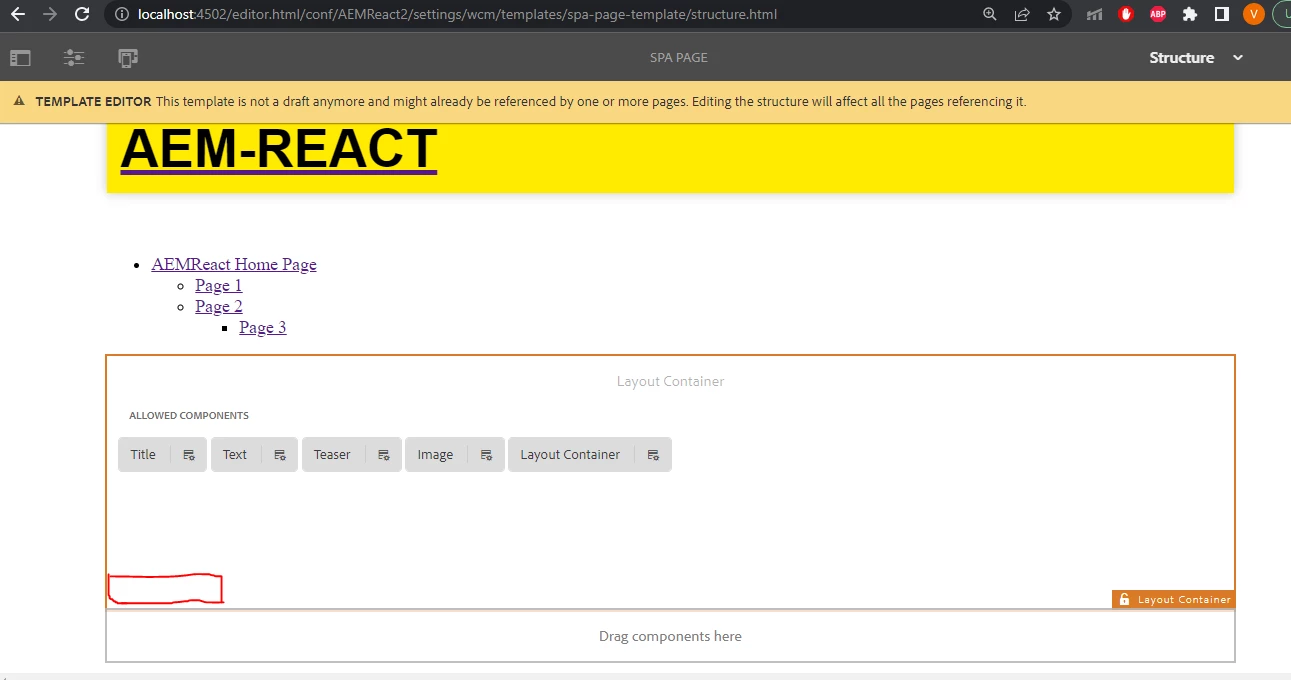
 

I tried checking the same by creating New Project and editing the structure of template but now i see 404 not found error.
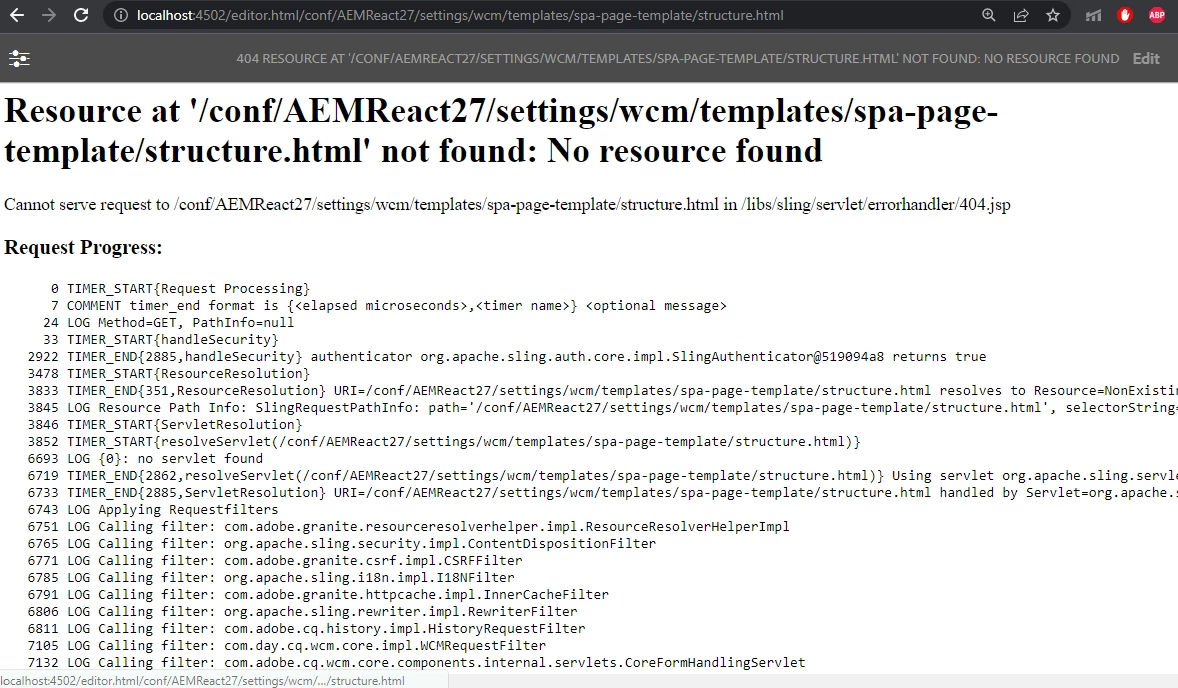
 Can anyone suggest on this issue? 


Regards,

Veena

This post is no longer active and is closed to new replies. Need help? Start a new post to ask your question.

2 replies

Mani_kumar_
Community Advisor
Community Advisor
November 5, 2022

Can you check whether the /conf structure is proper I your project?

Also verify the bundles in console if they are active.


Level 2
November 5, 2022

Hi Manikumar,


/conf structure from newly created project


/conf structure from existing project i dont see any difference


And all my bundles are active


Also Anytime i try to click within container for editing policies i see some clientlibs errors

in console. i tried to rebuild clientlibs but the problem still persists.


I am using AEM 6.5.0 with latest service pack 6.5.14 and 2.15.2 core components. the road had been really tough so far...:)


Lokesh_Vajrala
Community Advisor
Community Advisor
November 7, 2022

@veena_karnik  

Try the following two methods and see if they fix the issue: 

  1. Run complete deployment of both projects one after the other 
  2. If the first doesn't work, try refreshing the bundle in System Console with id - Day Communique 5 WCM Core Implementation (com.day.cq.wcm.cq-wcm-core)
Level 2
November 8, 2022

Hi @lokesh_vajrala 


I followed your steps as said and tried to restart the specified bundle

But the issue remains the same.

Regards,

Veena


Lokesh_Vajrala
Community Advisor
Community Advisor
November 9, 2022

@veena_karnik Other than the error in browser console, do you see any errors in the logs when loading the page or interacting with container? 


Also, check if there is any custom code that could break the editor functionality?