Unable to remove the components from Editable Templates | Community
Skip to main content
chirran414
Level 4
September 11, 2018
Solved

Unable to remove the components from Editable Templates

  • September 11, 2018
  • 13 replies
  • 14100 views

Hello Everyone,

We are using editable templates, after adding the components to the editable template I noticed that there is no trash icon in the toolbar so we are unable to remove the component from Template. Is it expected behavior with the editable templates because when I use the same component on static templates I am seeing trash icon and I am able to remove the component.

Note:

We are not seeing trash icon for the components in their rendering script

If we referencing content within structure components via data-sly-resource using the @ resourceType option, we are unable to delete the component.

Code snippet of my component rendering script:

<div class="full-stack-content">

    <div class="container">

        <data-sly-resource="${ @path='sectionResponsiveGrid', resourceType='wcm/foundation/components/responsivegrid'}"></div>

    </div>

</div>
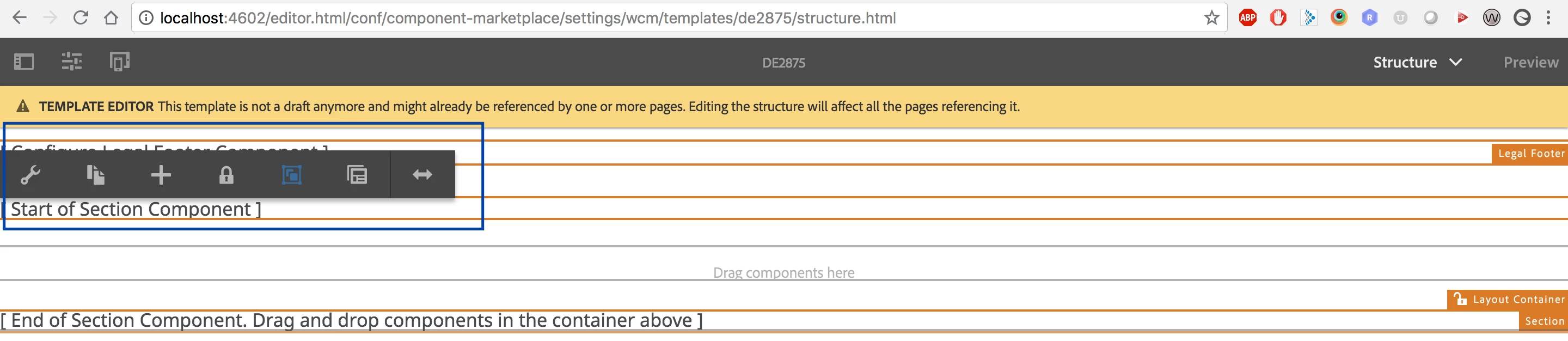
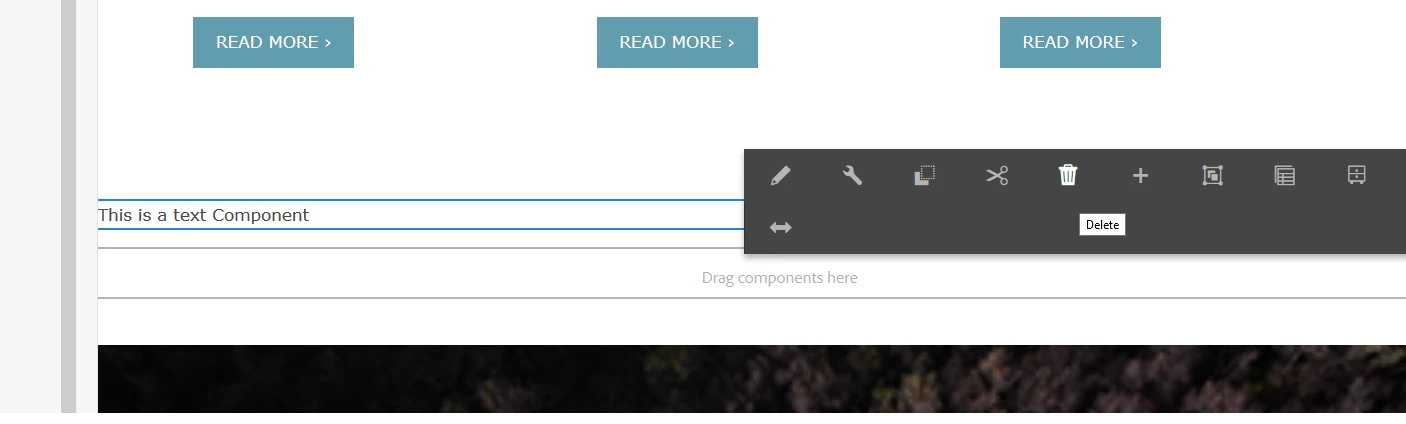
If we do not have any referencing content within structure components via data-sly-resource using the @ resourceType option we are seeing the trash icon like shown below.

Thanks,

Narayana.

This post is no longer active and is closed to new replies. Need help? Start a new post to ask your question.
Best answer by chirran414

I found one article about it, after following those steps (after adding the section component and if I authored it I am able to see the trash icon/ delete button) I am able to remove that component from editable template.
adobe - Not able to remove components in Editable Template AEM - Stack Overflow

Hi  smacdonald2008​ can you confirm is this the correct way to follow it ?

13 replies

arunpatidar
Community Advisor
Community Advisor
September 12, 2018

Hi Narayana,

If you have any components directly added via page component script you can't remove that. It is part of structure until you don't remove it from code but other components that you allowed you can add and remove from template editor.

Arun Patidar
chirran414
Level 4
September 12, 2018

Hi Arun,

Thanks for your response, I agree that. Here, I am  trying to remove the component which I added on the editable template, not the one which I added in the rendering script..... in my case I am not removing responsivegrid which I added in the rendering script from my above code snippet.

arunpatidar
Community Advisor
Community Advisor
September 13, 2018

Hi,

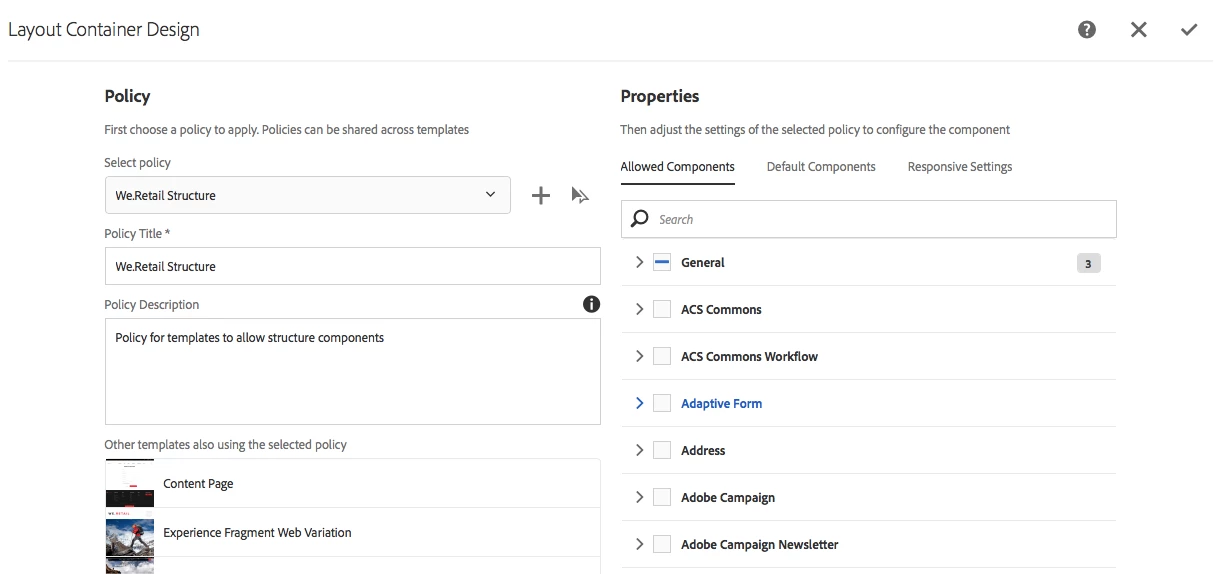
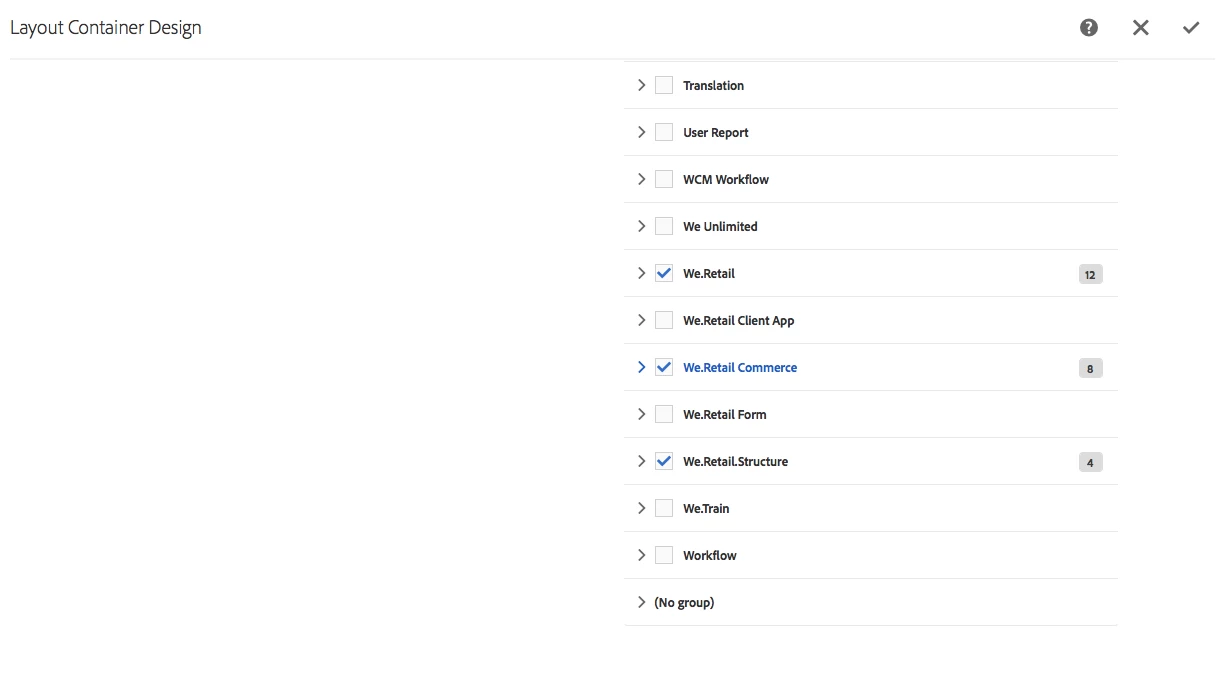
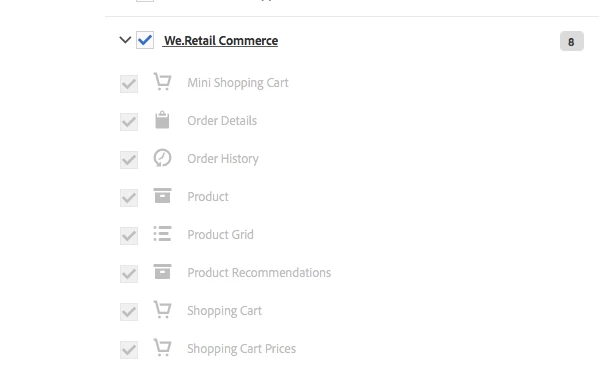
You need to remove those components from allowed component property of template.

Example:

Arun Patidar
smacdonald2008
Level 10
September 13, 2018

An Author can only delete components that are set in the Responsive Grid and are allowed to be used via the policy - such as the Text component.

However - an author cannot delete components on a page that are locked down in the editable template.  This is by design.

To modify this, you need to open an editable template and make changes to it - as Arun points out.

smacdonald2008
Level 10
September 13, 2018

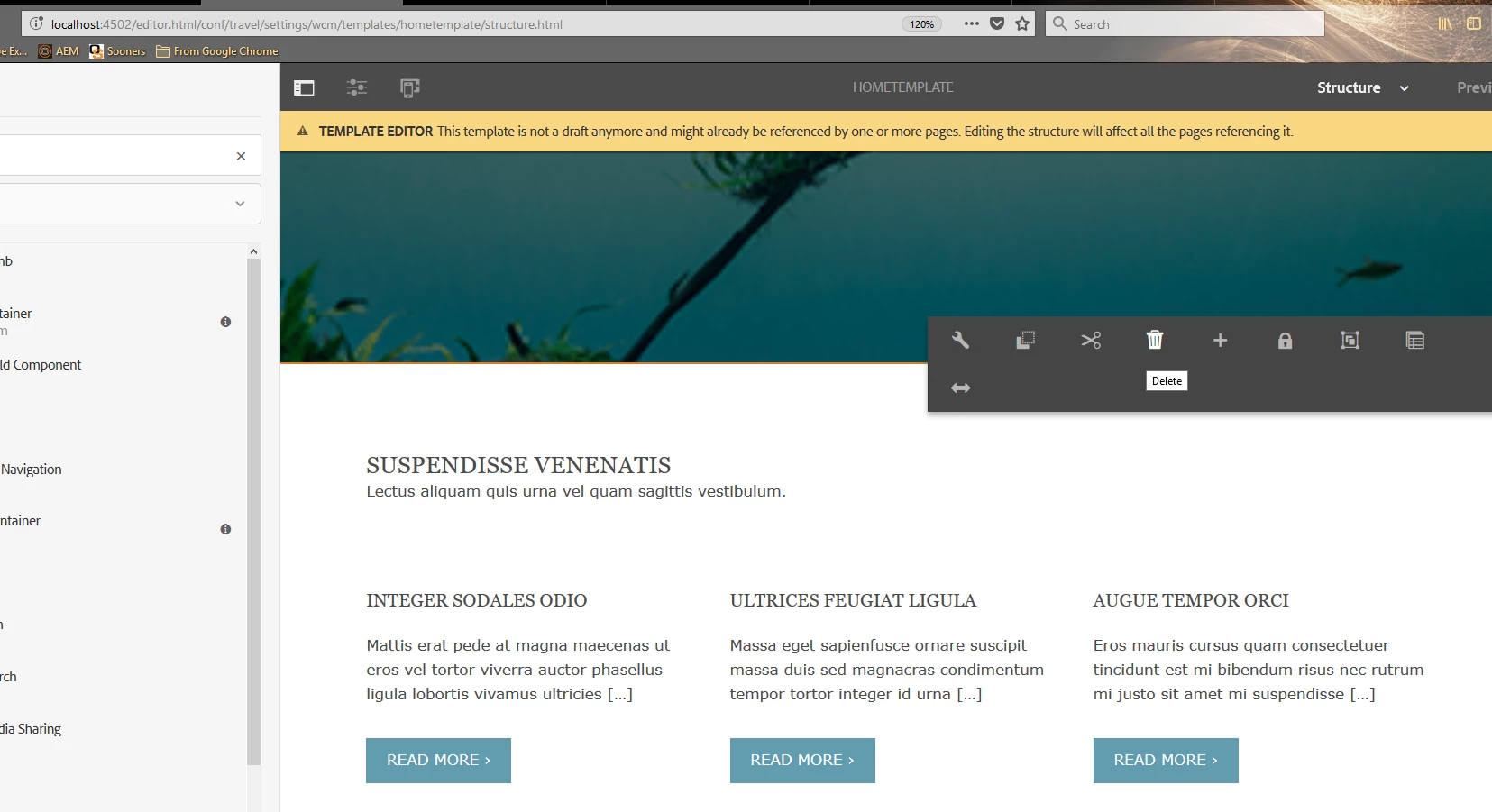
Furthermore - you can delete a component that is locked in the editable template from the template view (as opposed to within a page). See here:

So in summary - components can be deleted from the page - if they are allowed to be used in the Responsive Grid and set via the policy

Components that are locked in the editable template cannot be deleted from the page. They have to be deleted from the editable template - then all pages that use this template will no longer have the component shown.

smacdonald2008
Level 10
September 13, 2018

For those reading this and want to get up and running fast with editable templates - see this HELPX artilce -- Adobe Experience Manager Help | Creating an Adobe Experience Manager 6.4 website using Editable Templates

chirran414
Level 4
September 13, 2018

Yes, I did try to do like that but once we add the components (in my case section) to editable templates they are not disappearing even if you unlock the component from template and go back to the policies and try to remove the components.

chirran414
chirran414AuthorAccepted solution
Level 4
September 13, 2018

I found one article about it, after following those steps (after adding the section component and if I authored it I am able to see the trash icon/ delete button) I am able to remove that component from editable template.
adobe - Not able to remove components in Editable Template AEM - Stack Overflow

Hi  smacdonald2008​ can you confirm is this the correct way to follow it ?

chirran414
Level 4
September 13, 2018

we are using AEM 6.3 is there any article on AEM 6.3.

smacdonald2008
Level 10
September 13, 2018

If the component is locked in the editable template - only way to delete it is from the template view. You cannot delete (or even modify) a locked component from the page view. A locked component results in an author not being able to touch it within the page view (see the video below).