Unable to launch the .jar file for publish instance | Community
Skip to main content
Level 2
September 15, 2023
Solved

Unable to launch the .jar file for publish instance

  • September 15, 2023
  • 4 replies
  • 1733 views

Hi All,


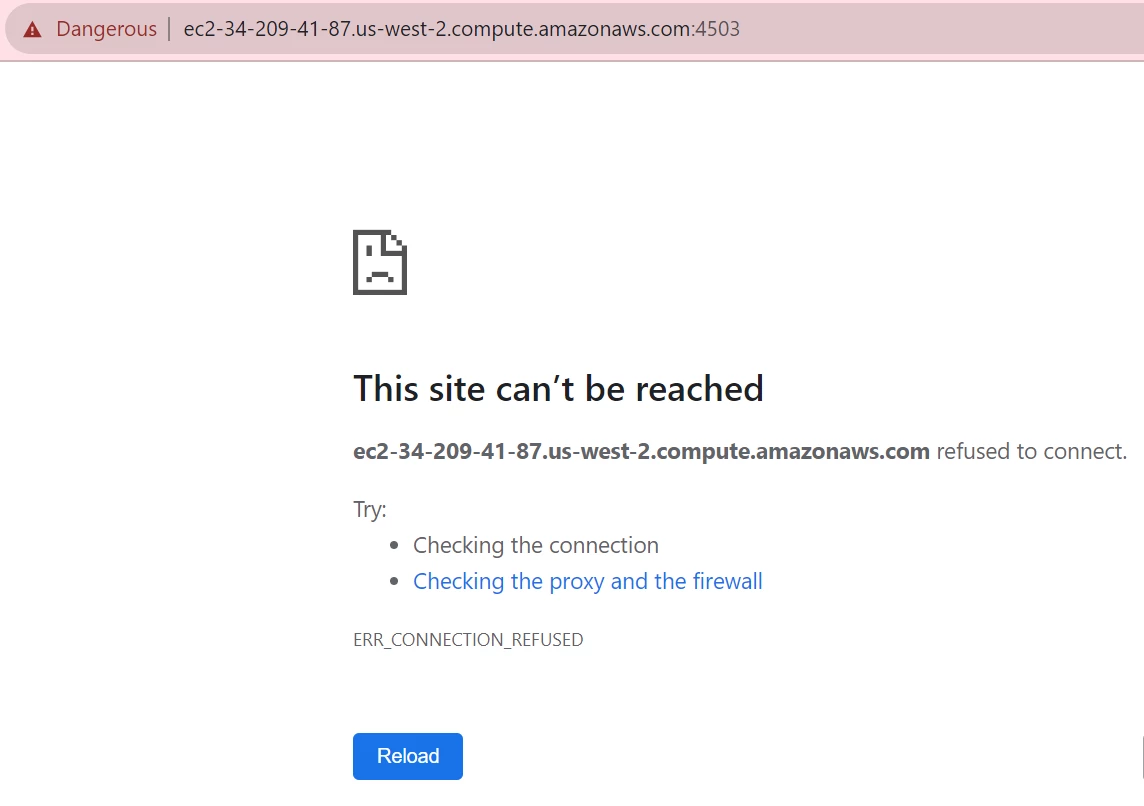
I am trying  to run aem .jar file for publish instance on ec2 machine but unable to run it. Command I used to run the jar file:- java -Xmx1024M -jar aem-publish-p4503.jar

Can someone guide me.


Thank you...!!!
 

This post is no longer active and is closed to new replies. Need help? Start a new post to ask your question.
Best answer by sherinregi-1

Hi @muskan_mala 

Did you get a chance to go through the below documentation 

https://experienceleague.adobe.com/docs/experience-manager-65/deploying/deploying/custom-standalone-install.html?lang=en


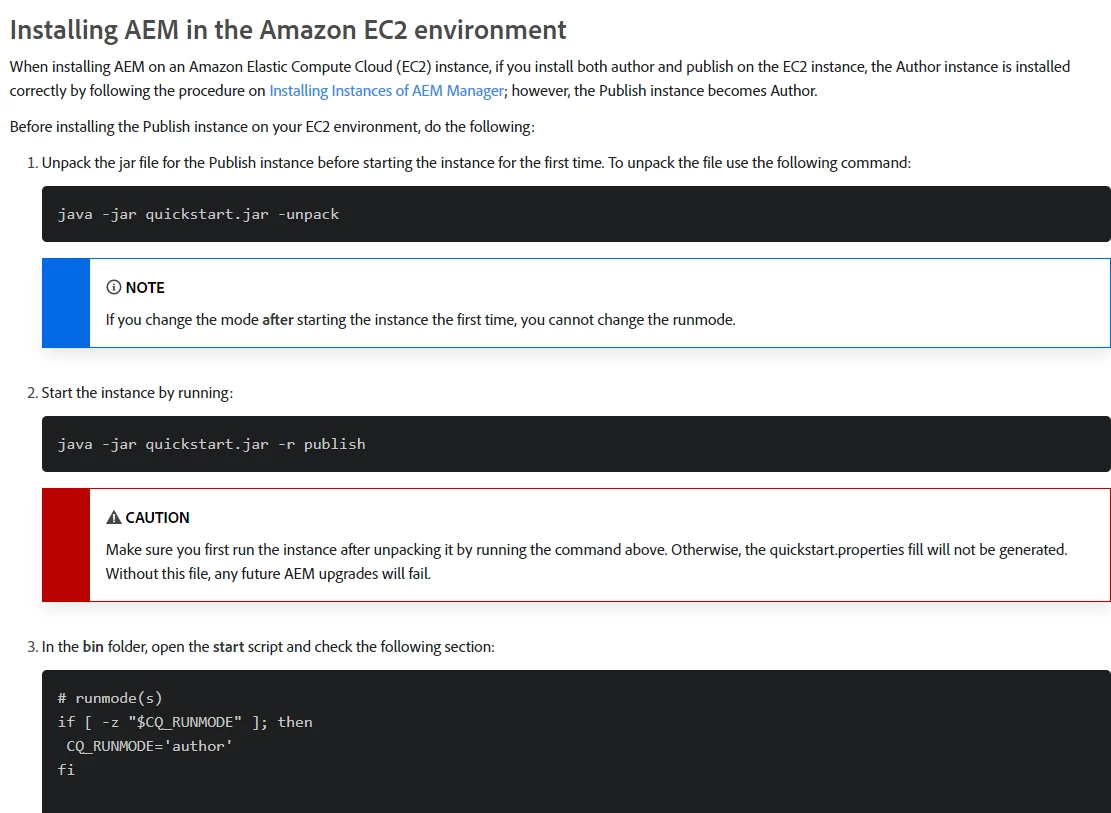
Its recommended to unpack and then start the jar for publish instance on EC2


Also make sure you have the appropriate permission to run the jar and the java path is also set correctly.

https://saturncloud.io/blog/how-to-solve-problems-running-jar-on-amazon-ec2/#:~:text=Problem%202%3A%20Java%20Version%20Mismatch&text=This%20error%20occurs%20when%20the%20Java%20version%20installed%20on%20the,to%20compile%20the%20jar%20file.


Hope this helps to debug


4 replies

sherinregi-1
Community Advisor
sherinregi-1Community AdvisorAccepted solution
Community Advisor
September 15, 2023

Hi @muskan_mala 

Did you get a chance to go through the below documentation 

https://experienceleague.adobe.com/docs/experience-manager-65/deploying/deploying/custom-standalone-install.html?lang=en


Its recommended to unpack and then start the jar for publish instance on EC2


Also make sure you have the appropriate permission to run the jar and the java path is also set correctly.

https://saturncloud.io/blog/how-to-solve-problems-running-jar-on-amazon-ec2/#:~:text=Problem%202%3A%20Java%20Version%20Mismatch&text=This%20error%20occurs%20when%20the%20Java%20version%20installed%20on%20the,to%20compile%20the%20jar%20file.


Hope this helps to debug


EstebanBustamante
Community Advisor and Adobe Champion
September 15, 2023

hi @muskan_mala 


The issue is not related to AEM but to your environment and how to execute a JAR file. This error typically occurs when the Java command cannot find the specified JAR file. There are a few potential reasons why you might be encountering this issue:

  1. Incorrect File Path: Ensure that you are running the java command from the directory where the aem-publish-p4503.jar file is located. If the JAR file is in a different directory, you'll need to provide the full or relative path to the JAR file.
  2. File Doesn't Exist
  3. File Name Case Sensitivity
  4. Permission Issues: You might not have the necessary permissions to access the JAR file. Ensure that you have read and execute permissions for the JAR file and its containing directory.
  5. Java Installation: Make sure that Java is installed and configured correctly on your system. You can check the Java version by running java -version. If Java is not installed or not in your system's PATH, you'll need to install it or adjust your PATH variable.

Please give try above and additionally try to execute the command with the full path like this:

java -jar /your/absolute/path/to/aem-publish-p4503.jar -Xmx1024M


Additionally, keep in mind what is mentioned by @sherinregi-1 , you may need to follow the installation method suggested by the documentation.


Hope this helps

Esteban Bustamante
DPrakashRaj
Community Advisor
Community Advisor
September 17, 2023

From the log that you shared, It says unable to access jar file aem-publish-p4503.jar can you check your permissions for the jar file on ec2 machine?

kautuk_sahni
Community Manager
Community Manager
September 18, 2023

@muskan_mala Did you find the suggestions from users helpful? Please let us know if more information is required. Otherwise, please mark the answer as correct for posterity. If you have found out solution yourself, please share it with the community.

Kautuk Sahni