
Unable to filter assets based on 'folders' option
Our authors want to filter the DAM based on path, type of file (file or folder)
Currently we have DAM folder under /content/dam where 'loose assets' and 'folders' exist together (I'm assuming that's a normal) under any given path. But with AEM's OOTB filter option in DAM, we can't seem to filter folders.
- I go to filter under dam
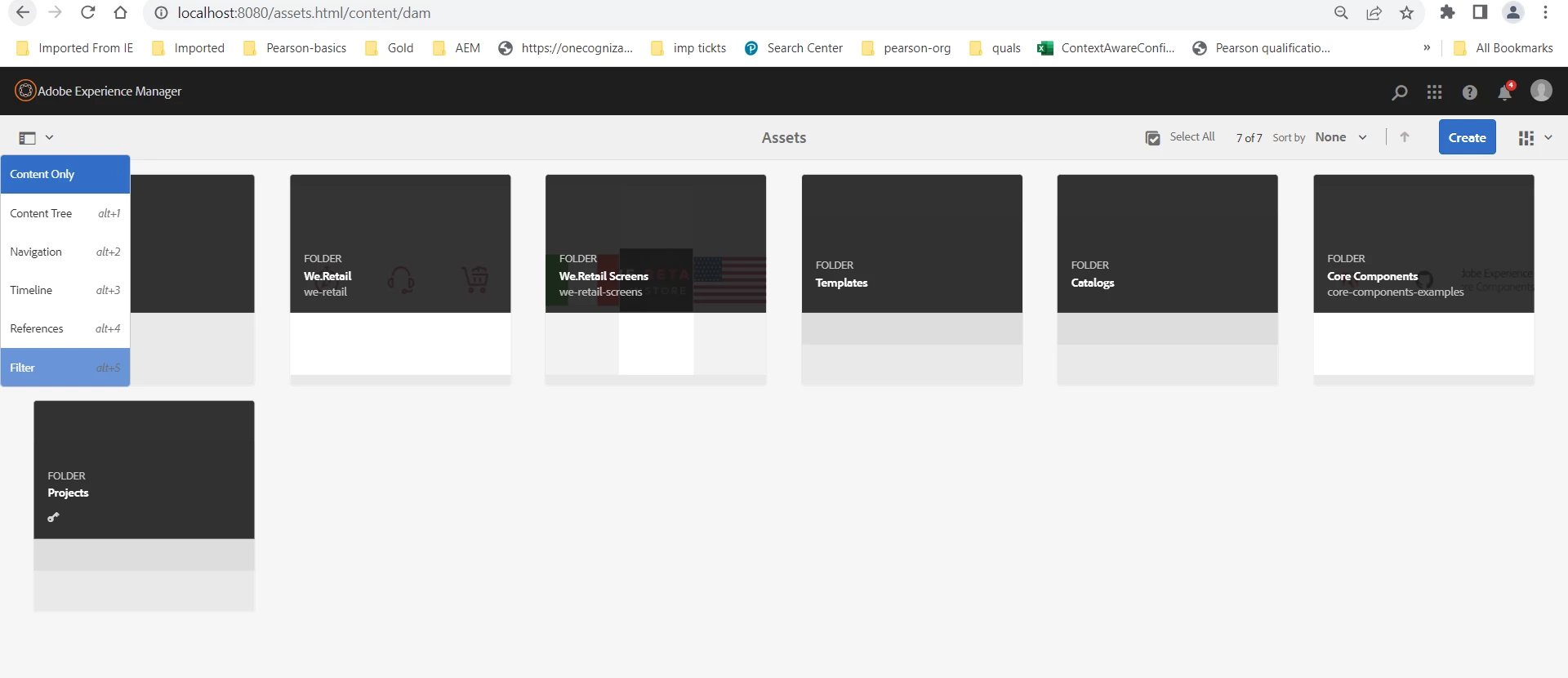
- then there are 3 options under path - files, folders, files & folder :
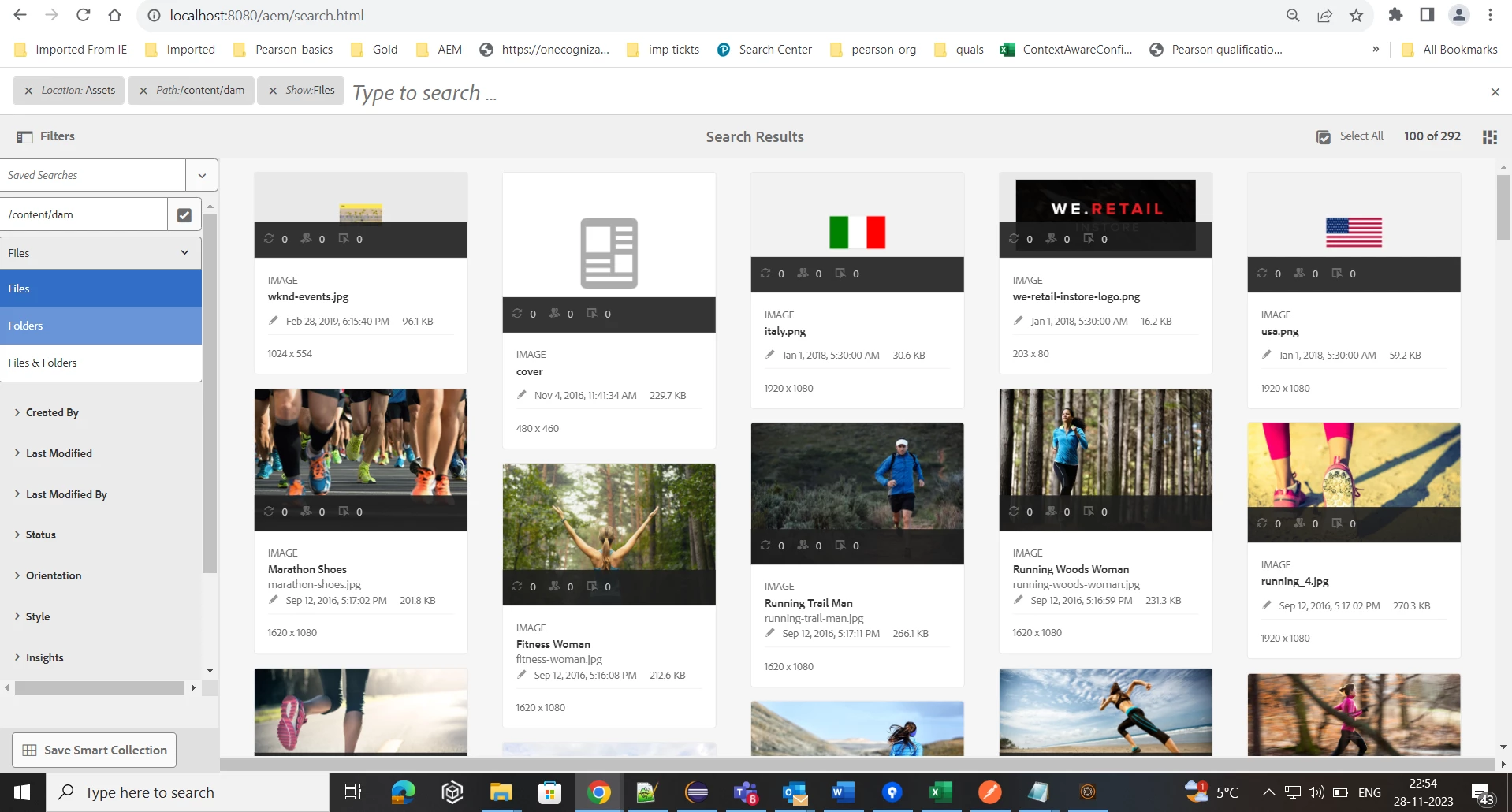
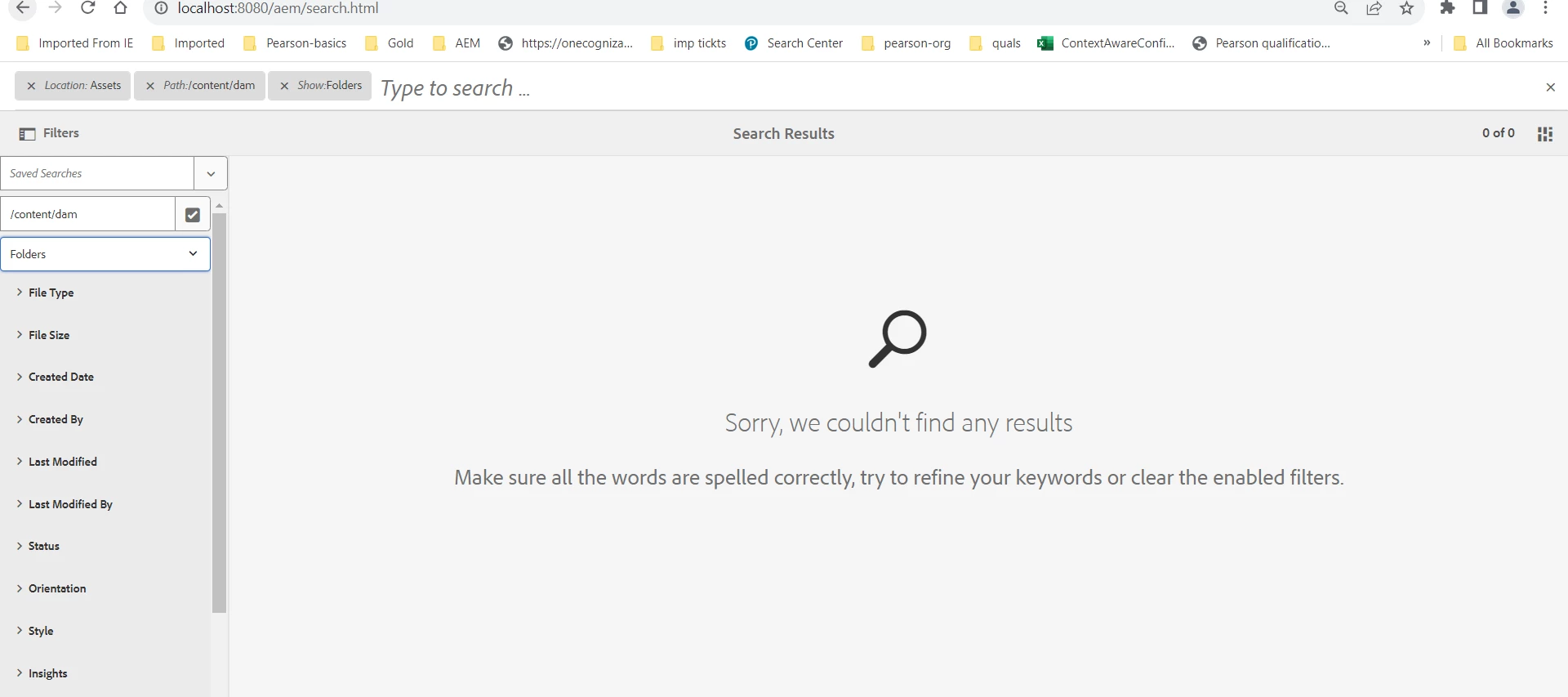
Ónly 'Files' filter work and the other two doesn't seem to work. When I try to filter with 'Folders' - I see empty results, but we have loads of folders. Then I did the same in a 'vanilla' instance - plain 6.5 without any of our content and code, even there I see this problem :
Is this a known issue ? Are we doin something wrong?
Upon checking errors - One commons trace in my vanilla instance as well as my equipped instance - is this :
28.11.2023 22:28:58.224 *WARN* [[0:0:0:0:0:0:0:1] [1701190738137] GET /mnt/overlay/granite/ui/content/shell/omnisearch/searchresults.html HTTP/1.1] org.apache.jackrabbit.oak.plugins.index.lucene.util.FacetHelper facets for jcr:content/metadata/dam:status not yet indexed: java.lang.IllegalArgumentException: field "jcr:content/metadata/dam:status_facet" was not indexed with SortedSetDocValues
28.11.2023 22:28:58.225 *WARN* [[0:0:0:0:0:0:0:1] [1701190738137] GET /mnt/overlay/granite/ui/content/shell/omnisearch/searchresults.html HTTP/1.1] org.apache.jackrabbit.oak.plugins.index.lucene.util.FacetHelper facets for jcr:content/metadata/dam:status not yet indexed: java.lang.IllegalArgumentException: field "jcr:content/metadata/dam:status_facet" was not indexed with SortedSetDocValues
28.11.2023 22:28:58.294 *INFO* [Apache Sling Resource Resolver Finalizer Thread] com.adobe.granite.repository Service [23657, [org.apache.jackrabbit.oak.api.jmx.SessionMBean]] ServiceEvent UNREGISTERING
28.11.2023 22:28:58.399 *WARN* [[0:0:0:0:0:0:0:1] [1701190738137] GET /mnt/overlay/granite/ui/content/shell/omnisearch/searchresults.html HTTP/1.1] org.apache.jackrabbit.oak.plugins.index.lucene.util.FacetHelper facets for jcr:content/metadata/dam:status not yet indexed: java.lang.IllegalArgumentException: field "jcr:content/metadata/dam:status_facet" was not indexed with SortedSetDocValues
28.11.2023 22:28:58.400 *WARN* [[0:0:0:0:0:0:0:1] [1701190738137] GET /mnt/overlay/granite/ui/content/shell/omnisearch/searchresults.html HTTP/1.1] org.apache.jackrabbit.oak.plugins.index.lucene.util.FacetHelper facets for jcr:content/metadata/dam:status not yet indexed: java.lang.IllegalArgumentException: field "jcr:content/metadata/dam:status_facet" was not indexed with SortedSetDocValues
28.11.2023 22:28:58.838 *WARN* [[0:0:0:0:0:0:0:1] [1701190738834] GET /mnt/overlay/granite/ui/content/shell/omnisearch/searchresults/singleresults/views/card.20.5.5.html HTTP/1.1] org.apache.jackrabbit.oak.plugins.index.lucene.util.FacetHelper facets for jcr:content/metadata/dam:status not yet indexed: java.lang.IllegalArgumentException: field "jcr:content/metadata/dam:status_facet" was not indexed with SortedSetDocValues
Need some help on this