Unable to edit Experience fragment when created from page. | Community
Skip to main content
subrato_kha
Level 4
June 17, 2024
Solved

Unable to edit Experience fragment when created from page.

  • June 17, 2024
  • 4 replies
  • 935 views

Hi All,

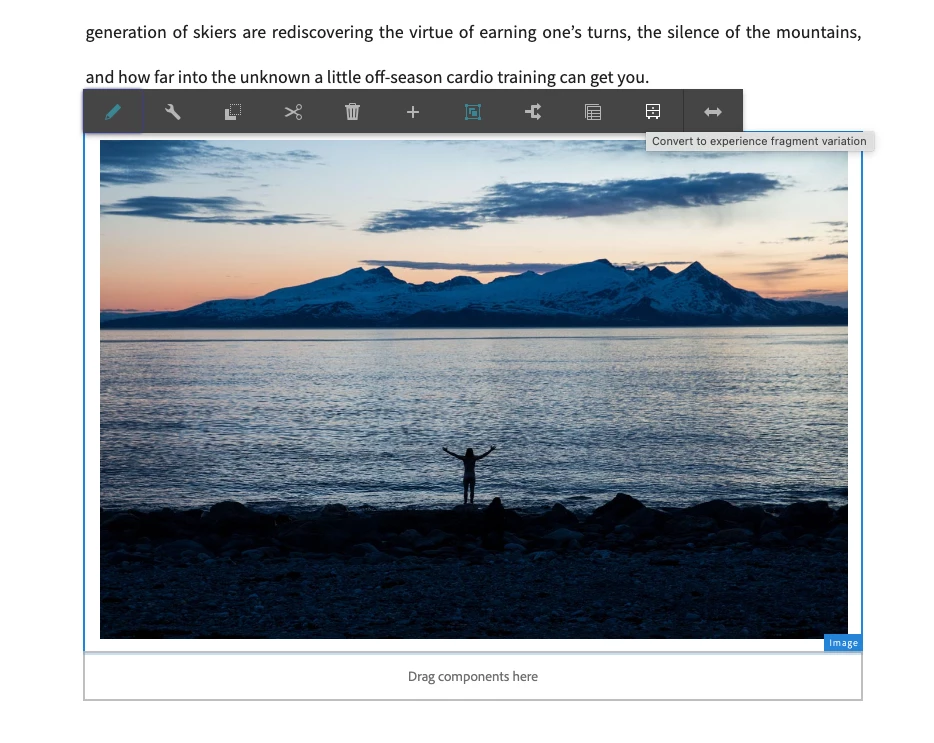
We are facing issue while converting a component on a page to an experience fragment which is an OOTB feature. When we convert component on a page to an experience fragment and try to edit the experience fragment, we are unable to do that. The Experience fragment shows empty content but that experience fragment shows correct content on the page where it is used. Tried using wknd website on AEM 6.5.17 on premise instance.
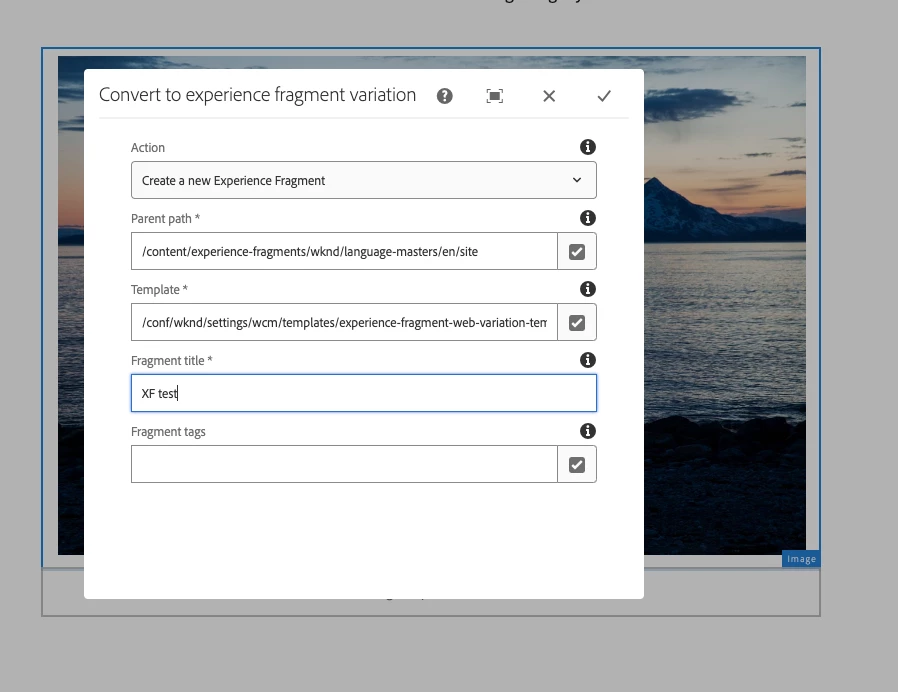



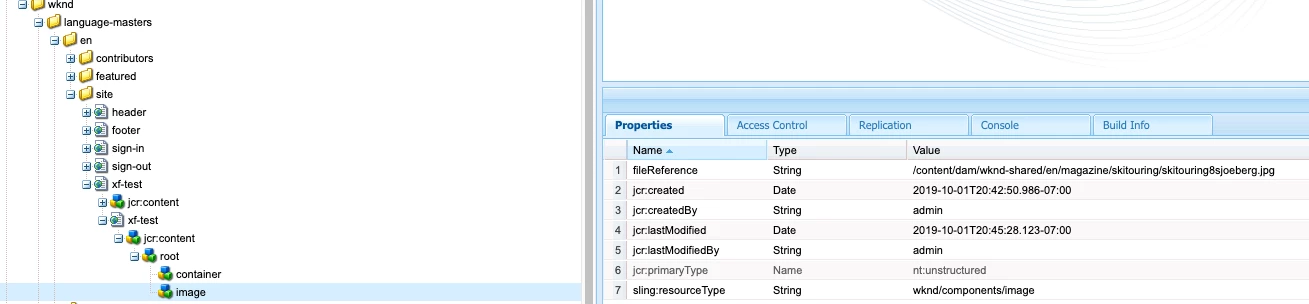
On investigation I found that the nodes which gets created in the XF is incorrect, the component node gets created outside the root/container node but according to the template it should be inside root/container node. Once I move the component node inside root/container node the XF is editable again.
Have any one faced this issue or is there a solution. Kindly let me know.

This post is no longer active and is closed to new replies. Need help? Start a new post to ask your question.
Best answer by arunpatidar

Hi @subrato_kha 
If you think this could be a product bug then raise it with Adobe, I have seen similar kind of issue when url was getting decoded with XG creation and turned out to be a product bug.

4 replies

PGURUKRISHNA
Level 4
June 17, 2024

Hi @subrato_kha ,

Can you please provide more details about the component and the experience fragment template you're using? Specifically:

  • What type of component are you trying to convert to an experience fragment?
  • Can you share the structure of the experience fragment template?
  • Are there any custom scripts or workflows involved in the conversion process?

Additionally, have you tried checking the AEM error logs for any errors or warnings related to the conversion process?

arunpatidar
Community Advisor
arunpatidarCommunity AdvisorAccepted solution
Community Advisor
June 17, 2024

Hi @subrato_kha 
If you think this could be a product bug then raise it with Adobe, I have seen similar kind of issue when url was getting decoded with XG creation and turned out to be a product bug.

Arun Patidar
Harwinder-singh
Community Advisor
Community Advisor
June 17, 2024

@subrato_kha Looks like a bug, you might want to file a ticket with Adobe support and confirm with them.

subrato_kha
Level 4
June 24, 2024

Thank you everyone.
We have raised a Adobe support ticket and it turns out to be a product issue. According to them it has been fixed in AEM as cloud service. We expect it to be fixed with next SP release for AEM on prem.