Templates option is not visible in Asset in toolbar | Community
Skip to main content
Level 2
July 21, 2022
Solved

Templates option is not visible in Asset in toolbar

  • July 21, 2022
  • 2 replies
  • 1046 views

while creating brochures, business card, merge, flyer ,ad, post card  there is not templates available so how to create brochures, business card, merge, flyer ,ad, post card  templates in AEM.
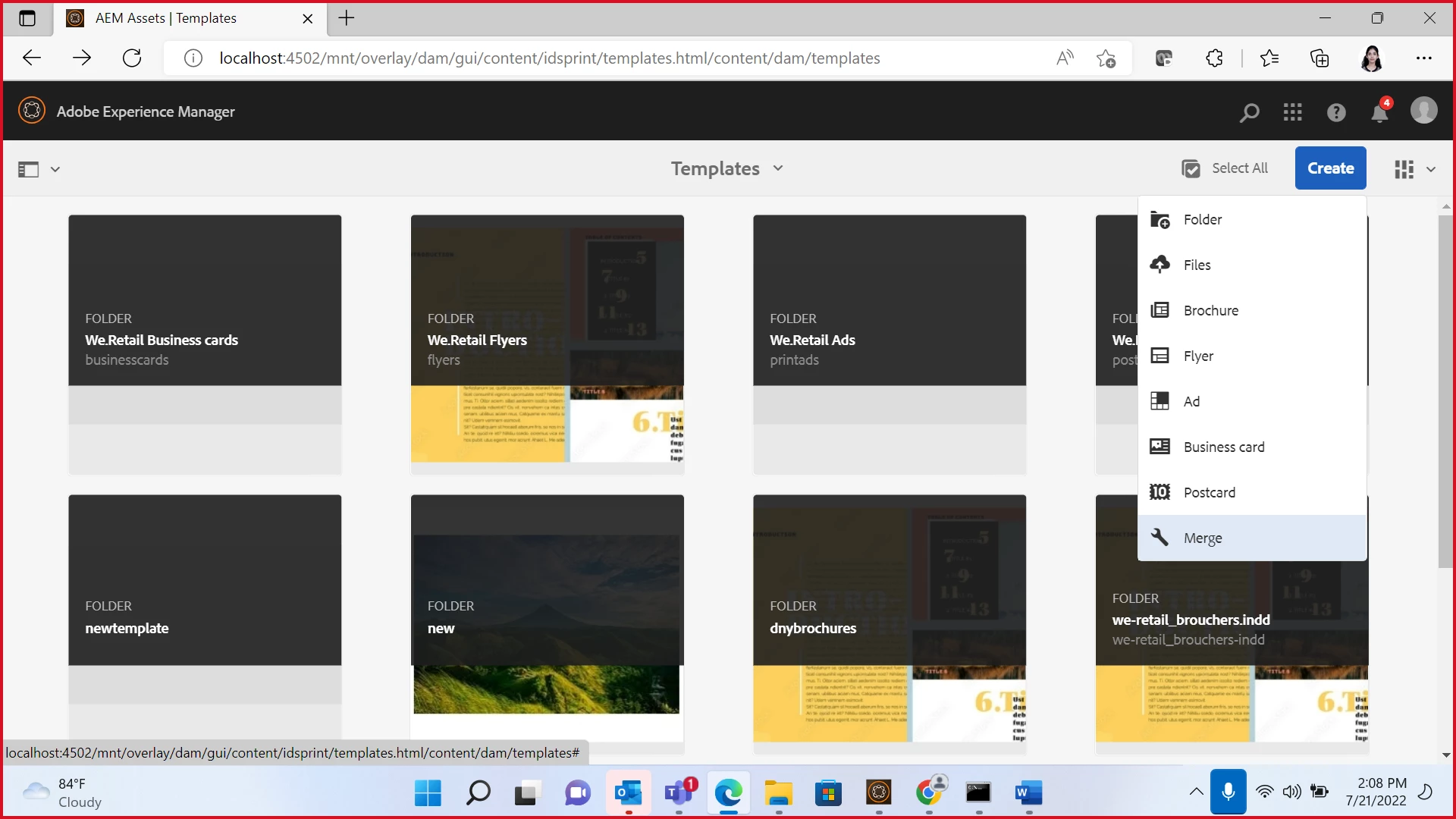
The template option is not visible here.


This post is no longer active and is closed to new replies. Need help? Start a new post to ask your question.
Best answer by Sachin_Arora_

Please refer these documents :


https://www.adobe.com/in/products/indesignserver.html

https://www.adobe.com/in/products/indesignserver/buying-guide.html


It will lead you to developer console.

2 replies

Manu_Mathew_
Community Advisor
Community Advisor
July 21, 2022
Sachin_Arora_
Community Advisor
Community Advisor
July 21, 2022

Please refer this document.

https://experienceleague.adobe.com/docs/experience-manager-65/assets/administer/asset-templates.html?lang=en

You can create templates in Adobe InDesign and upload in AEM. Please refer below link for video on the same : https://experienceleague.adobe.com/docs/experience-manager-learn/assets/asset-templates/asset-templates-feature-video-use.html?lang=en


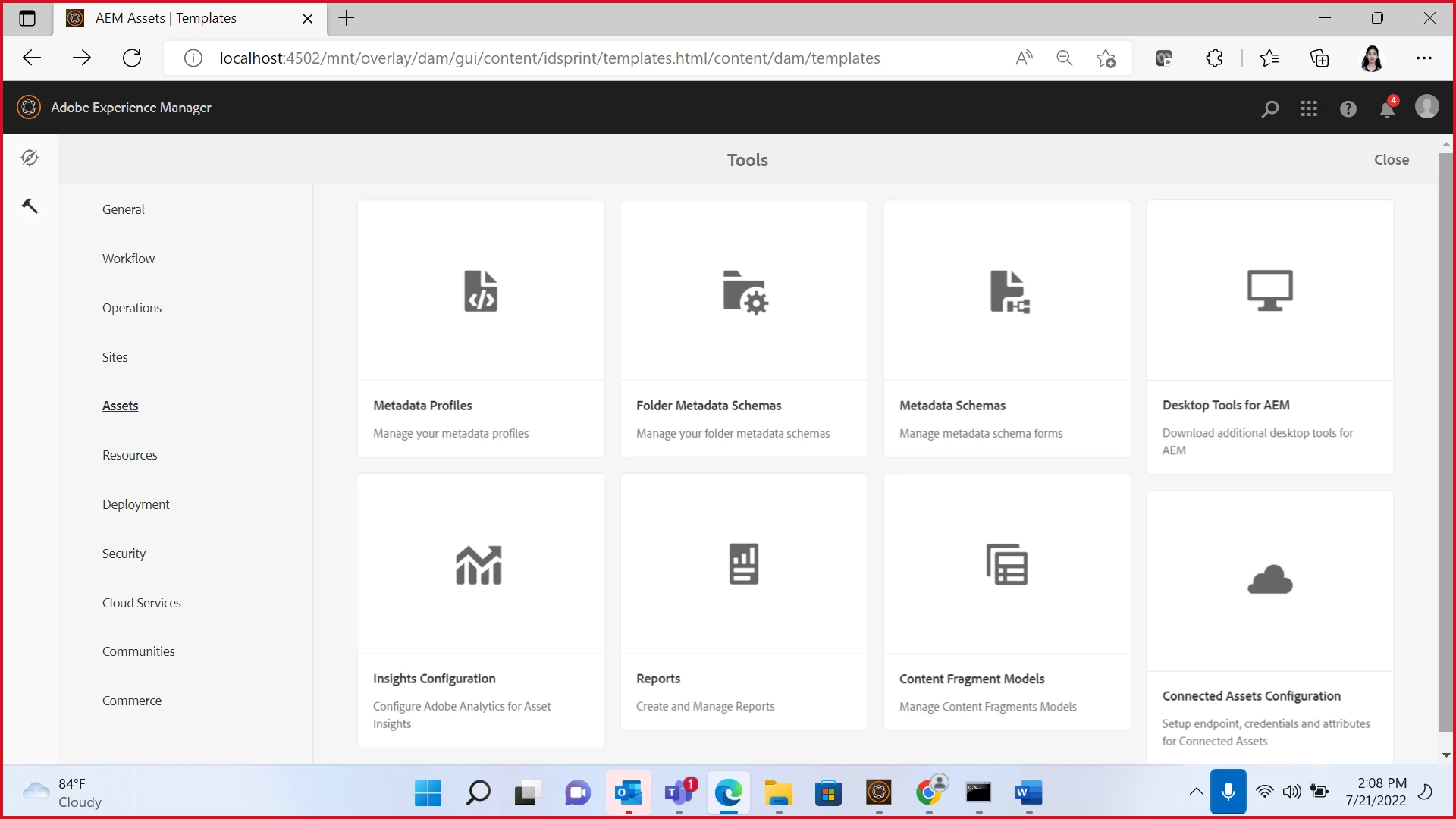
Please refer below image for Navigation to Templates.


Level 2
July 21, 2022

yes but for this we need InDesign server, how can I install it?


Sachin_Arora_
Community Advisor
Sachin_Arora_Community AdvisorAccepted solution
Community Advisor
July 21, 2022