Table component cell properties color selector for cell background color - 6.2 SP1 | Community
Skip to main content
michaell9990726
Level 2
December 1, 2017
Solved

Table component cell properties color selector for cell background color - 6.2 SP1

  • December 1, 2017
  • 9 replies
  • 5290 views

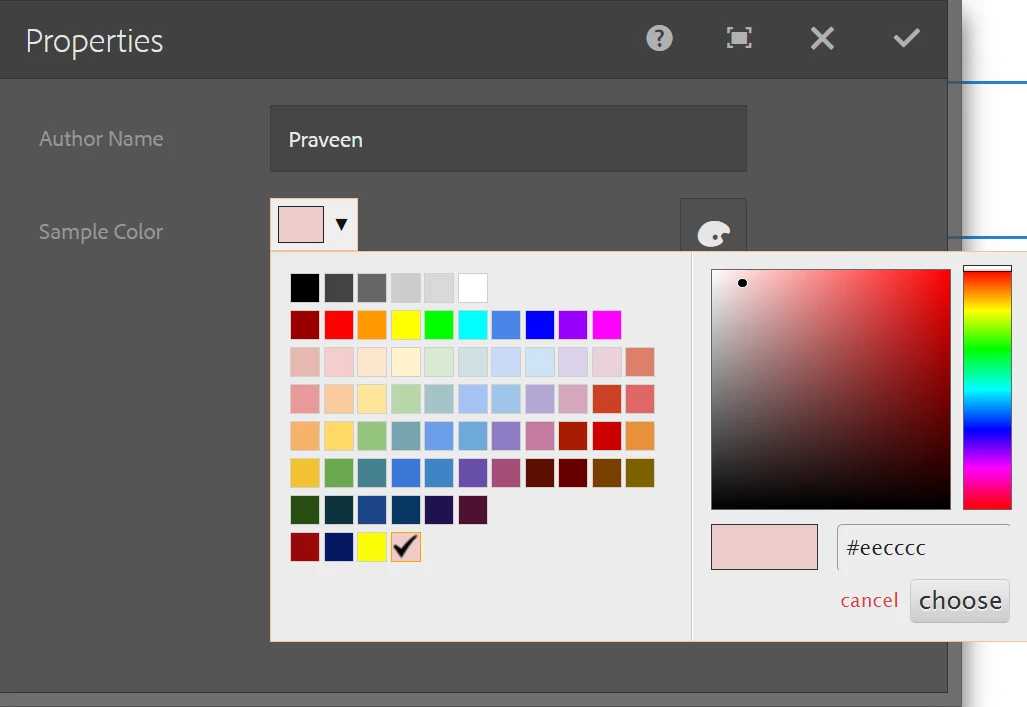
Hi, I'm trying to add a color selector like RTEColorPicker in the table component cell properties for TouchUI but have not found documentation to implement or support that.  Does anyone have an example they've done or documentation where to reference implementing it?
This post is no longer active and is closed to new replies. Need help? Start a new post to ask your question.
Best answer by smacdonald2008

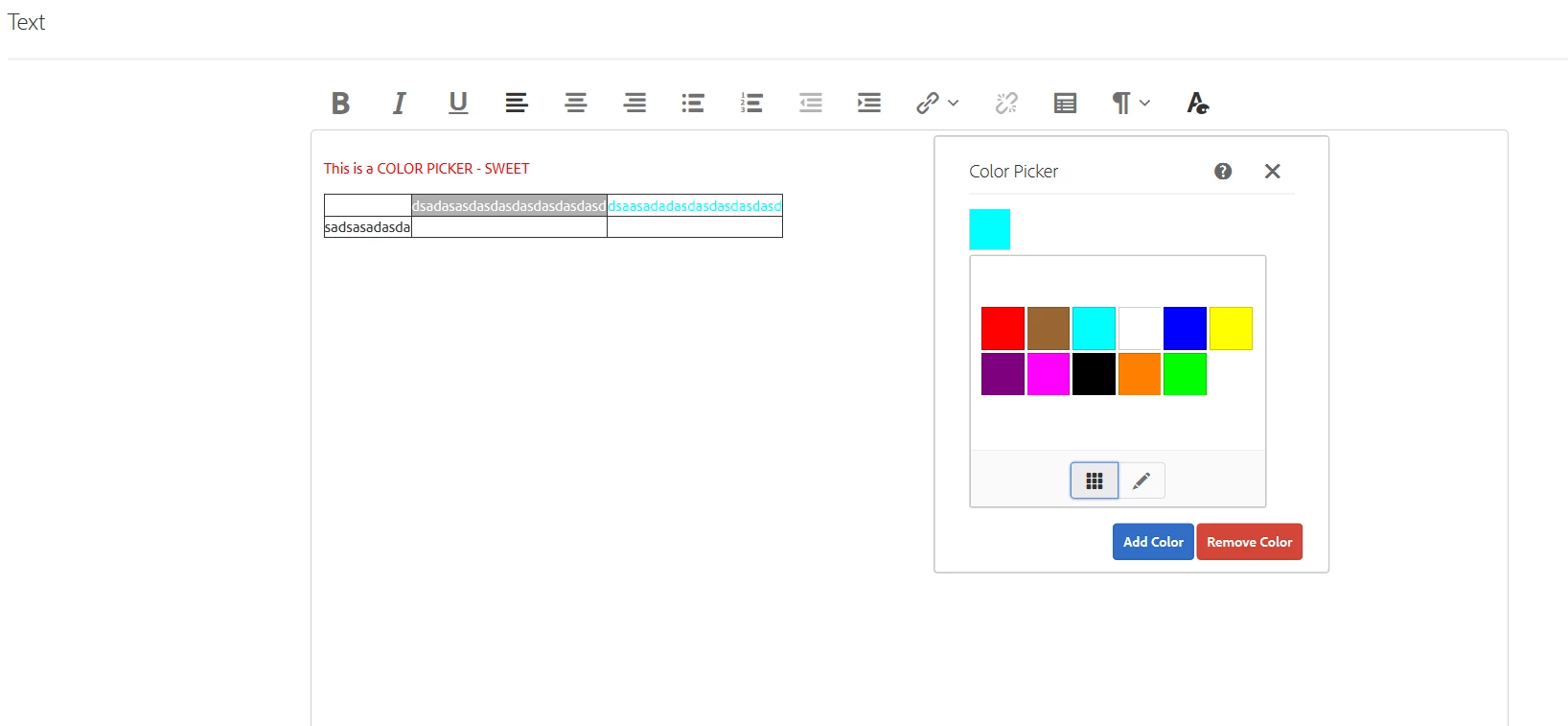
THis works - i followed the blog and got this:

Notice that the color picker pops up and I am able to apply color to a table. FOllow the blog and you will get these results. Install the package and set the nodes shown in the illustrations.

For AEM 6.2 - see this blog - Experiencing Adobe Experience Manager - Day CQ: AEM 62 - Touch UI Dialog RTE (Rich Text Editor) Color Picker Plugin

9 replies

smacdonald2008
Level 10
December 2, 2017

Typically for a Touch UI component - you can add a custom color picker in the TOuch UI component dialog -

you can develop a custom sling:resourceType for a dialog - see Adobe Experience Manager Help | Creating a custom Experience Manager sling:resourceType for Touch UI .

But for the TABLE - it may not work like other components.

I want to try and get the table modified with CSS and then try to get the picker in a dialog.

amoghd64765494
Level 3
December 3, 2017

Hi smacdonald2008 ,

I have tried doing the same and was not able to add color picker inside the table component in place editing dialog. And as a workaround, I came up with another solution to adding custom fields inside the cq:dialog and manipulating them through jsoup api before loading it on the page. It will be a great help for us If you could try that and let us know if that can be done. 

Thanks,
Amogh

Ratna_Kumar
Level 10
December 4, 2017

Hi,

I will try to implement color css with table plugin and once it get this working will let you know!!

Thanks,

Ratna.

smacdonald2008
Level 10
December 4, 2017

We will be alos looking at this KB - lets see if it still works even though it says for 5.3 -- Adding Table Style To The RTE

smacdonald2008
Level 10
December 4, 2017
michaell9990726
Level 2
December 4, 2017

Thanks Scott, going to try this to see if it works as a solution.

smacdonald2008
smacdonald2008Accepted solution
Level 10
December 4, 2017

THis works - i followed the blog and got this:

Notice that the color picker pops up and I am able to apply color to a table. FOllow the blog and you will get these results. Install the package and set the nodes shown in the illustrations.

For AEM 6.2 - see this blog - Experiencing Adobe Experience Manager - Day CQ: AEM 62 - Touch UI Dialog RTE (Rich Text Editor) Color Picker Plugin

davenichols79
Level 2
August 28, 2020

Hi,


Thank you for this.  I can see in the code package that you can set the text colour and background, but sorry - do you have any code examples of setting the table background colour or class ?


Thanks.

amoghd64765494
Level 3
December 4, 2017

Hi smacdonald2008 ,

On which AEM version you have tried this? This is not working for me on AEM 6.2 CFP3. In the article as well they have given it for AEM 6.3

Also, can send your inplace config xml, so I can compare mine with the same.

Level 2
October 24, 2019

Ratna Kumar

Hi Ratna Kumar,

Could you please share some help if you were able to add custom background color for table cell?

Thanks.