/system/console/vmstat can be used to restart the AEM server | Community
Skip to main content
Level 3
November 25, 2019
Solved

/system/console/vmstat can be used to restart the AEM server

  • November 25, 2019
  • 1 reply
  • 3898 views

Hello All,

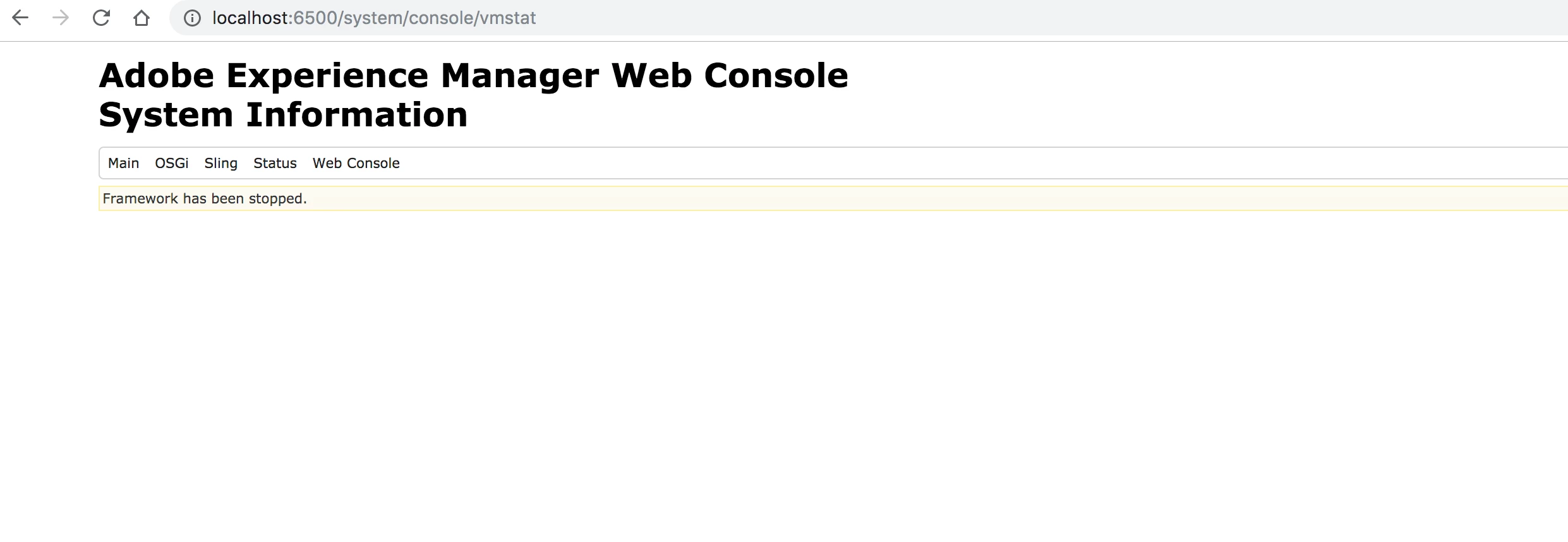
When I go to /system/console/vmstat interface and I see a option to restart and stop. so can I restart my development author instance which is on Unix box by using this interface instead of Linux/Unix commands? is this a right way to do so? if not why?

I tried with my local instance and did worked.

Thanks,

Adithya.
This post is no longer active and is closed to new replies. Need help? Start a new post to ask your question.
Best answer by user05162

Restarting from vmstat will trigger a restart of all the bundles. So, if you just wanted to refresh the bundles, you can do that.

That said, it does not completely stop the AEM instance as the PID is still active in the background after you trigger a "Stop" from vmstat.

Lastly, this does not cause any corruption/issues but you should not be using this to stop the instance as PID will be active even if you stop the Sling framework.

1 reply

user05162Adobe EmployeeAccepted solution
Adobe Employee
November 25, 2019

Restarting from vmstat will trigger a restart of all the bundles. So, if you just wanted to refresh the bundles, you can do that.

That said, it does not completely stop the AEM instance as the PID is still active in the background after you trigger a "Stop" from vmstat.

Lastly, this does not cause any corruption/issues but you should not be using this to stop the instance as PID will be active even if you stop the Sling framework.