SVG image appearing as blank | Community
Skip to main content
Level 6
August 9, 2024
Solved

SVG image appearing as blank

  • August 9, 2024
  • 3 replies
  • 1180 views

Hi,


I uploaded an linkedin svg icon, in the thumbnail preview they look fine. however when configured the linkedin svg on image component. The SVG is currently rendering as a white square box.

Upon inspecting the image, we noticed that the <svg> tag has fill="none" and the <path> tag has fill="white". As a result, the image appears blank when viewed .
 

<svg width="16" height="16" viewBox="0 0 16 16" fill="none" xmlns="http://www.w3.org/2000/svg"> <path d="M4.49 3.25C4.49 3.9405 3.935 4.5 3.25 4.5C2.565 4.5 2.01 3.9405 2.01 3.25C2.01 2.56 2.565 2 3.25 2C3.935 2 4.49 2.56 4.49 3.25ZM4.5 5.5H2V13.5H4.5V5.5ZM8.491 5.5H6.007V13.5H8.4915V9.3005C8.4915 6.9655 11.506 6.7745 11.506 9.3005V13.5H14V8.4345C14 4.4945 9.539 4.638 8.491 6.5775V5.5Z" fill="white"/> </svg>


However, when we change the fill attribute in the <path> tag from "white" to "black," the image becomes visible.

We suspect that there is an issue with the SVG image but the client saying there is no issue with the image.
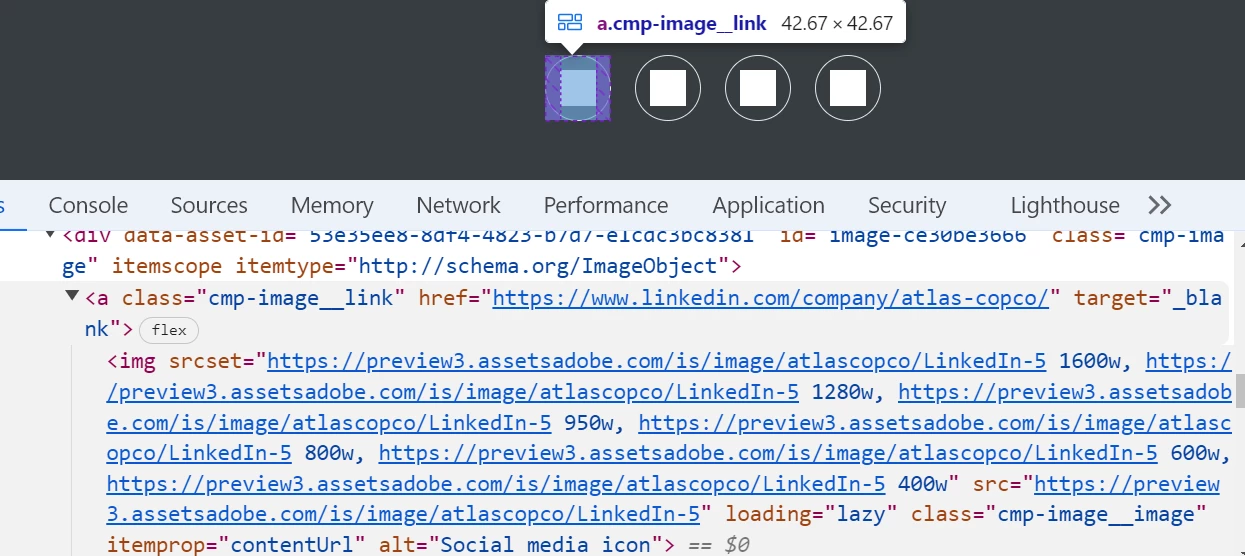


Can anyone help us for the rendering issue of SVG image

This post is no longer active and is closed to new replies. Need help? Start a new post to ask your question.
Best answer by h_kataria

You seem to be using dynamic media delivery. I found an old post mentioning SVGs are not supported in dynamic media. https://experienceleaguecommunities.adobe.com/t5/adobe-experience-manager-assets/svg-and-gif-extensions-are-not-rendering-from-dynamic-media/m-p/367238
which seems to be the probable cause for your issue. 

3 replies

arunpatidar
Community Advisor
Community Advisor
August 9, 2024

Hi @vani1012 
Can you check if you can access the image using direct link?

Arun Patidar
h_kataria
Community Advisor
h_katariaCommunity AdvisorAccepted solution
Community Advisor
August 10, 2024

You seem to be using dynamic media delivery. I found an old post mentioning SVGs are not supported in dynamic media. https://experienceleaguecommunities.adobe.com/t5/adobe-experience-manager-assets/svg-and-gif-extensions-are-not-rendering-from-dynamic-media/m-p/367238
which seems to be the probable cause for your issue. 

Hemalatha
Level 4
August 12, 2024

Hi @vani1012 ,


As @h_kataria mentioned if you are using Dynamic media for Assets delivery in your website, then certain SVG format delivery is not supported by Dynamci media.


Reference: https://experienceleague.adobe.com/en/docs/dynamic-media-developer-resources/image-serving-api/image-serving-api/http-protocol-reference/syntax-and-features/r-svg-support


You need to use allowed SVG formats/ write logic to render SVG images with OOTB DAM URLS so that SVGs will get render on the pages. Hope this helps.


Regards,

Hemalatha C