svg error while building maven archetype | Community
Skip to main content
July 13, 2025
Solved

svg error while building maven archetype
  • July 13, 2025
  • 2 replies
  • 507 views

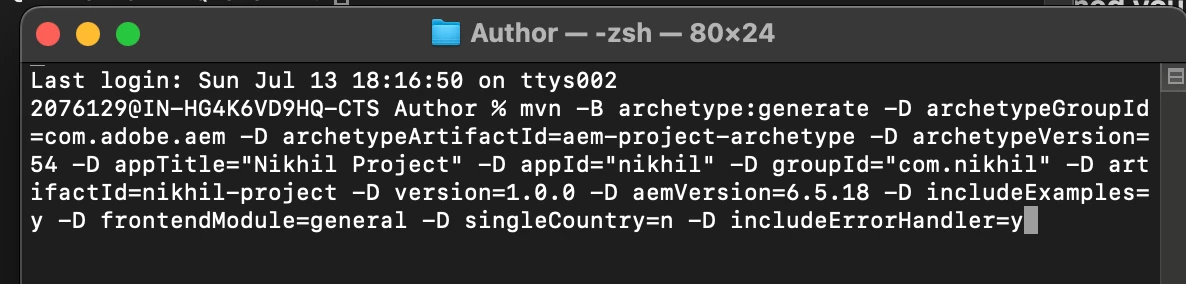
so i was trying this command to build a project for training but getting stuck with svg error 
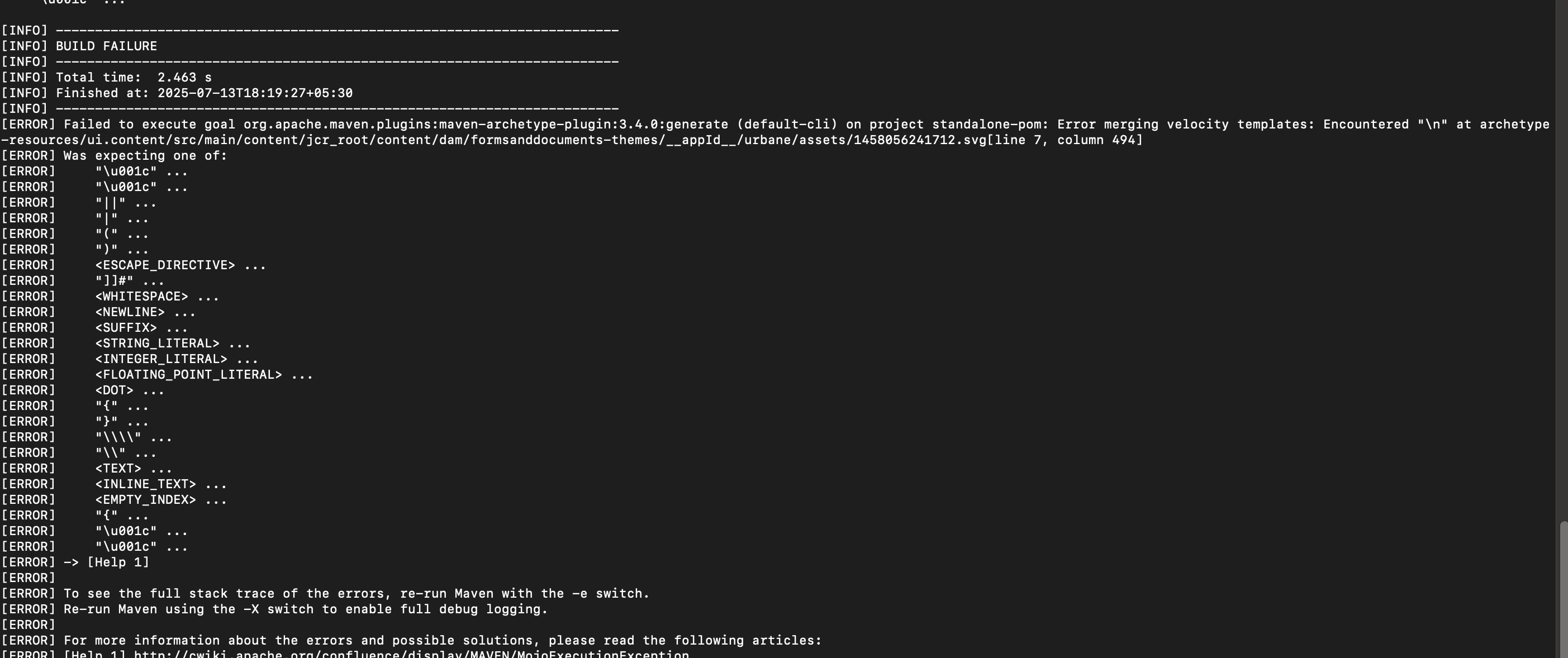


can some one help me out here how to go further here?


This post is no longer active and is closed to new replies. Need help? Start a new post to ask your question.
Best answer by SantoshSai

and my project bundle appears inactive 
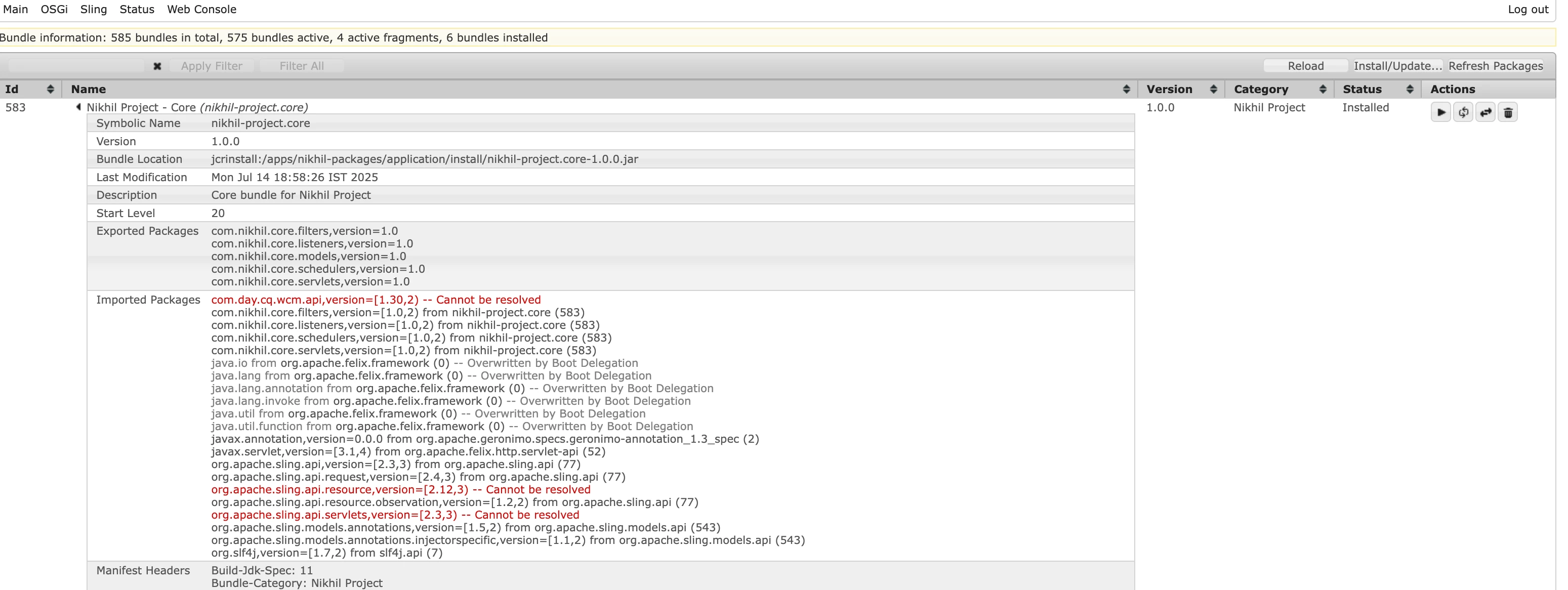


@gantani Please install

service pack 6.5.18 as you passed in the command as aemVersion oe the latest.

2 replies

SantoshSai
Community Advisor
Community Advisor
July 13, 2025

Hi @gantani,

Disable includeExamples and includeErrorHandler

Try re-running your command without these two flags:

mvn -B archetype:generate \
 -D archetypeGroupId=com.adobe.aem \
 -D archetypeArtifactId=aem-project-archetype \
 -D archetypeVersion=54 \
 -D appTitle="Nikhil Project" \
 -D appId="nikhil" \
 -D groupId="com.nikhil" \
 -D artifactId=nikhil-project \
 -D version=1.0.0 \
 -D aemVersion=6.5.18 \
 -D frontendModule=general \
 -D singleCountry=n

This avoids the error-generating templates and lets you generate a working project. You can later manually copy the error handler or examples from another clean project if needed.

OR


Use an earlier or newer archetype version, like 42 or 53, which might not have this issue:

-D archetypeVersion=53
Santosh Sai
GantaNiAuthor
July 14, 2025

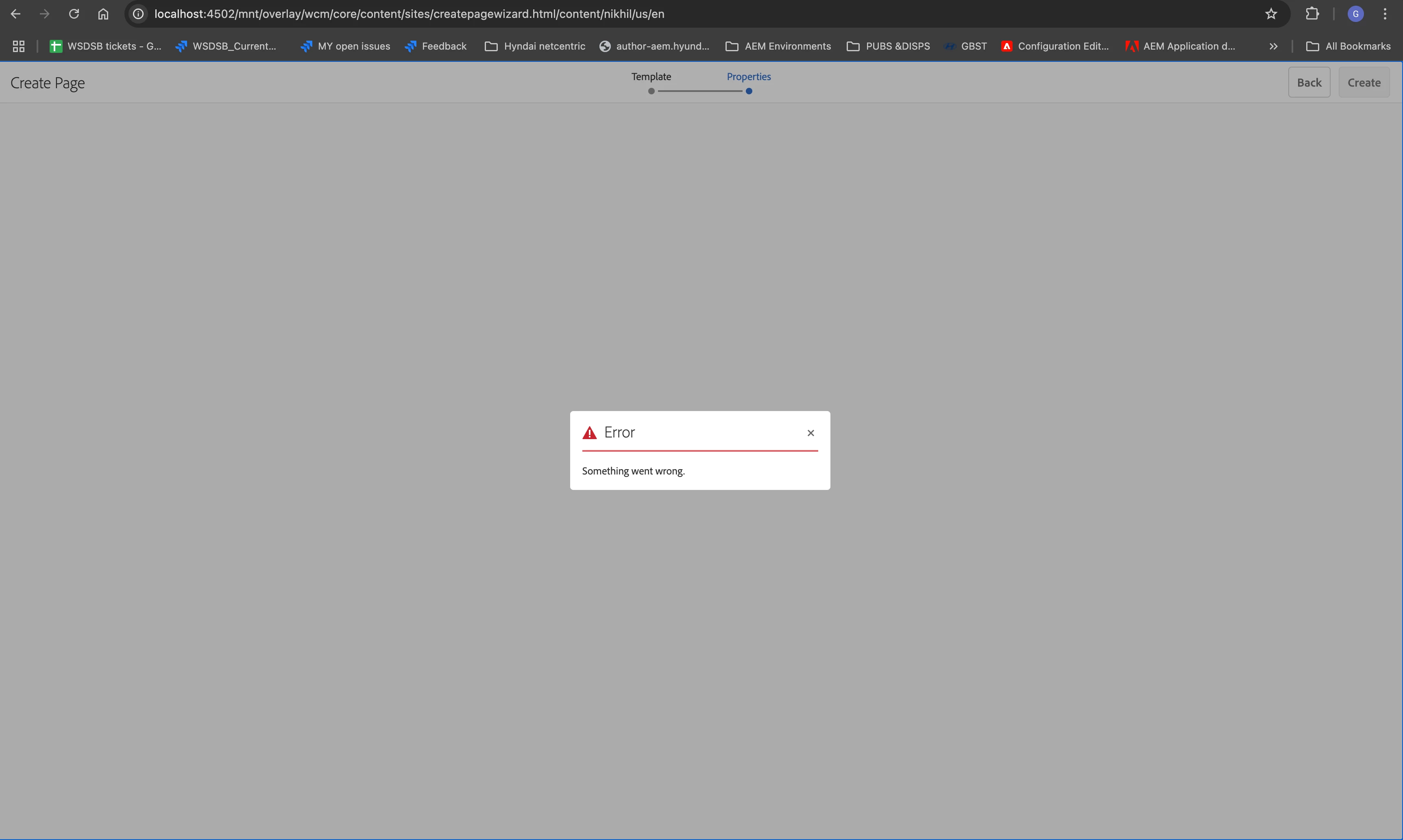
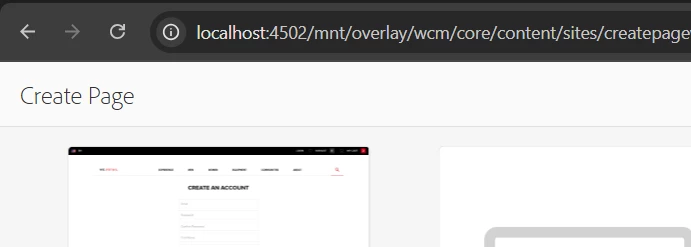
yes as we expected the build was sucessfull but the sample components and templates are not given getting this 


so could you please help me out how can i proceed further ?

Regards,

Nikhil Ganta.


Uppari_Ramesh
July 14, 2025

Hi @gantani ,


Please use below command and open terminal as administrator. This will include examples as well. Change the values according to you. Was able to generate very recently with this.


You will get templates to create pages.


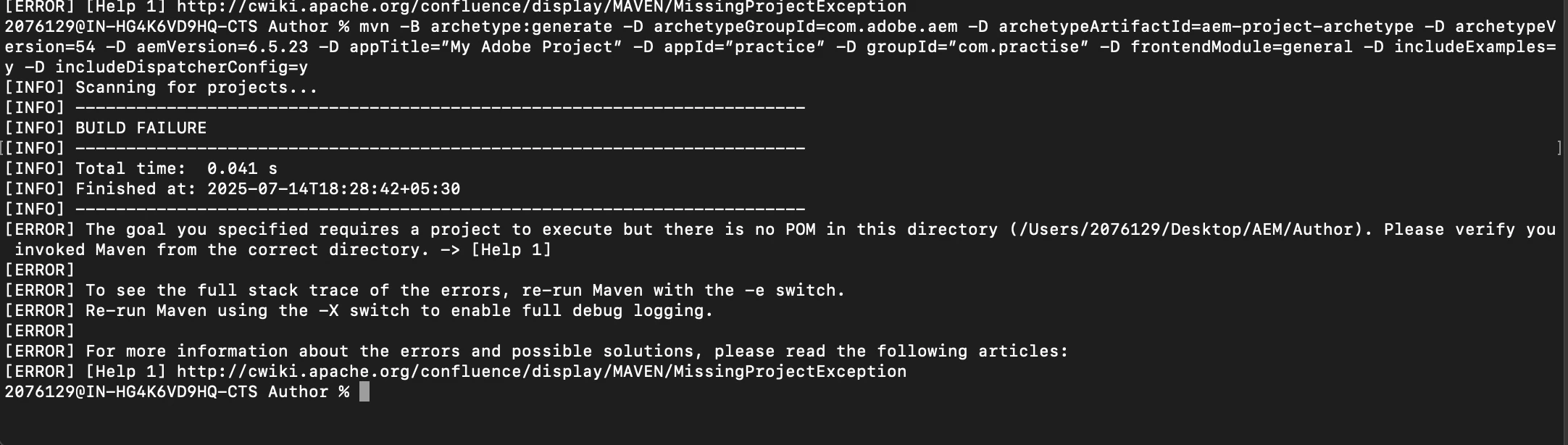
mvn -B archetype:generate -D archetypeGroupId=com.adobe.aem -D archetypeArtifactId=aem-project-archetype -D archetypeVersion=54 -D aemVersion=6.5.23 -D appTitle=”My Adobe Project” -D appId=”practice” -D groupId=”com.practise” -D frontendModule=general -D includeExamples=y -D includeDispatcherConfig=y


Thanks,

Ramesh.

GantaNiAuthor
July 14, 2025

i have got build failure 


GantaNiAuthor
July 14, 2025

and my project bundle appears inactive