


Steps to set a thumbnail image to AEM packages? | AEM Community Blog Seeding
Steps to set a thumbnail image to AEM packages? by Heena Shirke
Abstract
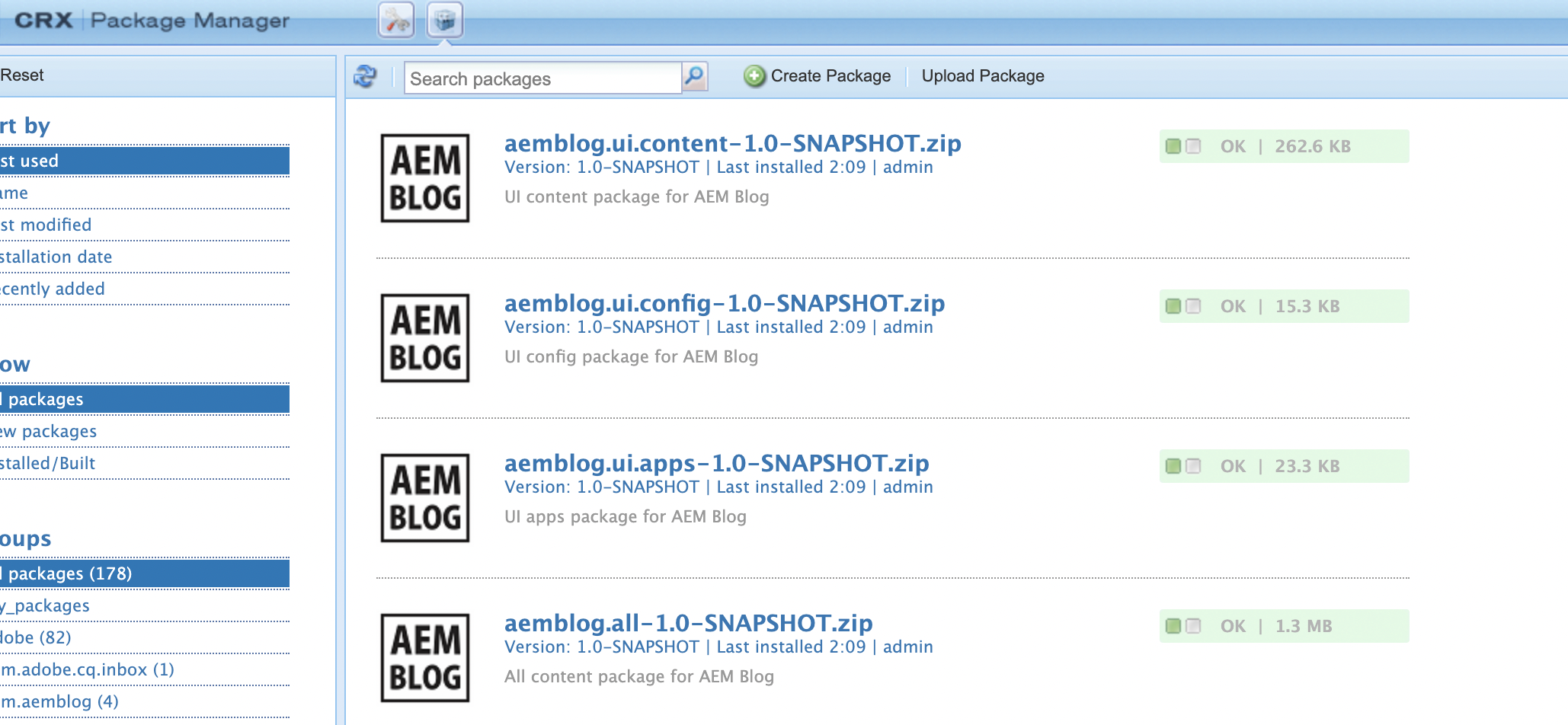
This post explains how to set a thumbnail image to AEM content project modules.


Step 1: Create a folder named "definition" under "ui.apps/src/main/content/META-INF/vault".


Step 2: Paste thumbnail image(.png) inside the created folder. Name of the image should be thumbnail


Step 3: Create a file ".content.xml" under definition folder.


Step 4: Paste following content inside the created file.


Step 5: Repeat the steps for all content project modules. Build and deploy the code. You should see a thumbnail for all the modules you made changes for.
Read Full Blog
Steps to set a thumbnail image to AEM packages?
Q&A
Please use this thread to ask the related questions.