
Sites Console - Not Seeing Page Analytics Data | Community
Skip to main content
BraullioSoares
Level 3
September 16, 2020
Solved

Sites Console - Not Seeing Page Analytics Data

  • September 16, 2020
  • 1 reply
  • 1548 views

Hi, 

I am facing an issue with sites console in AEM on showing data for the pages from Adobe Analytics integration. The data for Page Views and Unique Visitors are not coming out. 
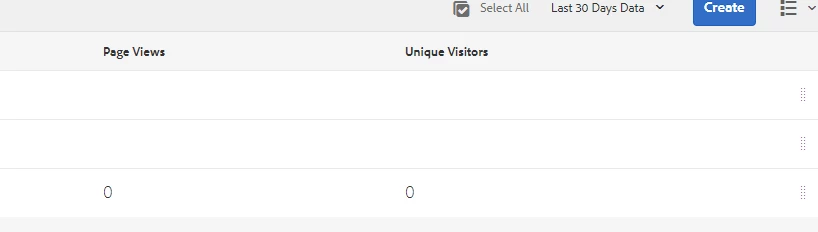


I've followed all the steps from the documentation guide for integrating Adobe Analytics and AEM here. but I had no success.

It should appear like the following picture 
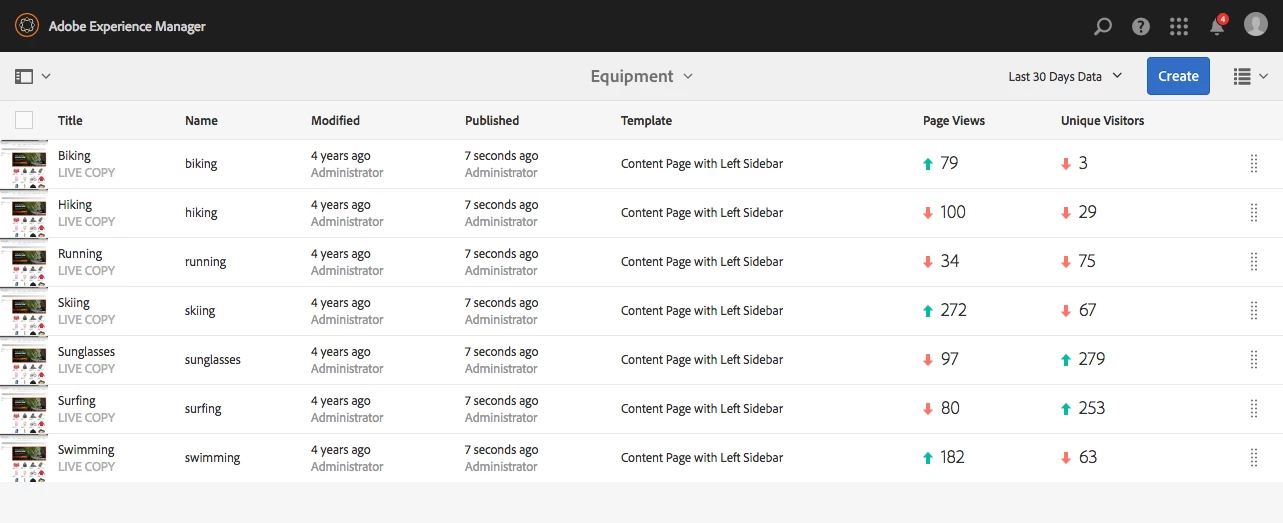
Please let me know if there is anything else that I need to do to get that working properly or if someone have already struggled with this kind of integration.


Thank you.


This post is no longer active and is closed to new replies. Need help? Start a new post to ask your question.
Best answer by BraullioSoares

It looks like the issue was in Adobe Analytics implementation itself. I was able to solve this issue by changing the Page Name variable to get a specific pattern in Launch. So, AEM could grab the page Views in the Sites Console.


The following patteern has to be applied to the pah url of the page:

PATH_OF_THE_PAGE.replace(/(.*)\..*/,'$1').replace(/^\//g,'').replace(/\//g, ':');


it will return something like below:

content:example:page


1 reply

BraullioSoares
BraullioSoaresAuthorAccepted solution
Level 3
April 29, 2021

It looks like the issue was in Adobe Analytics implementation itself. I was able to solve this issue by changing the Page Name variable to get a specific pattern in Launch. So, AEM could grab the page Views in the Sites Console.


The following patteern has to be applied to the pah url of the page:

PATH_OF_THE_PAGE.replace(/(.*)\..*/,'$1').replace(/^\//g,'').replace(/\//g, ':');


it will return something like below:

content:example:page