Solved
Same dispatcher configuration behaving differently in Stage and Production Environment
(AEMaaCS)
Hello everyone,
We are setting our PDF files to open in the browser through dispatcher configuration:
Inside our .vhost file:
<LocationMatch "^\/content\/dam.*\.(?i:pdf).*$">
ForceType application/pdf
Header unset Content-Disposition
Header set Content-Disposition inline
</LocationMatch>
In the stage environment, everything seems to be working as indeed. But the situation is different in the production environment.
In my case, the intended behavior worked, and then suddenly some PDFs links started downloading again. For some users, it never worked, and for others is working as it should (I suspect it maybe has something to do with the localization of the user).
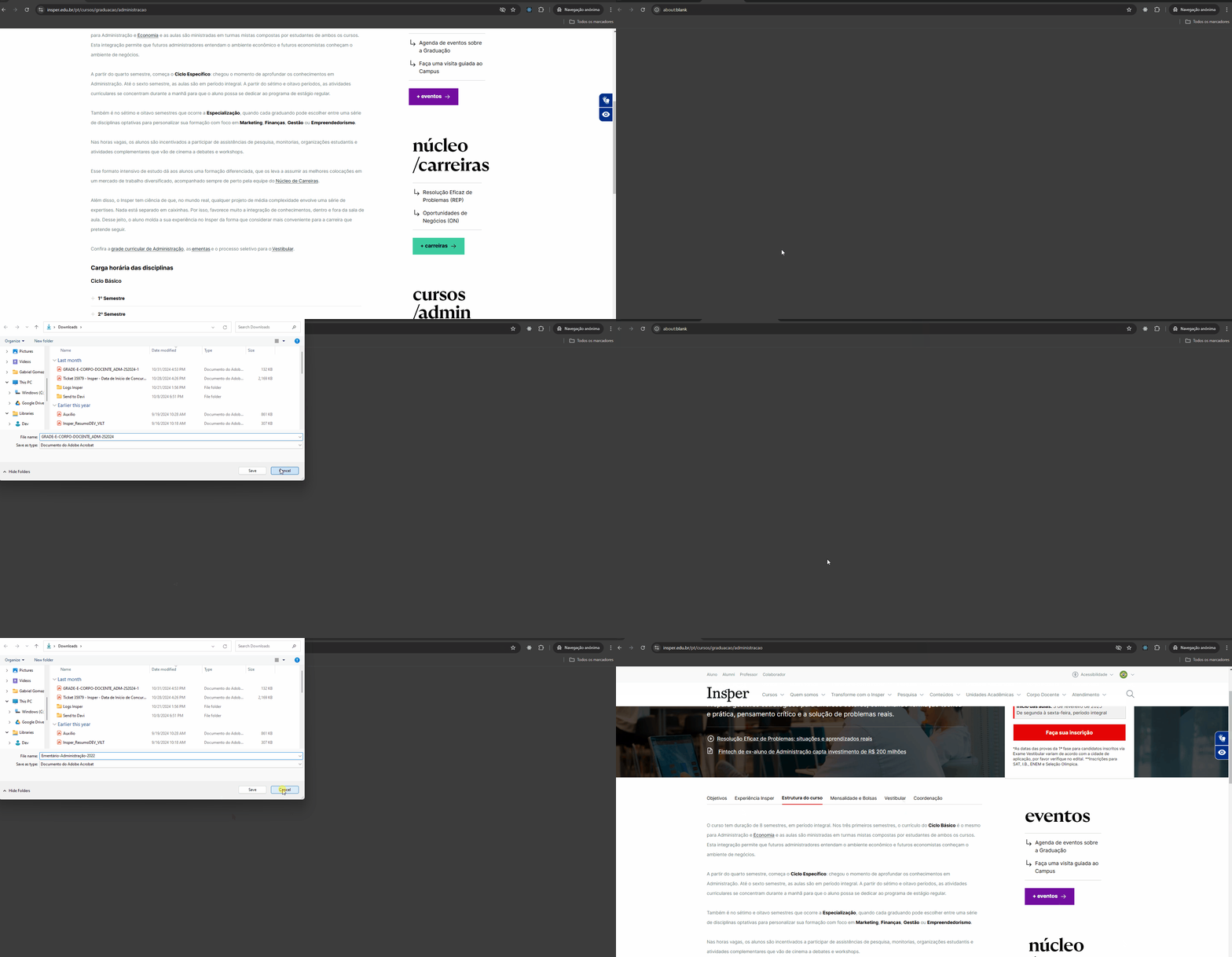
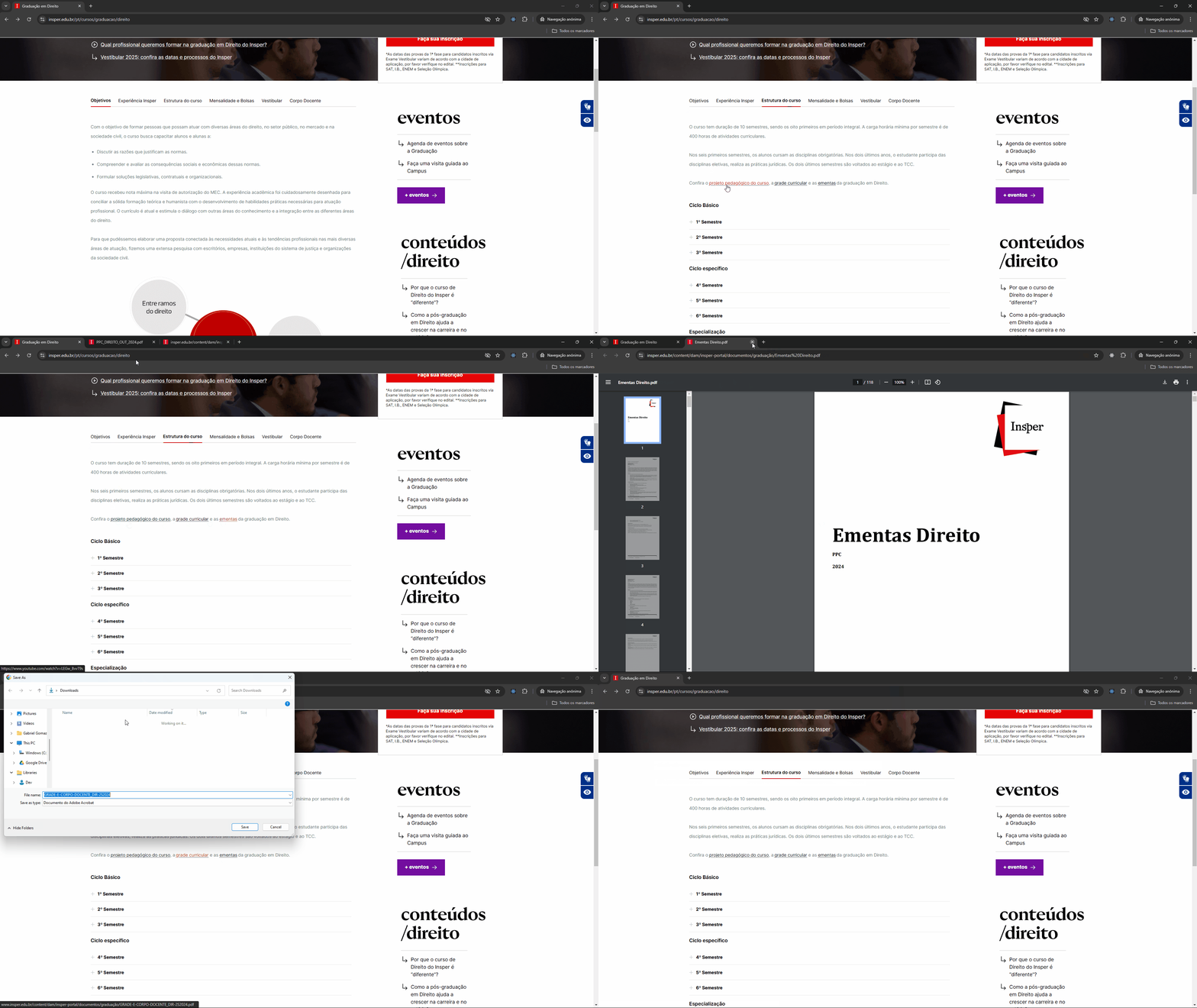
Response reader when it does not work:
HTTP/1.1 200 OK
Content-Length: 134687
Content-Type: application/pdf
Last-Modified: Wed, 31 Jul 2024 21:23:04 GMT
ETag: "0x8DCB1A6F72D834B"
Content-Disposition: attachment; filename="GRADE-E-CORPO-DOCENTE_ADM-2S2024.pdf"; filename*=UTF-8''GRADE-E-CORPO-DOCENTE_ADM-2S2024.pdf
Access-Control-Allow-Origin: *
x-frame-options: SAMEORIGIN
x-content-type-options: nosniff
x-vhost: publish
Accept-Ranges: bytes
Strict-Transport-Security: max-age=31557600
X-Served-By: cache-mrs10557-MRS
X-Timer: S1726572801.513058,VS0,VS0,VE878
Cache-Control: public, max-age=600
Date: Fri, 29 Nov 2024 18:09:04 GMT
Connection: keep-alive
Server-Timing: cdn-cache; desc=HIT
Server-Timing: edge; dur=1
Server-Timing: ak_p; desc="1732903744565_3272085061_221727592_19_7146_157_0_-";dur=1
Response header when it works:
HTTP/1.1 200 OK
Content-Length: 760665
Content-Type: application/pdf
Last-Modified: Thu, 18 Jul 2024 21:04:30 GMT
ETag: "0x8DCA76D3792843D"
Access-Control-Allow-Origin: *
x-frame-options: SAMEORIGIN
x-content-type-options: nosniff
content-disposition: inline
x-vhost: publish
Accept-Ranges: bytes
Strict-Transport-Security: max-age=31557600
X-Served-By: cache-mrs1050102-MRS
X-Timer: S1729100700.045143,VS0,VS0,VE866
Cache-Control: public, max-age=600
Date: Fri, 29 Nov 2024 18:08:31 GMT
Connection: keep-alive
Server-Timing: cdn-cache; desc=HIT
Server-Timing: edge; dur=1
Server-Timing: ak_p; desc="1732903711090_3272085061_221722555_100_8389_152_0_-";dur=1