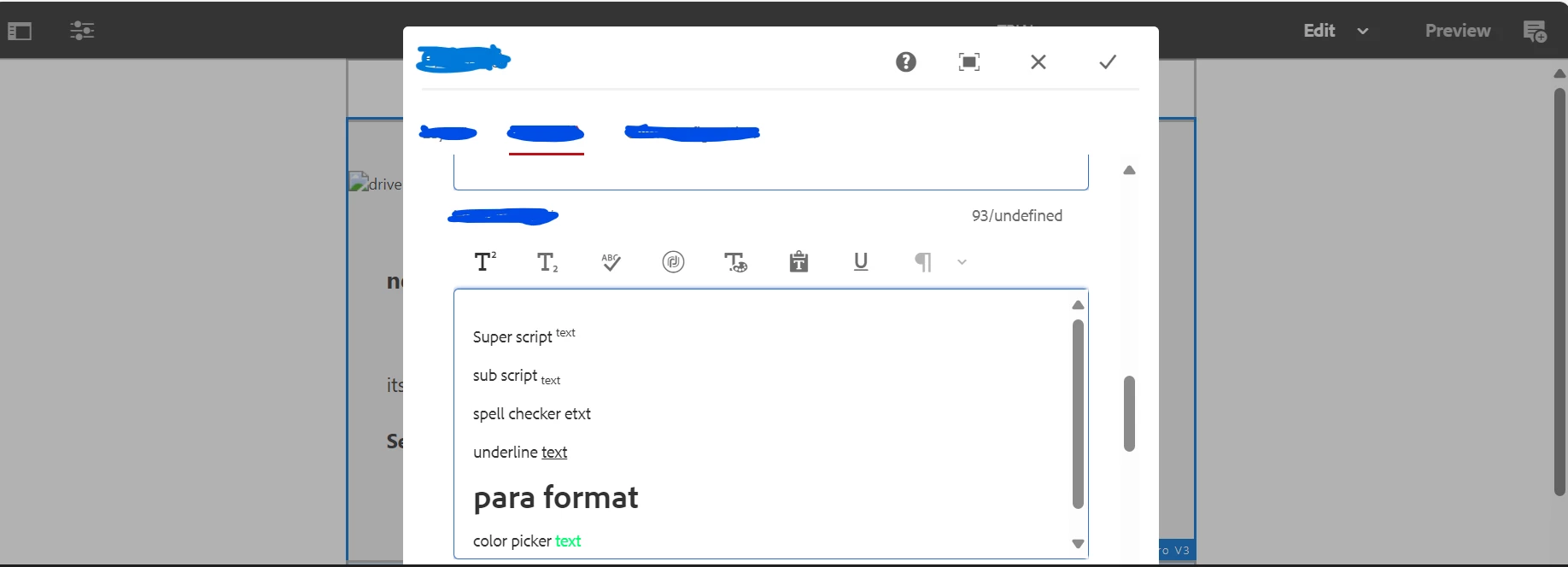
Hi @pranitha32 ,
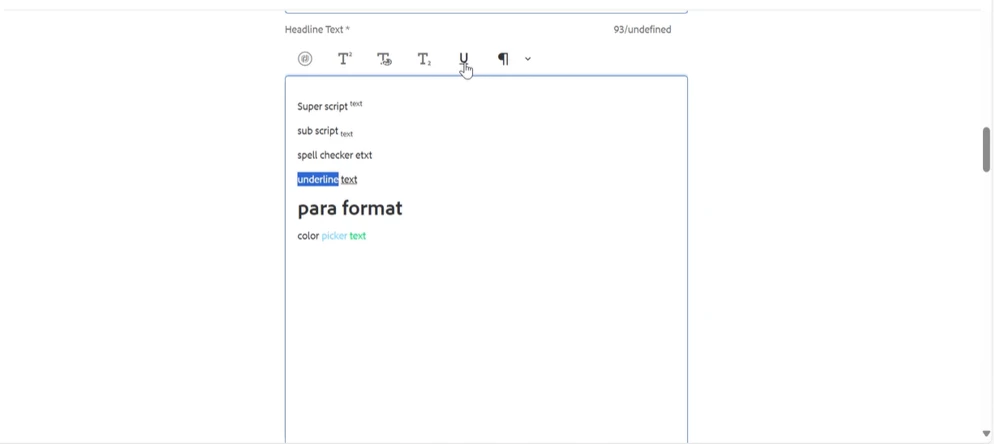
The issue you are experiencing with RTE plugins not working in the maximize (full screen) mode of the dialog could be due to a few reasons. Here are some possible solutions to resolve this issue:
1. Check Plugin Configuration: Ensure that the RTE plugin is properly configured in the dialog. Double-check the plugin settings, such as the plugin name, command, and any additional configuration options. Make sure that the plugin is correctly registered and enabled for the RTE component.
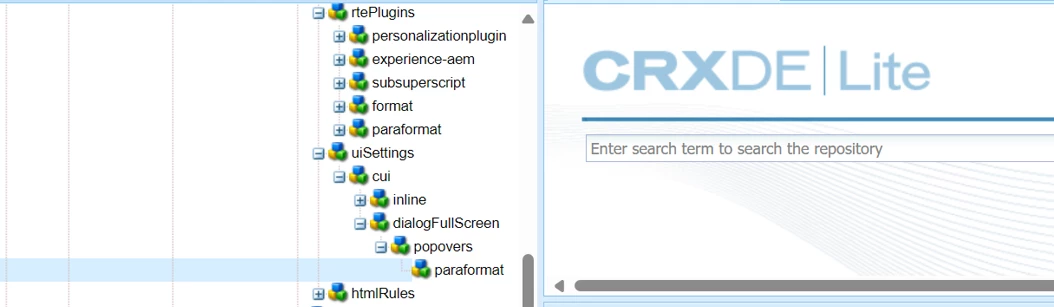
2. Verify Full Screen Mode Configuration: Review the dialogFullScreen setting that you have added to configure the toolbar for full screen mode. Ensure that the configuration is correct and that it is not conflicting with the RTE plugin functionality. Check if any customizations or overrides are affecting the behavior of the RTE plugins in full screen mode.
3. Check for CSS or JavaScript Conflicts: Inspect the browser console for any CSS or JavaScript conflicts that may be causing the RTE plugins to malfunction in full screen mode. Look for any error messages or warnings related to the RTE plugins or their dependencies. Resolve any conflicts or errors that are reported in the console.
4. Test in Different Browsers: Verify if the issue is specific to a particular browser. Test the RTE plugins in full screen mode on different browsers (such as Chrome, Firefox, or Edge) to see if the issue persists. This can help identify if the problem is browser-specific or if it occurs across multiple browsers.
5. Update AEM Version and Patches: Ensure that you are using the latest version of AEM and that all relevant patches and hotfixes are applied. Sometimes, issues with RTE plugins can be resolved by updating to the latest version or applying specific fixes provided by Adobe.
If the issue persists after trying these solutions, it may be helpful to provide more specific details about the RTE plugin and the configuration you have implemented. This can assist in further troubleshooting and identifying the root cause of the problem.