cancel
Showing results for 
Show  only  | Search instead for 
Did you mean: 

RTE Dialog Source Edit - Content with HTML Tags rendered

SOLVED

Re: RTE Dialog Source Edit - Content with HTML Tags rendered

I am not using any custom tags in RTE, only standard
sg-aem
Level 3

RTE Dialog Source Edit - Content with HTML Tags rendered

Hi All,


I have a component in AEM with a property that's Rich Text enabled using sling:resourceType - cq/gui/components/authoring/dialog/richtext

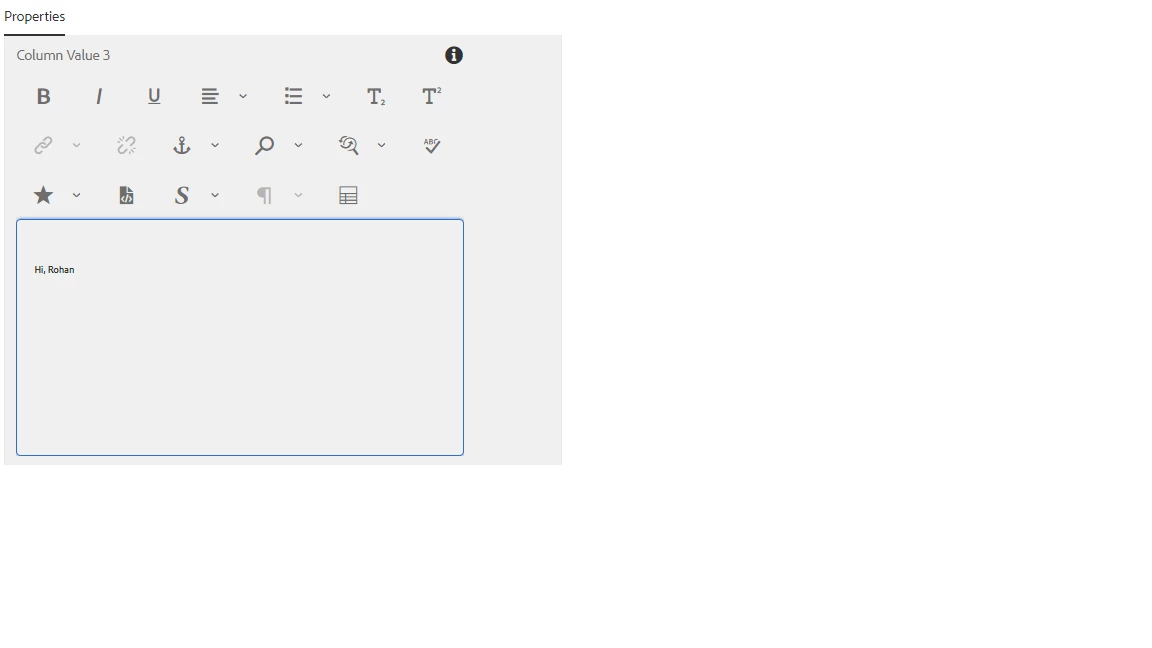
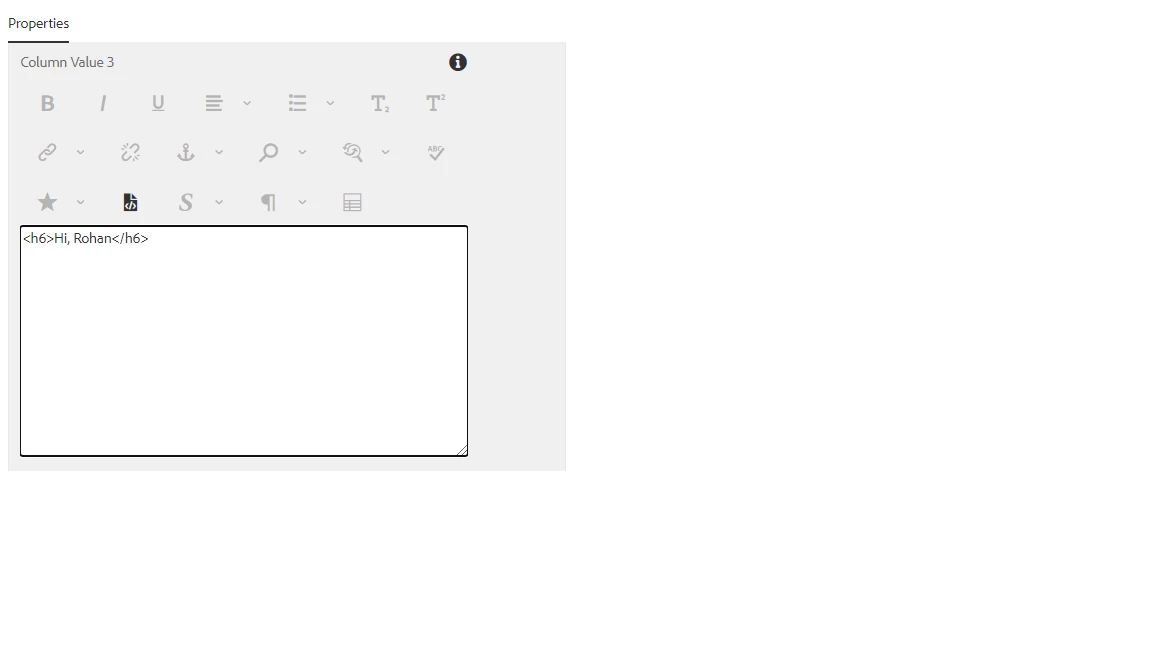
The component is working correctly in edit mode for Source Edit. The HTML tags render the content enter correctly.

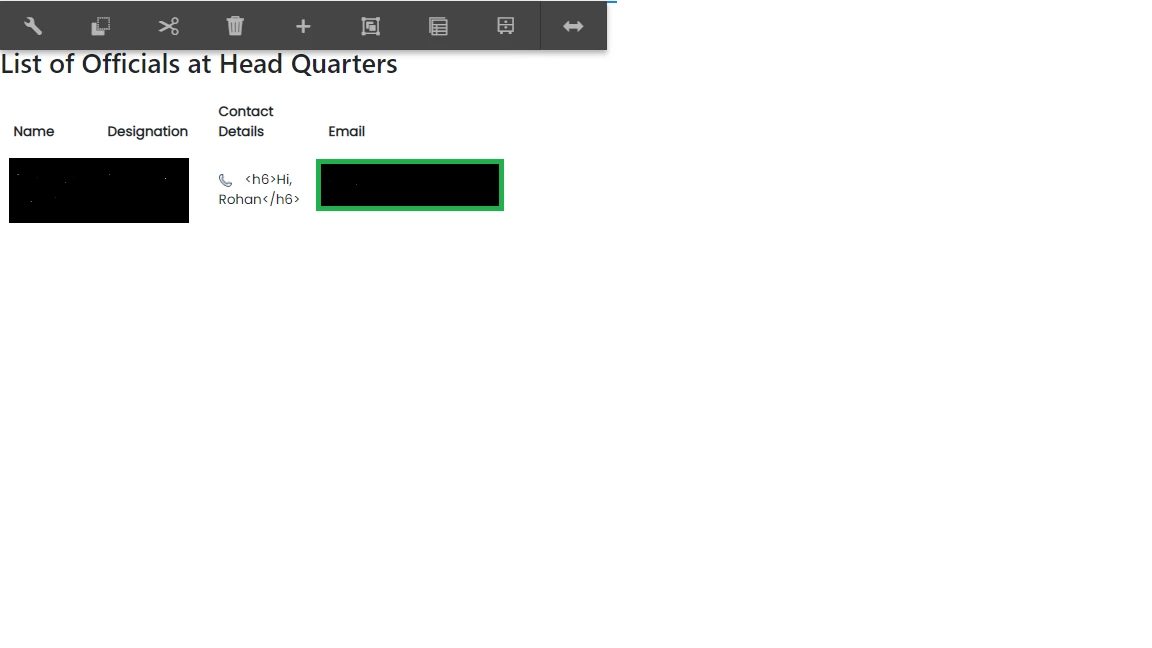
However, as soon as I click ok and come to Edit/Preview screen - The content comes with HTML tags (like <h6>Hello, Rohan</h6>)


So the source edit works correctly when configuring content but the html tags do not get removed in edit/preview mode.


I have attached 3 screenshots showing the same. I can send the xml of the dialog if required.  Image 1 - Source Edit ModeImage 1 - Source Edit ModeImage 2 - Normal Edit Mode outside Source EditImage 2 - Normal Edit Mode outside Source EditImage 3 - Component in HeadquartersImage 3 - Component in Headquarters

Accepted Solutions
Vishalverma
Employee

Re: RTE Dialog Source Edit - Content with HTML Tags rendered

Are you using sightly? If yes then have you used context='html' while rendering e.g. 

<div>${properties.richText @ context='html'}</div>

View solution in original post


All Replies
berliant
Employee

Re: RTE Dialog Source Edit - Content with HTML Tags rendered

What's stripping the custom tags is XSS filter, which is based on OWASP AntiSamy. You can find and customize the configuration for it under /libs/cq/xssprotection/config.xml. There you can add rules to allow your custom tag.


You need to allow the custom tags in RTE.

Please check http://experience-aem.blogspot.com/2015/05/aem-6-sp2-handling-custom-protocol-in-link-href-in-rte.ht...

Re: RTE Dialog Source Edit - Content with HTML Tags rendered

I am not using any custom tags in RTE, only standard

Re: RTE Dialog Source Edit - Content with HTML Tags rendered

Hi @berliant, thanks for your quick reply. I am not using any custom tags in RTE, only standard

Re: RTE Dialog Source Edit - Content with HTML Tags rendered

If the tag is not allowed in XSS filter you have to add it.

Re: RTE Dialog Source Edit - Content with HTML Tags rendered

Hi @berliant, thanks for your quick reply. I am not using any custom tags in RTE, only standard HTML tags. I downloaded the RTE Component Zip file from Adobe's documentation and that's working correctly with the same basic HTML tags..

Re: RTE Dialog Source Edit - Content with HTML Tags rendered

The tag is allowed in XSS Filter. Here's the entry below:- <!-- All formatting tags --> <tag name="h1" action="validate"/> <tag name="h2" action="validate"/> <tag name="h3" action="validate"/> <tag name="h4" action="validate"/> <tag name="h5" action="validate"/> <tag name="h6" action="validate"/> <tag name="p" action="validate"> <attribute name="align"/> </tag>

Re: RTE Dialog Source Edit - Content with HTML Tags rendered

@berliant thanks for your help ! The problem was not with XSS Filter. It was at Sightly end. I had converted the resourceType from text to richtext without incorporating context changes in Sightly. Thanks for your time & help.
Vishalverma
Employee

Re: RTE Dialog Source Edit - Content with HTML Tags rendered

Are you using sightly? If yes then have you used context='html' while rendering e.g. 

<div>${properties.richText @ context='html'}</div>

Re: RTE Dialog Source Edit - Content with HTML Tags rendered

Hi Vishal, Thanks for pointing this out. I had convert the component from text to rich-text without making change in sightly. Thanks for your help !