Rich text editor plugins not visible on touch UI dialog in AEM 6.3 | Community
Skip to main content
cqsapientu69896
Level 4
September 7, 2017
Solved

Rich text editor plugins not visible on touch UI dialog in AEM 6.3

  • September 7, 2017
  • 15 replies
  • 7226 views

All the rich text plugins that are present in the classic UI dialog are not getting rendered in the touch UI dialog in AEM 6.3 .

I have added the rtePlugins node under text node and activated all plugins similar to the classic UI dialog, but all the plugins which are in classic UI do not render in touch ui dialog
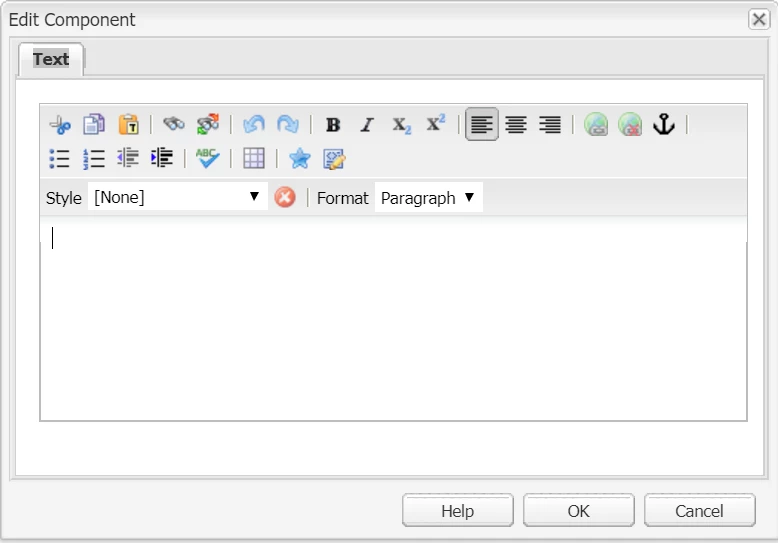
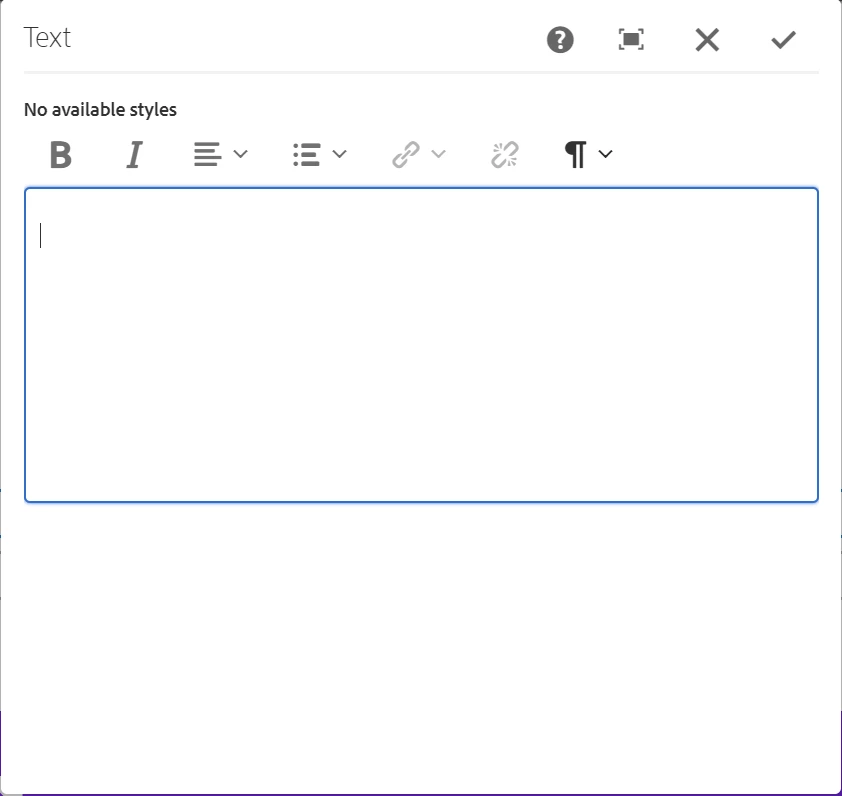
I followed this link - Configuring Experience Manager Rich Text Editor Plugins in a Touch UI Component Dialog ; but even using the package in this link; all the plugins are not visible on the touch ui dialog.

how can I enable all rich text plugins of classic UI in touch UI dialog? Has anyone been successful in doing it ?

Please let me know.
This post is no longer active and is closed to new replies. Need help? Start a new post to ask your question.
Best answer by Ratna_Kumar

Hi,

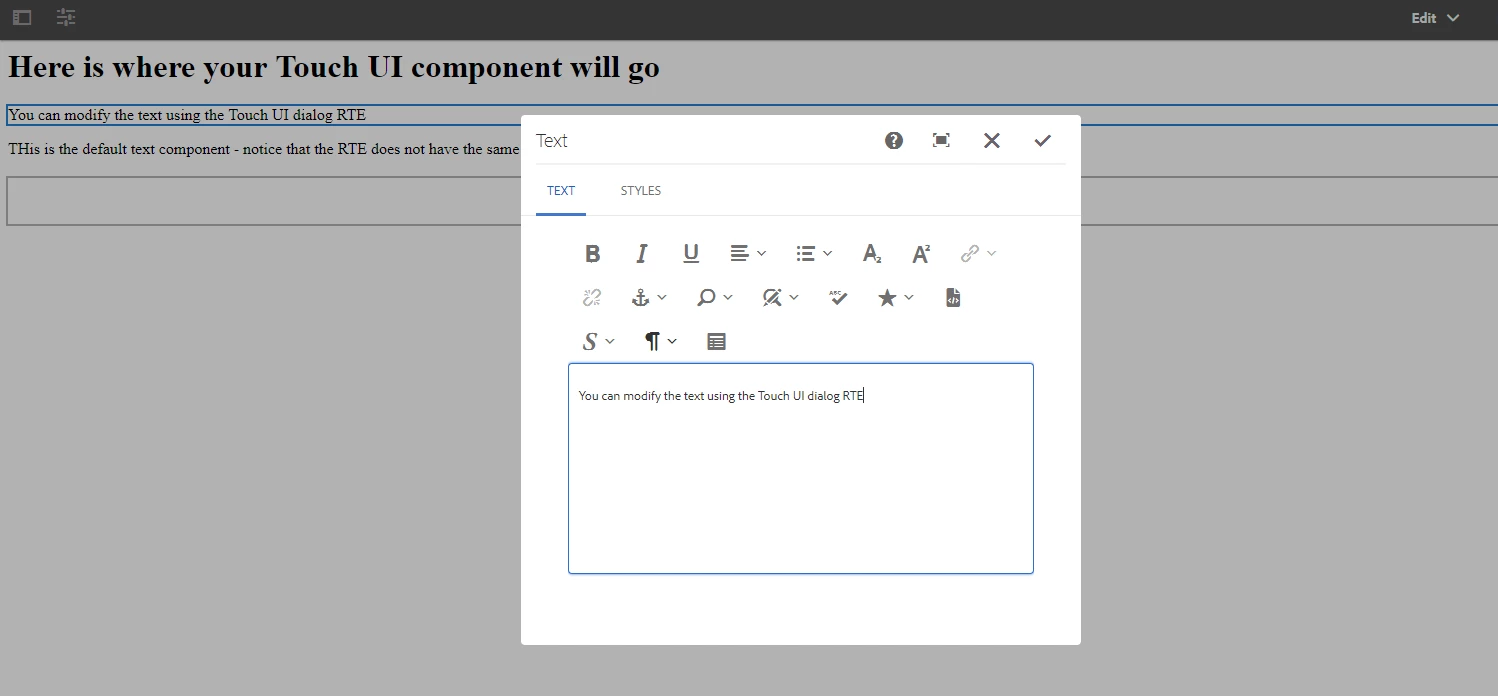
I re-tested just now with the HELPX article package. It works!! Please find the below screenshot.

smacdonald2008​ - Can you also please test in 6.3?

Also this thread also relates to same: https://forums.adobe.com/message/9812906#9812906

Thanks,

Ratna.

15 replies

smacdonald2008
Level 10
December 20, 2017

This is not reproducible for me. I get this... See there is error message in the Browser.

Can you try on a fresh instance - lets see if you can reproduce on a fresh instance and go from there.

Sean-McK
Level 4
December 20, 2017

this was a fresh install of 6.3

Sean-McK
Level 4
December 20, 2017

ok I tested it in IE and it worked, this is an issue with Chrome, and I am on Chrome 63.0.3239.84

smacdonald2008
Level 10
December 20, 2017

I am using version 63.0.3239.84 (Official Build) (64-bit)

I recommend opening a support ticket so they can investigate. There is something weird going on. I cannot reproduce this nor other community members such as Ratna,

February 13, 2018

Regarding the JS error:

Uncaught TypeError: Cannot read property 'addClass' of null

I have debugged it and finally was due to a missing uiSetting in my dialog xml file.

it must have a dialogFullScreen node under "uiSettings" node

<dialogFullScreen
   jcr:primaryType="nt:unstructured"
   toolbar="[format#bold,justify#justifyleft,justify#justifycenter,justify#justifyright,lists#unordered,lists#ordered,lists#outdent,lists#indent,links#modifylink,links#unlink,links#anchor]">

</dialogFullScreen>

I hope it helps someone else.