Solved
Restricting content fragment in aem 6.5
Hello,
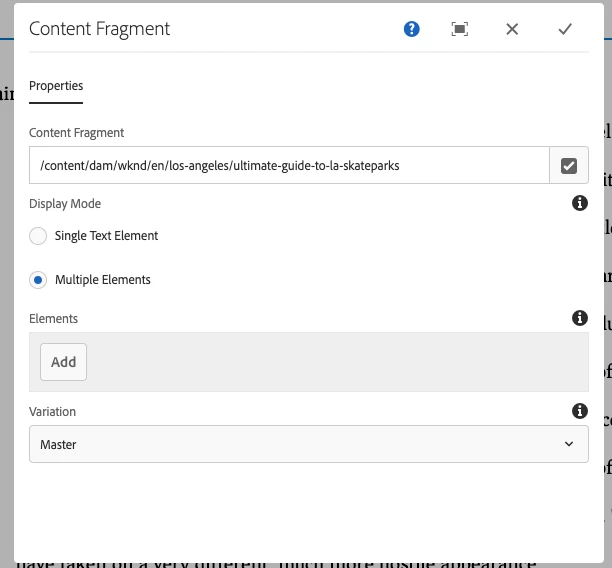
I'm using aem 6.5 and I'm using the out-of-box content fragment which is available in the product.
The content fragment has around 4 paragraph in master. So once I include the content fragment in my page, I get to see the parsys coming up between 4 paragraphs. Now, the customer demands for "no authoring should be done in between paragraphs".
Is there any way to restrict the parsys from dragging and dropping of any components inside content fragment (or) Is there any way to disable the parsys inside content fragment (or) Is there anyway to hide the parsys inside content fragment.
Kindly suggest me anyways to achieve any of the above 3 options which is possible.