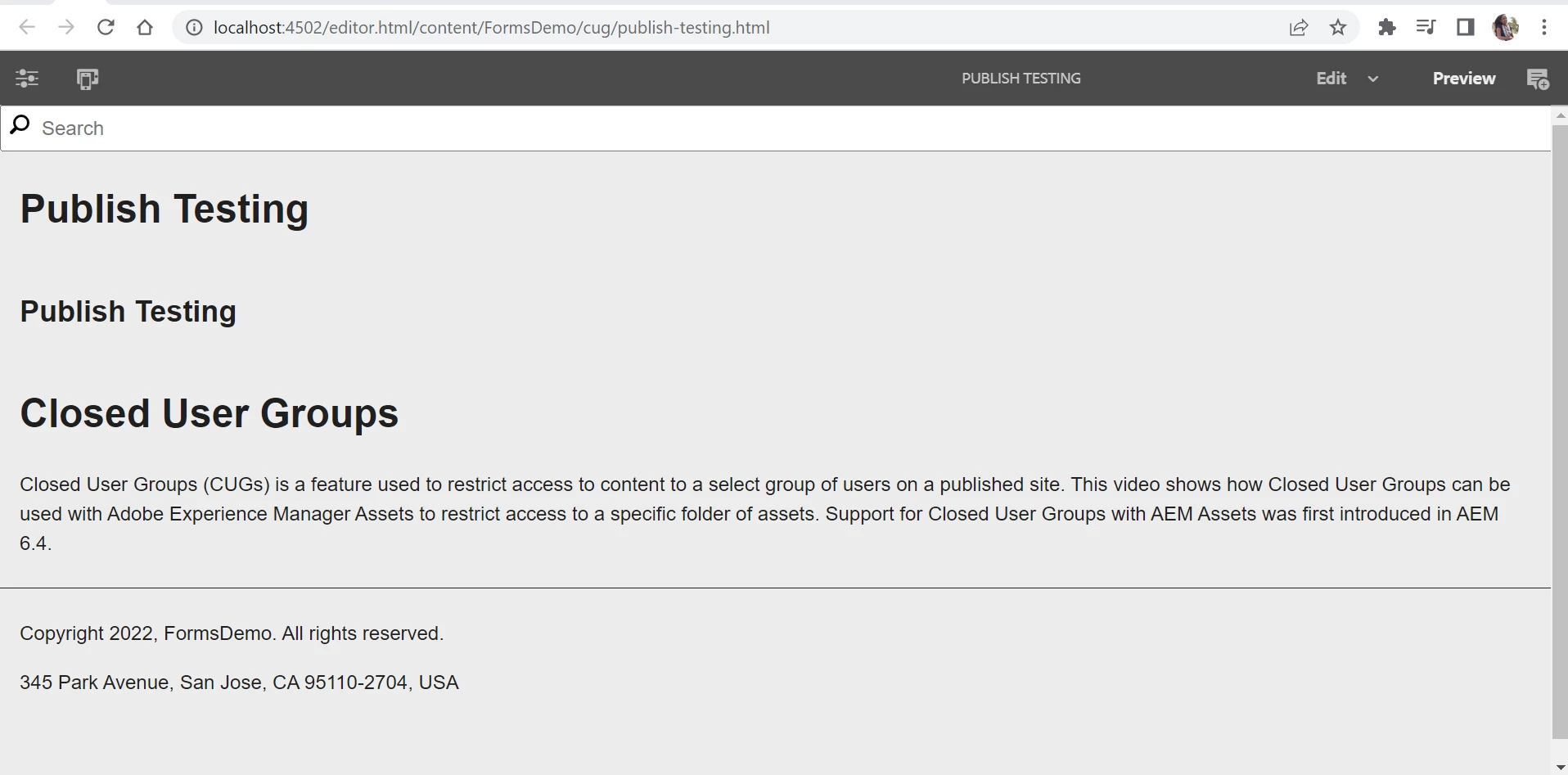
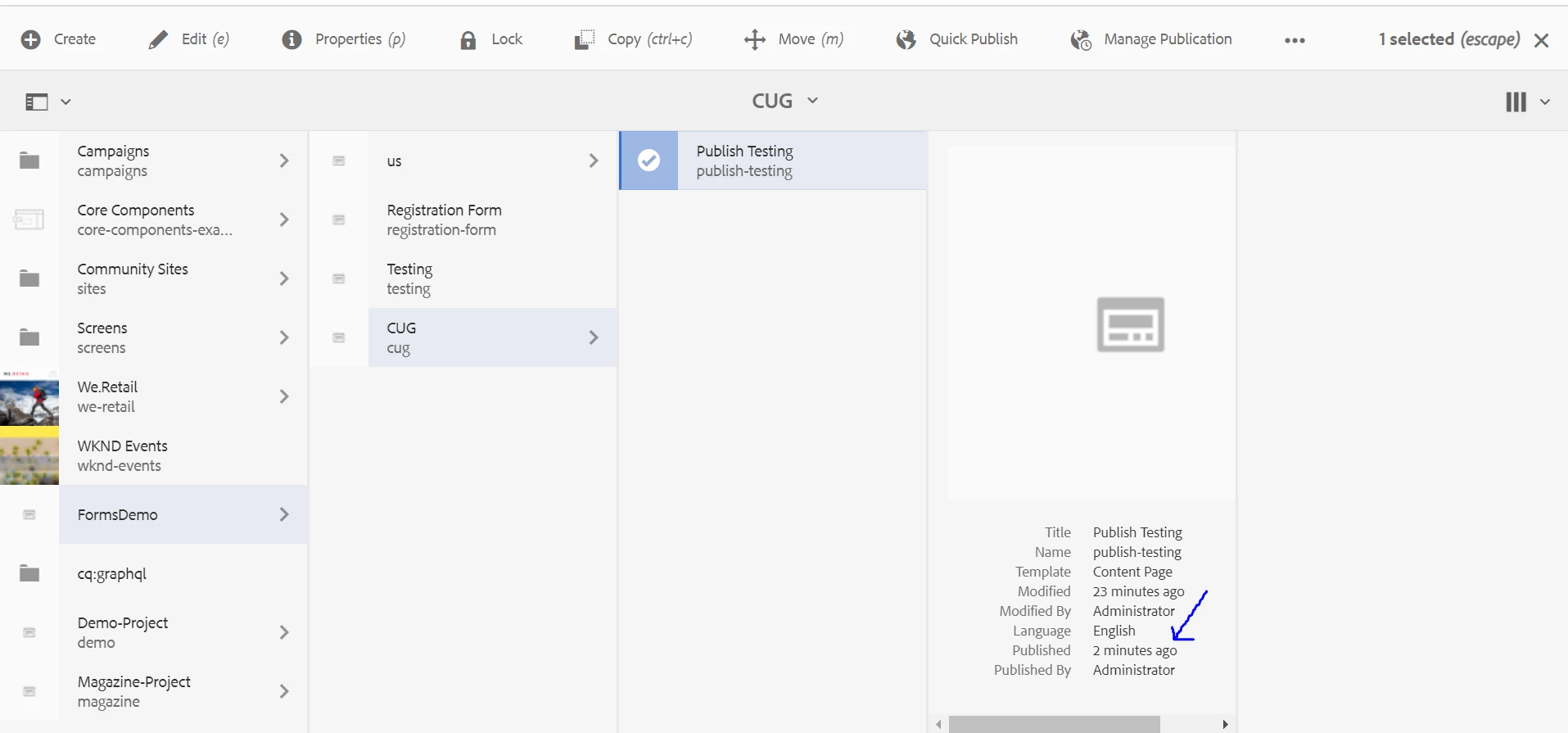
the only way to make the publish agent work by default is to install the publish AEM instance in the localhost, with the port 4503.
Assumed that you did that properly, the publish action should work. In any case you can check the publish agent in the author instance here (localhost is by default, if you're using a different domain it won't work):
http://localhost:4502/etc/replication/agents.author/publish.html
There's a link "Test connection", try it and you should see the result.
If you won't be able to run it successfully, then there's a connectivity issue between the author and publish instances. Click edit and modify the parameters accordingly to your situation.
Another possible issue might be the permissions. Maybe you need to login into the publish instance as admin to see the page because the anonymous user is not enabled for reading the /content folder where your page is. In this case you should modify the anonymous user permissions in the publish instance in order to read the page node that you published as an anonymous user.