Proxy Image Component don't render asset (image) after convert into webp but the converted asset works | Community
Skip to main content
Level 4
December 5, 2023
Solved

Proxy Image Component don't render asset (image) after convert into webp but the converted asset works

  • December 5, 2023
  • 1 reply
  • 634 views

Hello, I create a proxy Image component, is the same Image component but the only thing that I modify is the getSrc method (method that get the fileReference of the image and the render the asset in the image component), I add the Web optimized-image delivery method

Original Core Image Component Code: https://github.com/adobe/aem-core-wcm-components/tree/main/content/src/content/jcr_root/apps/core/wcm/components/image/v2


Documentation: https://experienceleague.adobe.com/docs/experience-manager-learn/cloud-service/developing/advanced/web-optimized-image-delivery-java-apis.html?lang=en

I use this method on custom and proxy components and works in everything except with Image Component.

The weird thing is that the converted asset as webp appears on the browser console but as a NoScript tag



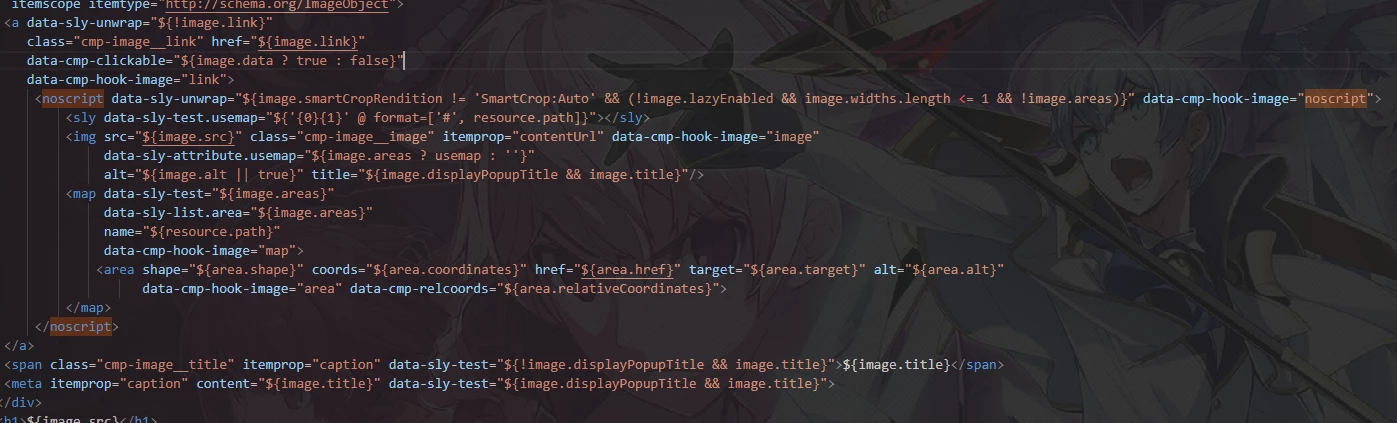
This is the part of the code that render the asset


And these are the method that I use to convert into webp

@Override
    public String getSrc() {
        String fileReference = coreImage.getSrc();
        Map<String, Object> options = new HashMap<>();
        options.put("format", "webp");
        options.put("preferwebp", "true");

        try {
            return getWebOptimizedUrl(resourceResolver, fileReference, options);    
        } catch (NullPointerException e) {
            // In case that the web-optimazed image fails, return the asset with the original format
            LOG.error("Error on webp api", e);
            return fileReference;
        }
    }
private String getWebOptimizedUrl(ResourceResolver resourceResolver, String path, Map<String, Object> options) {
       
        Resource resource = resourceResolver.getResource(path);
        Asset asset = DamUtil.resolveToAsset(resource);
   
        options.put("path", asset.getPath());
        options.put("format", options.get("format"));
        options.put("seoname", asset.getName());
       
        return assetDelivery.getDeliveryURL(resource, options);
      }


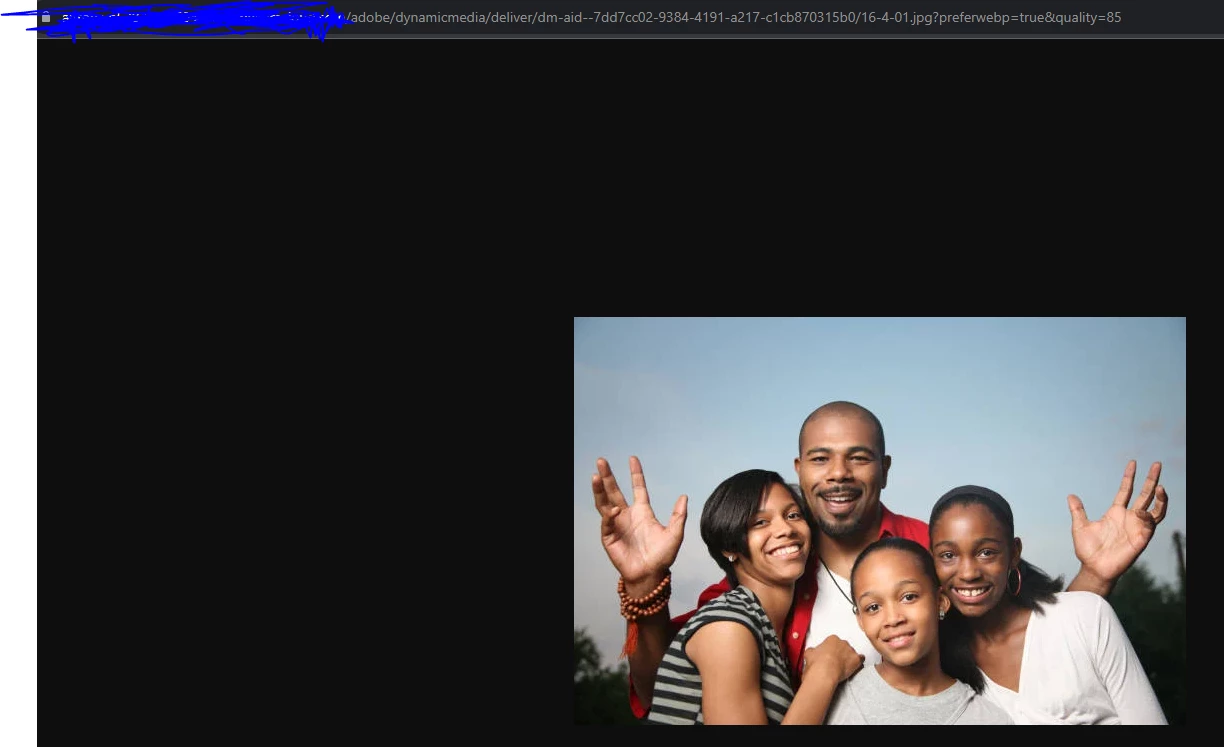
And if I paste the same image src in the browser the asset converted appears

Why this error only appears with this component even if I use the same method and code on others custom and proxy components and it works?


This error is in all the environments

This post is no longer active and is closed to new replies. Need help? Start a new post to ask your question.