Problem Installing AEM Venia Theme in Ubuntu 20 | Community
Skip to main content
Level 2
July 26, 2021
Solved

Problem Installing AEM Venia Theme in Ubuntu 20

  • July 26, 2021
  • 2 replies
  • 957 views

Basically, I set up AEM in Ubuntu 20.

I set up the requirement for AEM and its working fine, Next, when I thought of customizing the theme via which I cloned from the GitHub link https://github.com/adobe/aem-cif-guides-venia, as I have started as per GitHub steps first I ran

`mvn clean install -PautoInstallSinglePackage,classic`

after that, the BUILD was a success, But while editing the theme it's showing blank as screenshot attached below
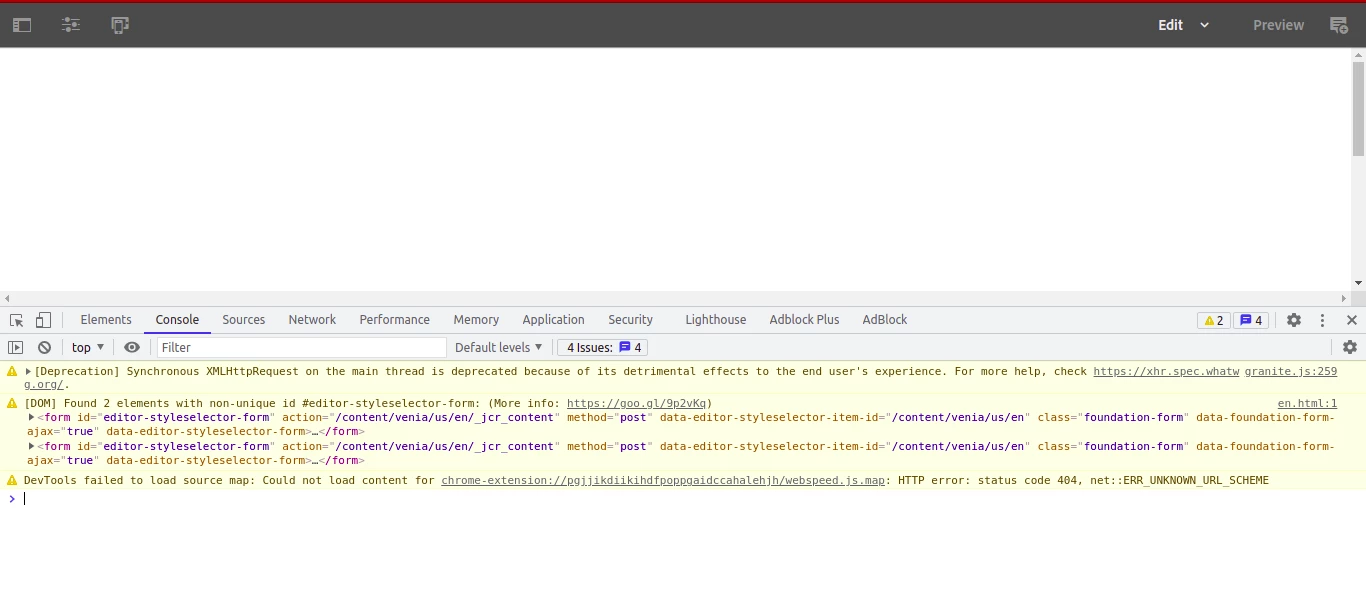
When I tried with the same package in Windows the venia theme is working fine. Hereby attached Error Log for reference.

https://easyupload.io/sqkr6j

This post is no longer active and is closed to new replies. Need help? Start a new post to ask your question.
Best answer by Kishore_Kumar_

Hi @scripthost ,


Could you please confirm if all the bundles are in active state ?

<<hostname>>:<<port>>/system/console/bundles

2 replies

Kishore_Kumar_
Kishore_Kumar_Accepted solution
Level 9
August 9, 2021

Hi @scripthost ,


Could you please confirm if all the bundles are in active state ?

<<hostname>>:<<port>>/system/console/bundles

mhaack
Adobe Employee
Adobe Employee
August 27, 2021

Which AEM version do you use? CIF (applies to AEM Venia as well) requieres 6.5 with SP 7 or later.