Path field throwing error in AEM 6.4 Touch UI | Community
Skip to main content
Level 2
April 24, 2018

Path field throwing error in AEM 6.4 Touch UI

  • April 24, 2018
  • 3 replies
  • 11667 views

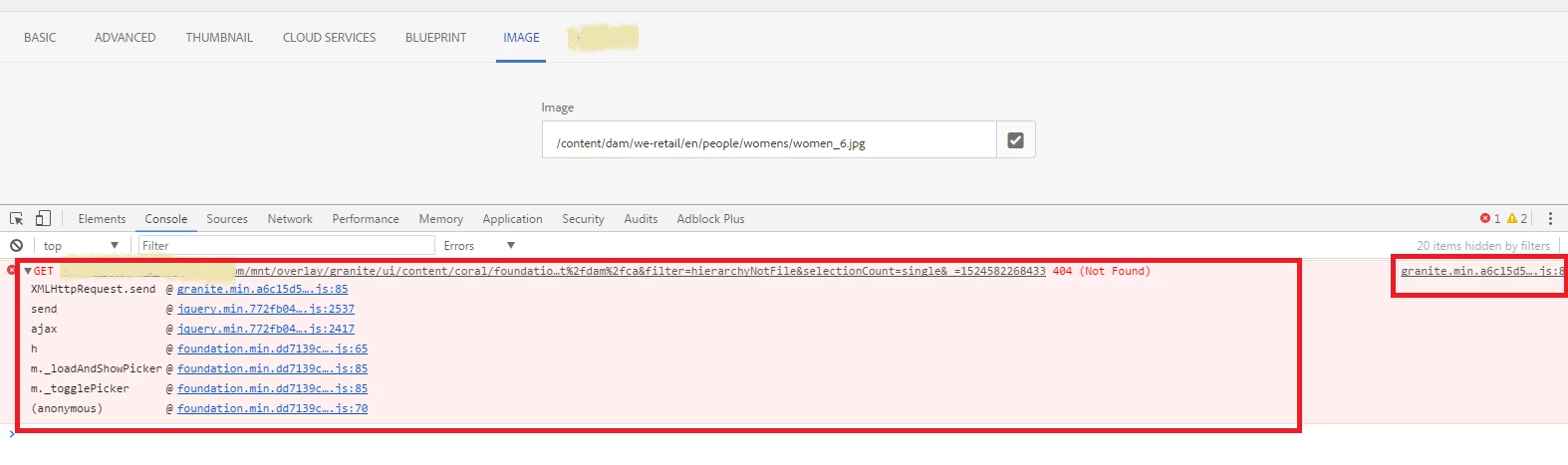
I am using granite/ui/components/coral/foundation/form/pathfield and when I click on the icon, it doesn't open the window but throws an error in the console.

/mnt/overlay/granite/ui/content/coral/foundation/form/pathfield/picker.html…t%2fdam%2fca&filter=hierarchyNotFile&selectionCount=single&_=1524569289626 Failed to load resource: the server responded with a status of 404 (Not Found)

I see that the image is present in the dam but still the path field fails to load it.

If I delete the selected image from the field and then click on path field icon, then it opens up.

Is there some other settings or properties I need to add for the pathfield?

Can you provide a solution for same?

Thanks,

Anuradha

This post is no longer active and is closed to new replies. Need help? Start a new post to ask your question.

3 replies

smacdonald2008
Level 10
April 24, 2018

I am going to test the path field by adding it to the same project that can be installed from this article - that uses other granite/coral types.

Building Experience Manager Components using Granite/Coral Resource Types

smacdonald2008
Level 10
April 24, 2018

I tested the Pathfield on AEM 6.4 and works fine, Here it is...

To test this - install the package in the third section of the article above. The section is titled -- Add additional resource types to your component

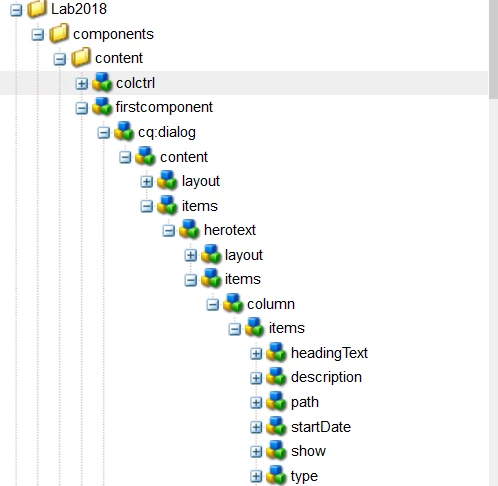
This will give you this structure under /apps.

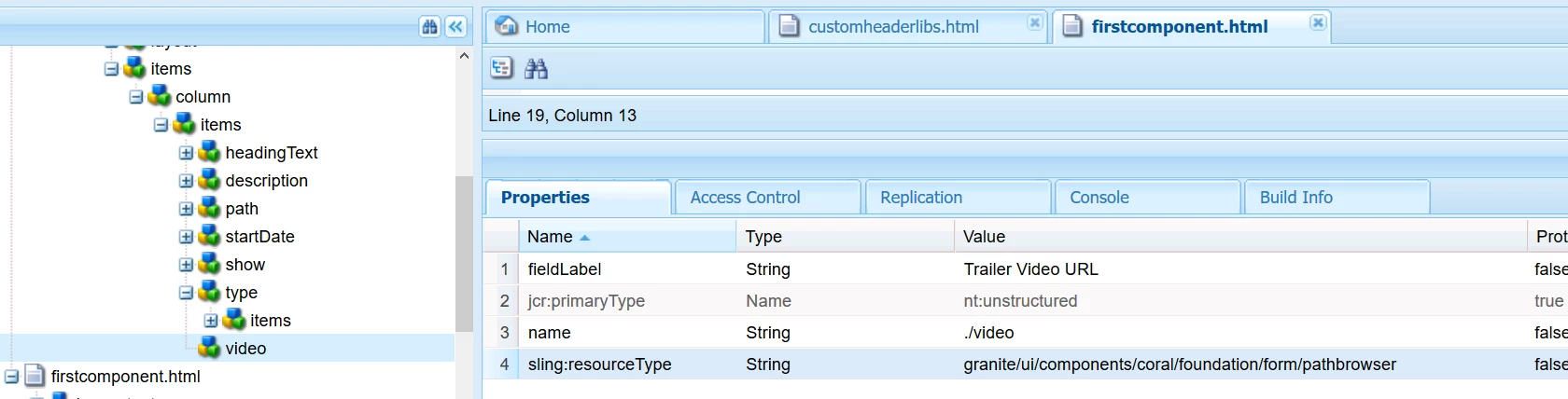
Add a new node under items named video with the following Props:

Open the Page here --

http://localhost:4502/editor.html/content/Lab2018/en.html

Update the /apps/Lab2018/components/content/firstcomponent/firstcomponent.html. Include these lines of code at end -- before closing </div>

         <p>

            <b>path finder:</b> ${properties.video}

        </p>

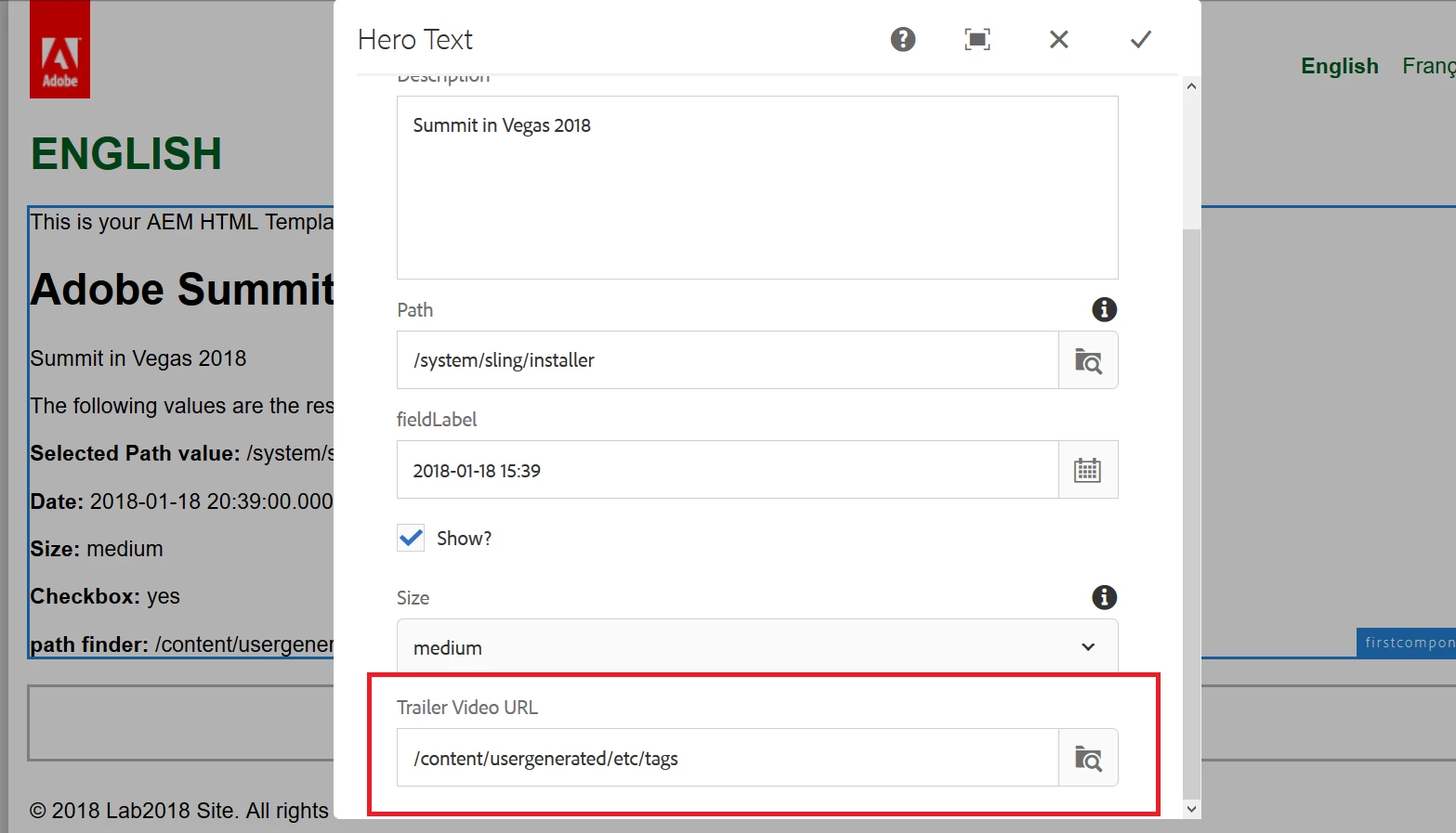
Now open the dialog and you will see the pathfinder:

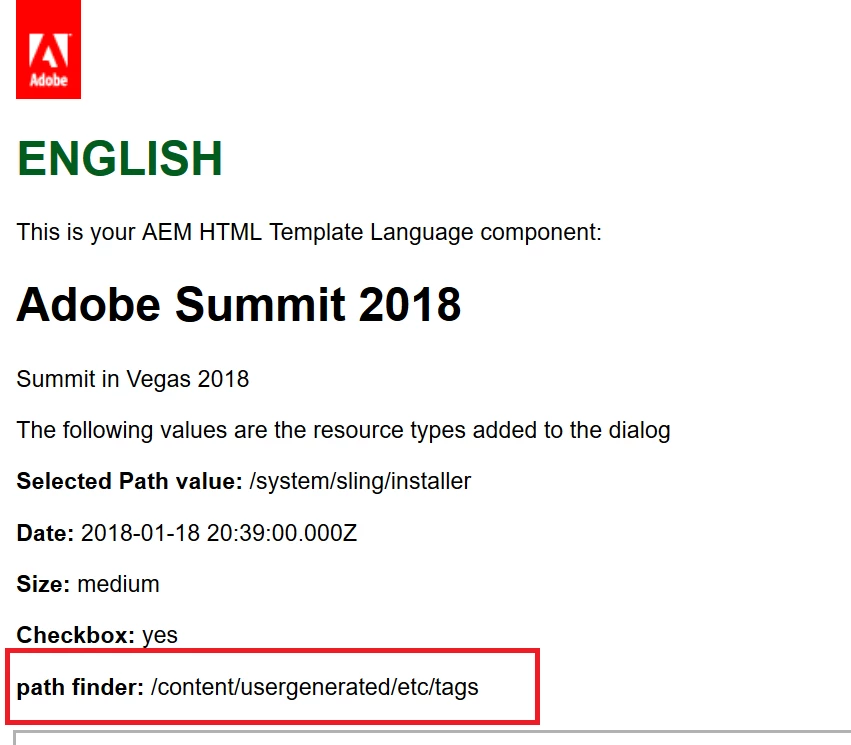
This value now prints out on the page --

Try this all on a fresh AEM 6.4 DEV instance and i am sure you will get the same results.

Adobe Employee
April 24, 2018

anuradhar46910715​ Do the below and let me know if it doesn't work

Level 2
April 25, 2018

Thanks for the solution will apply it if reinstallation doesnt work fine.

smacdonald2008
Level 10
April 25, 2018

I have never had to make these configurations on AEM 6.3 or 6.4 to get the granite/Coral resource types work. They should work by default.

Level 4
June 19, 2019

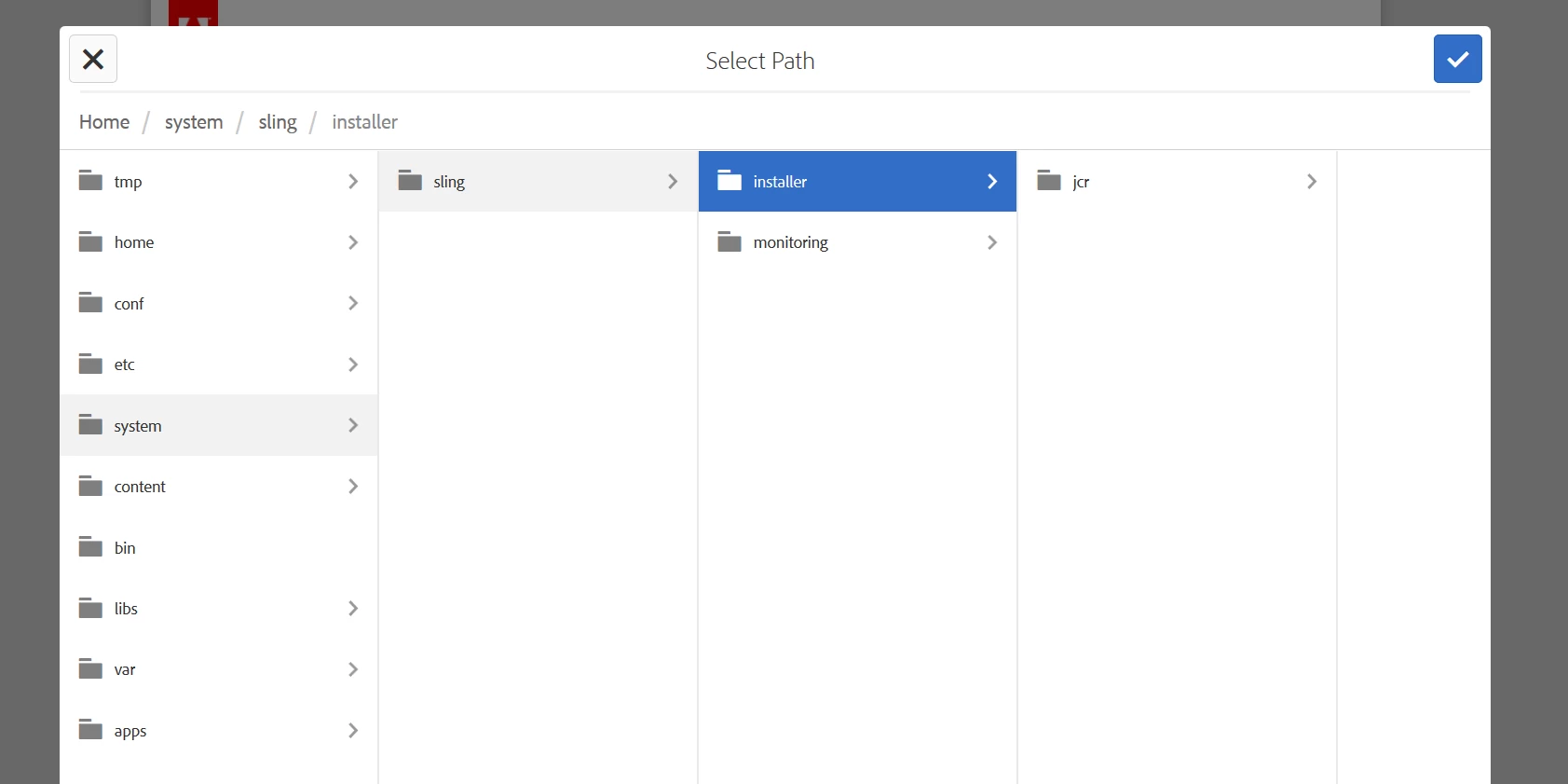
Whats the fix for this issue? smacdonald2008Kunwardorianhallward anuradhar46910715 I've upgraded from 6.3.2 to 6.4.4 and I see below error for Pathfield - this is only happening on QA environments and not on a fresh local instance.

19.06.2019 *ERROR* [10.43.32.88 [1560969487301] GET /mnt/overlay/granite/ui/content/coral/foundation/form/pathfield/picker.html HTTP/1.1] org.apache.sling.engine.impl.SlingRequestProcessorImpl service: Uncaught SlingException

org.apache.sling.scripting.java.impl.ServletWrapper$CompilerException: Compilation errors in /libs/granite/ui/components/coral/foundation/form/pathfield/datasources/children/children.java:

Line 105, column 4458 : '<>' operator is not allowed for source level below 1.7

Line 113, column 4811 : The method evaluate(Resource) of type new Predicate<Resource>(){} must override a superclass method

Line 125, column 5379 : '<>' operator is not allowed for source level below 1.7

Line 129, column 5574 : The method compare(Resource, Resource) of type new Comparator<Resource>(){} must override a superclass method

Line 134, column 5765 : '<>' operator is not allowed for source level below 1.7

Line 134, column 5789 : '<>' operator is not allowed for source level below 1.7

Line 160, column 6671 : The method transform(Resource) of type new Transformer<Resource,Resource>(){} must override a superclass method

Line 185, column 7521 : The method evaluate(Resource) of type children.FolderPredicate must override a superclass method

Line 202, column 7991 : The method evaluate(Resource) of type children.HierarchyPredicate must override a superclass method

Line 219, column 8467 : The method evaluate(Resource) of type children.NoSystemPredicate must override a superclass method

Line 236, column 8990 : The method evaluate(Resource) of type children.HierarchyNotFilePredicate must override a superclass method

Line 273, column 10149 : '<>' operator is not allowed for source level below 1.7

Line 273, column 10173 : '<>' operator is not allowed for source level below 1.7

Line 275, column 10322 : The method transform(Resource) of type new Transformer<Resource,Resource>(){} must override a superclass method
Level 4
June 19, 2019