Out of Box Column control is not working in AEM 6.4 | Adobe Higher Education
Skip to main content
Level 4
December 14, 2018
Resuelto

Out of Box Column control is not working in AEM 6.4

  • December 14, 2018
  • 8 respuestas
  • 5512 visualizaciones

Dear All,

I am trying to use the OUT of Box Column Control in AEM 6.4 in the WKND sites , by following the below steps.

But it is not coming fine means , in the drop down it is not coming anything . I am following the below steps.

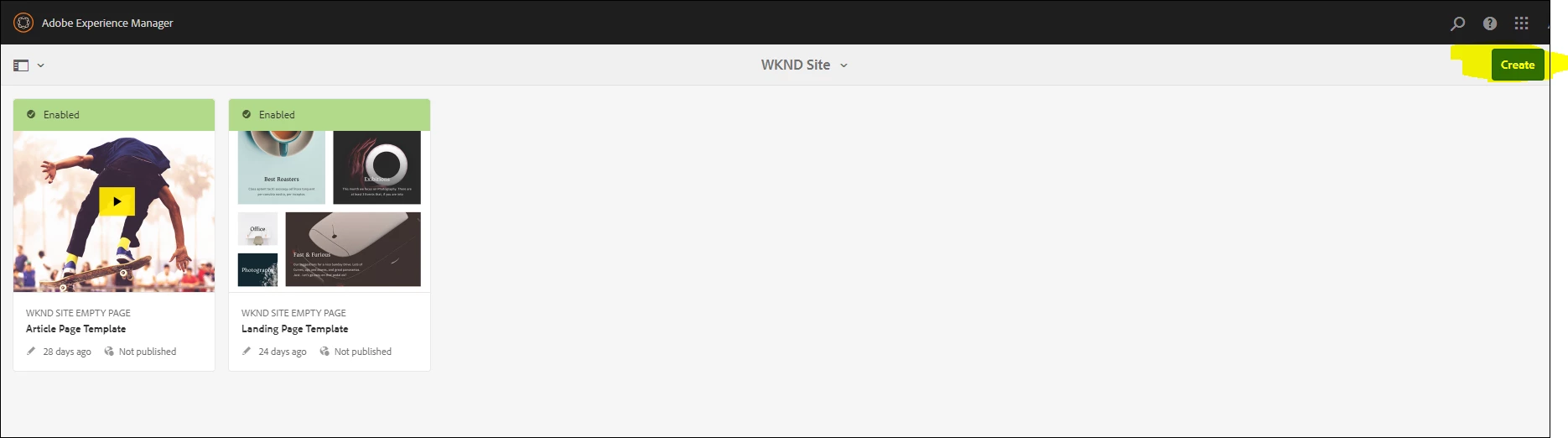
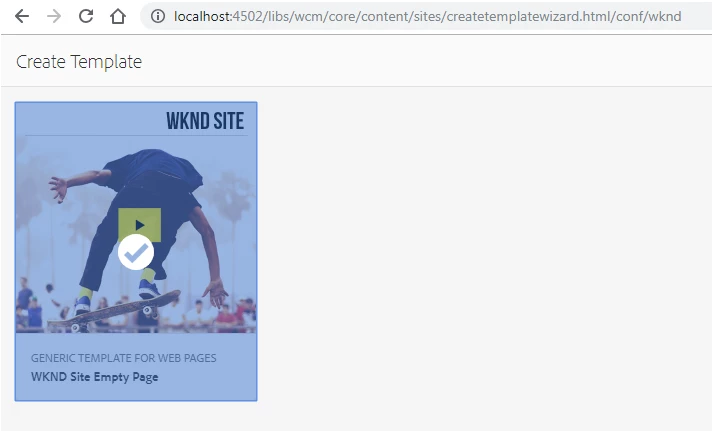
1) I go the WKND editable template (http://localhost:4502/libs/wcm/core/content/sites/templates.html/conf/wknd ) , as shown below and created the sunitacolumncontrol , as shwon below.
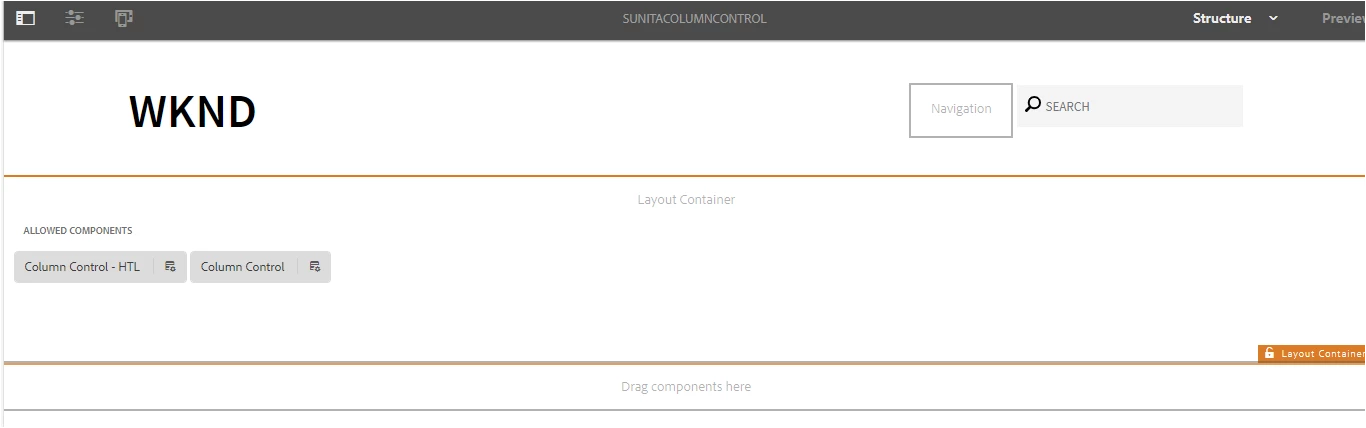
2) Then I have opened the sunitaColumnControl template (http://localhost:4502/editor.html/conf/wknd/settings/wcm/templates/sunitacolumncontrol/structure.html  ) and added the column control in Layout container and enable it , as shown below.
3) Then I have created the page in sites by using the sunitacolumncontrol template (http://localhost:4502/libs/wcm/core/content/sites/templates.html/conf/wknd ) , as shown in below steps.
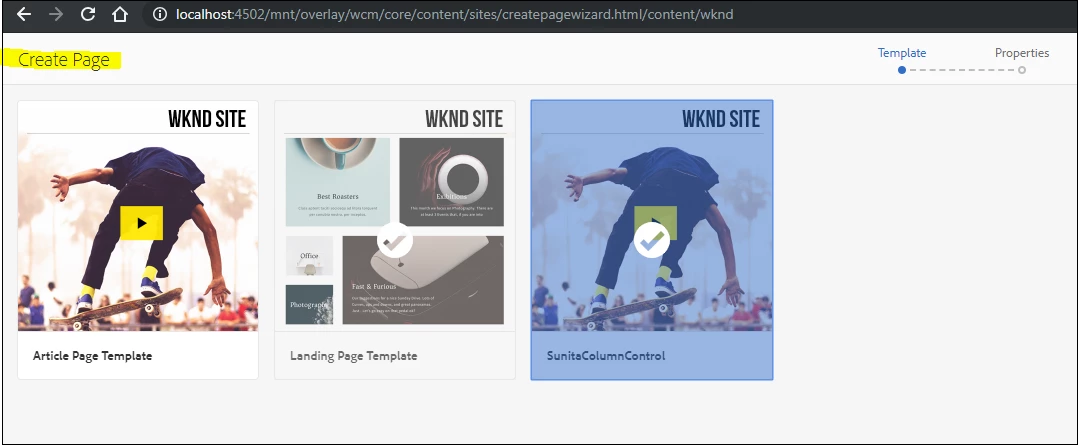
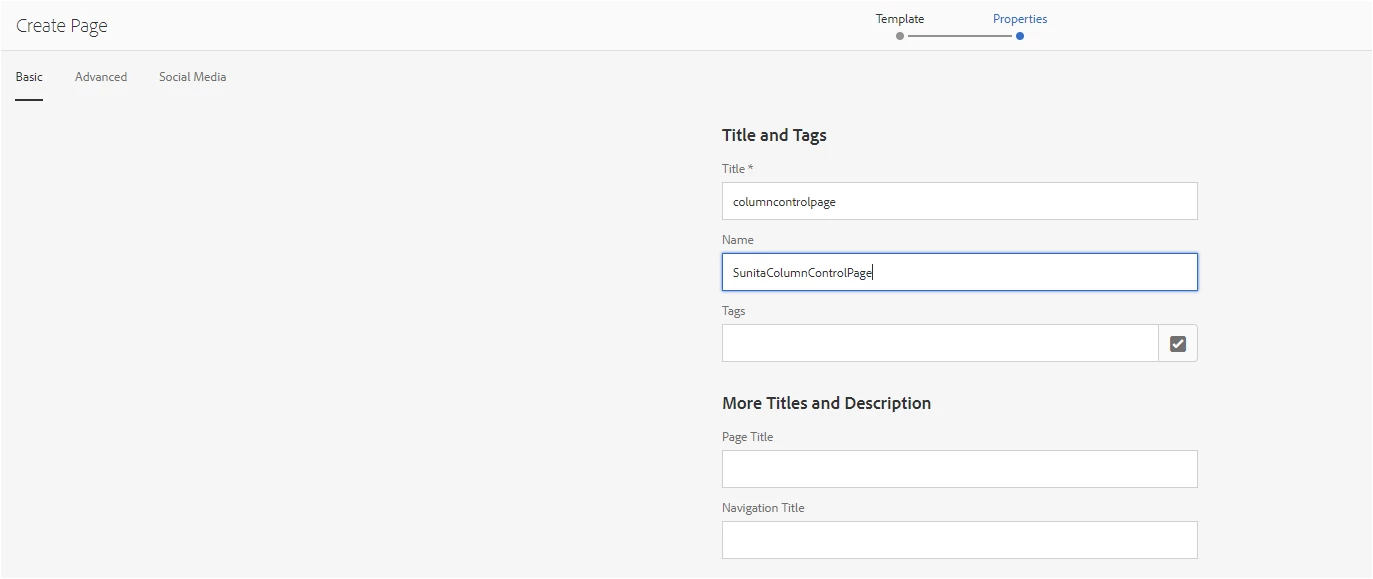
4) Now I am trying to edit the page , as shown below and it is not coming fine.
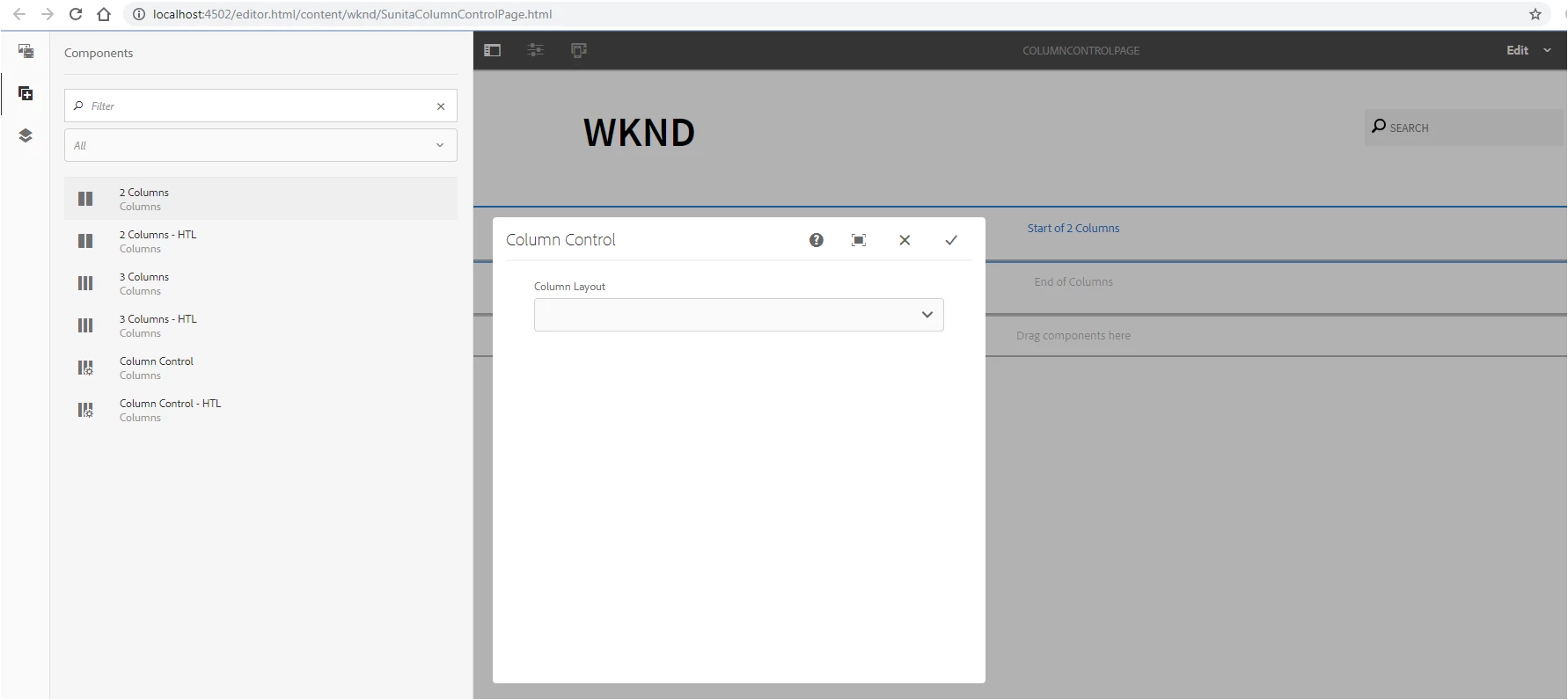
Can you please let me know , If I have missed anything ?

Este tema ha sido cerrado para respuestas.
Mejor respuesta de smacdonald2008

I Strongly recommend to install the package for this part of the tutorial. You will see it working. Then compare that solution with what you have done.

8 respuestas

Level 2
December 17, 2018

Please add the grid.less file to your client library to make it happen.

@import (once) "/etc/clientlibs/wcm/foundation/grid/grid_base.less";

/* maximum amount of grid cells to be provided */

@max_col: 12;

/* default breakpoint */

.aem-Grid {

  .generate-grid(default, @max_col);

}

/* phone breakpoint */

@media (max-width: 768px) {

  .aem-Grid {

    .generate-grid(phone, @max_col);

  }

}

/* tablet breakpoint */

@media (min-width: 769px) and (max-width: 1200px) {

  .aem-Grid {

    .generate-grid(tablet, @max_col);

  }

}

Reference :: Configuring Layout Container and Layout Mode

Lokesh_Shivalingaiah
Level 10
December 17, 2018

Please refer this documentation as mentioned by Anshuman

Configuring Layout Container and Layout Mode

Level 4
December 17, 2018

Dear All, I have followed the below steps mentioned in the below document Configuring Layout Container and Layout Mode But still I am not able to resize the Text in layout , as shown below.

I have put my files in my git hub repository in below.

GitHub - sunita197881/sunitatest1 at MCK-AEM-6.4

My grid.less file is under below .

smacdonald2008
Level 10
December 17, 2018

I Strongly recommend to install the package for this part of the tutorial. You will see it working. Then compare that solution with what you have done.

Level 4
December 17, 2018

Thanks. Let me try this one.

smacdonald2008
Level 10
December 17, 2018

Another thing - Danial said this has been updated to 6.4.2.  You need to have that Service pack. (I will test this too)

Another way is to build a custom grid component that uses bootstrap. This lets you place components in columns too. See this.

Scott's Digital Community: Creating a custom Touch UI Grid Component for Adobe Experience Manager

Level 4
December 17, 2018

Thanks Scott. After I copied the files from the WKND exercise , it is working fine. I observed the below difference. 1) I include embed and it is working fine. But still now I did not get fully understand the use of embed. Can you please let me know why we use embed.

Level 2
June 12, 2019

Several Core Components come with client libraries that need to be included on the page in order for the component to function properly.