OOTB read only user group | Community
Skip to main content
This post is no longer active and is closed to new replies. Need help? Start a new post to ask your question.
Best answer by Nupur_Jain

Hi @shaheena_sk 


There is no OOTB group present for this purpose. I would suggest to create group and allocate permissions as per your needs because it makes no sense that you need full read access, you must be needing access to certain hierarchy only, so makes use of custom group.


Thanks!

Nupur Jain

3 replies

Vijayalakshmi_S
Level 10
August 14, 2020

Hi @shaheena_sk,

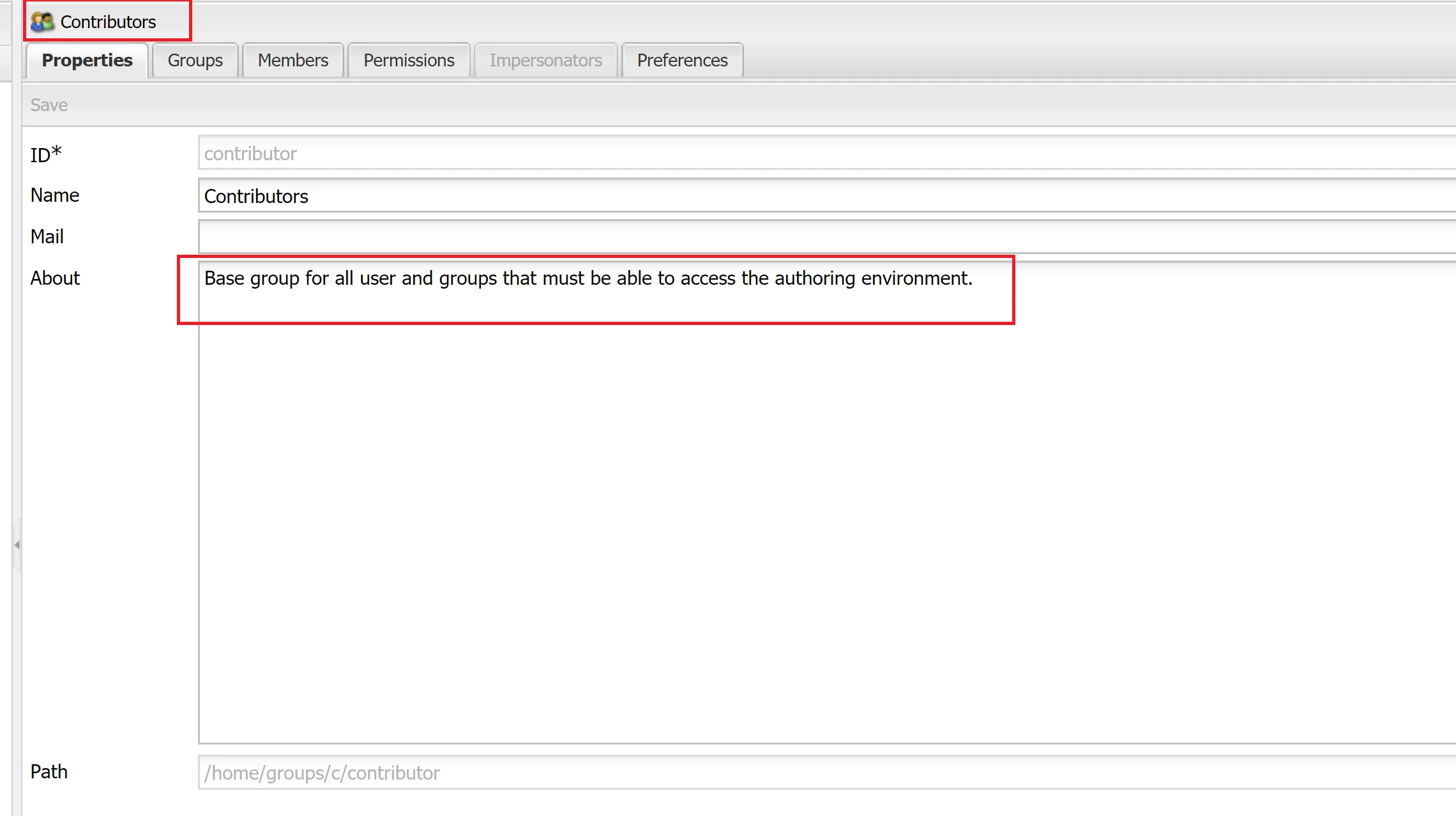
You can make use of OOTB "Contributor" group for read only access for author environment.

sunjot16
Adobe Employee
Adobe Employee
August 14, 2020

I doubt there is any such group OOTB.


But, it's really easy to create one such group.


You just have to create a group and give complete Read Access in /useradmin console. Ex: http://localhost:6440/useradmin

Steps to follow:

1) Go to http://<host>:<port>/useradmin 

2) Create a new group by clicking Edit -> Create -> Create Group. Give any group id and group name.

3) Search for that newly created group. Go to Permissions tab of that group. Select Read for all the nodes, or for the root node, and click on Save.

4) Reload the page and/or lookup for that group. Double-click it. Go to permissions tab. If there's any Read access missed, check Read checkbox for those remaining parent nodes(such as /conf, /etc, /var, etc.) and click on save.

5) Verify once again by performing Step 3. You have created a group with Read-only access to all the nodes.

6) Now, you can add your users/groups under the Members tab of that newly created group.


You can also limit the read permissions, or give any other permissions on whichever nodes you want to, to meet your criteria/usercase.


I hope it helps !! 🙂


Nupur_Jain
Adobe Employee
Nupur_JainAdobe EmployeeAccepted solution
Adobe Employee
August 15, 2020

Hi @shaheena_sk 


There is no OOTB group present for this purpose. I would suggest to create group and allocate permissions as per your needs because it makes no sense that you need full read access, you must be needing access to certain hierarchy only, so makes use of custom group.


Thanks!

Nupur Jain