OOTB Experience Fragment Component not showing values | Community
Skip to main content
Level 3
August 24, 2022
Solved

OOTB Experience Fragment Component not showing values

  • August 24, 2022
  • 3 replies
  • 1644 views

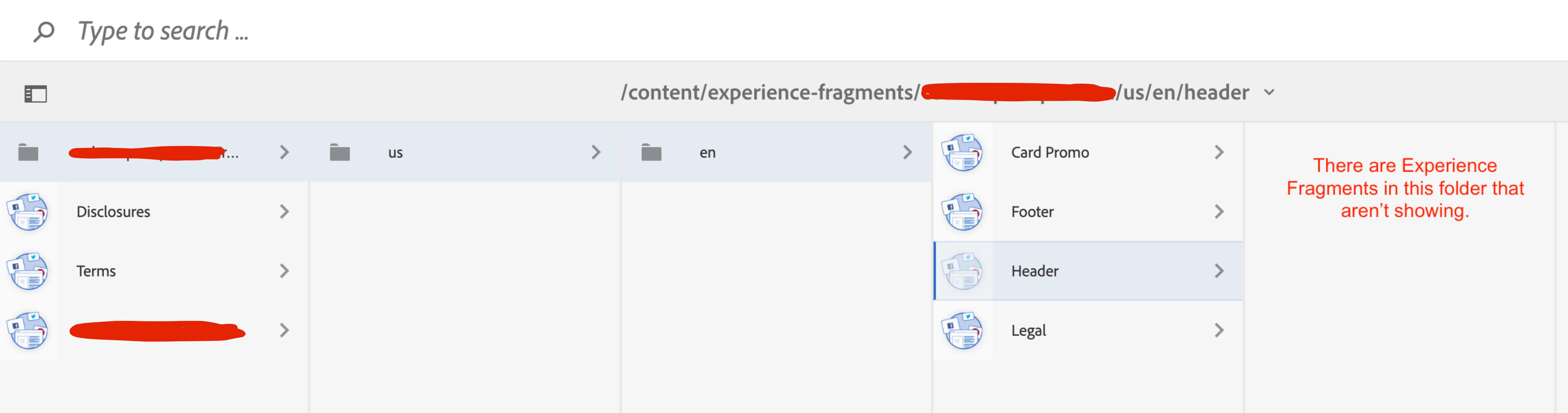
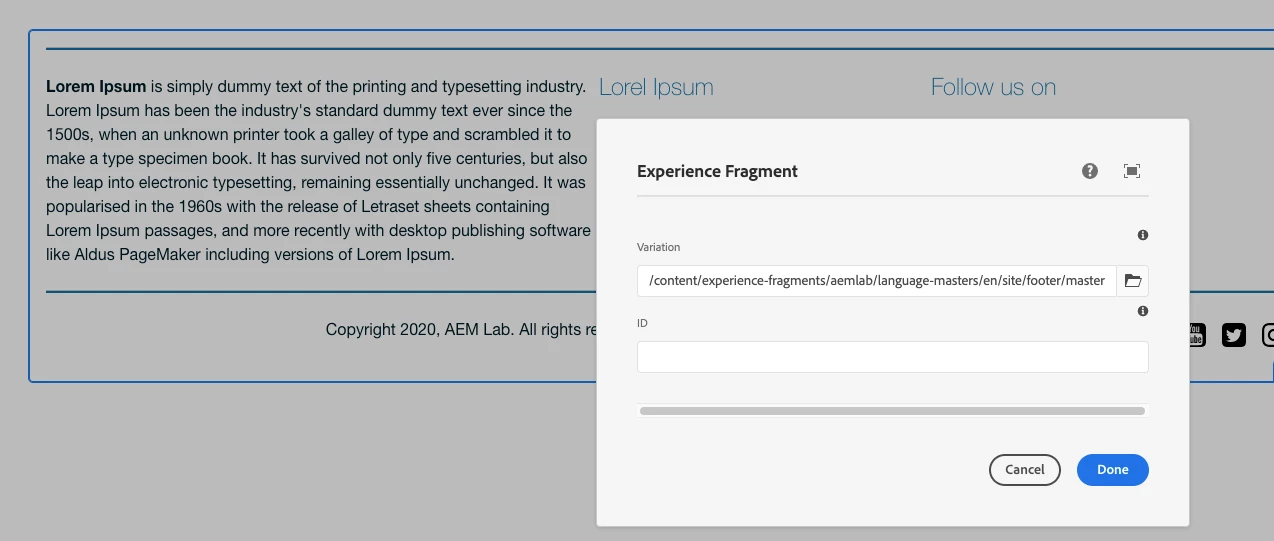
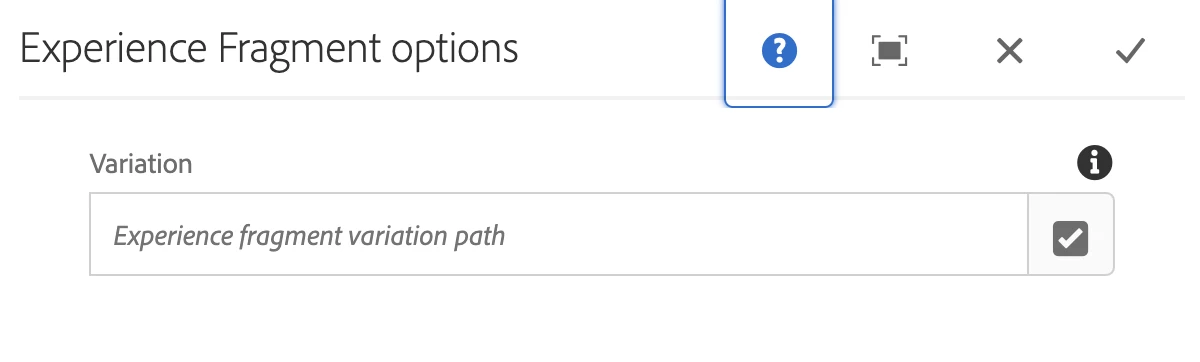
When setting an Experience Fragment from within the Experience Fragment component, the browse file popup for the Validation field doesn’t display the actual Experience Fragments….only the folders


This post is no longer active and is closed to new replies. Need help? Start a new post to ask your question.
Best answer by arunpatidar

Hi,


I tired with core XF, I can't see this error, can you try in vanilla instance


3 replies

Sachin_Arora_
Community Advisor
Community Advisor
August 25, 2022

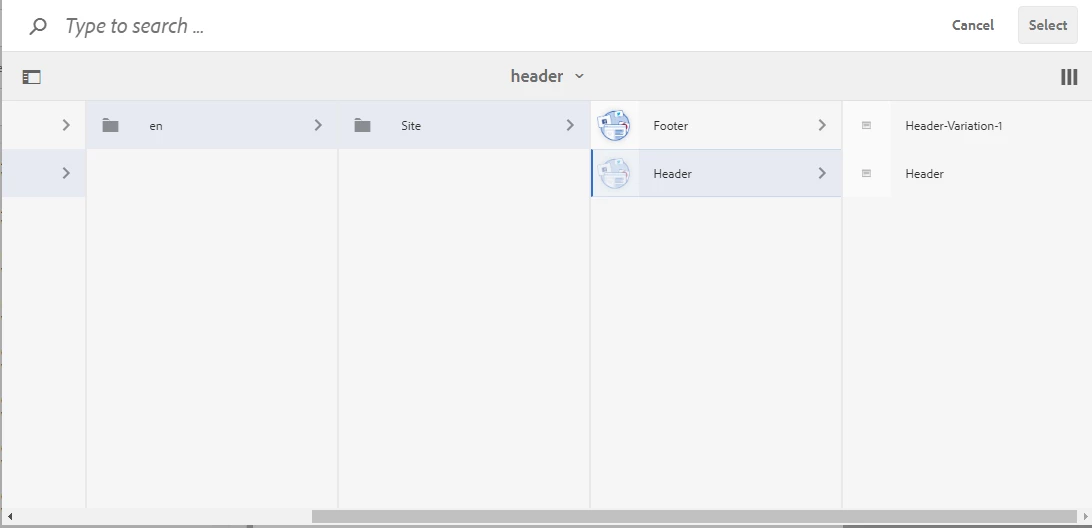
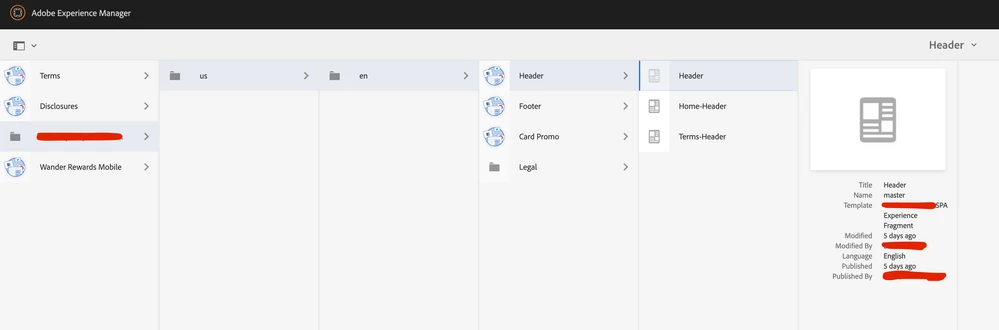
In experience fragment component, when you search for fragment, it allows to add the variation of the experience fragment. I can see in above images, Fragments are available to be selected. Where exactly you are not able to select them?

You can refer below screenshot. Right most are the variation of Header Experience Fragment.


JuanEc2Author
Level 3
August 25, 2022

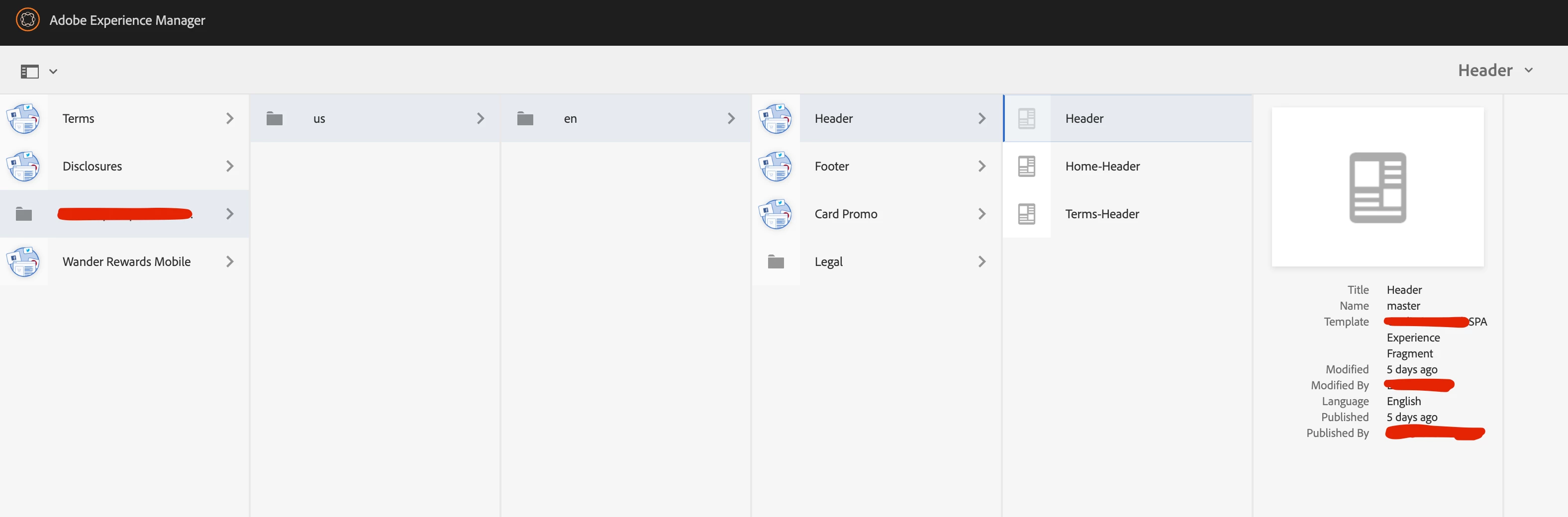
This picture is the experience fragments we have created, however they do not show up when using the experience fragment variation browser path.


ManviSharma
Adobe Employee
Adobe Employee
August 25, 2022

Hi,


It works perfectly fine.


Did you check the resource resolution and if all the XF configurations are in place?


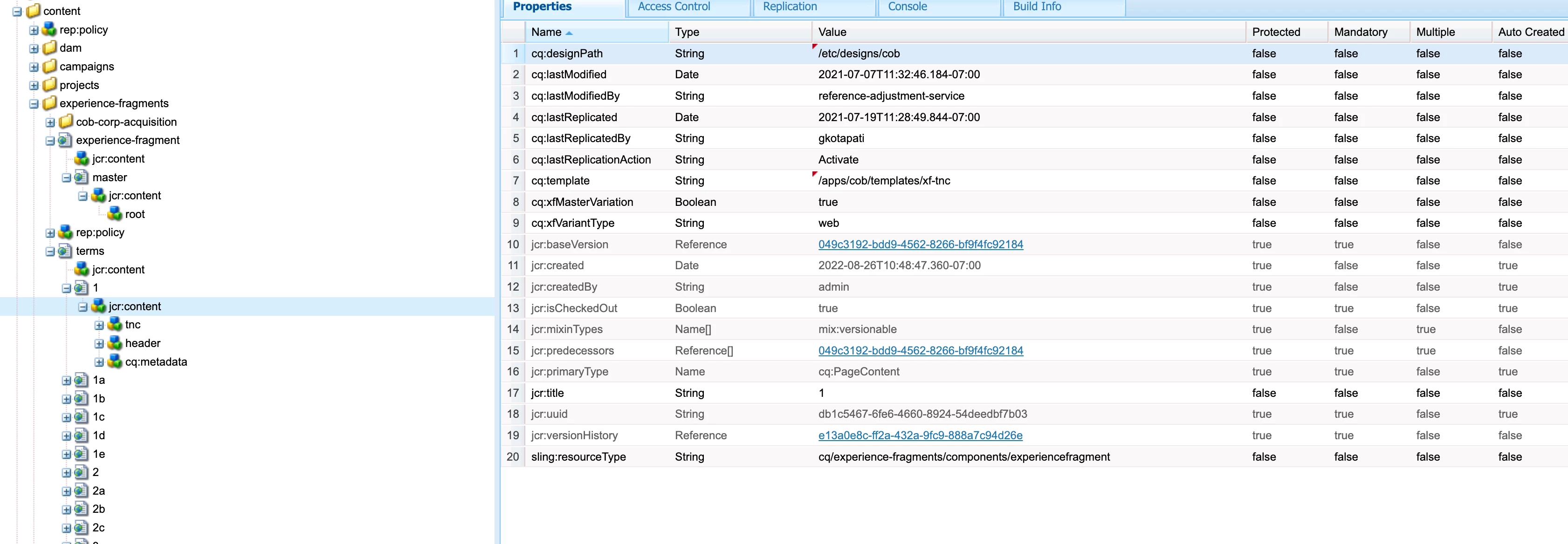
Ensure cq:template and sling:resourceType are pointing to appropriate paths and the path exists.


Navigate to the template and check if the page component sling:resourceType is pointing to correct path.


Also please check if the XF is editable, If yes, then it will be an issue with the components that are authored on the XFs. Please check the components as well.


At last, try installing the latest core components, this might resolves the issue.


JuanEc2Author
Level 3
August 25, 2022

Thank you for the reply, can you explain how to do the following: 


  • check the resource resolution and if all the XF configurations are in place
  • check if the XF is editable
JuanEc2Author
Level 3
August 26, 2022

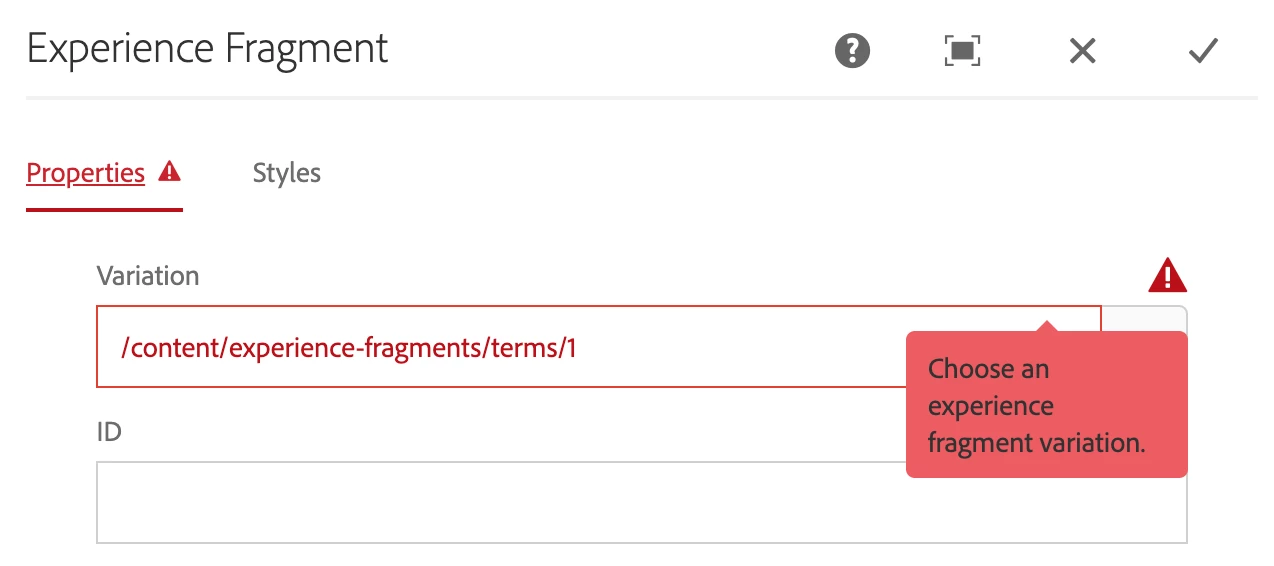
Hi thank you for replying, I have attempted using the core components, they now appear within the variation browser but am getting an error. Could it be an issue with the one of the following:

  • cq:template
  • cq:xfMasterVariation
  • cq:xfVariantType
  • sling:resourceType


error


arunpatidar
Community Advisor
arunpatidarCommunity AdvisorAccepted solution
Community Advisor
August 28, 2022

Hi,


I tired with core XF, I can't see this error, can you try in vanilla instance


Arun Patidar