Not seeing the option of inheritance of the page properties | Adobe Higher Education
Skip to main content
Level 6
January 12, 2023
Répondu

Not seeing the option of inheritance of the page properties

I have updated my pages through groovy and added property-values to get it in sync with the live copy. When I open a live copy page and open its page properties, I can see the connection with its language master. But I am not seeing the option of inheritance of the page properties. Refer image below:
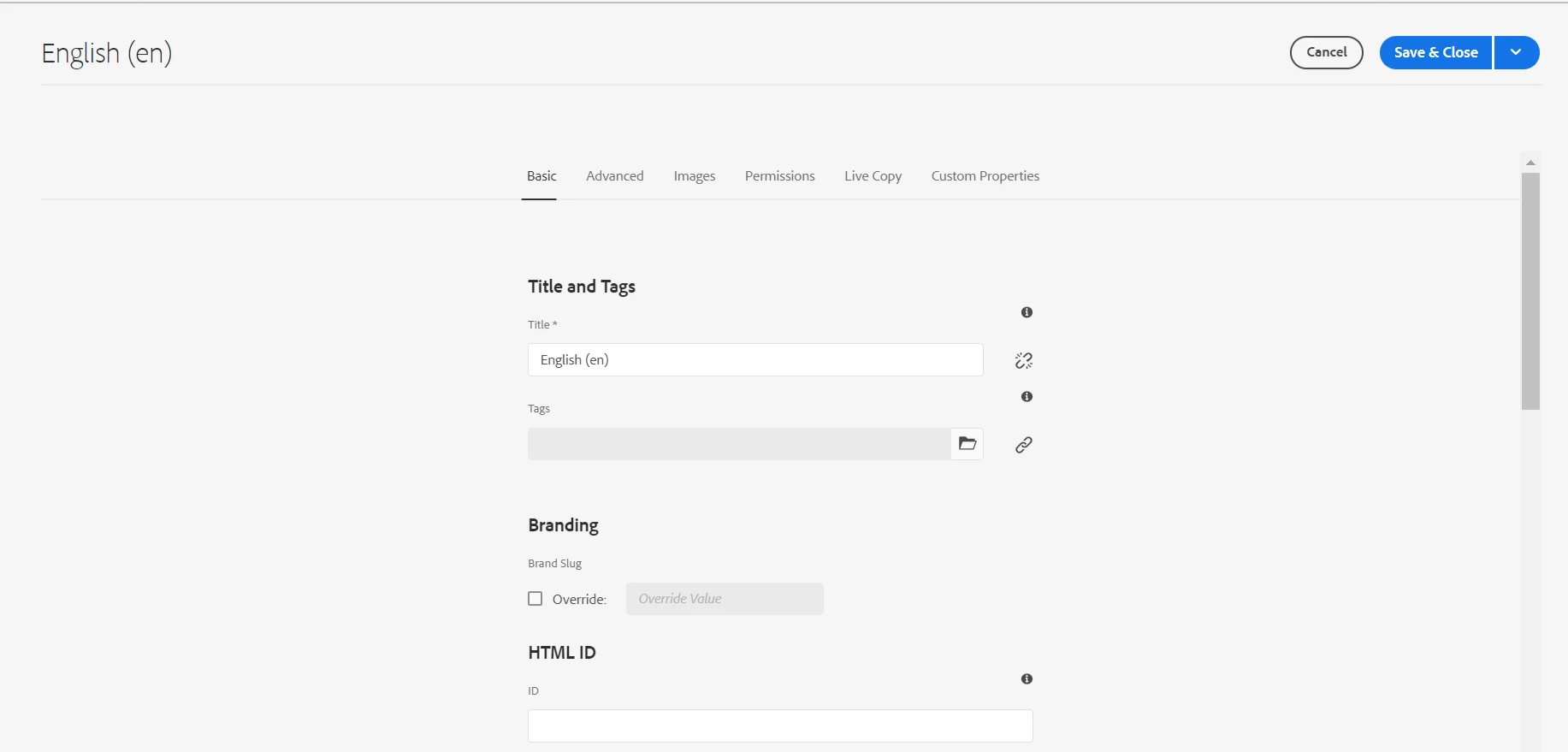
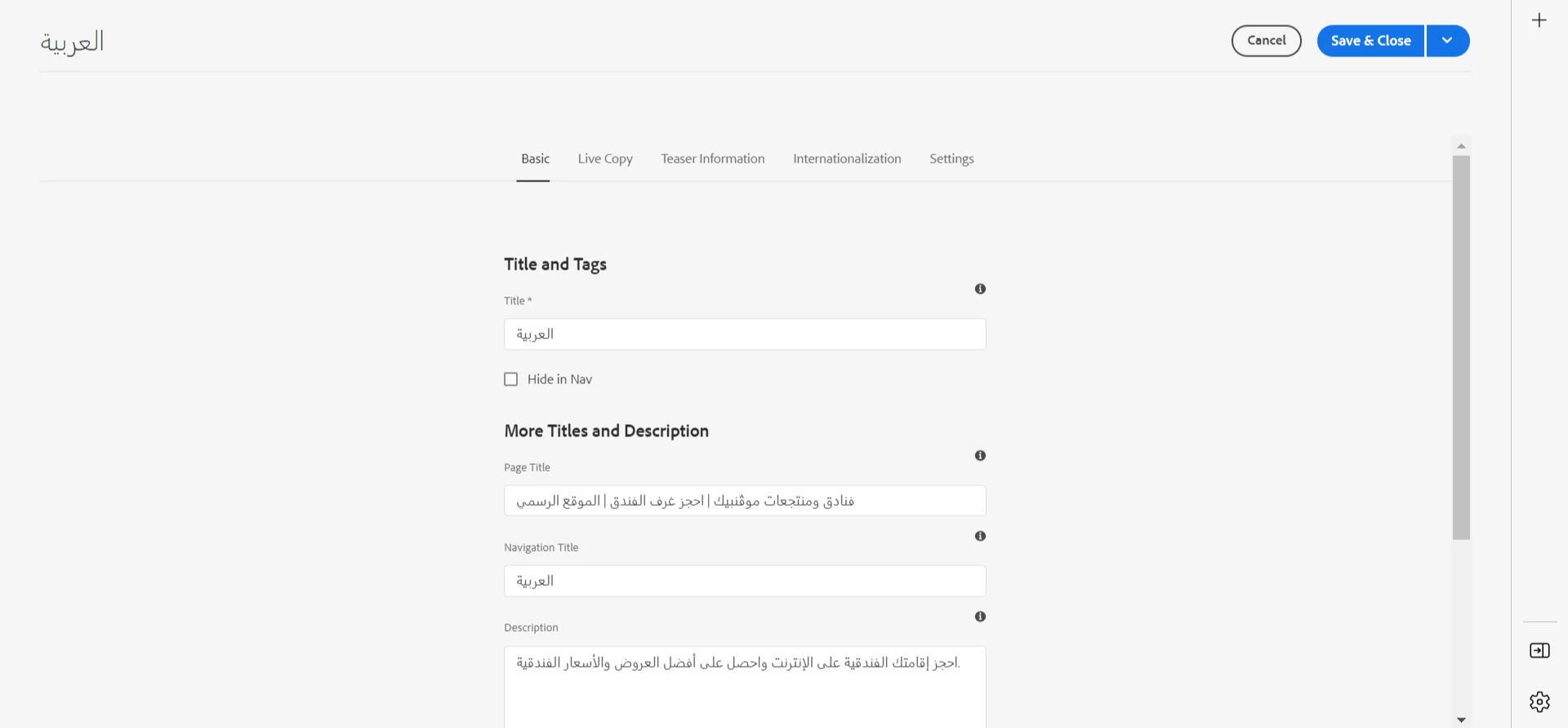


What am I missing out?

Ce sujet a été fermé aux réponses.
Meilleure réponse par Shaheena_Sheikh

A few things that were important:


we need to have cq-msm-lockable in all fields under page properties. This is always present for OOTB fields but should be added for the custom fields.

If you are over-riding the existing tabs of the page properties, then make sure not the add the ootb fields again, that will cause the lockable behaviour to be lost.

2 commentaires

Anmol_Bhardwaj
Community Advisor
Community Advisor
January 12, 2023

The option to inherit page properties may be hidden or disabled by default.

To enable inheritance for page properties, you will need to navigate to the page properties dialog for the page in question and select the "Advanced" tab.

Within the advanced tab, you should see an option to "Inherit From Parent" which you can enable.

This will allow the page to inherit properties from its parent page.

Note: 

The parent page needs to have the properties set and the child page should not have any local value set for the same properties.


Also,you may want to check the configuration of the live copy and ensure that the "Inherit properties" option is selected.

Additionally, you can check the logs for any error messages that may provide more information on the cause of the issue.

If you find something relevant in the logs and cannot figure it out, you can share the same here for others to have a go at the root cause.

Level 6
January 13, 2023

Inherit From Parent is already enabled

Shaheena_SheikhAuteurRéponse
Level 6
January 13, 2023

A few things that were important:


we need to have cq-msm-lockable in all fields under page properties. This is always present for OOTB fields but should be added for the custom fields.

If you are over-riding the existing tabs of the page properties, then make sure not the add the ootb fields again, that will cause the lockable behaviour to be lost.