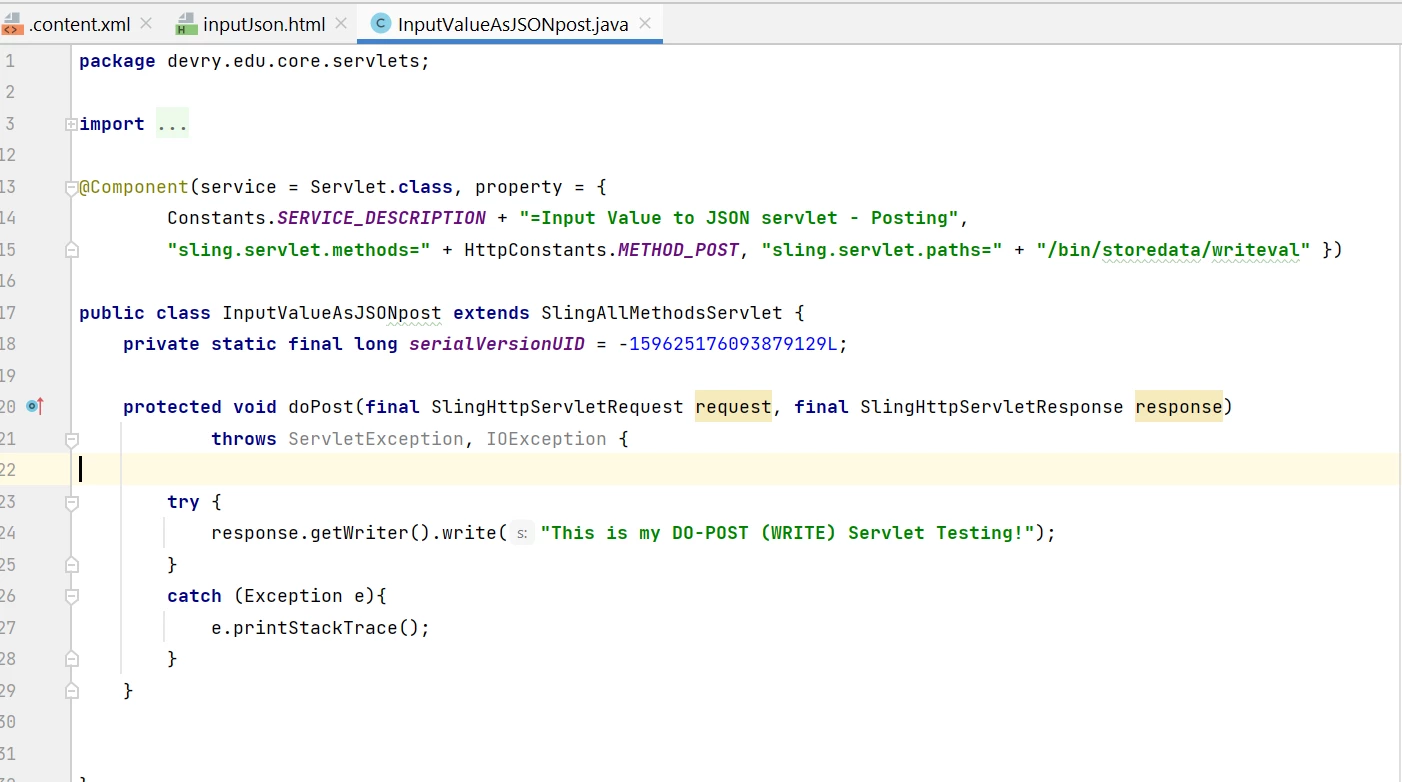
@arunpatidar In addition to the above I have a scenario: I have two input fields and a submit button in the HTML and now have to take the input(s) from there on clicking the Submit button and have to POST it on the servlet with will return it as a JSON response. So, for that I have written an HTML, AJAX call so what would be the next step. Please help!
HTML code below for reference:
  <label for="fname">First name:</label>
  <input type="text" id="fname" name="firstname" ><br><br>
  <label for="lname">Last name:</label>
  <input type="text" id="lname" name="lastname" ><br><br>
  <button type="button" id="submit-btn">Submit</button>
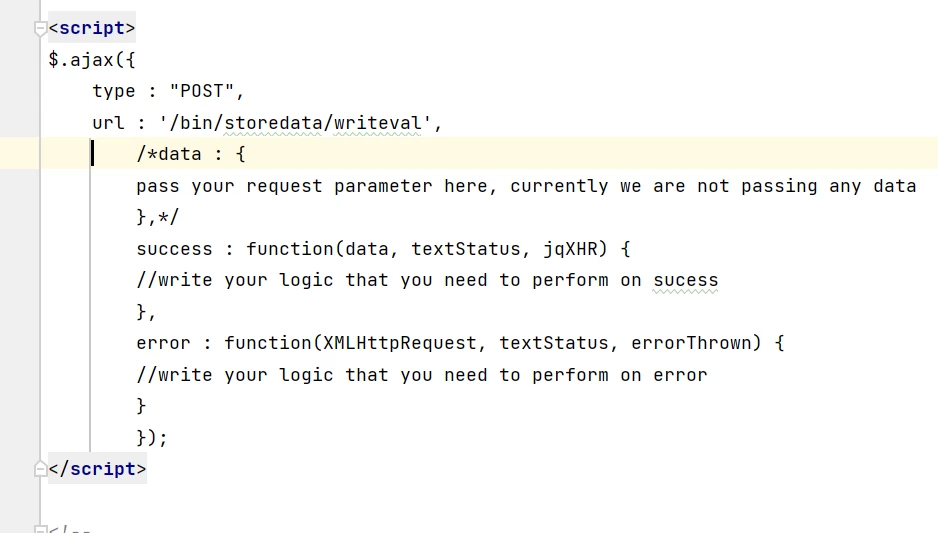
AJAX call script for reference:
<script>
$(document).ready(function() {
    var $fname = $("#fname");
    var $lname = $("#lname");
    $("#submit-btn").on('click', function(){
        var nameInfo = {
        firstname: $fname.val(),
        lastname: $lname.val(),
    };
    console.log(nameInfo);

    $.ajax({
        type : "POST",
        url : '/bin/storedata/writeval',
        data : nameInfo,
        success : function(item) {
          console.log("FNAME: " + item.firstname + ", LNAME: " + item.lastname);
        },
        error : function(item) {
           console.log("FNAME: " + item.firstname + ", LNAME: " + item.lastname);
           console.log("Entered the Error function");
        }
    });
    });
});
</script>
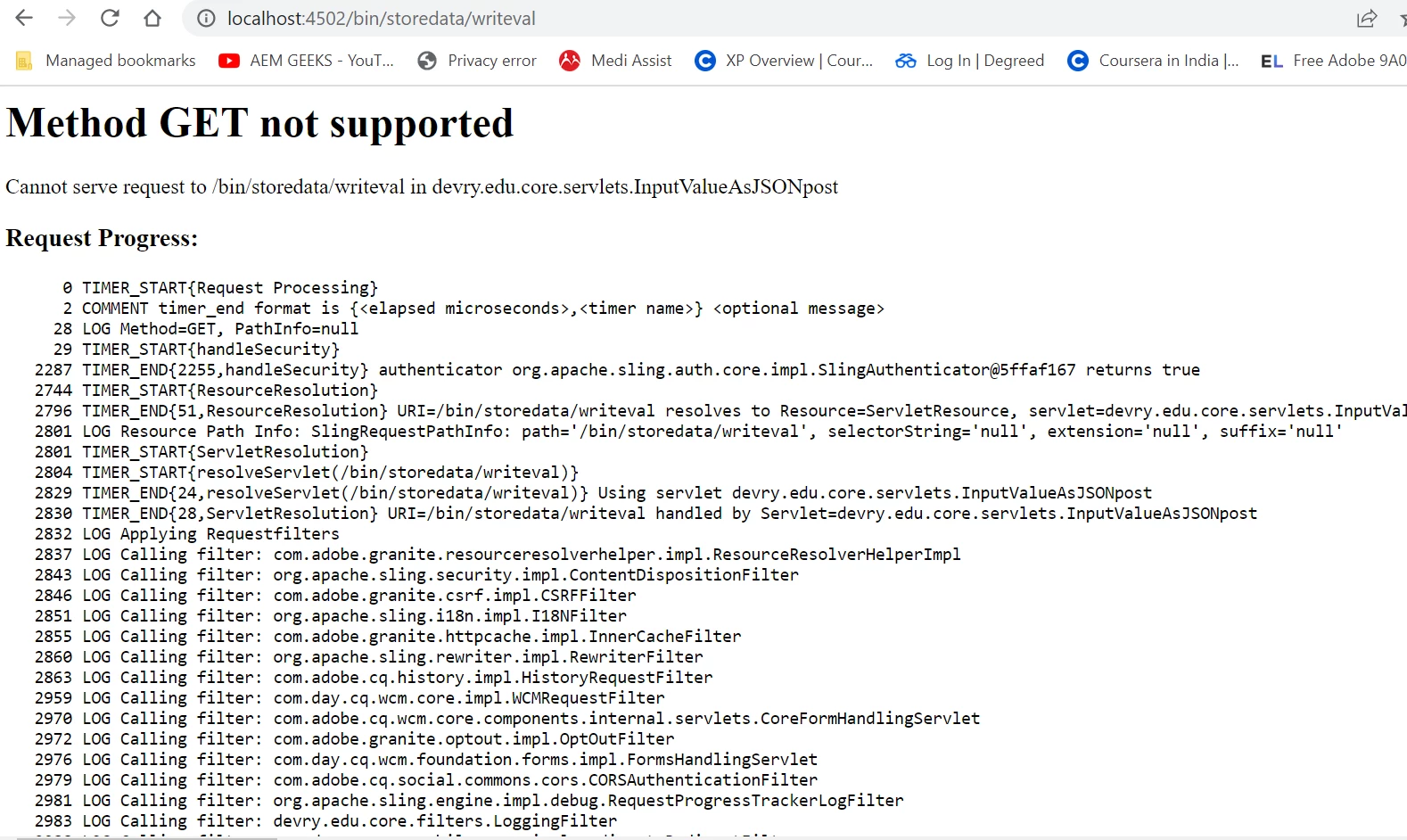
Also, the AJAX call is going in error function plus "item.firstname" and "item.lastname" is returning "undefined".