Nested components page performance | Community
Skip to main content
September 19, 2022

Nested components page performance

  • September 19, 2022
  • 3 replies
  • 2206 views

Hi all, we have some complex pages using nested component.

Like:

container tabs container tabs container accordion container text teaser text teaser container text .....

Maybe more levels to meet our design, these nested components make our page loading slowly.

Anyone has the same issue? or any suggestions? we are using AEM 6.5

This post is no longer active and is closed to new replies. Need help? Start a new post to ask your question.

3 replies

Shashi_Mulugu
Community Advisor
Community Advisor
September 19, 2022

hi @bjhuchen , Thanks for reaching out AEM Communities.. Page load time depends on various factors, yes ofcourse it depends on the Size of overall HTML document, but it true depends on your UX design and type of components you have used to achieve it along with the Front end framework you have used.


if you have take care of all other website performance metrics and only HTML size is the only concern for you, then you should think of your component design to build better composite components instead of nested components, but i bet this should be very minor when compared to other factors of concerns for a Website Page load time.
https://developer.chrome.com/blog/lighthouse-load-performance/

https://web.dev/fast/


bjhuchenAuthor
September 20, 2022

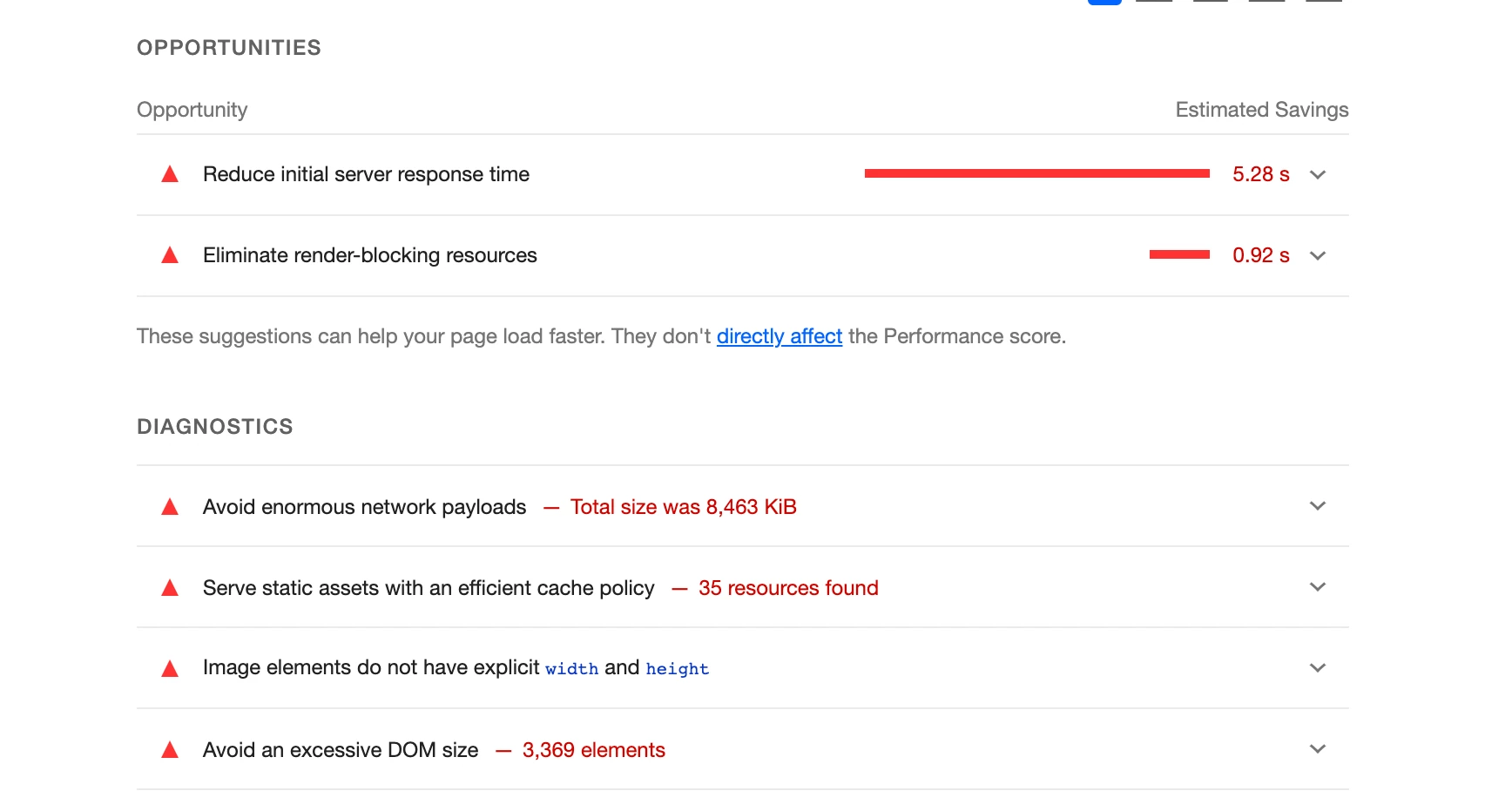
@shashi_mulugu this is a lighthouse report for our complex page, we also have some simple page which contains about 1000 DOM elements loading in 2s.

So does AEM has something like batch loading for the page?


Anmol_Bhardwaj
Community Advisor
Community Advisor
September 19, 2022

Hi @bjhuchen ,


Performance measures how quickly the pages of a website load and display in the web browser.

Now, this can be dependent on 2 factors:

1. Back-end response time is slow

2. FE response time related

The first thing which I would suggest is to find the root cause of this, it could be either one of these of both.

FE performance monitoring:

  • Open your webpage on a browser
  • Open browser console
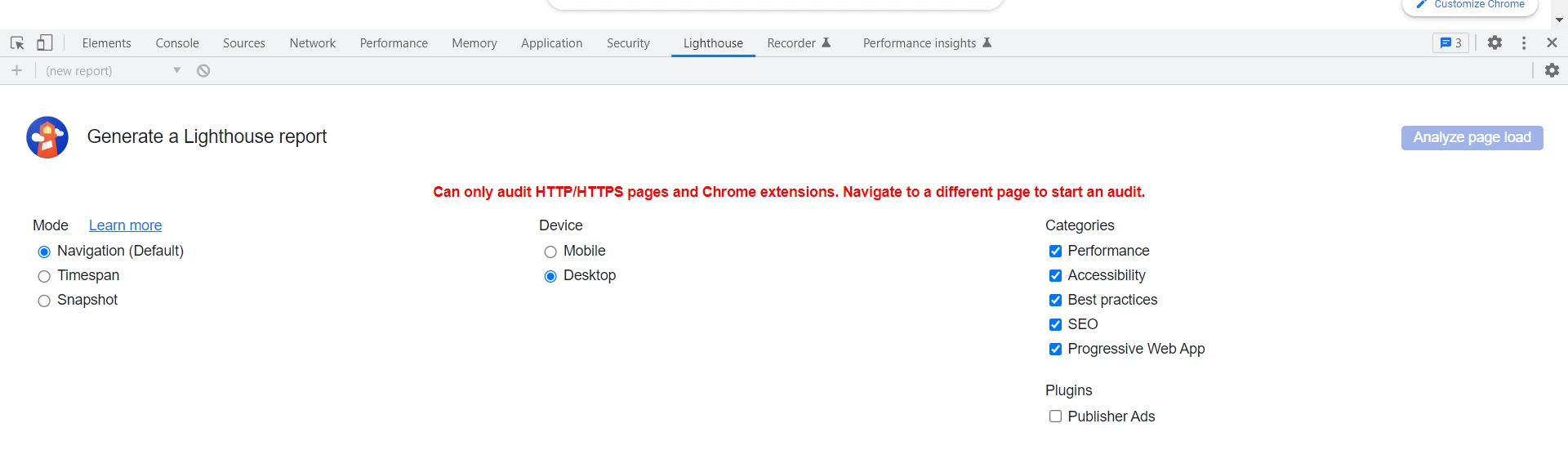
  • Run lighthouse tool which is inbuilt in google chrome

I would suggest for this activity, just keep "Performace" checked in the categories.


Back-end:

  • Go to <server>/system/console/profiler.
  • Start Monitoring
  • Open the webpage which you feel is slow. ( For better results, try to open the same webpage in multiple tabs [ 10-15 ] )
  • Now, stop monitoring
  • Look at the profiler results.

Understanding profiler results and using profiler :

https://experienceleague.adobe.com/docs/experience-cloud-kcs/kbarticles/KA-17499.html?lang=en 

arunpatidar
Community Advisor
Community Advisor
September 19, 2022

Hi,

you should not use many nested element, it has performance issue.

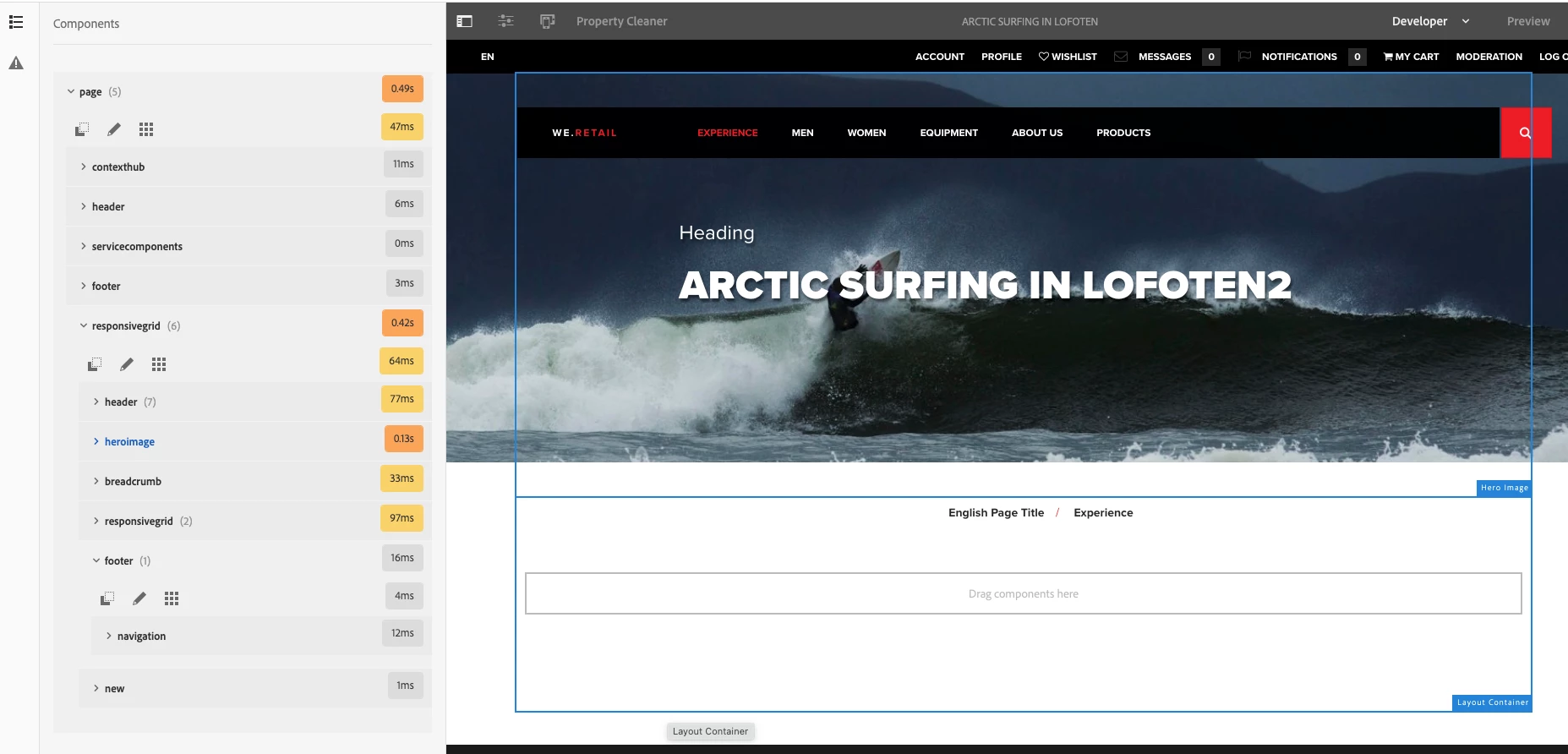
You can check it from Developer mode.


Arun Patidar
bjhuchenAuthor
September 20, 2022
@arunpatidar  yes, we have checked Developer mode, found the component in deeper levels cost more time,
so the only solution is we should reduce nested components?