
Need Tab navigation functionality based on dropdown selection
Hi all,
I'm using AEM 6.4, in my component having 3 tabs "Document Source" and "Title" tabs are static another one tab(Filter tab and Document List) Should show based on the dropdown selection in Document Source tab. For Showing the tab based on dropdown selection i used some JS to display based on the selection values.
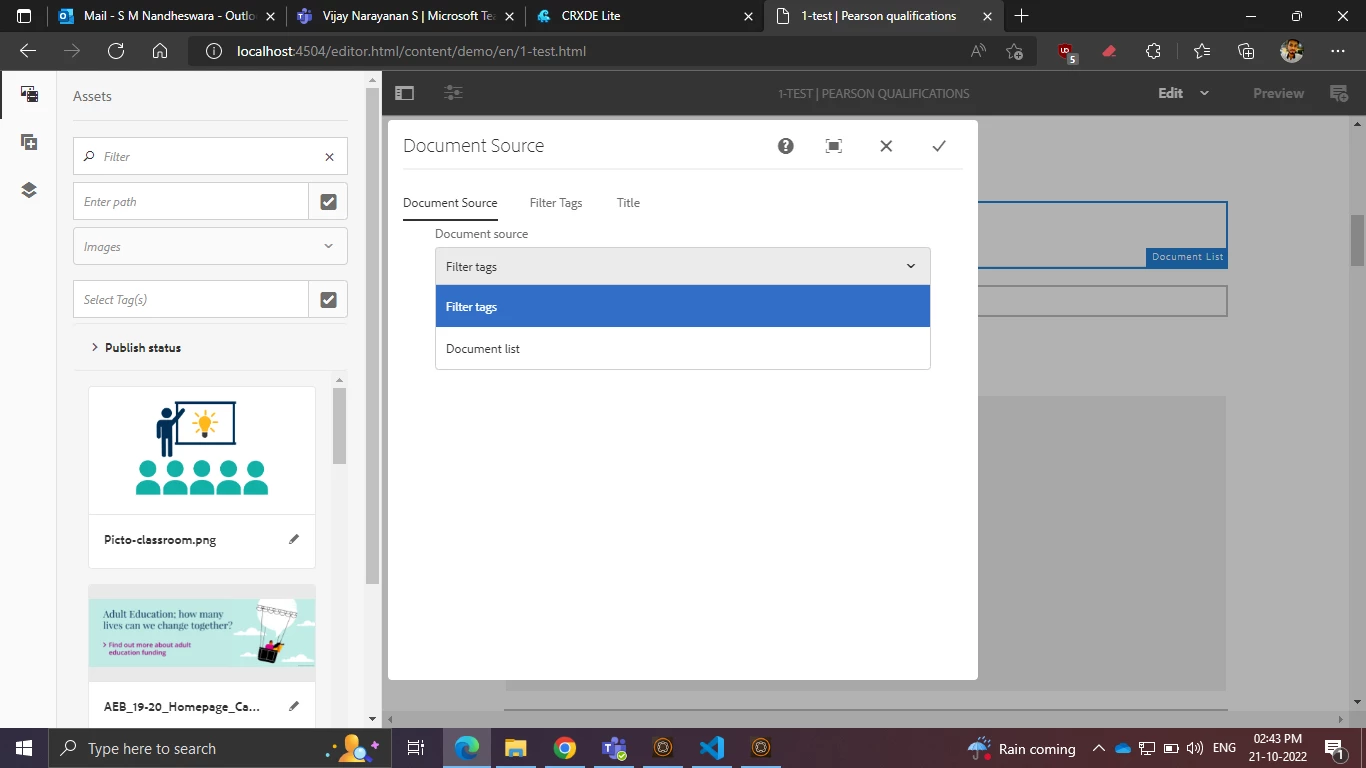
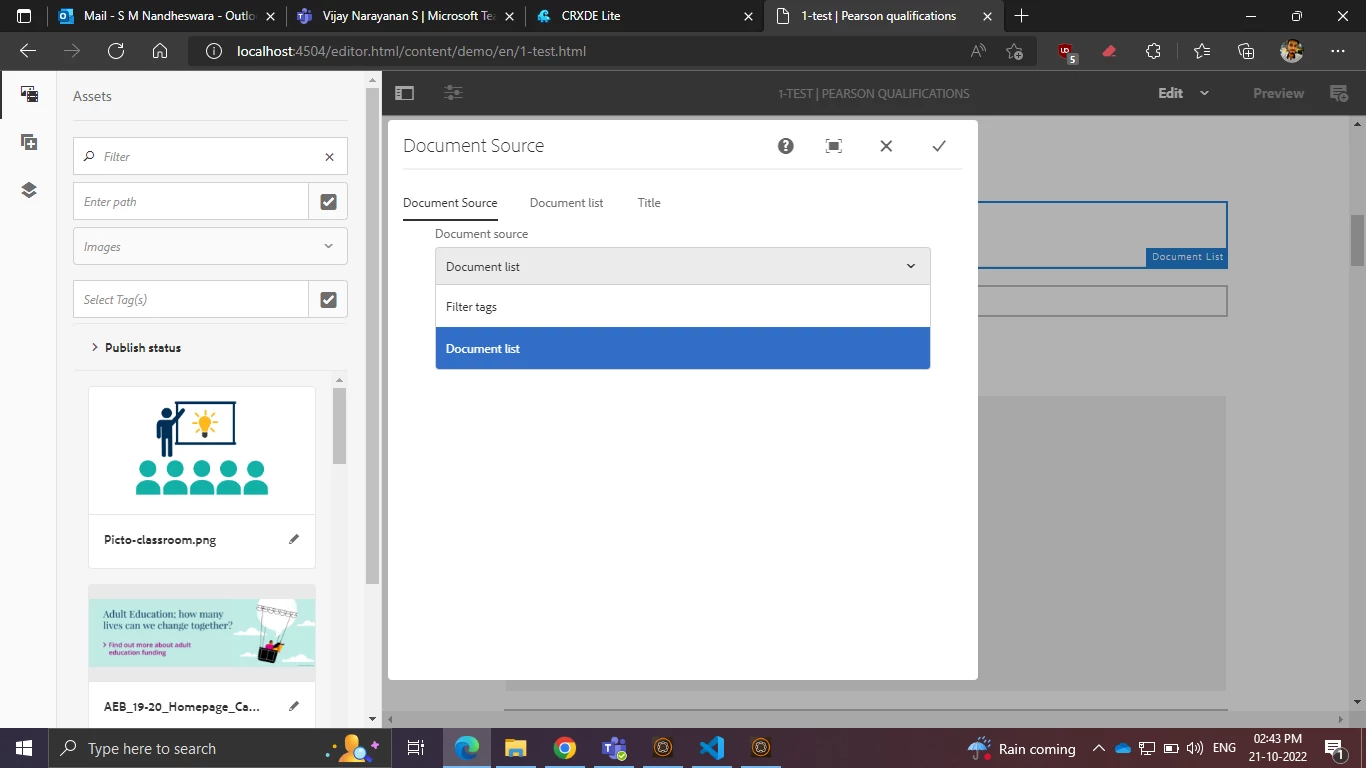
Issue
I want the functionality, once the tab is selected i want to go that selected tab like below screenshot.
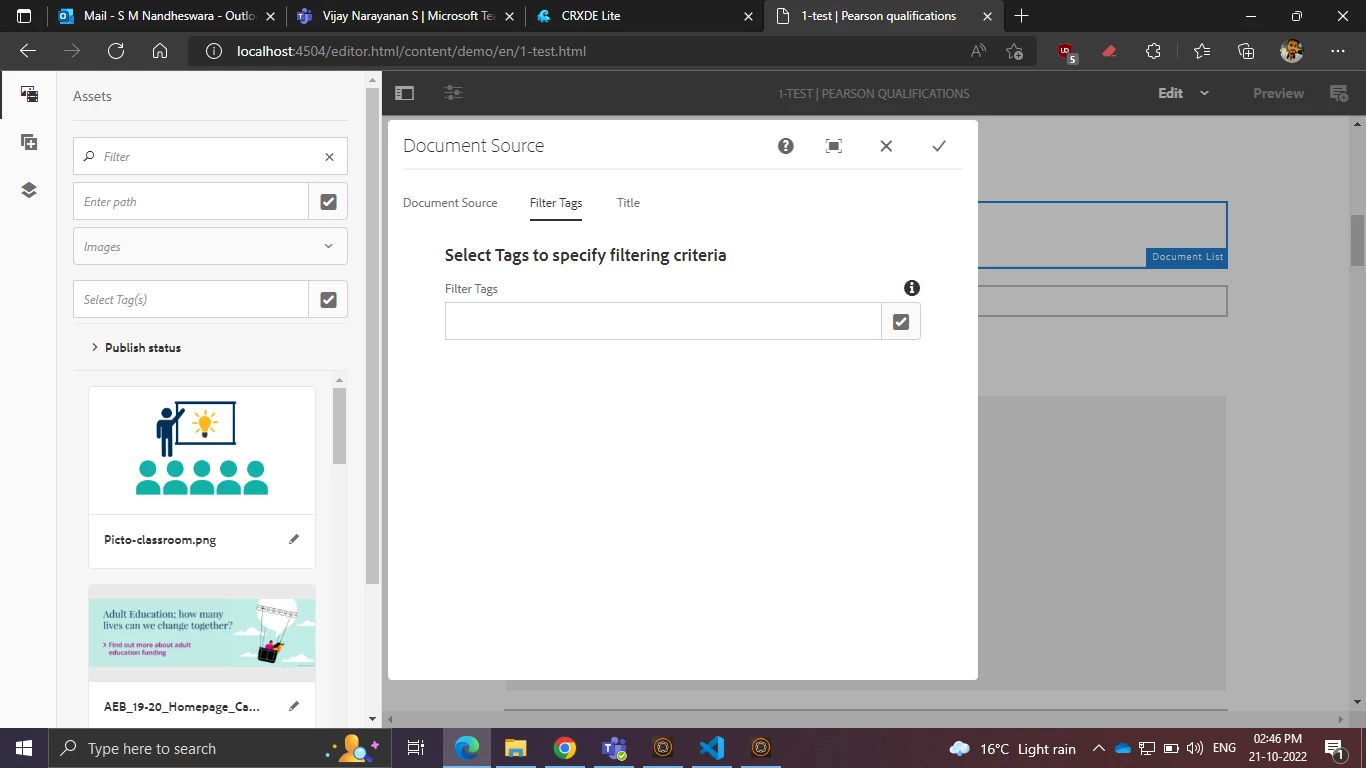
Give me some suggestion to achieve that tab navigation functionality based on dropdown selection.
This is the JS used in my component
/*globals Granite,Coral*/
(function ($, document) {
'use strict';
//used in the dialogs
$(document).on('dialog-ready', function () {
init()
});
var visibaleTabIds = [];
function toggleTabs(allDepPanelIds, negate) {
return function (tab) {
var panelStack = tab.parentElement.parentElement;
var tabId = panelStack.id;
visibaleTabIds.push(tabId);
var tabsList = document.querySelector('coral-dialog-content coral-tablist');
tabsList.items.getAll().forEach(function (tabItem) {
var ariaControls = tabItem.getAttribute('aria-controls');
if (allDepPanelIds.indexOf(ariaControls) !== -1) {
if (negate) {
tabItem.hidden = !ariaControls !== tabId;
} else {
if (ariaControls !== tabId) {
tabItem.hidden = !visibaleTabIds.includes(ariaControls)
} else {
tabItem.hidden = false;
}
}
}
});
};
}
function showHideTabListItems(initial) {
var allDependentTabsNodeList = document.querySelectorAll('[data-dep-value]');
var allDependentTabs = [].slice.call(allDependentTabsNodeList);
var allDepPanelIds = allDependentTabs.map(function (tab) {
var panelStack = tab.parentElement.parentElement;
return panelStack.id;
});
var tabsToShow = allDependentTabs.filter(function (el) {
var array = el.dataset.depValue.split(',');
if (array.length) {
return array.includes(initial);
} else {
return el.dataset.depValue === initial;
}
});
if (tabsToShow.length) {
tabsToShow.forEach(toggleTabs(allDepPanelIds, false));
} else {
allDependentTabs.forEach(toggleTabs(allDepPanelIds, true))
}
visibaleTabIds = [];
}
function setUpShowHide(selector) {
Coral.commons.ready(selector, function () {
selector.on('change', function (e) {
showHideTabListItems(e.target.value);
});
var initial = selector.value;
showHideTabListItems(initial);
})
}
function init() {
Coral.commons.ready(document, function () {
var selectors = document.querySelectorAll('.tabs_show-hide');
if (selectors.length !== 0) {
selectors.forEach(setUpShowHide)
}
})
}
}
)(Granite.$, document);