My component doesn't view when publish my page AEM | Community
Skip to main content
Ott0gi
Level 2
February 15, 2019
Solved

My component doesn't view when publish my page AEM

  • February 15, 2019
  • 23 replies
  • 14593 views

Hi, I don't speak english very well, I have a simple component:
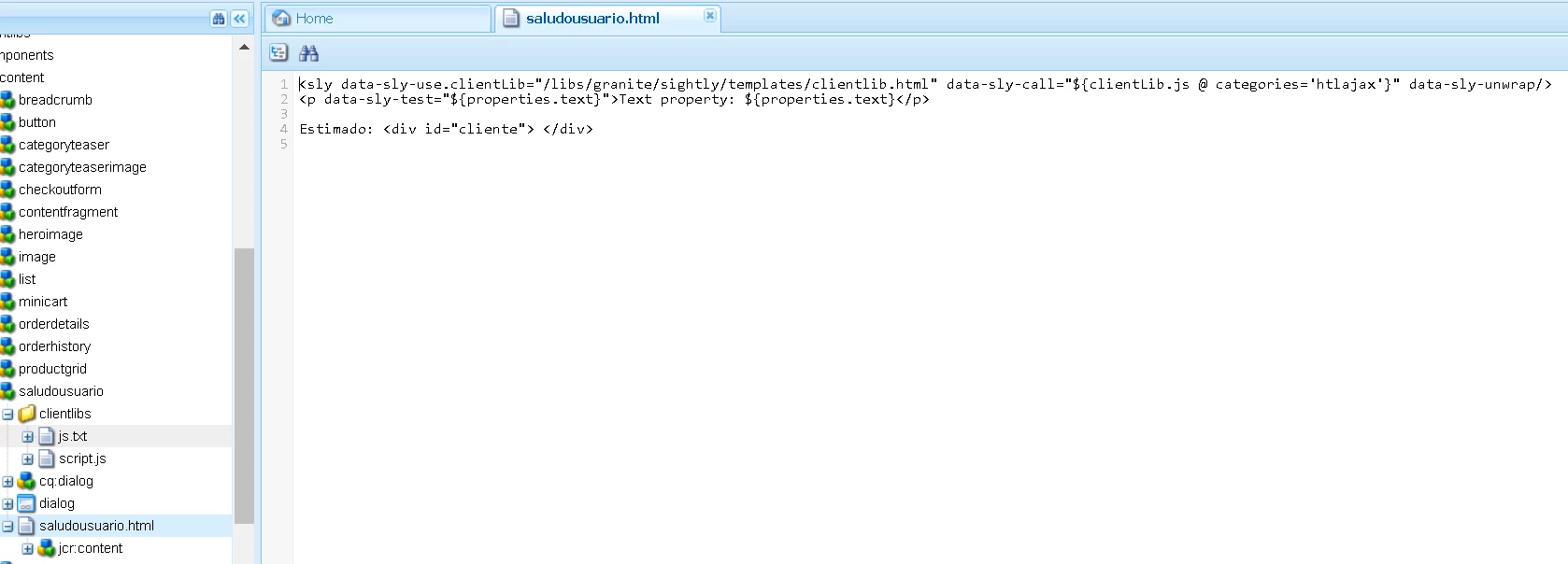
This component write name of client than give for a parameter on the URL, thus:
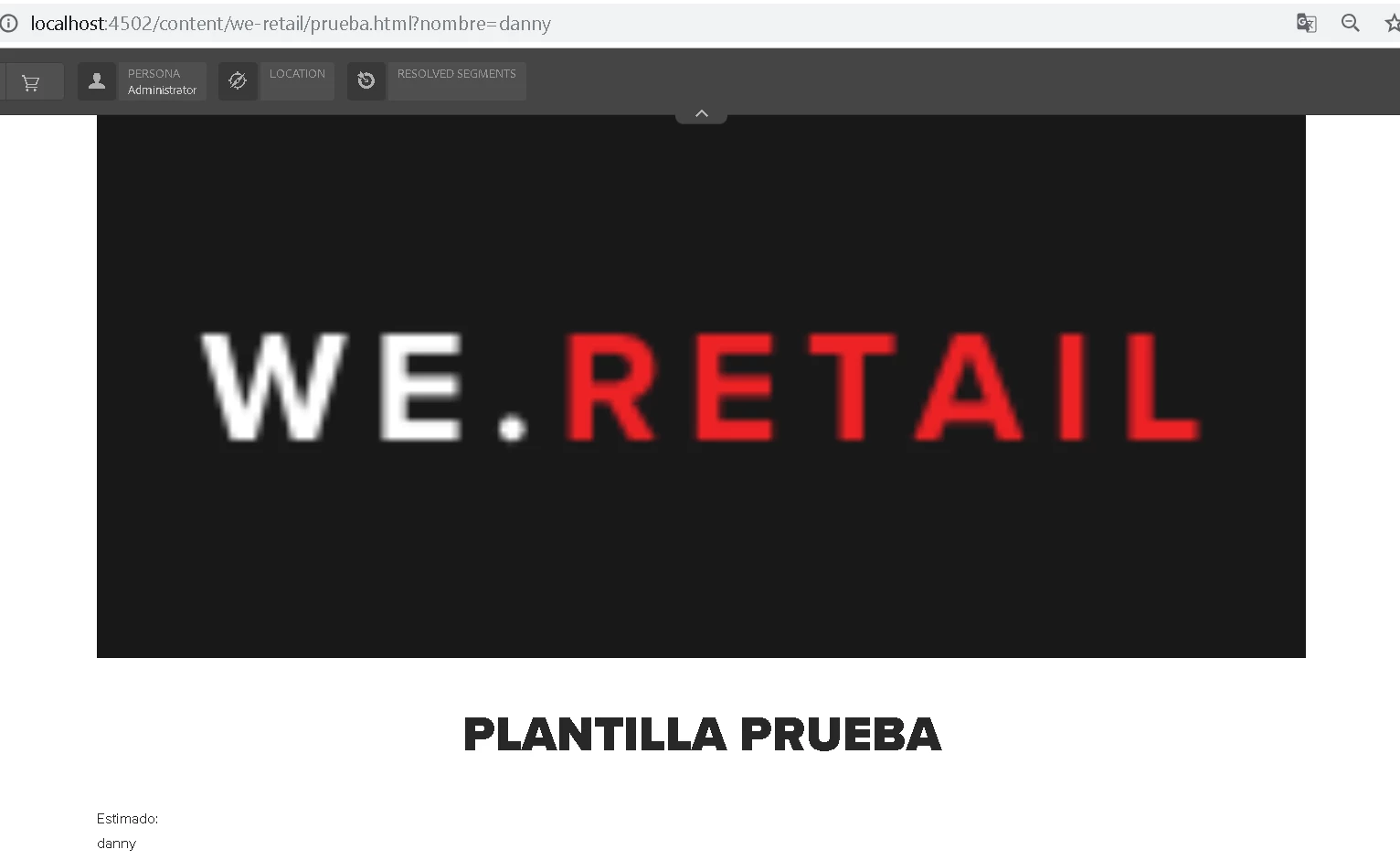
If I changed the value of parameter, change value in my div, it's OK, but when publish this page doesn't view my component:
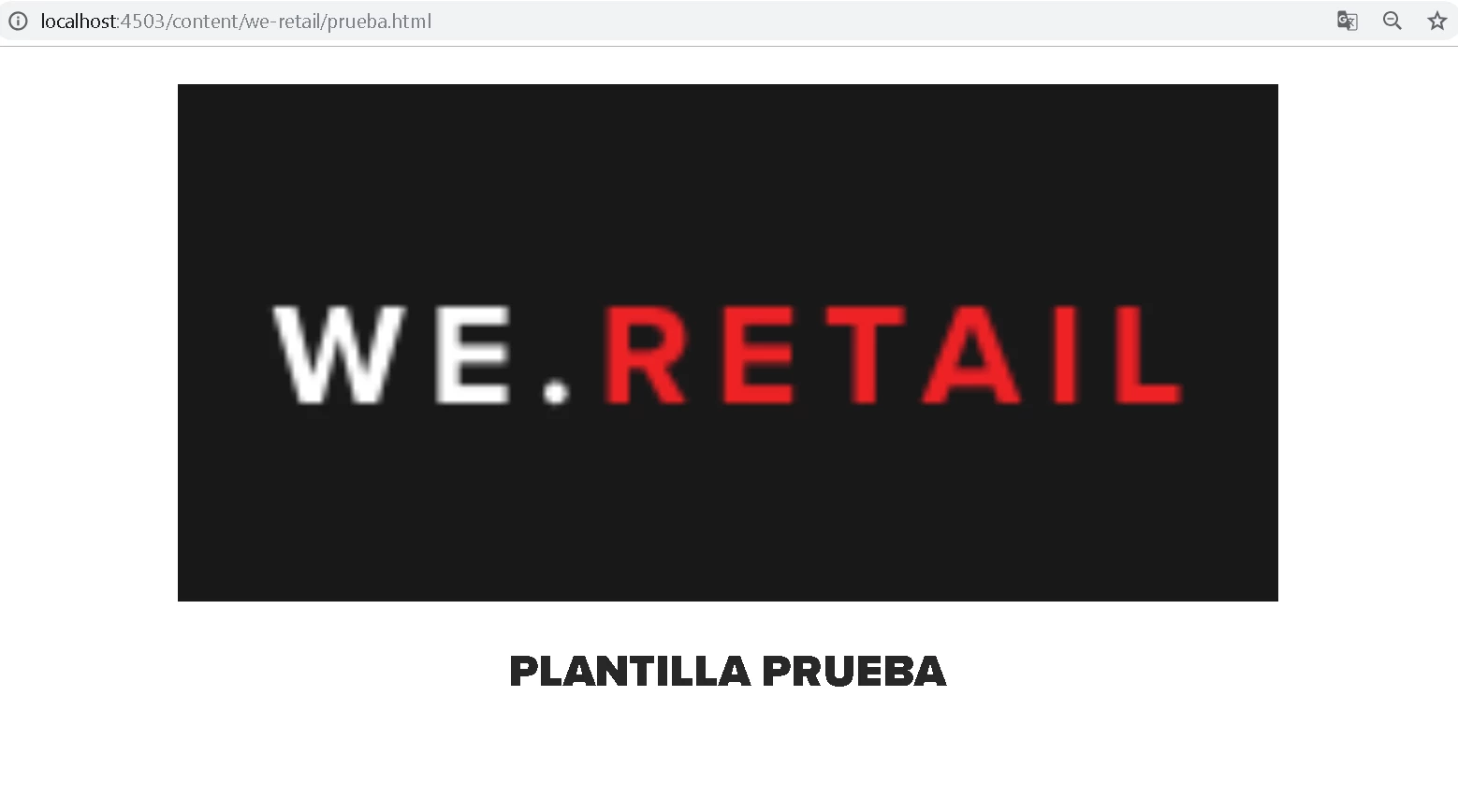
What is happened? Any idea about this?

This post is no longer active and is closed to new replies. Need help? Start a new post to ask your question.
Best answer by Ott0gi

Hi everybody,

Thaks for your answers and your support. Finally,  I got it to work, I am new to the platform and I learned several things based on their comments, the problem of the script that I was not executing was because I needed to add the allowProxy property to true for my clientlibs folder. Well, I hope you continue to support me in the future that I have to see on the platform, special thanks to smacdonald2008 and gauravb10066713.

I see you soon. Greetings

23 replies

Gaurav-Behl
Level 10
February 18, 2019

Can you debug and see if your js file is getting loaded on the page?

Login to publish server and test if it works?

smacdonald2008
Level 10
February 19, 2019

There still seems to be missing files. Please check in CRXDE lite on publisher that all of your component files are there.

smacdonald2008
Level 10
February 19, 2019

Also - try testing an HTL component by following this article. Put this onto Author then see if you can get it to work on PUB. Once you get this working on PUB - we will know your PUB system is not the issue.

Creating an Adobe Experience Manager 6.4 HTL component that uses the WCMUsePojo API

arunpatidar
Community Advisor
Community Advisor
February 19, 2019

Hi,

The issue is with your js. Either JS file is not loaded or the old version of js file is cached either in AEM or browser.

Could you please check your ClientLibs and consolidated js (at /var/clientlibs)files on AEM Publish instance.

Arun Patidar
Ott0gi
Ott0giAuthor
Level 2
February 19, 2019

HI Aarun, Yeah my problem is JS Since it does not recognize the logic of the script that I have, but something strange has just happened to me, it worked on google chrome but in the other browsers it still has the same error, even in the incognito mode of google chrome:

Chrome(Normal), IT'S WORKED:

Chrome(incognito mode), IT DOESN'T WORKED:

Similar error on other browser(IE, firefox). Now, In my publish instance I see the tree where you indicate me but I do not have any file related to this:

What is the problem with my JS and how do I place my JS on the tree? Help me please.

Gaurav-Behl
Level 10
February 19, 2019

Why does you custom js show up with /apps/WeRimac/..... path? How did you include it in the component/template? Did you use 'allowProxy=true' to get it rendered as '/etc.clientlibs' and not as /apps?

Probably you're not logged-in on publish server via Incognito mode and 'anonymous' user doesn't have access to '/apps' hence your js doesn't get picked up. You must see this error in console and error.log file

You may follow we-retail to understand how clientlibs are invoked and added to the page template.

Ott0gi
Ott0giAuthor
Level 2
February 19, 2019

Why does you custom js show up with /apps/WeRimac/..... path?

I saw that the components were created all the data that was created with their respective logic.

How did you include it in the component/template?

No, where is that path? Only, I have my component in my template.

Did you use 'allowProxy=true' to get it rendered as '/etc.clientlibs' and not as /apps?

No, Where do I put this? Above on this topic I put the properties that my cq: ClientLibraryFolder. I wait your answer thank you

smacdonald2008
Level 10
February 19, 2019

Can you package up all of your code under /apps, /content, /etc. Place the package in Google Drive so the community can download and look at it. At this point, we need to look at it to see what is going on.

Prince_Shivhare
Community Advisor
Community Advisor
February 20, 2019

As Scott Said, Could you please package all the content and code and upload it on drive so that we can look it. Also Can you please check the error.log in your publish instance. what error you are getting here.

Ott0gi
Ott0giAuthor
Level 2
February 20, 2019

Ok partners, my packages(apps,content) is share th next URL:

AEM WeRimac - Google Drive

I wait his help. Thanks