My aem components are not getting deleted. | Community
Skip to main content
Level 2
January 7, 2022
Solved

My aem components are not getting deleted.
  • January 7, 2022
  • 2 replies
  • 2868 views

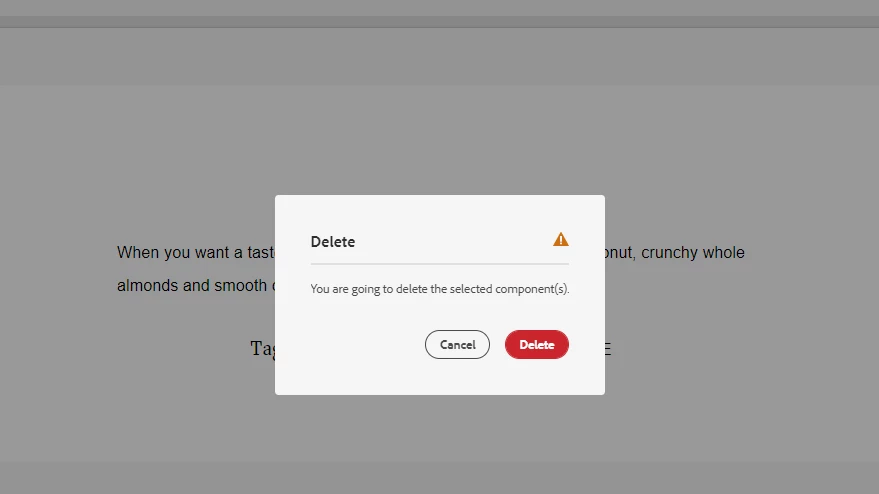
I am trying to delete components in aem pages, there are not getting deleted. i am new to aem, Please fix this issue.
I am not able to delete any components in all aem pages.

This post is no longer active and is closed to new replies. Need help? Start a new post to ask your question.
Best answer by manikanthar1295

Hi,


I can provide another option you to go to localhost:4502/crx/de/index.jsp and navigate to content of the page and try to delete from crx/de and refresh page.


try this option.


Regards

Manikantha R

2 replies

VeenaVikraman
Community Advisor
Community Advisor
January 7, 2022

Is the component included in the editable template ? 

Level 2
January 7, 2022

no not that scenario. 

I am not able to delete any component in aem page. 


manikanthar1295
Level 5
January 7, 2022

Hi,


Can you share log while clicking the delete component so that we can get root cause for causing the issue.


Regards

Manikantha R

Level 2
January 7, 2022

this is i am getting error when i clicked on delete option

07.01.2022 11:36:33.483 *WARN* [[0:0:0:0:0:0:0:1] [1641535593467] GET /bin/wcm/references HTTP/1.1] org.apache.jackrabbit.oak.plugins.index.lucene.LucenePropertyIndex This index is deprecated: /oak:index/lucene-2; it is used for query Filter(query=select [jcr:path], [jcr:score], * from [nt:base] as a where contains(*, '"/content/aem-learning/us/en/demo-page/jcr\:content/root/container/sitemapincrementfeat"') /* xpath: //*[jcr:contains(., '"/content/aem-learning/us/en/demo-page/jcr\:content/root/container/sitemapincrementfeat"')] */ fullText="/content/aem-learning/us/en/demo-page/jcr:content/root/container/sitemapincrementfeat", path=*). Please change the query or the index definitions.

manikanthar1295
manikanthar1295Accepted solution
Level 5
January 7, 2022

Hi,


I can provide another option you to go to localhost:4502/crx/de/index.jsp and navigate to content of the page and try to delete from crx/de and refresh page.


try this option.


Regards

Manikantha R