Multiple Query parameters and Customer Properties on BulkEditor | Community
Skip to main content
Level 2
July 20, 2017
Solved

Multiple Query parameters and Customer Properties on BulkEditor

  • July 20, 2017
  • 7 replies
  • 8110 views

Hello:

I am on 6.2 SP1 and I'm currently working with the BulkEditor and I am having a very hard time with the Query Parameters and Customer Properties fields. So I have 2 questions.

QUESTION 1 of 2: When I try to enter several parameters separated by a comma, no result is returned. But if search first with only one parameter and then with the other, then it returns them correctly. I don't seem to find any documentation to help me with this. The only one the Bulk Editor how-to page but it shows a sample with a single parameter.

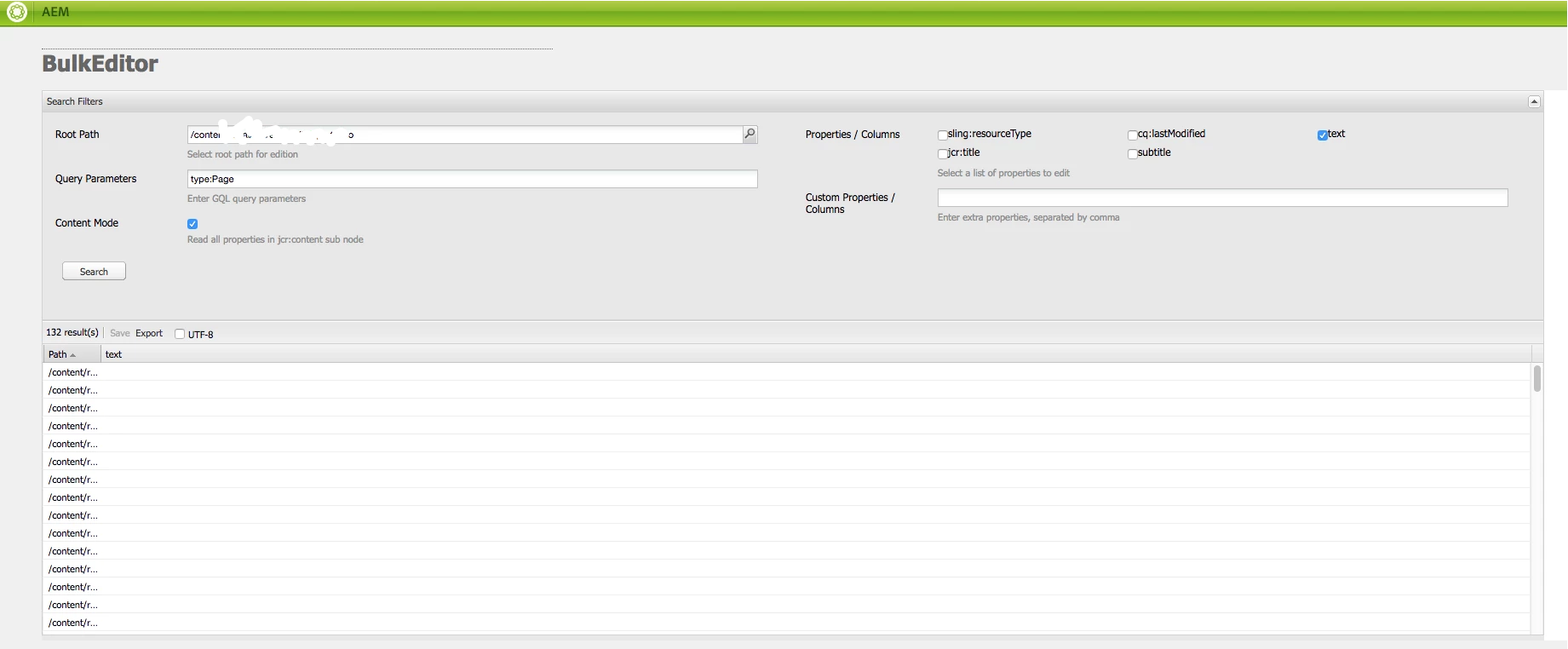
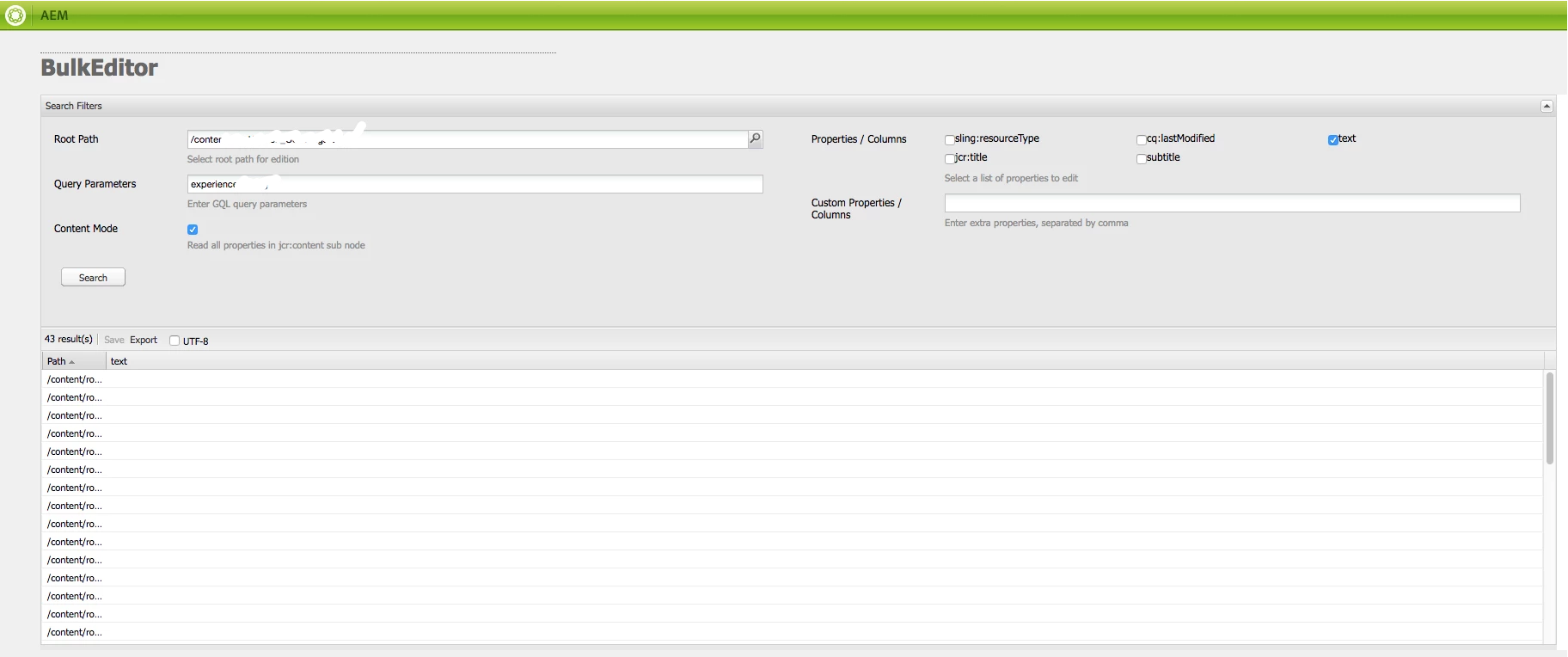
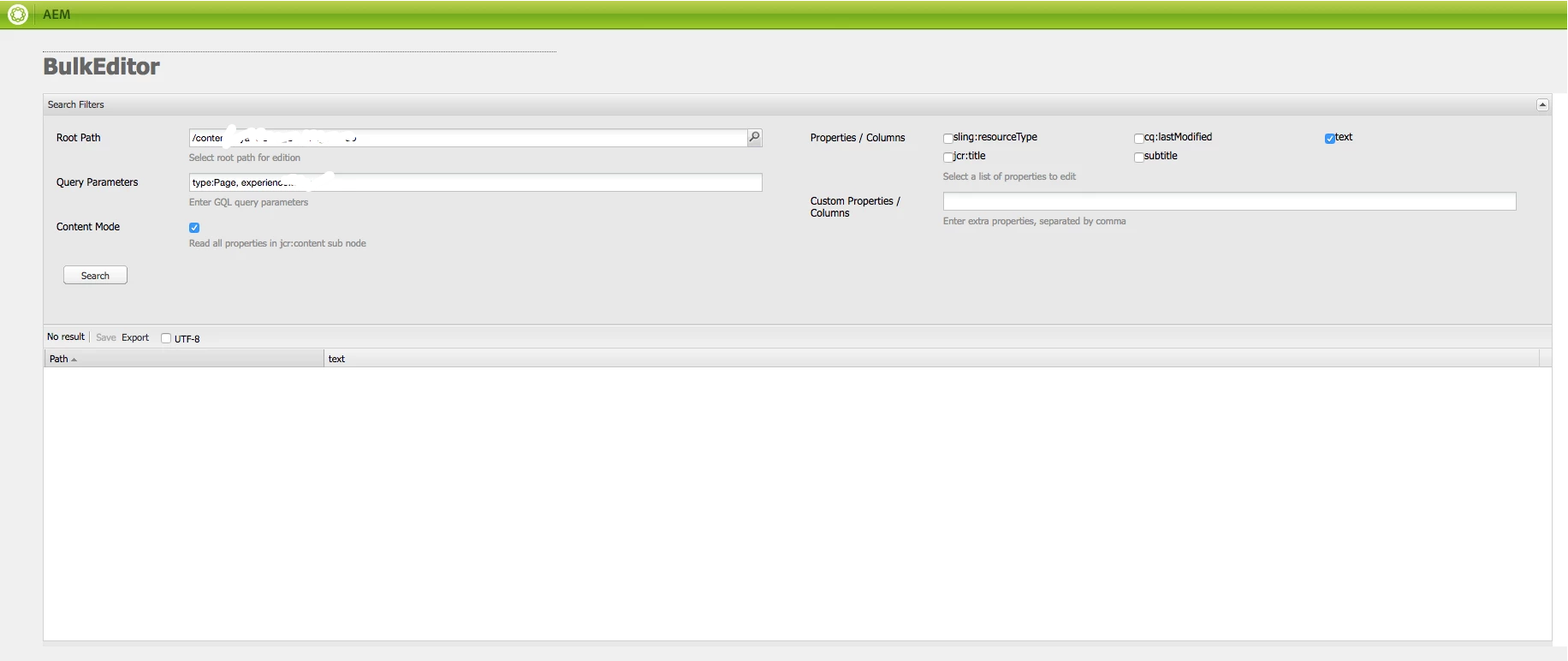
Example: when I enter type:Page only it returns values; when I enter experience:XXX only, it returns values as well... when I enter them both, it fails and returns no result. To enter both parameters, I've tried all combinations I can think of:

  • type:Page, experience:XXX
  • type:Page; experience:XXX
  • type:Page and experience:XXX
  • type:Page AND experience:XXX
  • type:Page && experience:XXX

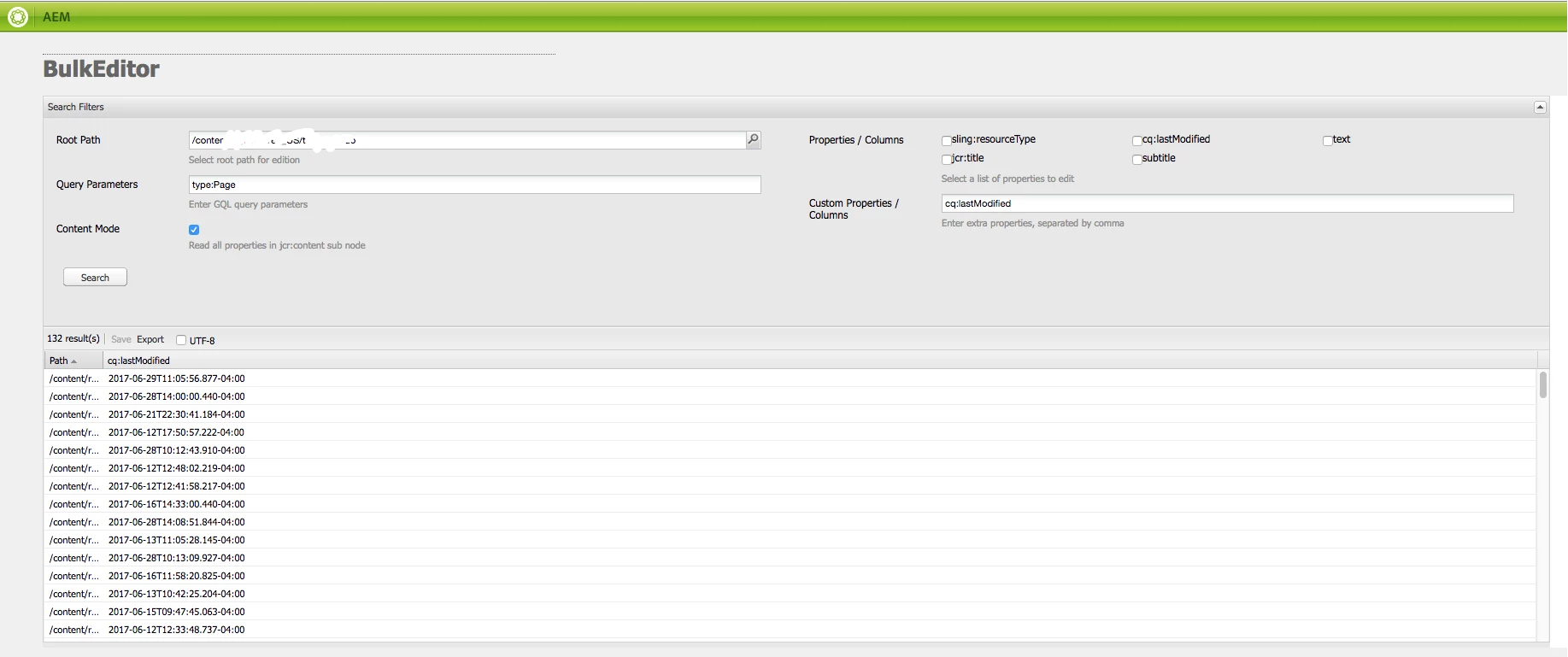
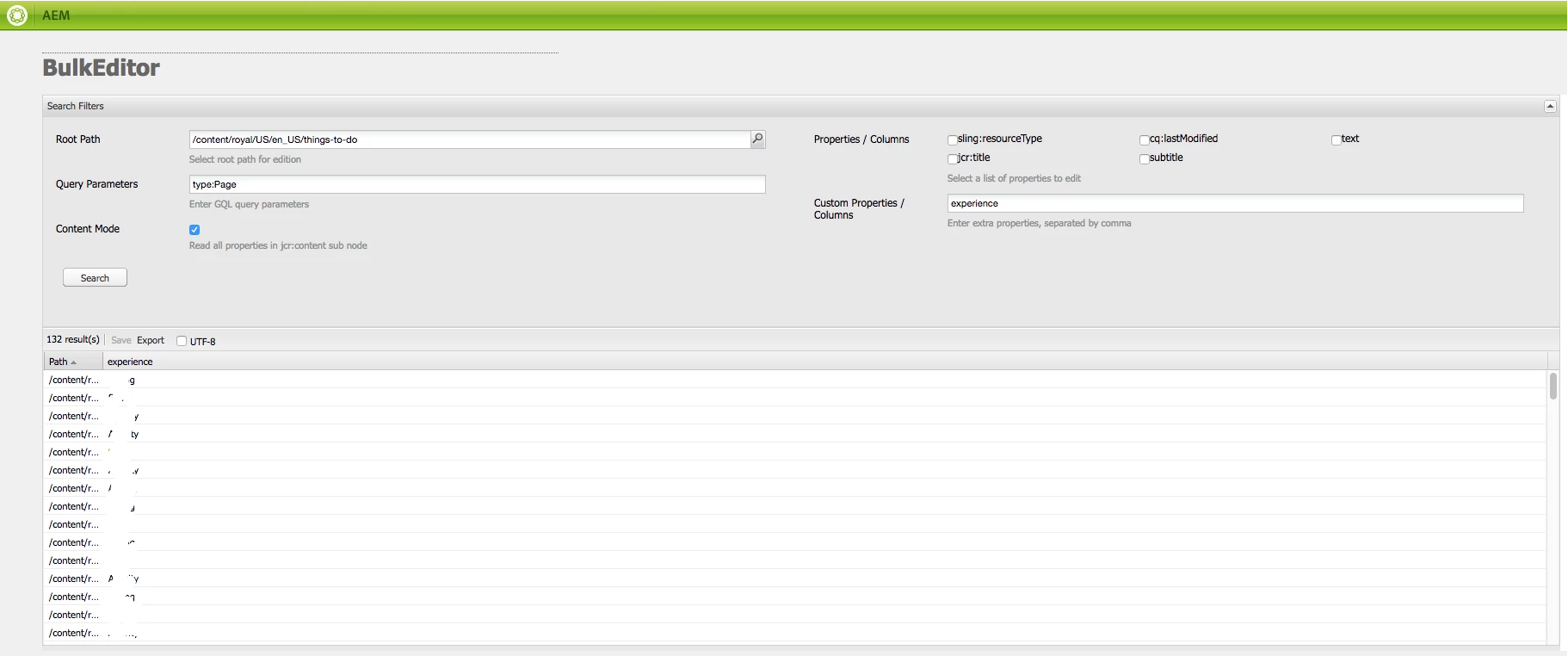
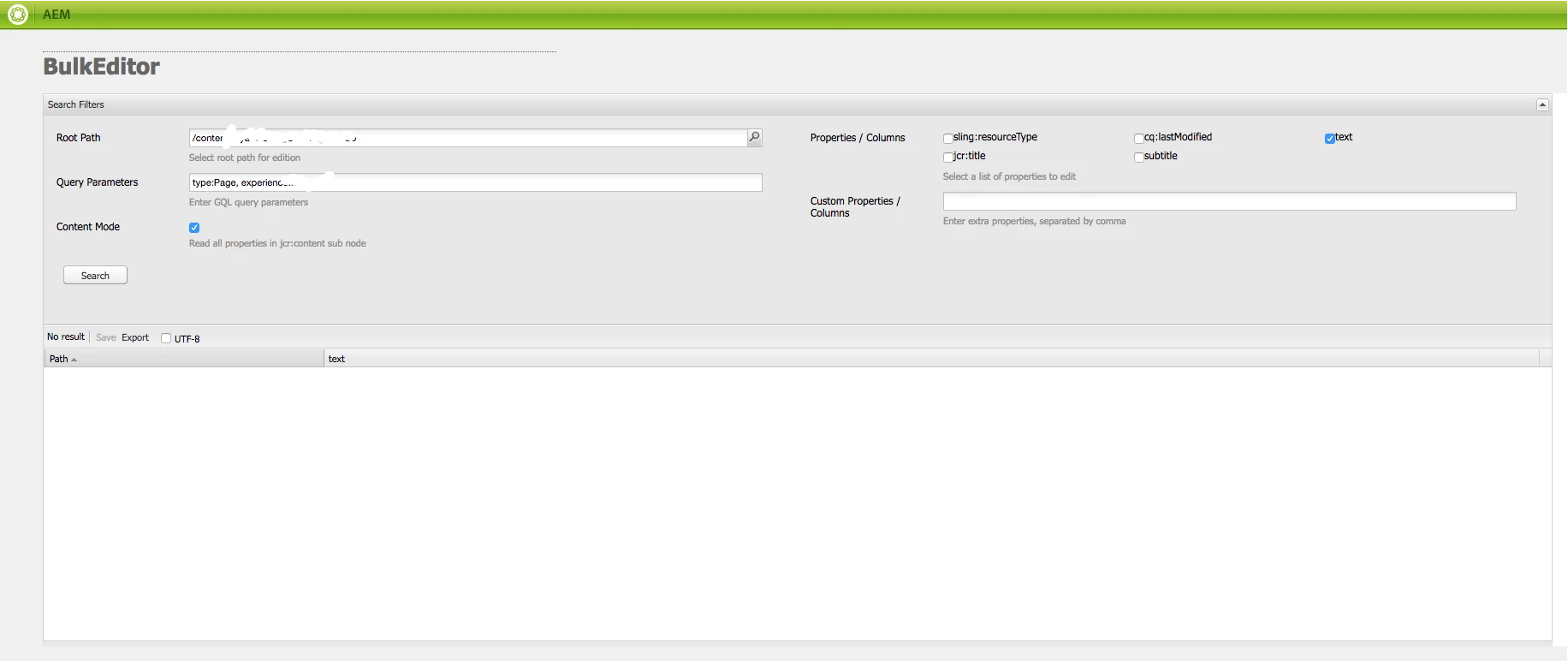
QUESTION 2 of 2: The same happens when I try to add more than one column to the results. The first one shows values, but any other after that shows in blank. The weird part is that the column is recognized and shown, but no results on it.

Screenshots for Question 1

Passing Query Parameter type
Passing Query Parameter experience
Passing both parameters
Screenshots for Question 2

Entering cq:lastModified as column
Entering experience as column
Entering both as columns
This post is no longer active and is closed to new replies. Need help? Start a new post to ask your question.
Best answer by viveksachdeva

Separate the properties by Space.  Here is an example where I tried 2 properties.

7 replies

zeeshanKhan0786
Level 5
July 20, 2017
viveksachdeva
Community Advisor
viveksachdevaCommunity AdvisorAccepted solution
Community Advisor
July 21, 2017

Separate the properties by Space.  Here is an example where I tried 2 properties.

Level 2
July 31, 2017

Hi zeeshank15007365:

If you read my question, I mentioned that there is no reference in this article to multiple values on the Query Parameters and Custom Properties fields. So this is NOT the correct Answer. The article is NOT helpful for my question.

Level 2
July 31, 2017

Hi viveksachdeva! Thanks for the answer!! This was really helpful and should have been marked as the correct one smacdonald2008

Do you know how to solve the second part of the question (multiple columns on the Custom Properties field)? :-)

viveksachdeva
Community Advisor
Community Advisor
August 1, 2017

No worries. I am glad it helped.. AFA columns is concerned, it needs to be comma separated as mentioned in its fieldDescription

DEBAL_DAS
New Member
October 26, 2021

Hi Vivek,


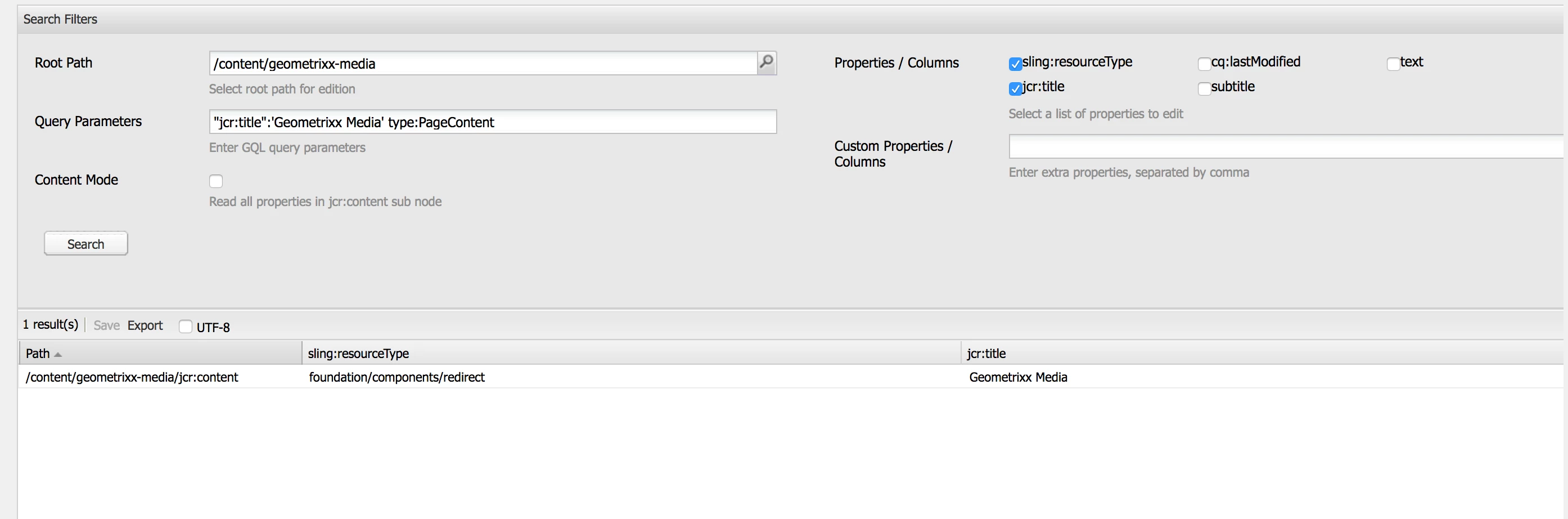
Even I am trying to use multiple query parameters in bulk editors and getting results as shown below -

I could see click on search button in bulk editor following query has been generated in error.log file : select [jcr:path], [jcr:score], * from [cq:PageContent] as a where [jcr:primaryType] = 'cq:PageContent' and contains([jcr:title], '\''english\''') and isdescendantnode(a, '/content/we-retail')


I am getting result.


But , I am not getting result in below scenarios -


select [jcr:path], [jcr:score], * from [cq:PageContent] as a where [jcr:primaryType] = 'cq:PageContent' and contains([jcr:createdBy], '\''admin\''') and isdescendantnode(a, '/content/we-retail') isn't providing any result.

Are there any special syntax in GQL for these properties or namespace like 'cq' ? 

Debal Das, Senior AEM Consultant
DEBAL_DAS
New Member
October 28, 2021

1. I have noticed bulk editor search feature generates JCR-SQL2 query to get the result and all these queries are getting generated with CONTAINS Statement only.


2. CONTAINS statement works perfectly with property like jcr:title, jcr:description -


SELECT * FROM [nt:unstructured] AS node
WHERE ISDESCENDANTNODE(node, "/search/in/path")
AND CONTAINS([propertyName], "someString")


3. But CONTAINS statement doesn't work with Date property , sling:resourceType as it is pointing to path.


4. Though cq:lastReplicationAction is a String and but it's having very precise value such 'Activate'/'Deactivate'. As 'Contains' operator adds a wild character automatically to the search string. So, I am not getting any result.


5. To make sure my understanding is correct I have tested with custom property called : brand and getting result as shown below -


Please let me know your thoughts also.


Debal Das, Senior AEM Consultant
Level 2
August 11, 2017

Thanks again viveksachdeva! I was trying with a space after the comma that's why it didn't work... :-/

One more question: how can I search for nodes that are NOT something. I am trying to edit DAM nodes that are NOT JPEGs so I have a MediaType property and it works when I set it to JPEG, but don't know how to find the rest.

Note: When I search for info about the GQL query syntax for operators, complex ones (like IS NULL) include spaces and in this editor, a space means a new parameter, so I am not sure on how to use it. GQL Reference  |  Cloud Datastore Documentation  |  Google Cloud Platform

viveksachdeva
Community Advisor
Community Advisor
August 15, 2017

I am not sure if and how that can be done..