Hi @thiszparveen
You are getting this error because com.day.cq.dam.handler.ffmpeg.FFMpegWrapper Cannot run program "ffmpeg"
When a video is uploaded to AEM DAM, the DAM Update Asset workflow kicks in.
For these to work, ffmpeg needs to be downloaded and installed (AEM does NOT come packaged with it).
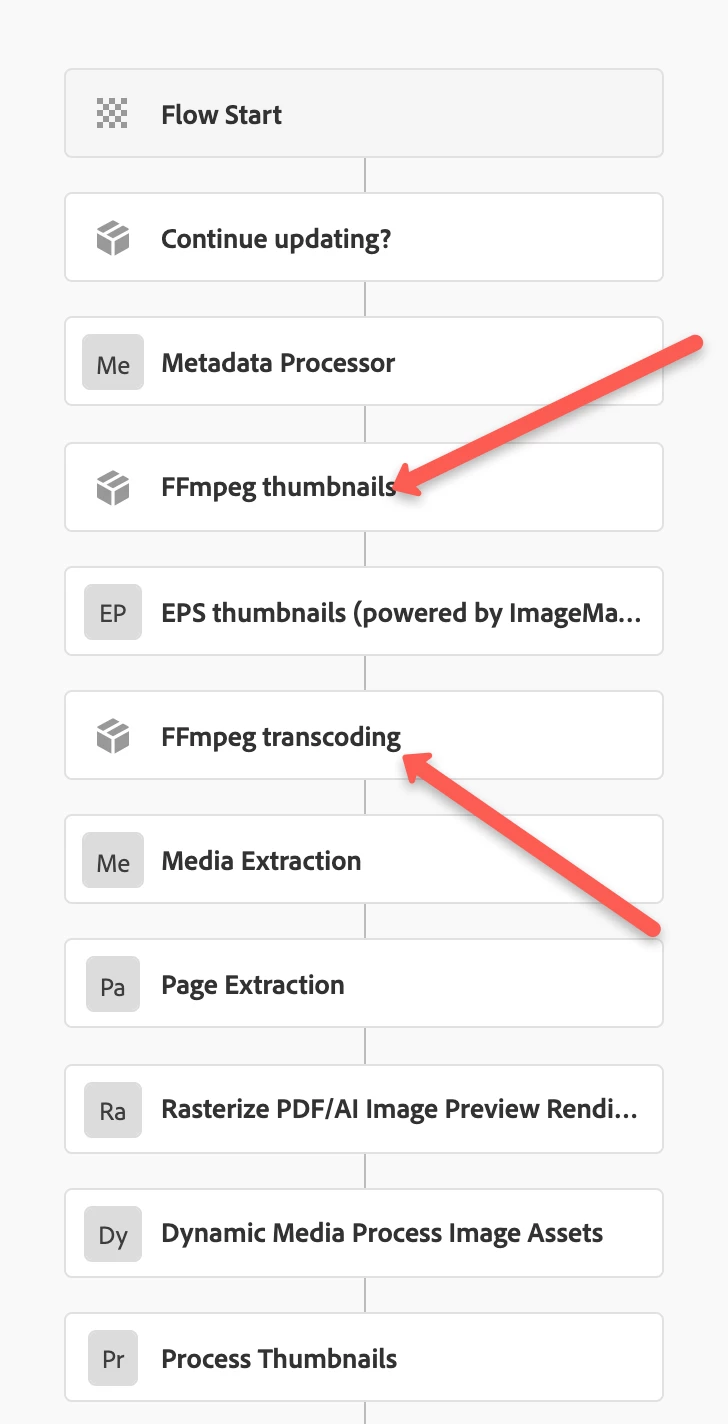
You need to download and install ffmpeg on the machine where AEM is running and set the environment variable (Windows), or Mac as runnable.
Once you complete the above steps, try to upload a new video with .MOV format and you will see in the logs that the processing will be success and you will see a "Processing ..." symbol on top of the video and the video thumbnail also will be shown. After 3-4 min (depends on the video size to complete the processing), you can play the video and it will start playing. If there is any error in processing, you will not be able to see the thumbnail like currently you are getting. Please see the example of working instance below.
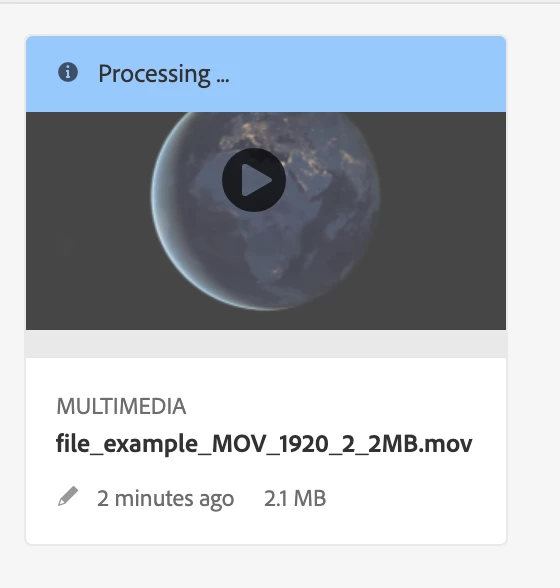
Playing:
https://www.screencast.com/t/aCSu4zzN5nLa
Hope this helps!
Thanks!
