missing page property not showing in node(CRX/DE) but seen/available in view-as-published | Community
Skip to main content
jayv25585659
Level 8
April 1, 2022
Solved

missing page property not showing in node(CRX/DE) but seen/available in view-as-published

  • April 1, 2022
  • 2 replies
  • 1144 views

TLDR: I cannot find a page property when checking the page properties in CRX/DE but the property value is showing up when checking view-as-published

---------

so I have a property called "fileReference" which just points to an image in the DAM (e.g. /content/dam/images/animals/frog.jpg). I checked the node (/content/mysite/en/animals/frog/jcr:content) and I cannot find the property there.

BUT when I view-as-published on the page, the property value is showing in the rendered page.

Additional tests:

  1. I checked prod author CRX/DE and the fileReference is still not showing. BUT view-as-published on the page shows the correct value.
  2. I tried on prod publisher1 and same results as author.
  3. As another test, I deleted the rendered page copy in the dispatcher1 (so a fresh copy is retrieved from pub1). When I viewed the page from dispatcher1, I can see the property value.
  4. I made a package of /content/mysite/en/animals/frog using CRX packmgr and when I uncompressed the files, the page property is not showing.
  5. I manually reassigned the image to the property and now I can see property in CRX/DE.
  6. As a last test, I repeat no.4 and I can see the image reference now in the compressed files.

Any ideas what's happening? Thanks


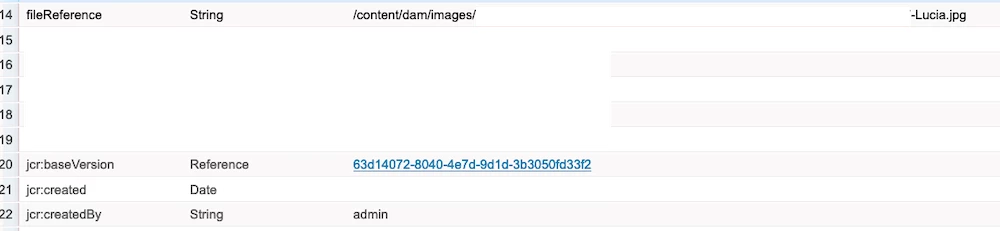
EDIT1: here's a sample of the fileReference when it's showing correctly in CRX/DE
 

This post is no longer active and is closed to new replies. Need help? Start a new post to ask your question.
Best answer by DEBAL_DAS

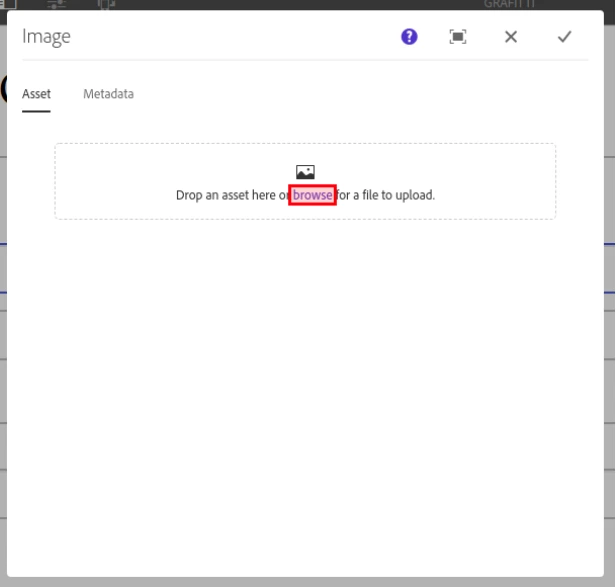
if I am not wrong using fileRerefence you are having functionality like the below one -

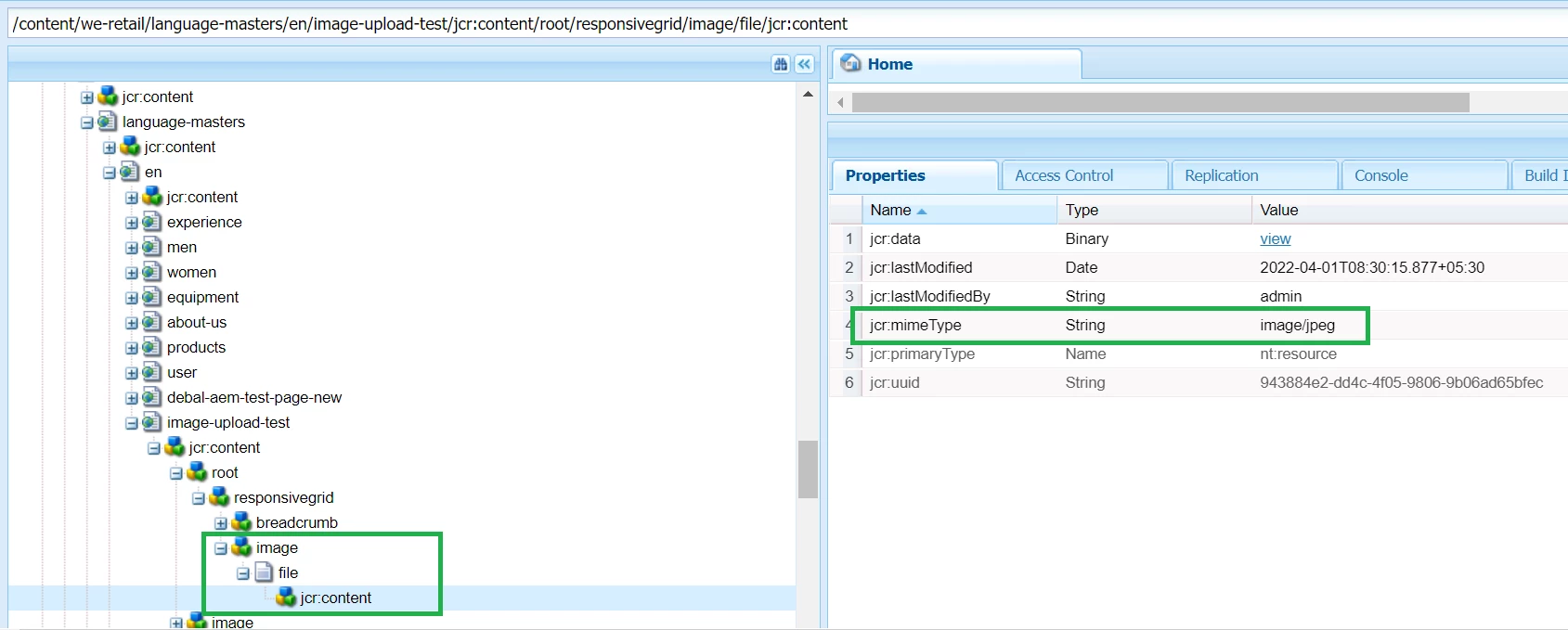
Here file would be stored like this -

In your case the node hierarchy should be  /content/yourpagepath/jcr:content/image/file/jcr:content , it's having all the necessary information like fileName, mixinType.


Are you observing similar node structure? Please check. 

2 replies

DEBAL_DAS
DEBAL_DASAccepted solution
New Member
April 1, 2022

if I am not wrong using fileRerefence you are having functionality like the below one -

Here file would be stored like this -

In your case the node hierarchy should be  /content/yourpagepath/jcr:content/image/file/jcr:content , it's having all the necessary information like fileName, mixinType.


Are you observing similar node structure? Please check. 

Debal Das, Senior AEM Consultant
ManviSharma
Adobe Employee
Adobe Employee
April 4, 2022

This sounds like a permissions issue 


You should try and delete the page with an admin account to ensure this is the case and then make sure that the user who is deleting pages (or user group) has the correct permissions to delete.

jayv25585659
Level 8
April 5, 2022

I am admin though. (or at least the admin account provided to me by Adobe Managed Services).