Layout resizing is not happening in AEM | Community
Skip to main content
Level 2
August 17, 2023
Solved

Layout resizing is not happening in AEM

  • August 17, 2023
  • 3 replies
  • 978 views

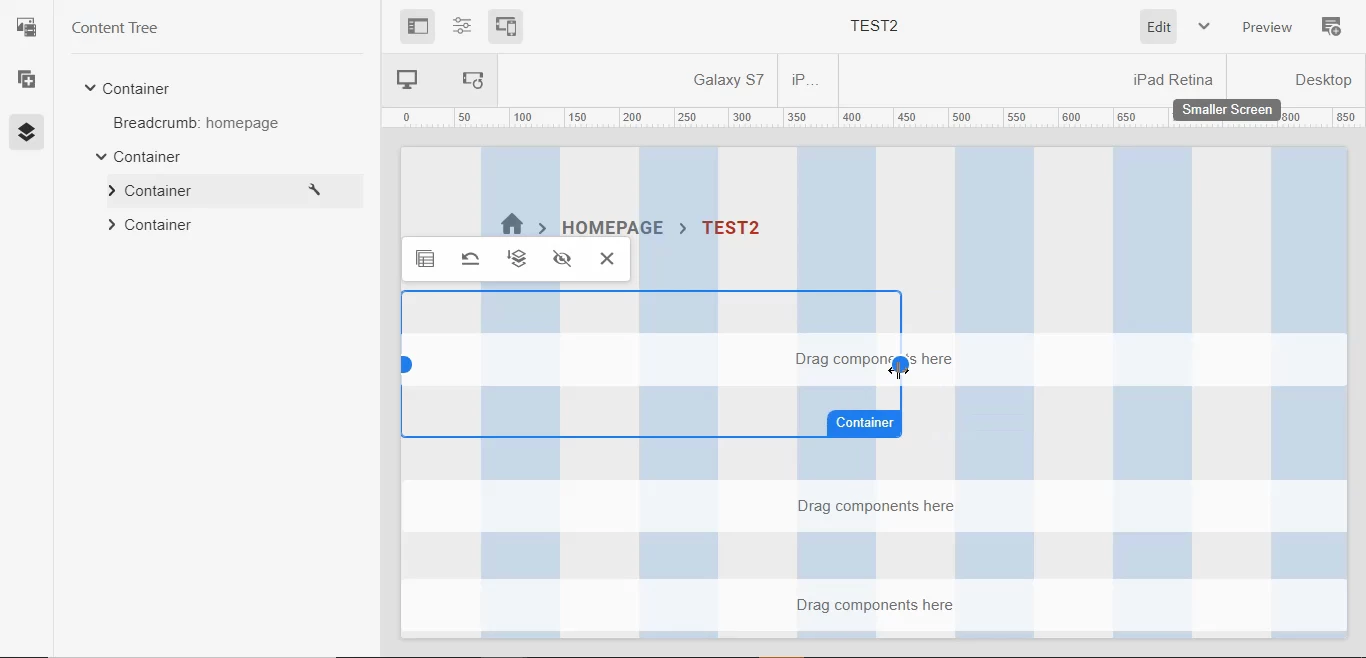
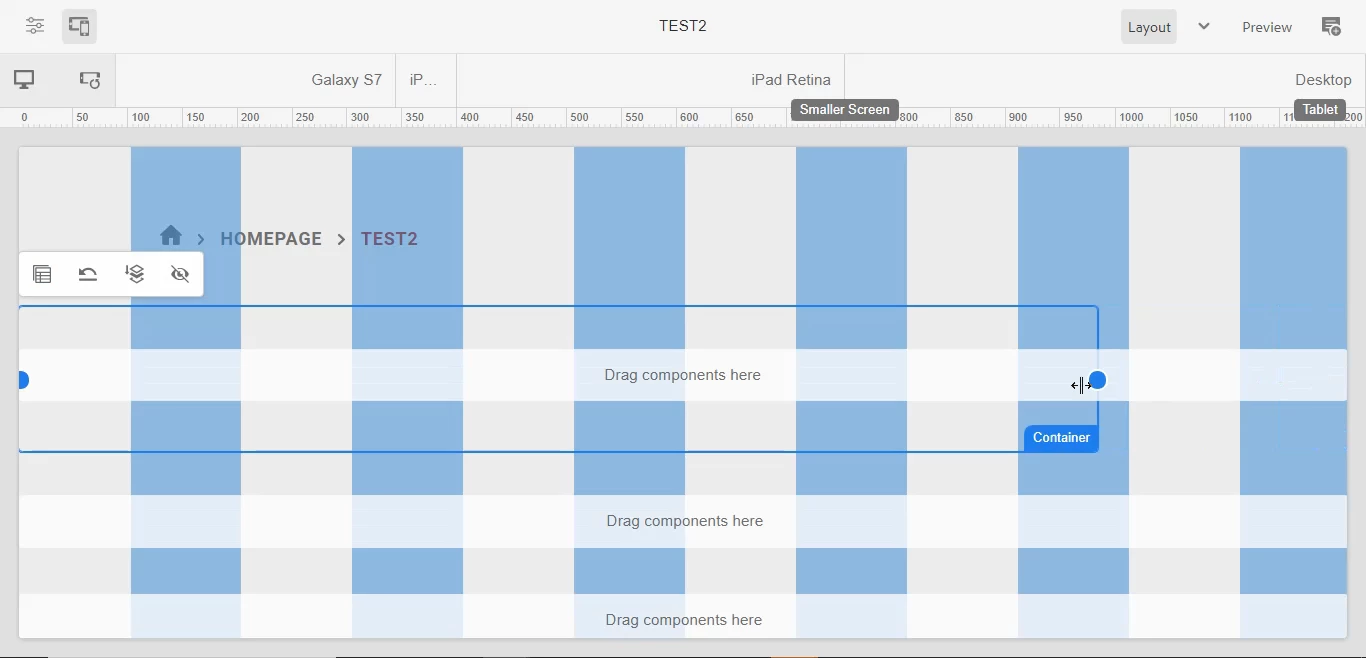
I'm trying to do resizing of two containers which are responsive but they are not resizing.

I'm using cloud instance ( 2023.6.12255.20230608T053118Z-230400).


This post is no longer active and is closed to new replies. Need help? Start a new post to ask your question.
Best answer by Harwinder-singh

@naveent1  Is this happening on a vanilla instance or with your custom code installed ?

If it is custom, you may want to check if any custom CSS class that is causing this.


Also, since this is a nested container, you might want to check this article as well : 

https://www.albinsblog.com/2023/02/responsive-layouts-not-working-for-nested-containers-aem.html


3 replies

Mahedi_Sabuj
Community Advisor
Community Advisor
August 17, 2023

Hi @naveent1,

It seems that Responsive CSS hasn't been integrated into the template.

You can refer to Step 5 outlined in this resource for guidance

https://www.linkedin.com/pulse/putting-aem-responsive-grid-pieces-together-vimal-kumar/ 

Same problem also discussed here: https://experienceleaguecommunities.adobe.com/t5/adobe-experience-manager/not-able-to-resize-the-layout-container/td-p/576905 


Mahedi Sabuj
EstebanBustamante
Community Advisor and Adobe Champion
August 17, 2023

This is mainly for 2 reasons:
1) The CSS is not set as mentioned before, you can check here about how to add the less file with your corresponding breakpoints https://experienceleague.adobe.com/docs/experience-manager-65/administering/operations/configuring-responsive-layout.html?lang=en#include-the-responsive-css

2) The breakpoints are not set in your template https://experienceleague.adobe.com/docs/experience-manager-65/administering/operations/configuring-responsive-layout.html?lang=en#configure-the-breakpoints 


Esteban Bustamante
Harwinder-singh
Community Advisor
Harwinder-singhCommunity AdvisorAccepted solution
Community Advisor
August 17, 2023

@naveent1  Is this happening on a vanilla instance or with your custom code installed ?

If it is custom, you may want to check if any custom CSS class that is causing this.


Also, since this is a nested container, you might want to check this article as well : 

https://www.albinsblog.com/2023/02/responsive-layouts-not-working-for-nested-containers-aem.html