Issue with wcmmode=disabled | Community
Skip to main content
Level 2
November 18, 2022
Solved

Issue with wcmmode=disabled

  • November 18, 2022
  • 1 reply
  • 3068 views

Hi community,


I've created a button component to send email, and when i tried to test it in "view as published" mode, first i got this url and the image below.Seems like everything is ok at this moment.

URL:localhost:4502/content/training/us/test.html?wcmmode=disabled
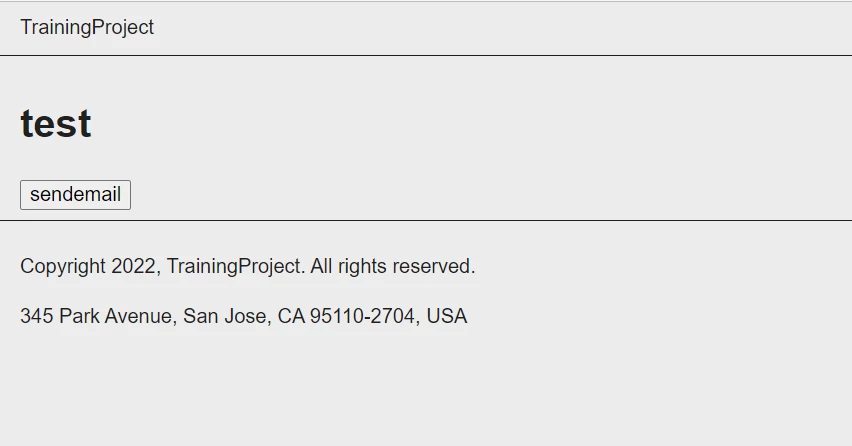
And when i clicked the button, nothings happened and the url changed to the one below and the email was not sent. Also at header part a context hub appeared and below the button some empty space appeared.

Then if i click the button again it finally sends the email.

URL:localhost:4502/content/training/us/test.html?
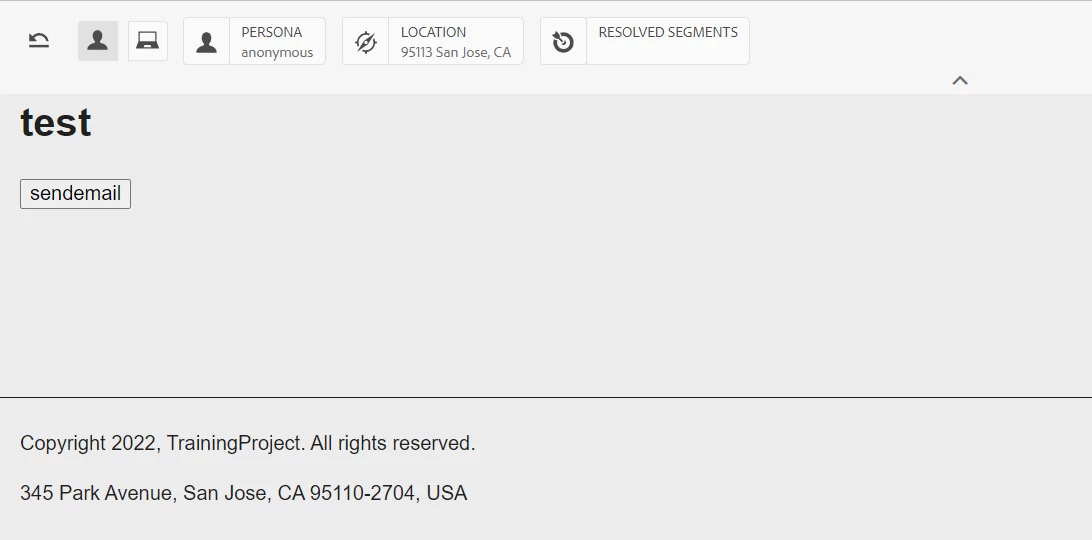
I have no reason why the button did not work at the first time i clicked it, also have no idea why this context hub and empty space appeared.

Prefer some help!

Thanks in advance!


This post is no longer active and is closed to new replies. Need help? Start a new post to ask your question.
Best answer by arunpatidar

I've checked the page's source and the code is rendered.

And after i clicked the button first time, the error message is like this.


com.adobe.cq.msm.ui.servlet.IsSourceRenderCondition path /content/training/us/en.html to check render condition is not valid


I think then there is a conflict due to markeup.

you can change button markup and try.

1 reply

arunpatidar
Community Advisor
Community Advisor
November 18, 2022

Hi,

Can you try to change button/link markup (id, class), there is a possibility that the another javascript event listener is acting on buttons first click.

Arun Patidar
Level 2
November 21, 2022

Hi!


Thank you for your help.

Below is my created html file.

I didn't use id and class so i don't know what is the problem.

I use ajax call to invoke my created servlet.And I wonder is this way ok to be used?


html file:

<form>  
    <input type="submit" value="sendemail" onclick="sendemail()"/>  
 </form>
 
 <script>
     function sendemail() {
        $.ajax({    
        type : "GET",    
            url : '/bin/sendemail'  
            });
     }
 </script>
Level 2
November 21, 2022

Can you please check page's source, if you can see the above code rendered or not?

check the console error as well when you click first time on button.


You can also change the code 

<button type="button" onclick="sendemail()">sendemail</button>
 <script>
     function sendemail() {
        $.ajax({    
        type : "GET",    
            url : '/bin/sendemail'  
            });
     }
 </script>


I've checked the page's source and the code is rendered.

And after i clicked the button first time, the error message is like this.


com.adobe.cq.msm.ui.servlet.IsSourceRenderCondition path /content/training/us/en.html to check render condition is not valid