Issue in ui.apps when adding asset share commons as subpackage in pom.xml
Hi,
I created a maven project with archtype26 and aem instance 6.5.0. and added asset share commons ui.apps, ui content packages(1.9.4) in crxd using package manager in aem instance
I am adding asset share commons dependency to the maven project in parent pom.xml I added like this
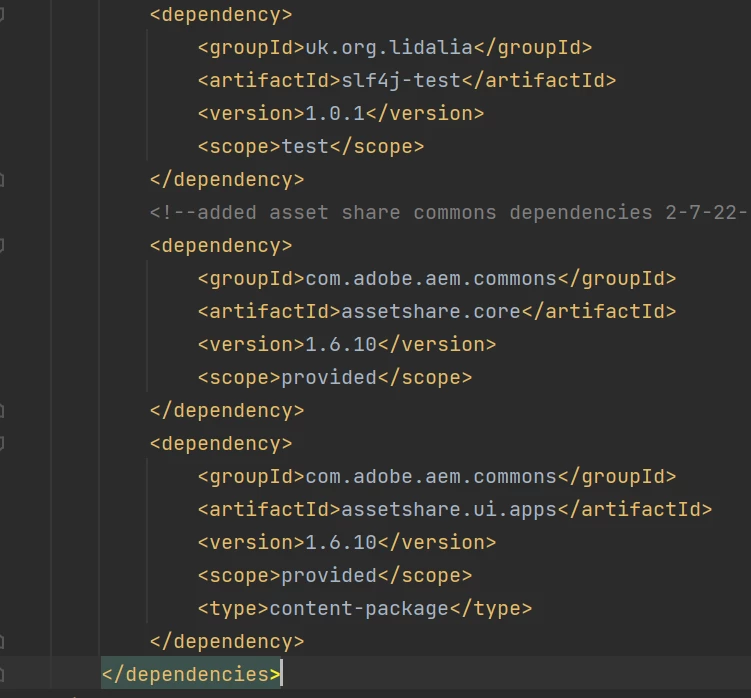
in core pom.xml
<dependency>
    <groupId>com.adobe.aem.commons</groupId>
    <artifactId>assetshare.core</artifactId>
</dependency>
in ui.apps
<dependency>
    <groupId>com.adobe.aem.commons</groupId>
    <artifactId>assetshare.core</artifactId>
</dependency>
<dependency>
    <groupId>com.adobe.aem.commons</groupId>
    <artifactId>assetshare.ui.apps</artifactId>
    <type>content-package</type>
</dependency>
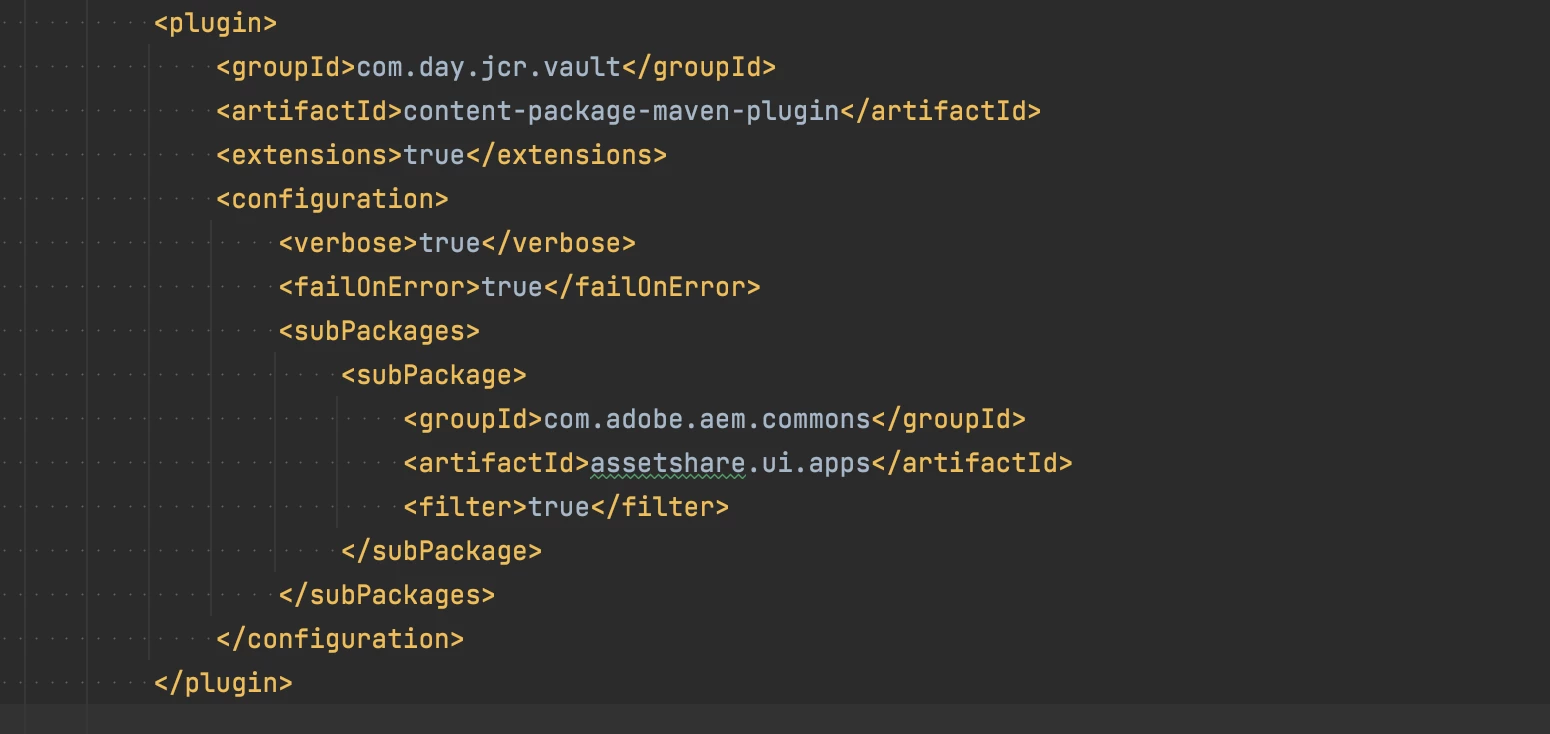
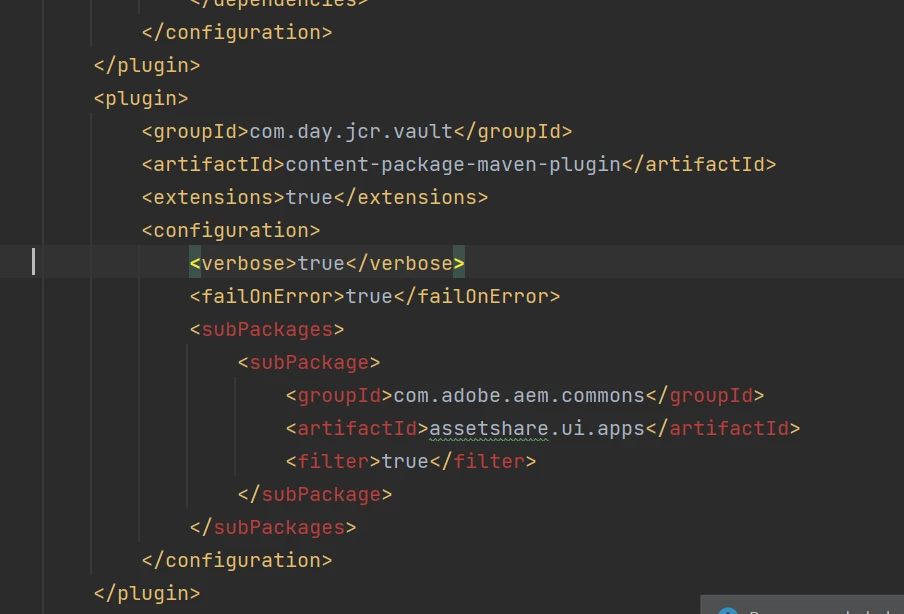
in addition I added a subpackage inside content-package-maven-plugin in ui.apps like this
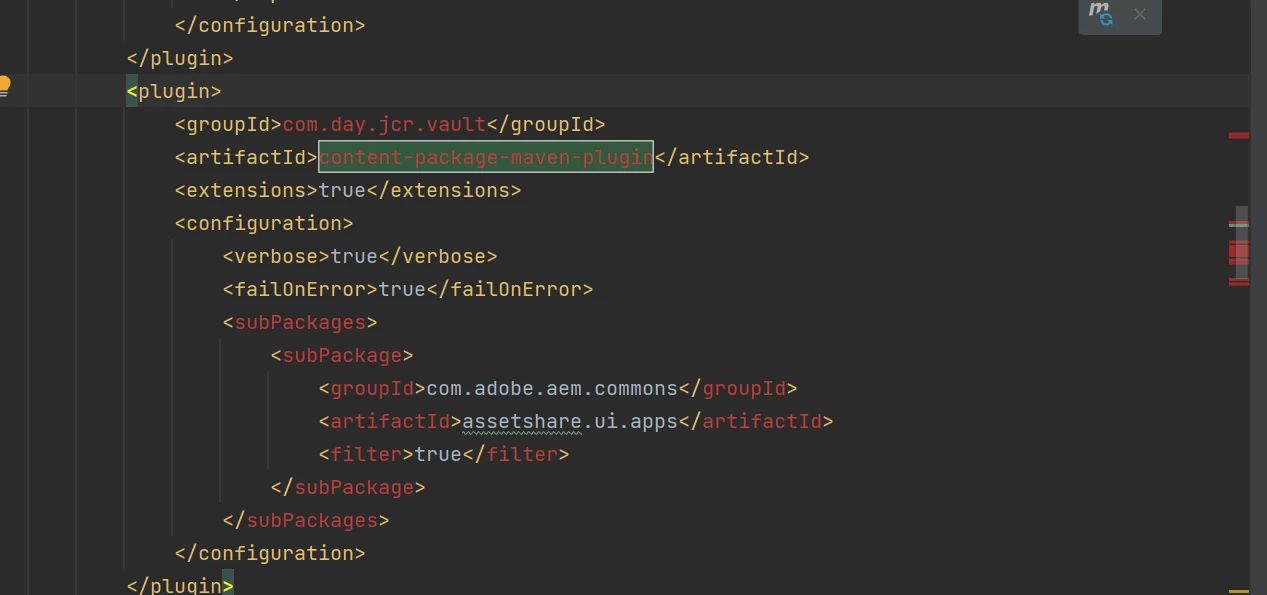
its higlighted in red color in ui.apps pom.xml
but when I run the command mvn clean install -PautoInstallPackage its building sucsessfully. Can anyone help me on this.
Thanks,
Vani.
.