Is there a way to change the URL name without moving the page | Adobe Higher Education
Skip to main content
August 16, 2020
Resuelto

Is there a way to change the URL name without moving the page

  • August 16, 2020
  • 5 respuestas
  • 12091 visualizaciones

Unfortunately, I've made pages with capital letters in the URL and I want to change them. As the question asks there a way to change the URL name without moving the page?


Or is there a way to change multiple URLs at once?


Thank you
Este tema ha sido cerrado para respuestas.
Mejor respuesta de Ravi_Pampana

Hi,


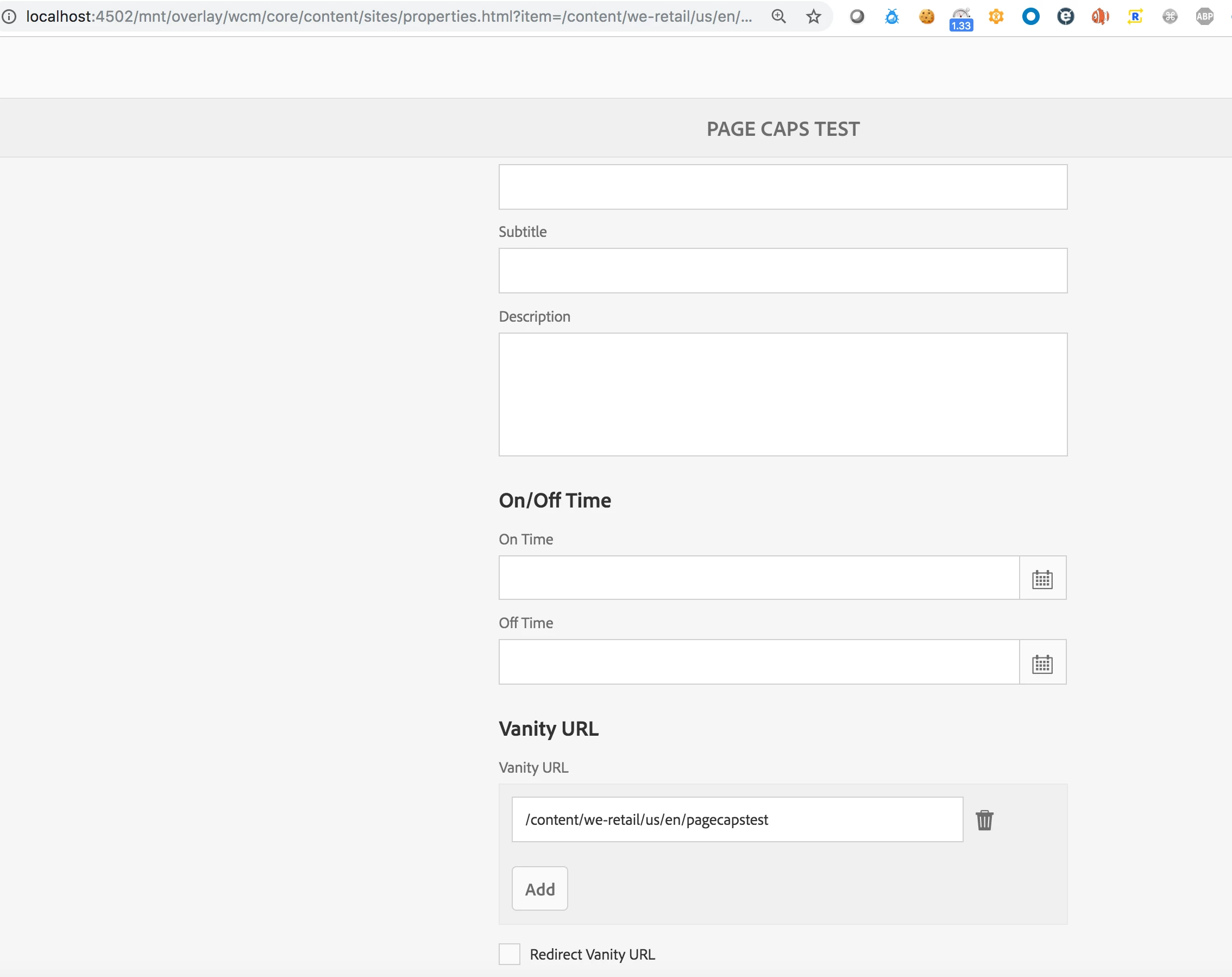
Using vanity url we can request page using different url. Vanity ur l is present under Page properties --> Basic Tab. We can also write custom script or use groovy script to add vanity url property to jcr:content automatically to multiple pages by reading the existing path and converting to small letters. 


https://helpx.adobe.com/experience-manager/kb/ams-dispatcher-manual/disp-vanity-url.html


5 respuestas

Ravi_Pampana
Community Advisor
Ravi_PampanaCommunity AdvisorRespuesta
Community Advisor
August 17, 2020

Hi,


Using vanity url we can request page using different url. Vanity ur l is present under Page properties --> Basic Tab. We can also write custom script or use groovy script to add vanity url property to jcr:content automatically to multiple pages by reading the existing path and converting to small letters. 


https://helpx.adobe.com/experience-manager/kb/ams-dispatcher-manual/disp-vanity-url.html


SundeepKatepally
Community Advisor
Community Advisor
August 17, 2020

You have 4 options


1) update the rewrite rules in the dispatcher

2) vanity url (available in the page properities)

3) Sling alias (available in the page properities)

4) Akamai (if you are looking to implement as 302 or 301) .  This option is only available if CDN is part of your topology , if not available do ignore this option.

vanegi
Adobe Employee
Adobe Employee
August 17, 2020

Hello @17381464,

You can explore the Alias feature in AEM to satisfy your use-case. For instance, if you have a page /content/we-retail/TEST.html to be changed to /content/we-retail/test.html, you can follow below steps to achieve the same.


Steps:

1) Go to /editor.html/content/we-retail/TEST.html

2) Open Page properties and go to Advanced Tab

3) Declare an Alias for this page by giving it an value of "test".

Now you'll be able to hit the page /content/we-retail/TEST.html as well as /content/we-retail/test.html.


You can check further on this in documentation SEO and URL Management Best Practices https://helpx.adobe.com/experience-manager/6-3/managing/using/seo-and-url-management.html


Other way is described here in https://www.bc.edu/offices/its/projects/day/docs/renaming-page.html#:~:text=Click%20the%20MOVE%20menu%20item,%22)%20to%20the%20new%20name.


https://as.nyu.edu/communications/aem-faq/change-url-page.html


Thanks!!


Level 3
May 27, 2022

Hi @vanegi , 
If I add sling:alias for pages in each language copy, sling:alias works and I can access the page using alternative name but when I access page directly or through navigation, it picks original names only (page node names) unless I manually replace it will sling:alias value in url. 
Could you please let me know how can I get sling:alias value in url whenever I access any page?
Thanks in advance.


arunpatidar
Community Advisor
Community Advisor
August 17, 2020

Hi,

If you will not use move feature then the reference page links will be unchanged and end user still accessing page using old URL(capital).

There are various options are already shared -

1. Using sling alias --> It will allow you to access page using alternative page name. References of this page will be unchanged.

You may need to write rewrite rules at Apache to forward request to new page name url, if end user is accessing pafe with old url.

2. Don't use vanity path, it is more complex than it looks and in your case it is not required.

Arun Patidar
Level 3
May 27, 2022

Hi @arunpatidar Could you please suggest best way to translate urls?
I've created multiple language copies from English source copy, hence all the page node name are in english which makes urls like /content/home/shop/finance etc. All markets would expect urls to be in localised language. If I add sling:alias for pages in each language copy, sling:alias works and I can access the page using alternative name but when I access page directly or through navigation, it picks original names only (page node names) unless I manually replace it will sling:alias value in url. 
How can I get sling:alias value in url whenever I access any page?

Thanks in advance.

arunpatidar
Community Advisor
Community Advisor
May 27, 2022

Hi,

You can use the sling:alias for this use case but you have to update the navigation and link component to construct the path using alias if exists.

Arun Patidar
Nikhil-Kumar
Community Advisor
Community Advisor
August 17, 2020

@17381464 

Never fear when Groovy scripts are here!! 😎

Try running groovy scripts on the AEM project, it's easy to setup and easy to execute. I have implement something similar where I had to update the title of the page.
Let me know if you need any help in creating groovy scripts for the mentioned automation. You can also refer Groovy Scripts on AEM Content   


Happy Coding!! 

Level 2
February 16, 2023

@nikhil-kumar - My use case is that the business author can directly change the name of the page without using the MOVE option.Is there any option available?