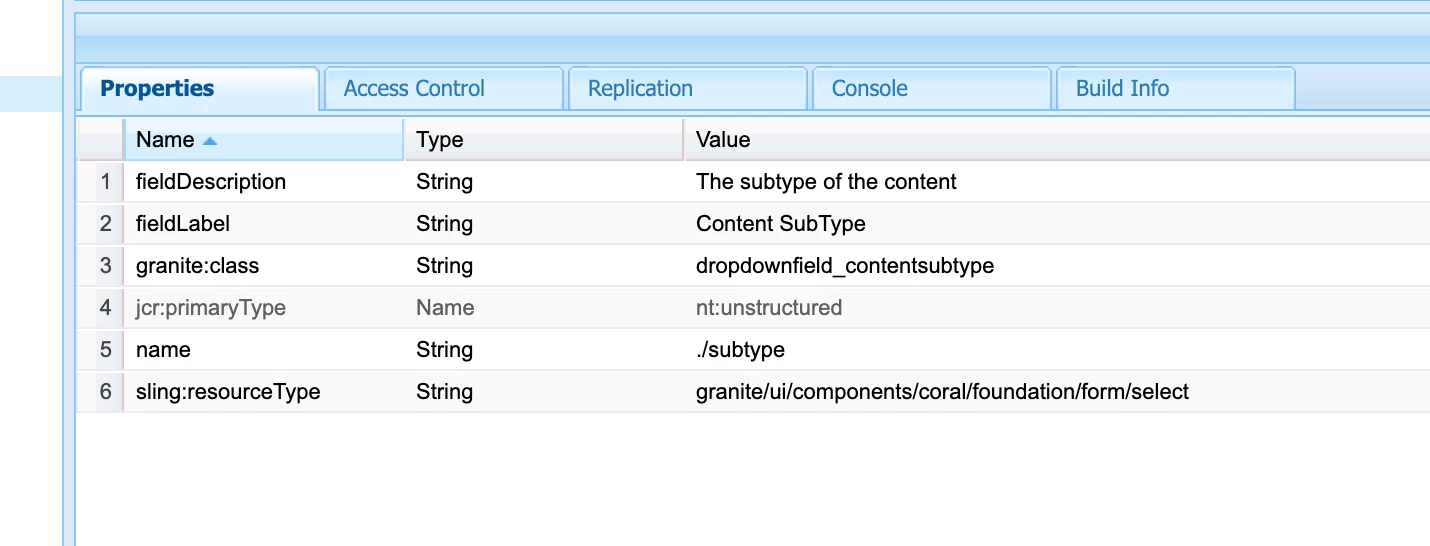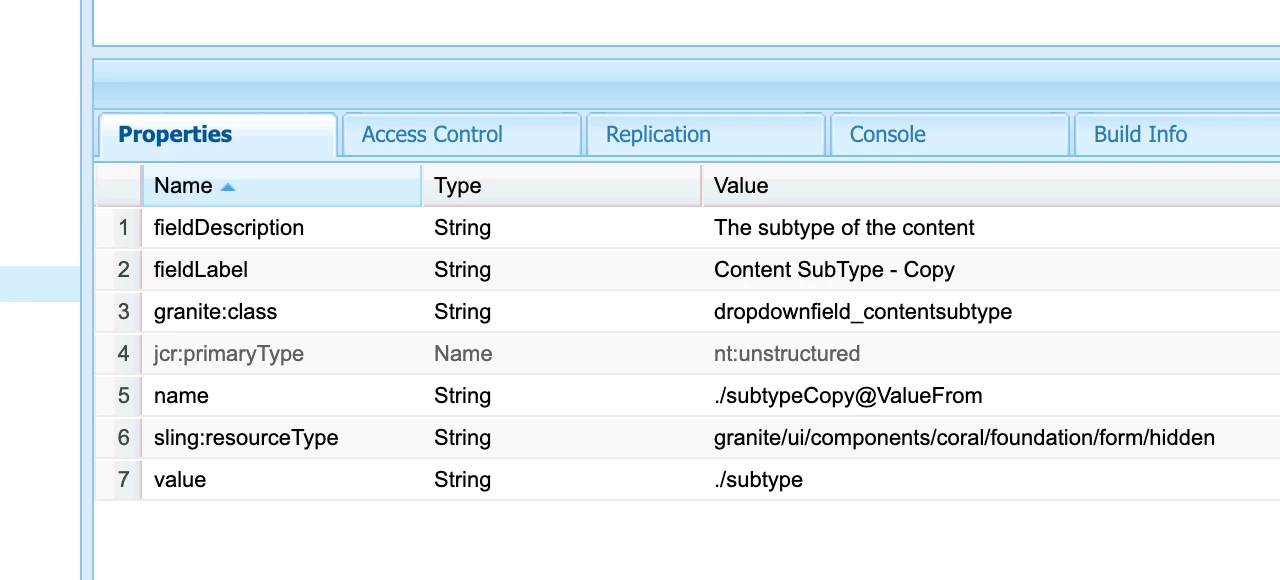


Solved
Is there a OOTB way to fetch values of dialog fields in the same dialog xml?
In the component cq:dialog, I want to fetch the value of a dropdown field and store it into another dialog field node.
For example :
                                     <content-type
                                        jcr:primaryType="nt:unstructured"
                                        sling:resourceType="granite/ui/components/coral/foundation/form/select"
                                        fieldDescription="Content Type for content"
                                        name="./jcr:content/metadata/content-type"
                                        multiple="{Boolean}true"
                                        granite:id="seeAlso"
                                        fieldLabel="Content Type">
                                    <datasource
                                            jcr:primaryType="nt:unstructured"
                                            sling:resourceType="project/utilities/dialog/datasource"
                                            dataType="content-type"
                                            sort="{Boolean}true"
                                            path="/content/project/global/reference-data/metadata/content-type"/>
                                </content-type>
                                <usedIn-container
                                    granite:id="seeAlso"
                                    jcr:primaryType="nt:unstructured"
                                    jcr:title="Select to include"
                                    sling:resourceType="granite/ui/components/coral/foundation/form/fieldset"
                                    bottomDescription="select as required">
                                    <items jcr:primaryType="nt:unstructured">
                                        <header
                                            jcr:primaryType="nt:unstructured"
                                            sling:resourceType="project/components/commons/see-also/note"
                                            note="Title|Content ID|Topic Path|Last Published Date"/>
                                        <used-in
                                            jcr:primaryType="nt:unstructured"
                                            sling:resourceType="dam/gui/components/admin/schemafield"
                                            fieldLabel="Used In"
                                            name="./jcr:content/metadata/usedIn"
                                            contentType=*here I want to store value of above content type dropdown*
                                            resourceType="project/components/commons/see-also/checkboxgroup">
                                            <datasource
                                                jcr:primaryType="nt:unstructured"
                                                sling:resourceType="/bin/project/getTopicReferences"/>
                                        </used-in>
                                    </items>
                                </usedIn-container>
In above component xml, I want to store value of dropdown content-type in used-in node.
I want to know if there exists an OOTB way to do this within the xml.
I am not looking for solutions via javascript.