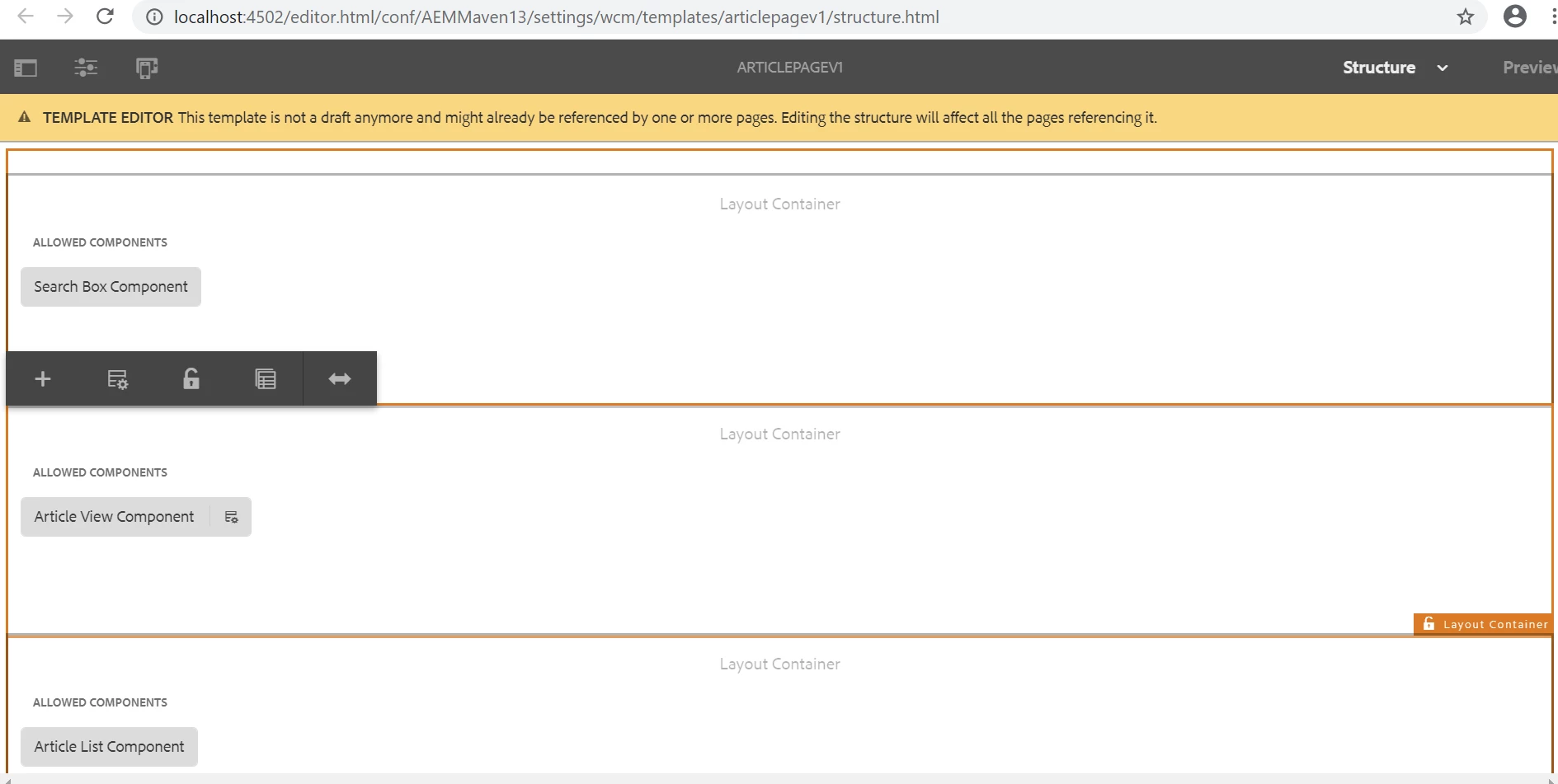
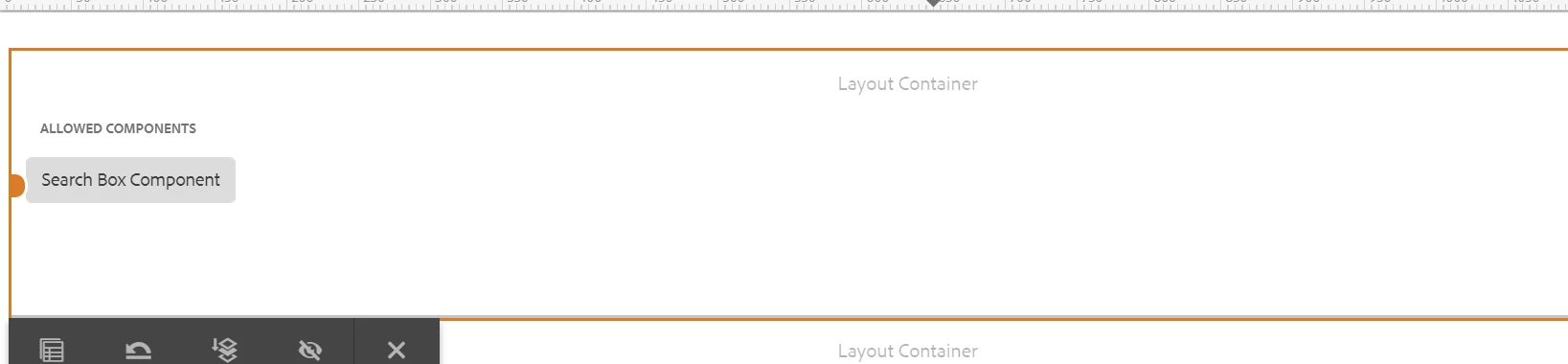
Resizing won't work by default, you need to add grid.less file in your client library.
Can you please try by placing below script.
@15844621 "/etc/clientlibs/wcm/foundation/grid/grid_base.less";

/* maximum amount of grid cells to be provided */
@max_col: 12;

@grid-gutter-width: 24px;

/* default breakpoint */
.aem-Grid {
    .generate-grid(default, @518014_col);
    width: auto;
}

/* phone breakpoint */
@media (max-width: 650px) {
    .aem-Grid {
        .generate-grid(phone, @518014_col);
    }
}

/* tablet breakpoint */
@media (min-width: 651px) and (max-width: 1200px) {
    .aem-Grid {
        .generate-grid(tablet, @518014_col);
    }
}

.aem-GridColumn {
    padding: 0 @2321967-gutter-width/2;
}

/* TODO: find a better place for this */
/* additional styling for components in grid */

.aem-GridColumn.text.parbase p {
    *padding: 0 20px;
    text-align: justify;
}