I have created a custom tab in Metadata of DAM assest, whenever i author the values and try to save its throwing error. How to enable edit in metadata of assest | Community
Skip to main content
Level 3
June 13, 2025
Solved

I have created a custom tab in Metadata of DAM assest, whenever i author the values and try to save its throwing error. How to enable edit in metadata of assest

  • June 13, 2025
  • 2 replies
  • 535 views

I have created a custom tab in Metadata of DAM assest, whenever i author the values and try to save its throwing error.
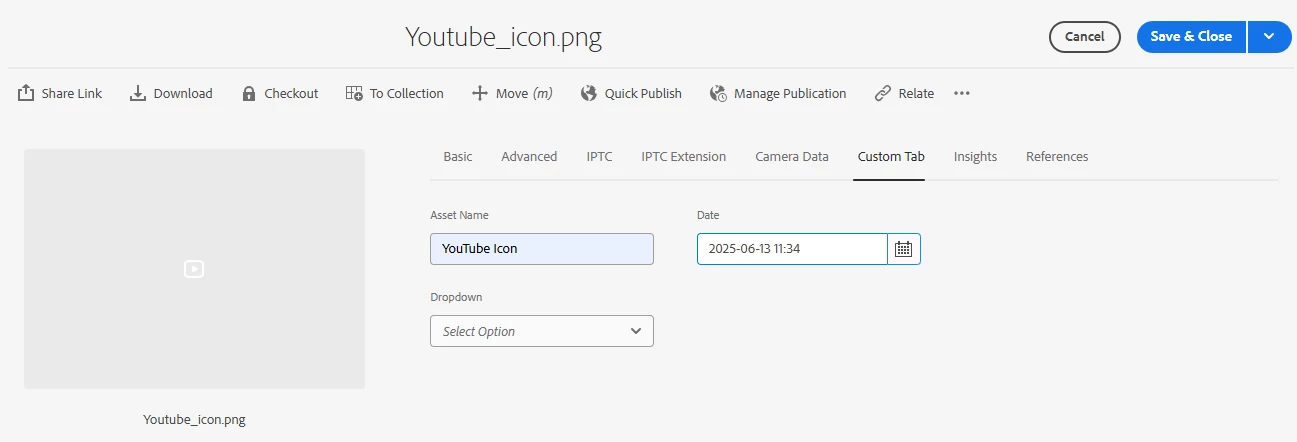
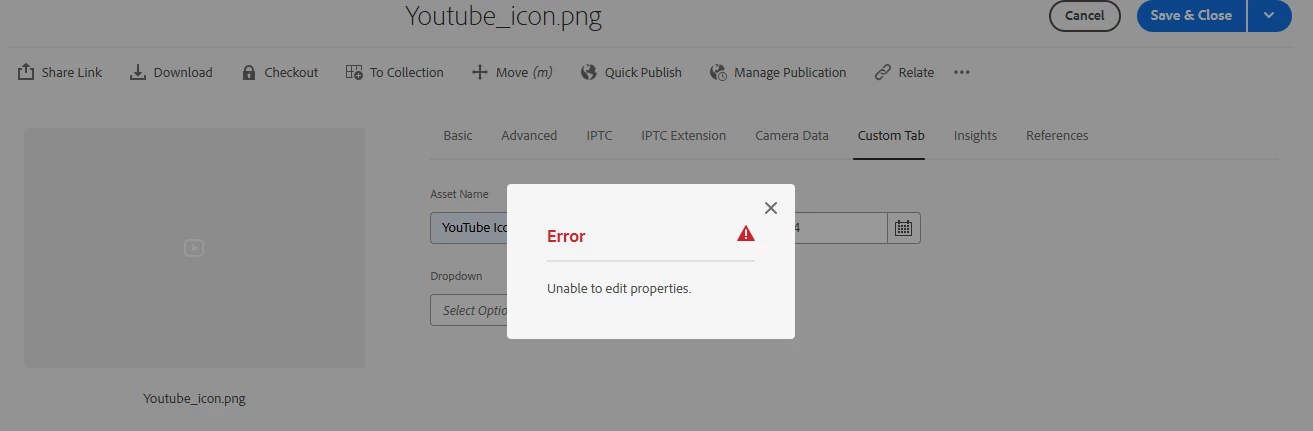
 

I'm unable to edit the values of custom tab

Best answer by Anilkumar9

Hi @tarunkumar 
Actually, I did a mistake at Map to property. I gave "/jcr:content/metadata/default" instead of "/jcr:content/metadata/assetName" assetName is my filedLabel. 
later I corrected it then it's working as expected.


Thanks

2 replies

TarunKumar
Community Advisor
Community Advisor
June 13, 2025

Hi @anilkumar9 ,

First I'd like you to verify if you have created the custom tab properly using below steps:-

1. Select the appropriate Metadata Schema Editor that applies to the asset type you want to customize, or create a new schema if necessary and then add a new tab In the Metadata Schema Editor, you can add a new tab by clicking the "+" icon next to the existing tabs.

2. Add Custom Fields within the new tab, you can drag and drop components (fields) from the side panel into the schema layout.
Configure each field by selecting it and setting properties in the right-hand panel. For example, you can set the field label, field description, and map the field to a property in the repository.

3.Map it to a property in the JCR repository. This is done in the "Map to property" field in the settings tab of the field configuration.

4. Once you have added all your custom fields and configured them, save the schema.

5. To apply the custom schema to specific folders, navigate to the desired folder in the Assets console. Use the Properties action to open the folder properties. In the Properties page, go to the Metadata Schema tab and select the schema you modified.


-Tarun

Anilkumar9AuthorAccepted solution
Level 3
June 13, 2025

Hi @tarunkumar 
Actually, I did a mistake at Map to property. I gave "/jcr:content/metadata/default" instead of "/jcr:content/metadata/assetName" assetName is my filedLabel. 
later I corrected it then it's working as expected.


Thanks

Jagadeesh_Prakash
Community Advisor
Community Advisor
June 13, 2025

Hi @anilkumar9  Obviously, If it's a custom tab and custom field then it should be a mistake on custom code.