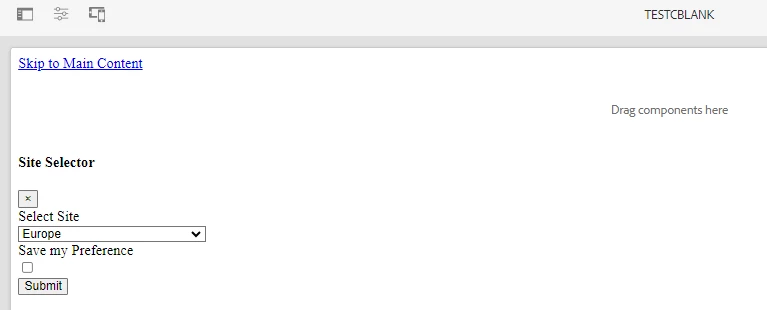
I am getting site selector in a blank page template , need to remove it | Community
Skip to main content
This post is no longer active and is closed to new replies. Need help? Start a new post to ask your question.

1 reply

EstebanBustamante
Community Advisor and Adobe Champion
October 25, 2023

Hi, 


I will assume that this 'site selector' is a custom component you were working on. So, if you are encountering this in the "Template editor", it likely means that the component was fixed through code or directly added via CRX/DE(1), and you will need to remove it from there. If you are seeing this on a page, you should check the Template editor first.


Please check how the templates work here: https://experienceleague.adobe.com/docs/experience-manager-learn/sites/page-authoring/template-editor-feature-video-use.html?lang=en 


(1) https://experienceleague.adobe.com/docs/experience-manager-65/developing/platform/templates/page-templates-editable.html?lang=en#using-crxde-lite 

Esteban Bustamante
Arjun_SudAuthor
Level 2
October 25, 2023

It is a static template which was having this issue

EstebanBustamante
Community Advisor and Adobe Champion
October 25, 2023

It's usually easier then, you just need to track the "page" component from where the static template was created and check if there is an inclusion of the mentioned component in the code base. 

Esteban Bustamante