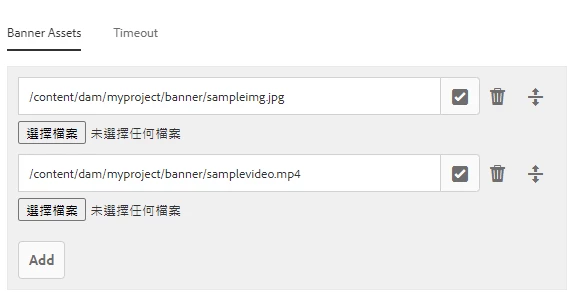
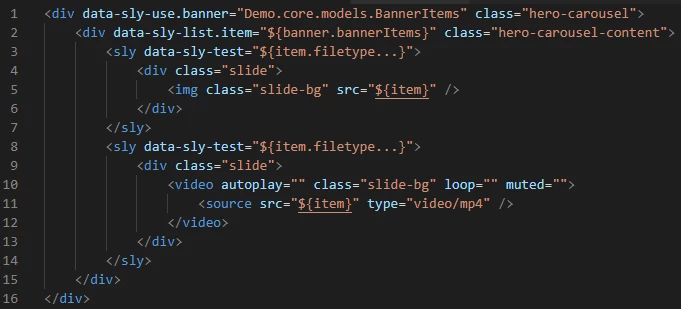
I have tried with below htl code and checking file type -
<div data-sly-test="${'jpg' in department.image}">IMAGE</div>
<div data-sly-test="${'pdf' in department.image}">PDF</div>
Entire htl code -
<sly data-sly-use.companiesModel="com.aem.demo.core.models.CompaniesModel"/>
<sly data-sly-test.empty="${!companiesModel.companies}" />
<div data-sly-test="${wcmmode.edit && empty}" class="cq-placeholder" data-emptytext="${component.title}"></div>
<sly data-sly-test="${!empty}">
  <div>
      <ul data-sly-list.company="${companiesModel.companies}">
        <li>${company.name}
          <ul data-sly-list.department="${company.departments}">
            <li>
               ${department.image}
                <li data-sly-test.image="${department.image}">

                  <div data-sly-test="${'jpg' in department.image}">IMAGE</div>
                  <div data-sly-test="${'pdf' in department.image}">PDF</div>
                </li>
            </li>
          </ul>
        </li>
      </ul>
  </div>
</sly>
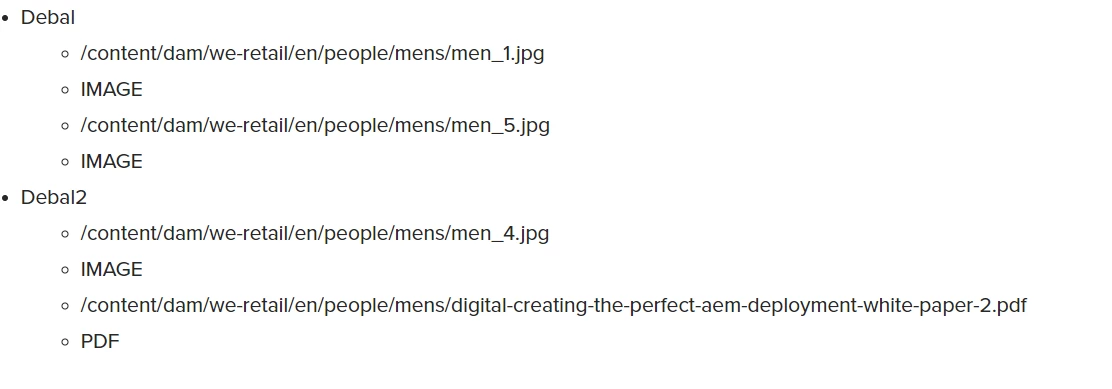
Output is file path and it's type-
Author's entries -
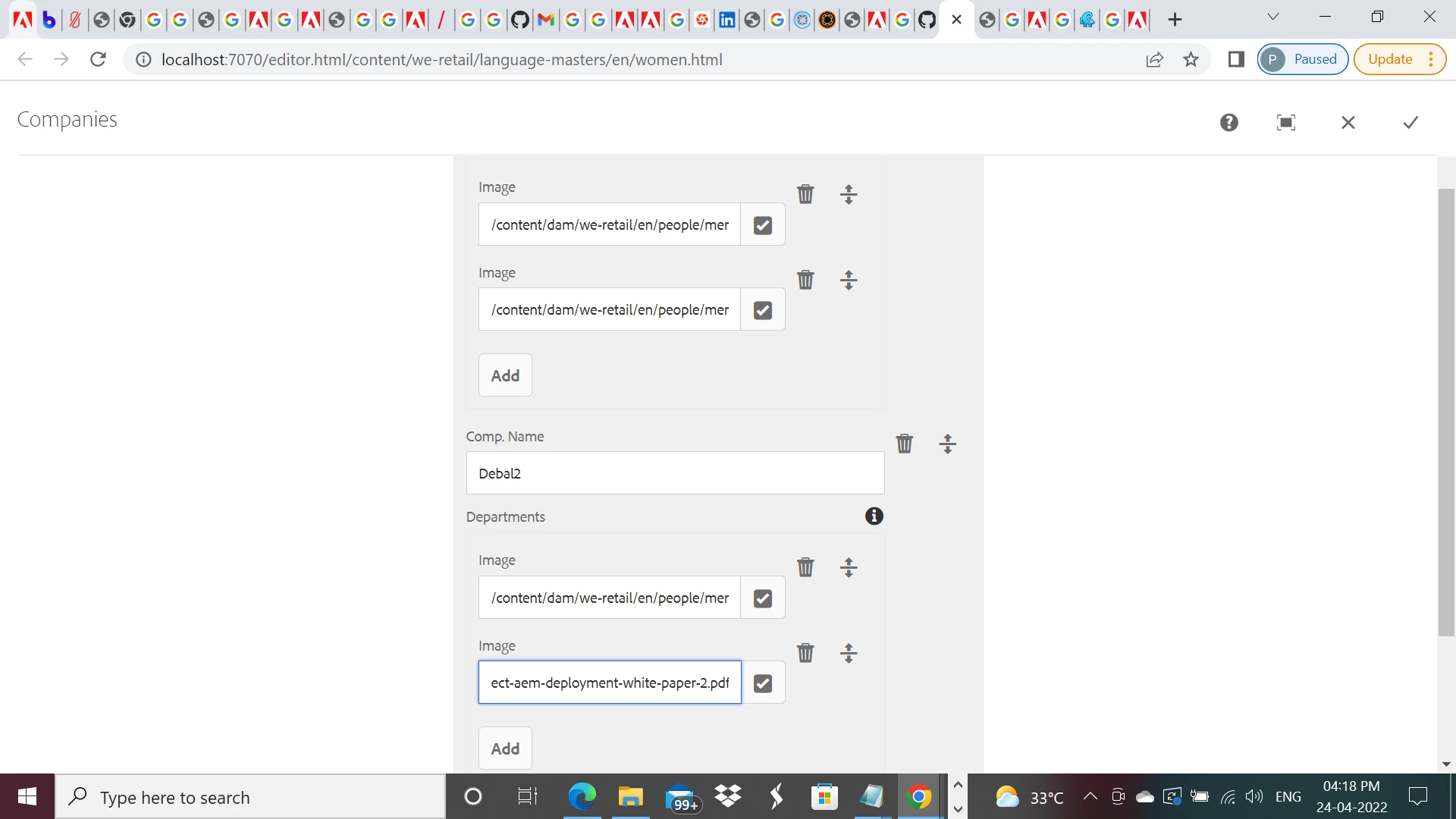
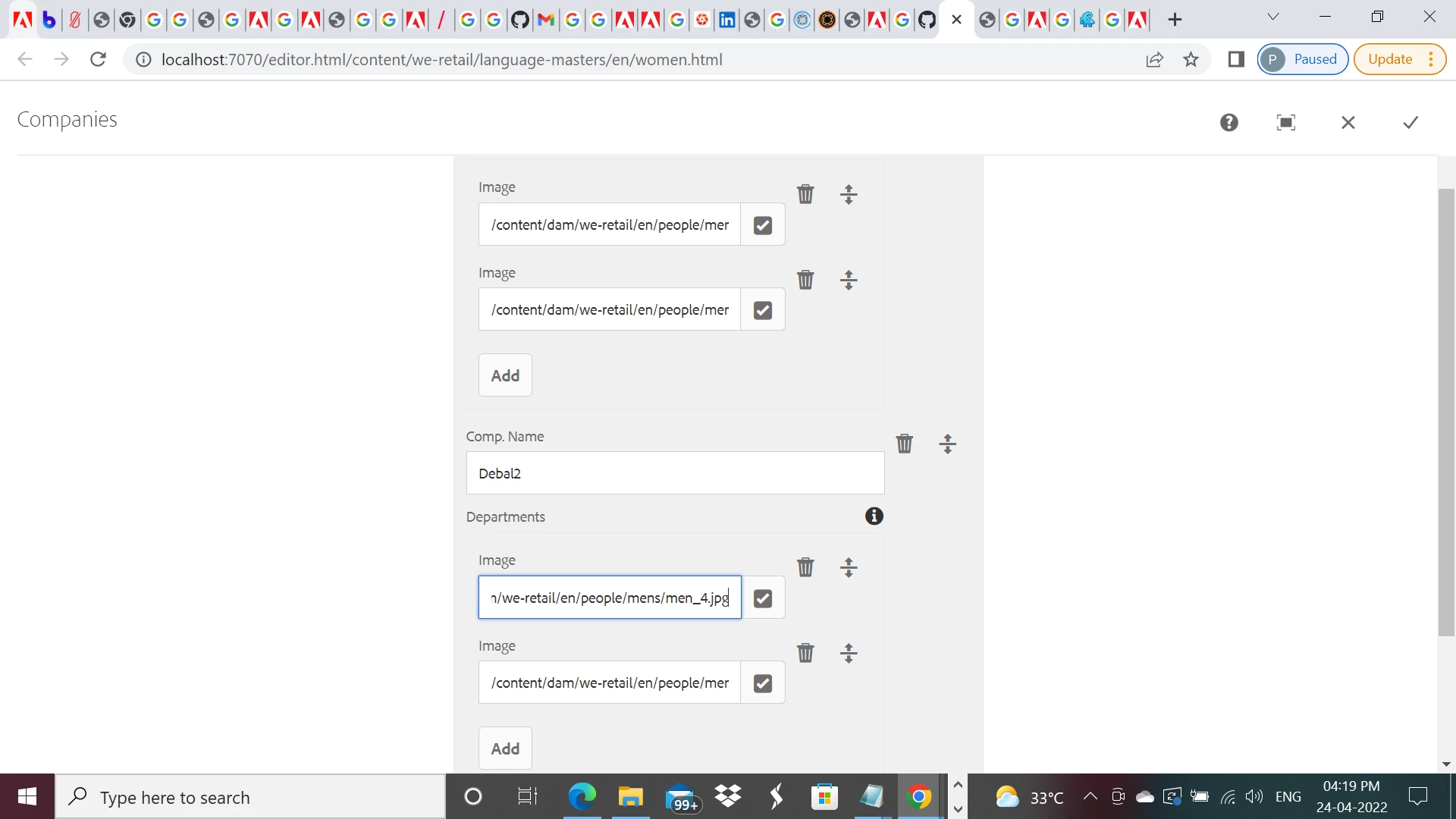
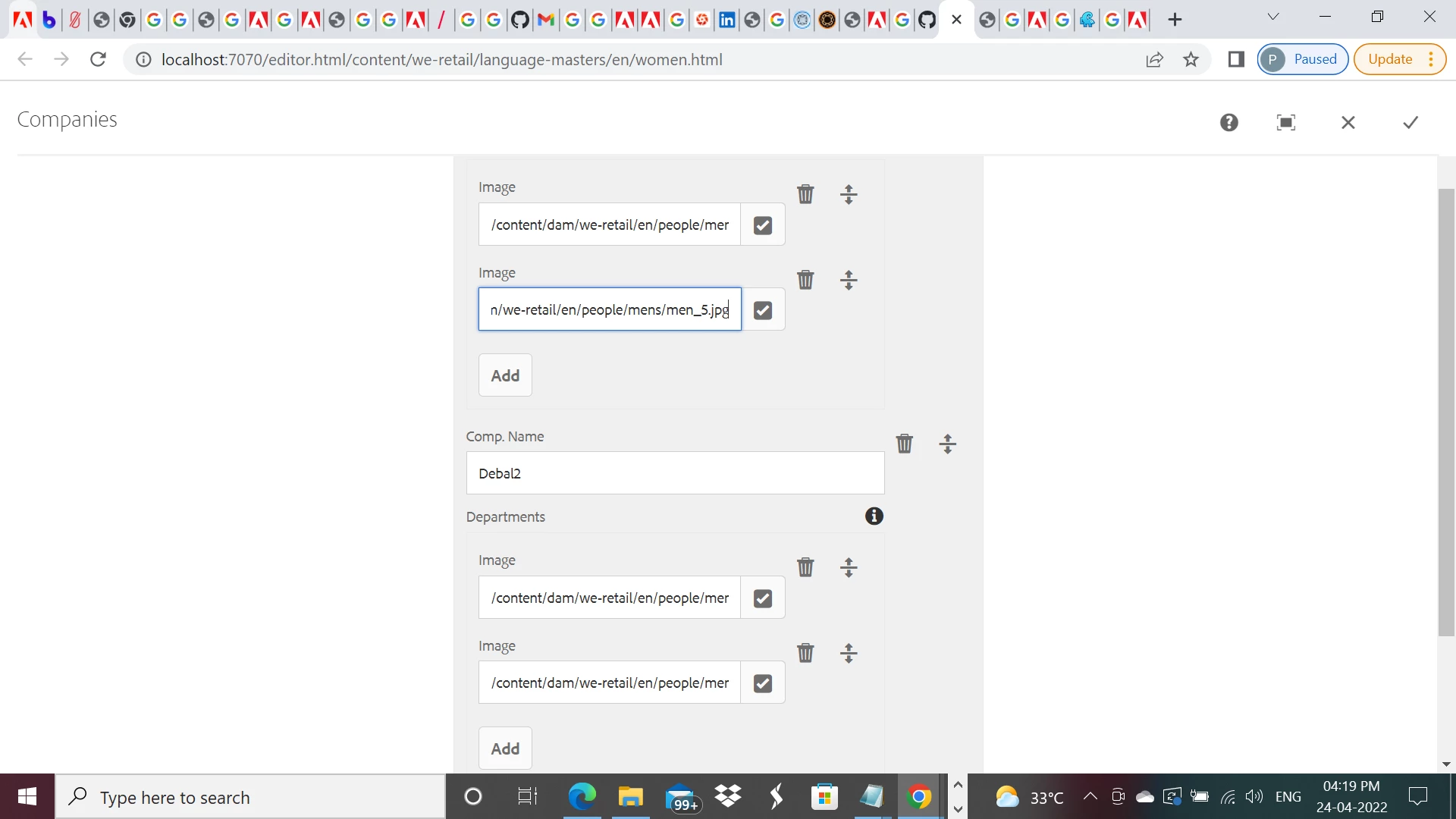
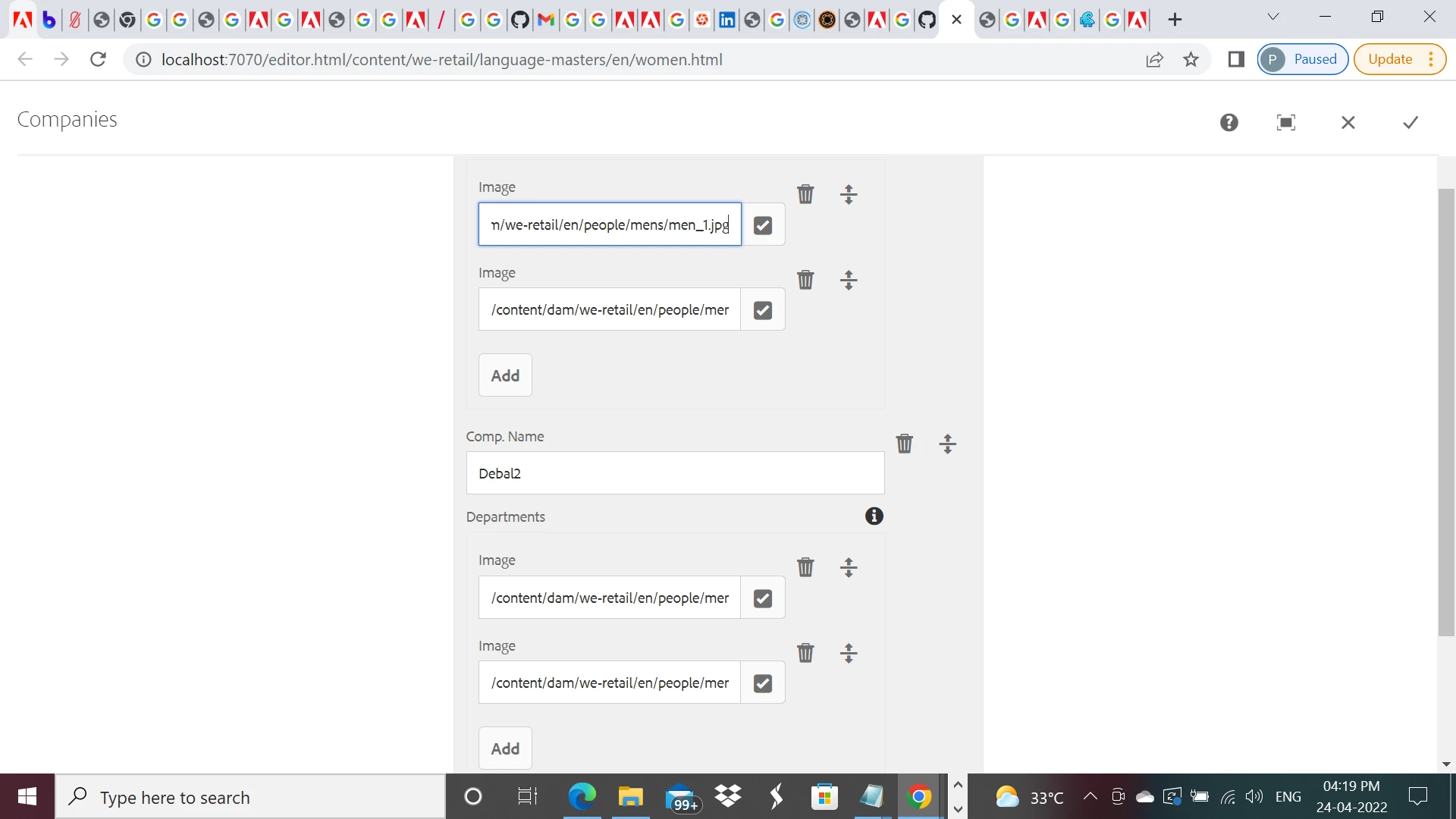
I have just used Image as field name in my sample component. But I can upload any type of files.
Sling model -
package com.aem.demo.core.models;
import java.util.List;
import javax.inject.Inject;
import org.apache.sling.api.resource.Resource;
import org.apache.sling.models.annotations.DefaultInjectionStrategy;
import org.apache.sling.models.annotations.Model;
@Model(
adaptables = {Resource.class},
defaultInjectionStrategy = DefaultInjectionStrategy.OPTIONAL)
public interface CompaniesModel {
@586265
List<Company> getCompanies(); // the name `getCompanies` corresponds to the multifield name="./companies"
/**
* Company model
* has a name and a list of departments
*/
@Model(adaptables = Resource.class, defaultInjectionStrategy = DefaultInjectionStrategy.OPTIONAL)
interface Company {
@586265
String getName();
@586265
List<Department> getDepartments(); // the name `getDepartments` corresponds to the multifield name="./departments"
}
/**
* Department model
* has a name and a manager
*/
@Model(adaptables = Resource.class, defaultInjectionStrategy = DefaultInjectionStrategy.OPTIONAL)
interface Department {
@586265
String getImage();
}
}
cq:dialog -
<?xml version="1.0" encoding="UTF-8"?>
<jcr:root xmlns:sling="http://sling.apache.org/jcr/sling/1.0" xmlns:cq="http://www.day.com/jcr/cq/1.0" xmlns:jcr="http://www.jcp.org/jcr/1.0" xmlns:nt="http://www.jcp.org/jcr/nt/1.0"
jcr:primaryType="nt:unstructured"
jcr:title="Companies"
sling:resourceType="cq/gui/components/authoring/dialog">
<content
jcr:primaryType="nt:unstructured"
sling:resourceType="granite/ui/components/coral/foundation/fixedcolumns">
<items jcr:primaryType="nt:unstructured">
<column
jcr:primaryType="nt:unstructured"
sling:resourceType="granite/ui/components/coral/foundation/container">
<items jcr:primaryType="nt:unstructured">
<companies
jcr:primaryType="nt:unstructured"
sling:resourceType="granite/ui/components/coral/foundation/form/multifield"
composite="{Boolean}true"
fieldDescription="Click 'Add Field' to add a new company.">
<field
jcr:primaryType="nt:unstructured"
sling:resourceType="granite/ui/components/coral/foundation/container"
name="./companies">
<items jcr:primaryType="nt:unstructured">
<name
jcr:primaryType="nt:unstructured"
sling:resourceType="granite/ui/components/coral/foundation/form/textfield"
fieldLabel="Comp. Name"
name="name"/>
<departments
jcr:primaryType="nt:unstructured"
sling:resourceType="granite/ui/components/coral/foundation/form/multifield"
composite="{Boolean}true"
fieldDescription="Click 'Add Field' to add a new department."
fieldLabel="Departments">
<field
jcr:primaryType="nt:unstructured"
sling:resourceType="granite/ui/components/coral/foundation/container"
name="./departments">
<items jcr:primaryType="nt:unstructured">
<image
jcr:primaryType="nt:unstructured"
sling:resourceType="granite/ui/components/coral/foundation/form/pathfield"
fieldLabel="Image"
name="image"
rootPath="/content/dam/we-retail/en/people"/>
</items>
</field>
</departments>
</items>
</field>
</companies>
</items>
</column>
</items>
</content>
</jcr:root>