How to search the assets by using the ID in the Asset Property Advance Tab | Community
Skip to main content
Nandheswara
Level 4
June 27, 2024
Solved

How to search the assets by using the ID in the Asset Property Advance Tab

  • June 27, 2024
  • 2 replies
  • 3026 views

Hi All,

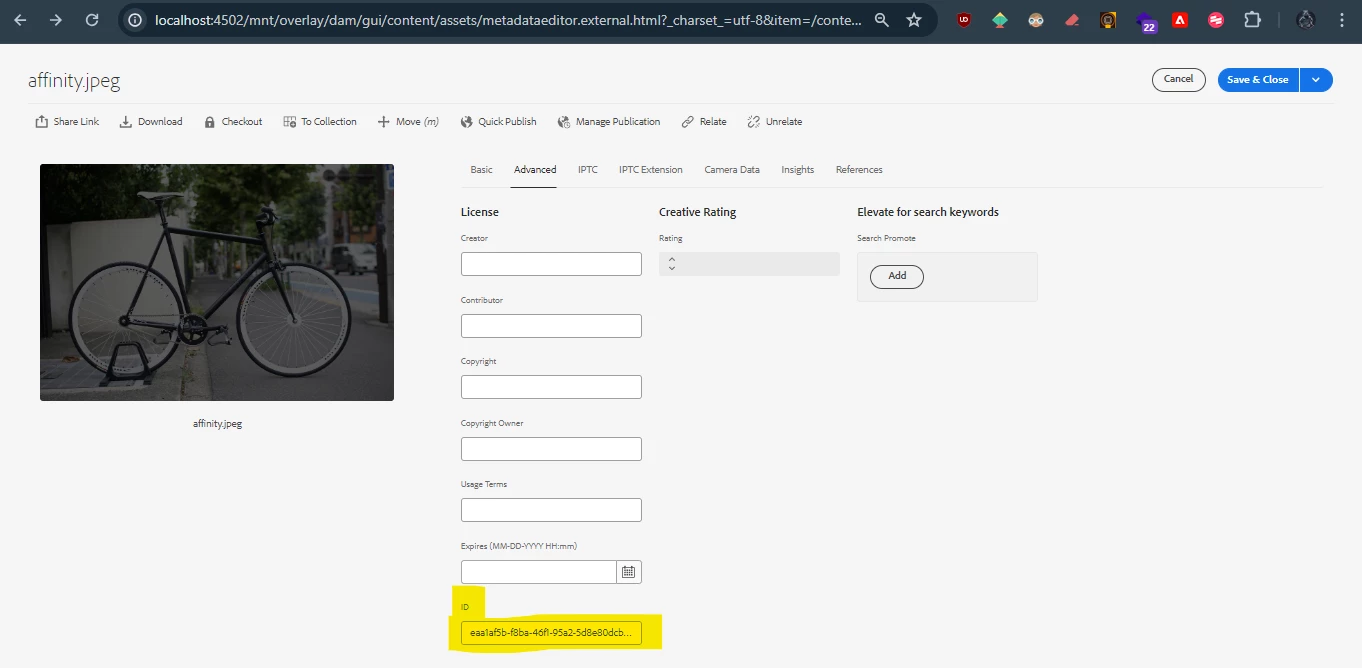
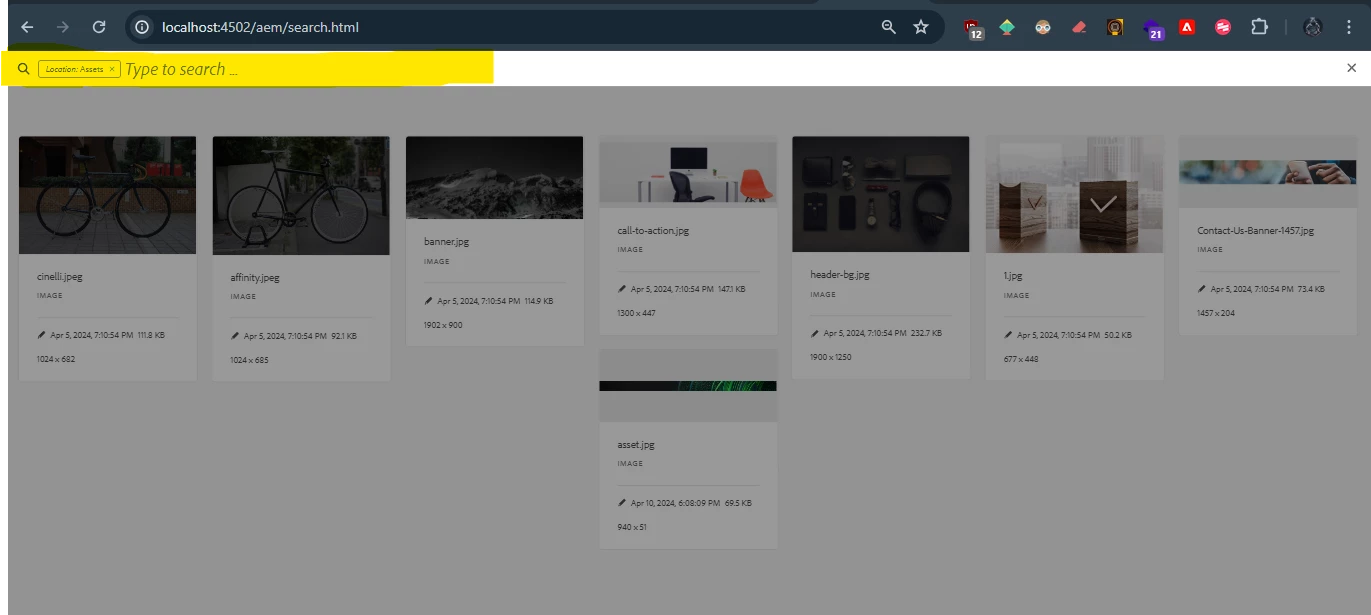
I want to search the asset by using the ID in the Asset Property > Advance Tab, so when i try to search using the ID it should display the asset in the search result. So how we can achive this any suggestion or ideas please


Thanks

Nandheswara
 

This post is no longer active and is closed to new replies. Need help? Start a new post to ask your question.
Best answer by EstebanBustamante

Hi, 

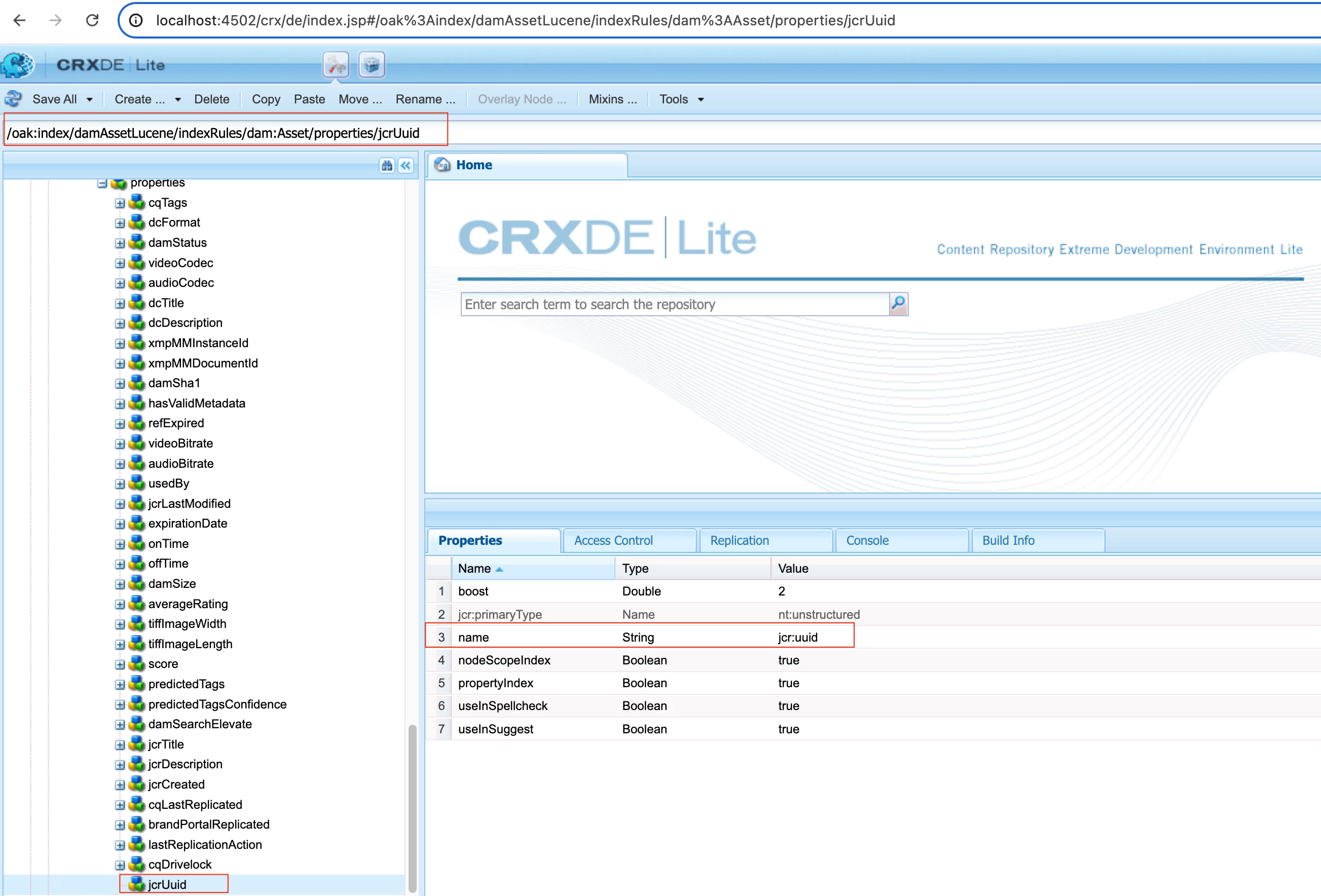
The search is based on the properties (metadata) indexed by the damAssetLucene index, by default there is the list of specific metadata indexed, you can find those details here: https://experienceleague.adobe.com/en/docs/experience-manager-cloud-service/content/assets/manage/search-assets#gql-search . So to search by that metaData field you are trying to, you should index that property as well (jcr_uuid) as part of the damAssetLucene index. You can check how to properly version an index and more details here: https://experienceleague.adobe.com/en/docs/experience-manager-cloud-service/content/operations/indexing


But adding the below property and triggering a reindex of the damAssetLucene worked for me:


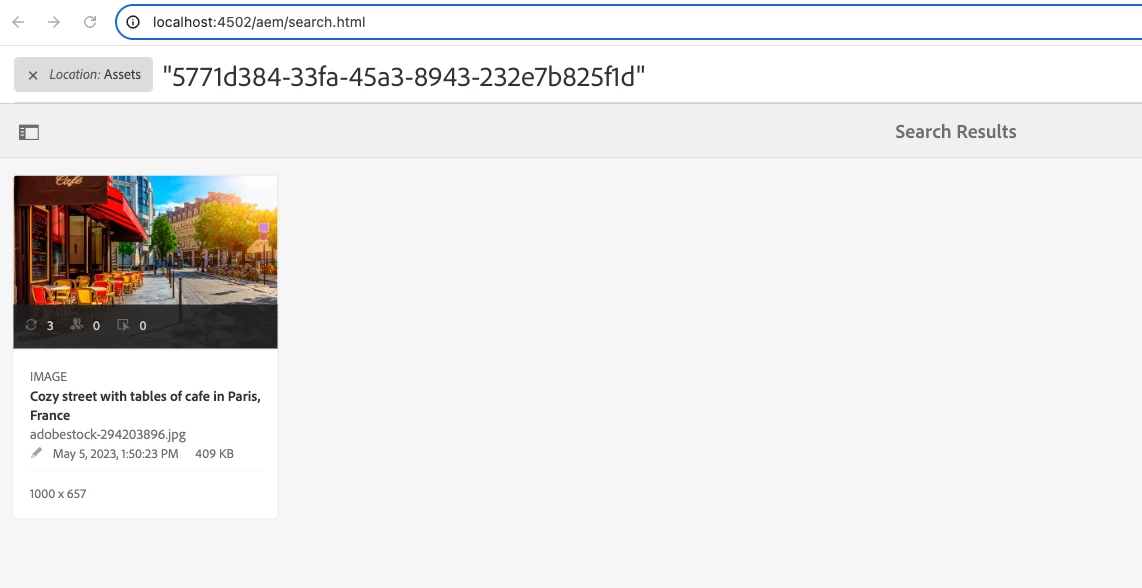
Result:


Hope this helps.

2 replies

EstebanBustamante
Community Advisor and Adobe Champion
EstebanBustamanteCommunity Advisor and Adobe ChampionAccepted solution
Community Advisor and Adobe Champion
June 27, 2024

Hi, 

The search is based on the properties (metadata) indexed by the damAssetLucene index, by default there is the list of specific metadata indexed, you can find those details here: https://experienceleague.adobe.com/en/docs/experience-manager-cloud-service/content/assets/manage/search-assets#gql-search . So to search by that metaData field you are trying to, you should index that property as well (jcr_uuid) as part of the damAssetLucene index. You can check how to properly version an index and more details here: https://experienceleague.adobe.com/en/docs/experience-manager-cloud-service/content/operations/indexing


But adding the below property and triggering a reindex of the damAssetLucene worked for me:


Result:


Hope this helps.

Esteban Bustamante
Level 2
July 5, 2024

Hi @estebanbustamante 

I have tried this and It worked out for me after reindexing only, 


First I have added the node jcr:uuid along with its properties as mentioned.

Then In the damAssetLucene I have changed the property of reindex to true

(without changing it to true, and keeping it as false, I have tried to invoke the reindexing but it did not worked out, so I changed it to true)

And then I have the invoked the reindexing through http://localhost:4502/system/console/jmx/org.apache.jackrabbit.oak%3Aname%3Drepository+manager%2Ctype%3DRepositoryManagement


After that I have got the results for asset Id,


Here are few questions:

1) Do we need to change the property of reindex to false again?

or shall it remain in true itself?


2) May i know do we have any impacts while reindexing?


3) Do we need to reindex by invoking or just we need to change the property of reindex to true?

Kindly explain more on triggering the reindex.


Thanks

EstebanBustamante
Community Advisor and Adobe Champion
August 1, 2024

Hi @nirmal_kumar1 @nandheswara whenever you make a change in the index's definition, you must reindex the index, otherwise, changes won't take effect. Answering your questions:


  1. The "reindex" property automatically returns to "false" once the indexing process is finished.

  2. The damLucene index is an asycn index, that's why, the Indexing process is an asynchronous process, so it should not directly impact author activities. However, it is well-known that reindexing large indexes or those defined incorrectly could cause some performance degradation. 

  3. Correct. When you set the "reindex" property to true in the index definition, the index triggers a reindex and resets the property to false once the reindexing is complete. You can check the index process checking the log entries or checking the timestamp in the JMX console.


Please check this article for more reference: https://blogs.perficient.com/2017/04/19/rebuild-indexes-in-aem-with-oak-index-manager/


Hope this helps


@nandheswara can you mark the correct answer for the posterity?

Esteban Bustamante
kautuk_sahni
Community Manager
Community Manager
July 16, 2024

@nandheswara Did you find the suggestion helpful? Please let us know if you require more information. Otherwise, please mark the answer as correct for posterity. If you've discovered a solution yourself, we would appreciate it if you could share it with the community. Thank you!

Kautuk Sahni