How to override coralui3.css | Community
Skip to main content
Level 2
March 31, 2023

How to override coralui3.css

  • March 31, 2023
  • 1 reply
  • 1491 views

Hi,

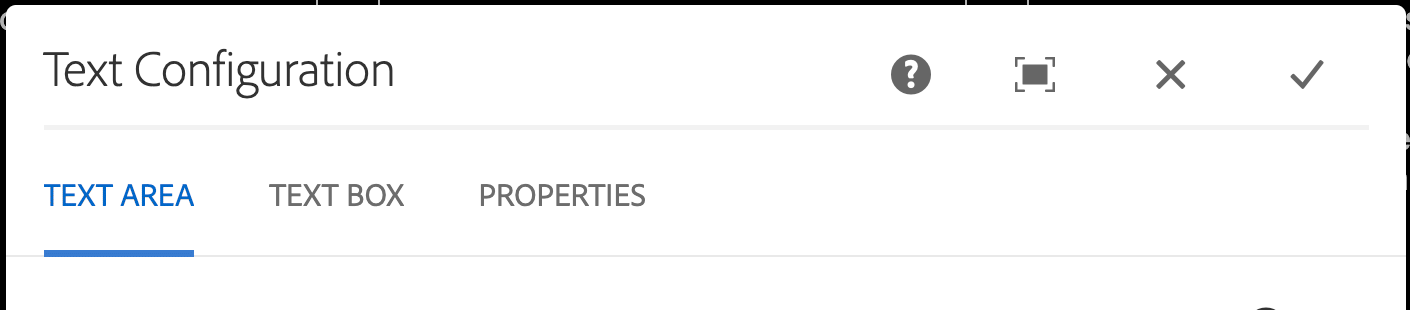
When opening a component, a dialog box opens for editing the contents, I see some css style applies on it (a blue color applies on an active tab - please take a look at the attachment).  I inspect and see a css file - localhost:4502/etc.clientlibs/clientlibs/granite/coralui3.css .

I need to override some style in coralui3.css file.  I try to locate this file, but don't see it anywhere.  Please give me a hand how to override some styles in this file.

Thanks! 
 

This post is no longer active and is closed to new replies. Need help? Start a new post to ask your question.

1 reply

DPrakashRaj
Community Advisor
Community Advisor
March 31, 2023

I won’t recommend to override the coralui3.css instead you can create your custom client libs css files to override the css properties and add those client line for the components for you want to override 

PD04Author
Level 2
March 31, 2023

Hi DPrakashRaj, Thanks for recommendation!  But in this case, I want to override/edit style for a dialog box component.

I have tried some CSS style in clientlibs, but it doesn't reflect on dialog box component.

DPrakashRaj
Community Advisor
Community Advisor
March 31, 2023

First check that when you open the component your custom css files are loading or not the. You can play with some properties like !important to make sure your css is final and try to add css with the class name that ootb component is using