How to manage pending publish and how does it work? | Community
Skip to main content
Karl515
Level 5
January 17, 2019
Solved

How to manage pending publish and how does it work?

  • January 17, 2019
  • 8 replies
  • 10335 views

From my reading, publishing anything in AEM means it's ready for use and will appear in creation process. I have lot's of question about it like who can publish, why can I use my image assets even tho I didn't publish it. Who can add asset and administrator can Approve the Added asset. Need more explanation on each default groups that were created and it's permissions. But my main question for now is what is this and how can I approve this?
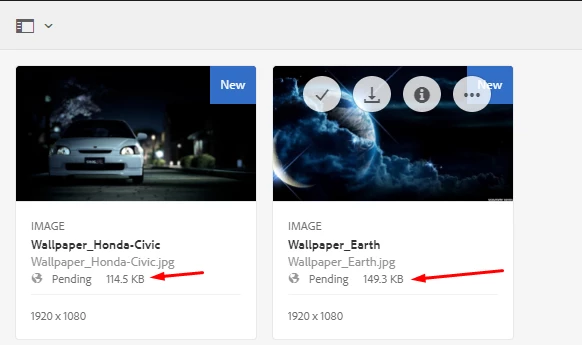
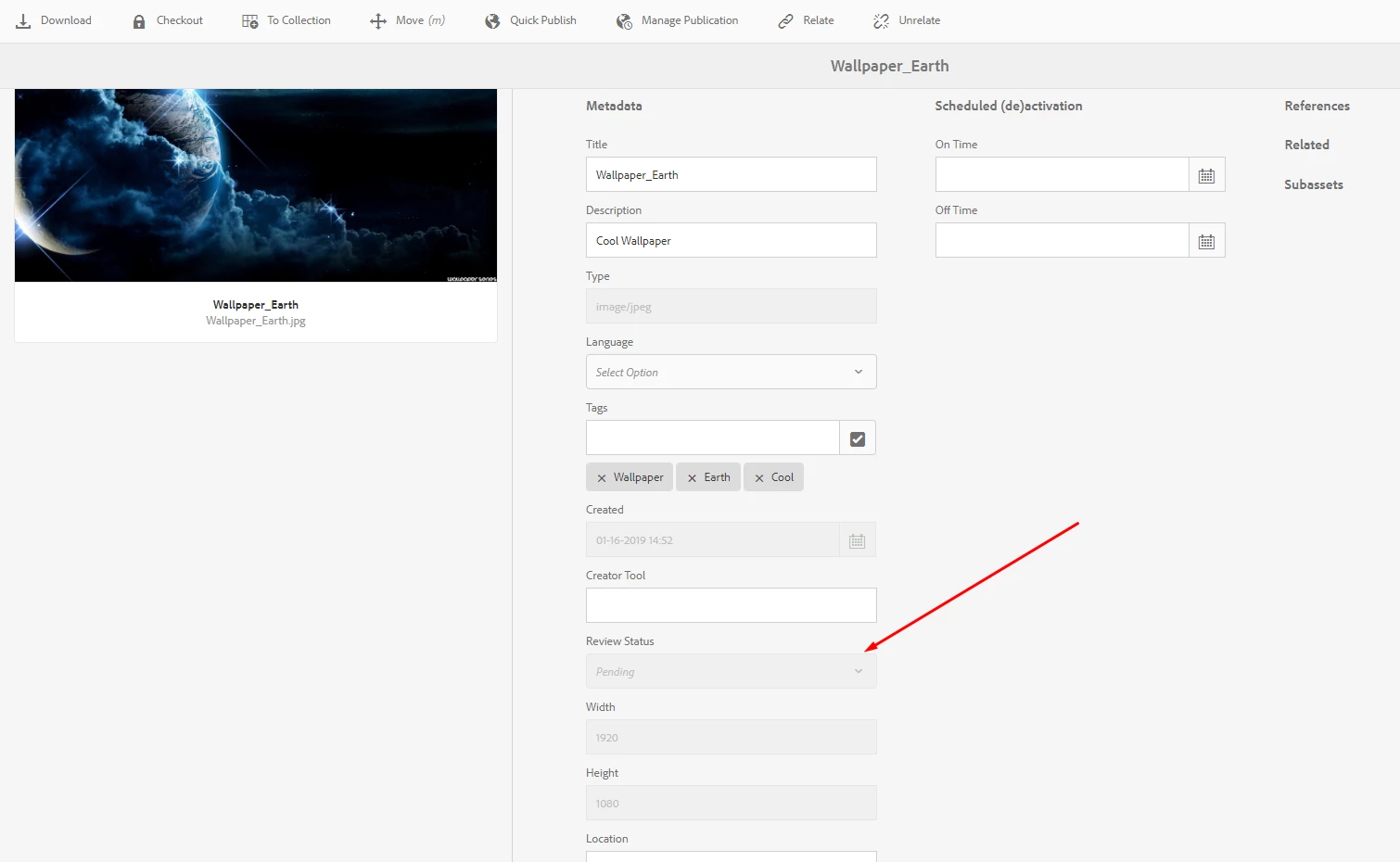
and this
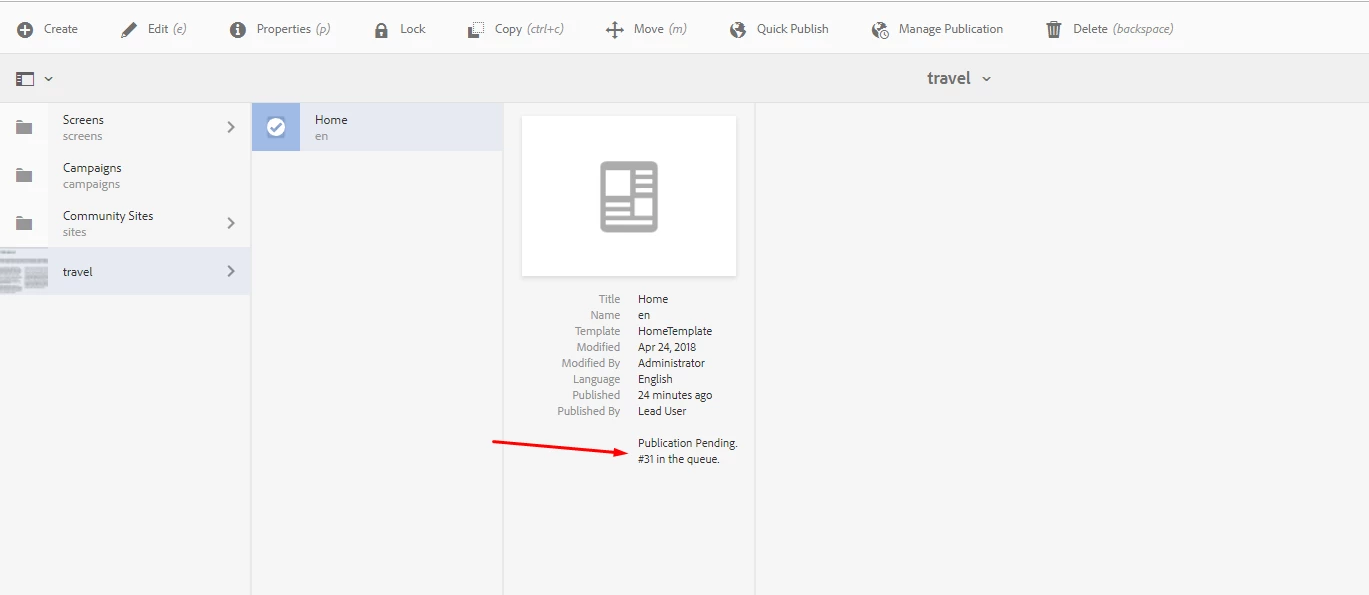
Answering my other questions are also appreciated. Thanks!

This post is no longer active and is closed to new replies. Need help? Start a new post to ask your question.
Best answer by Gaurav-Behl

Navigate to the inbox and approve/reject the tasks associated to the workflows, that should get rid of pending status on content/assets. You could do it as an administrator or the user to whom the task is assigned.

Your Inbox  (use 6.3 or 6.4 documentation per your AEM version)

Any user who has been granted appropriate replication ACL can publish the content (pages/assets/CF etc.) You are able to use the assets because you are working on the author instance where assets are present irrespective of their replication status. Replication would just push the content/asset from author instance to publish instance (separate AEM instance).

AEM documentation - 

Adobe Experience Manager (AEM) 6.4 Learn & Support

I would recommend you to set up a publish instance, a replication agent and then test it end-to-end. That might help to understand it better.

8 replies

Gaurav-Behl
Gaurav-BehlAccepted solution
Level 10
January 17, 2019

Navigate to the inbox and approve/reject the tasks associated to the workflows, that should get rid of pending status on content/assets. You could do it as an administrator or the user to whom the task is assigned.

Your Inbox  (use 6.3 or 6.4 documentation per your AEM version)

Any user who has been granted appropriate replication ACL can publish the content (pages/assets/CF etc.) You are able to use the assets because you are working on the author instance where assets are present irrespective of their replication status. Replication would just push the content/asset from author instance to publish instance (separate AEM instance).

AEM documentation - 

Adobe Experience Manager (AEM) 6.4 Learn & Support

I would recommend you to set up a publish instance, a replication agent and then test it end-to-end. That might help to understand it better.

Karl515
Karl515Author
Level 5
January 18, 2019

Thanks for answering but my inbox doesn't show anything that I can accept anything pending.

This my be bold but can I add you on skype or something for fast communication?

Gaurav-Behl
Level 10
January 18, 2019

Did you login with "admin" credentials to validate that "inbox" doesn't show any pending items to be approved or "calendar" view doesn't show any pre-scheduled activations for future?

sure, you could reach out for quick conversations.

smacdonald2008
Level 10
January 18, 2019

gauravb10066713 is correct - you need to approve this. Try logging in as admin to see the approval process - which is done via the AEM inbox. 

Karl515
Karl515Author
Level 5
January 22, 2019

Thanks. but I did login as admin credentials.

still my inbox only has those 4 defaults.

your answer might be correct, now I'm theres something wrong with my installation. would that be possible?

Gaurav-Behl
Level 10
January 22, 2019

Check your publish agent's queue - http://localhost:4502/etc/replication/agents.author/publish.html

or any other replication agent that you might've created - http://localhost:4502/etc/replication/agents.author.html

Check if there is any agent with blocked/pending items to be replicated? Clear that queue.

Another item to check - 'Manage Publication' on the top header of assets/content page. Check if you find any item(s) there?

Karl515
Karl515Author
Level 5
January 22, 2019

something about queue is blocked

Gaurav-Behl
Level 10
January 22, 2019

This is another reason why you could see pending status in replication. Since you don't have publish server setup, all items are blocked.

You could setup publish server, clear up the queue or disable the publish agent till the time you set up publish server.

HTH