How to Limit the Number of fields added in Multifield and give pop-up alert in AEM 6.4 Touch UI | Community
Skip to main content
Nandheswara
Level 4
October 6, 2022
Solved

How to Limit the Number of fields added in Multifield and give pop-up alert in AEM 6.4 Touch UI

  • October 6, 2022
  • 4 replies
  • 2411 views

Hi all,


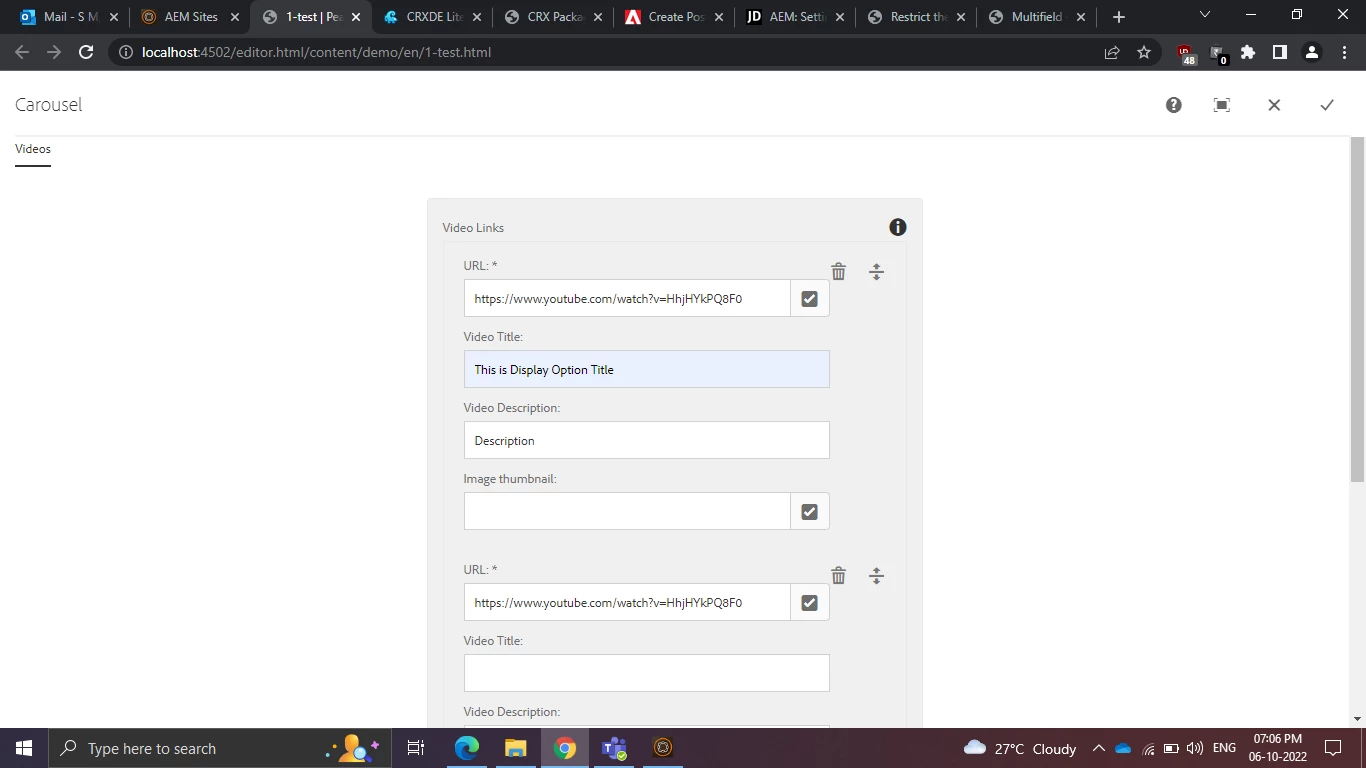
I having the issue with limiting the number of fields in touch ui

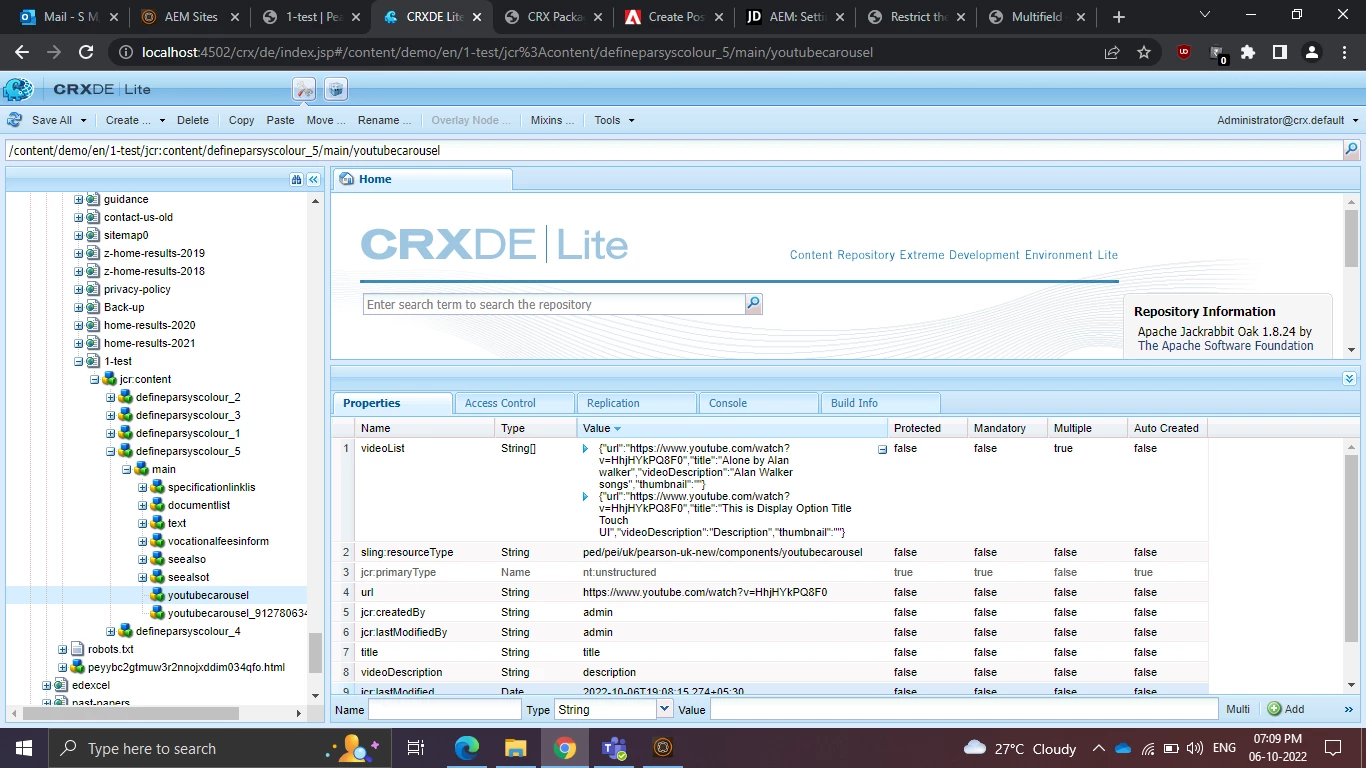
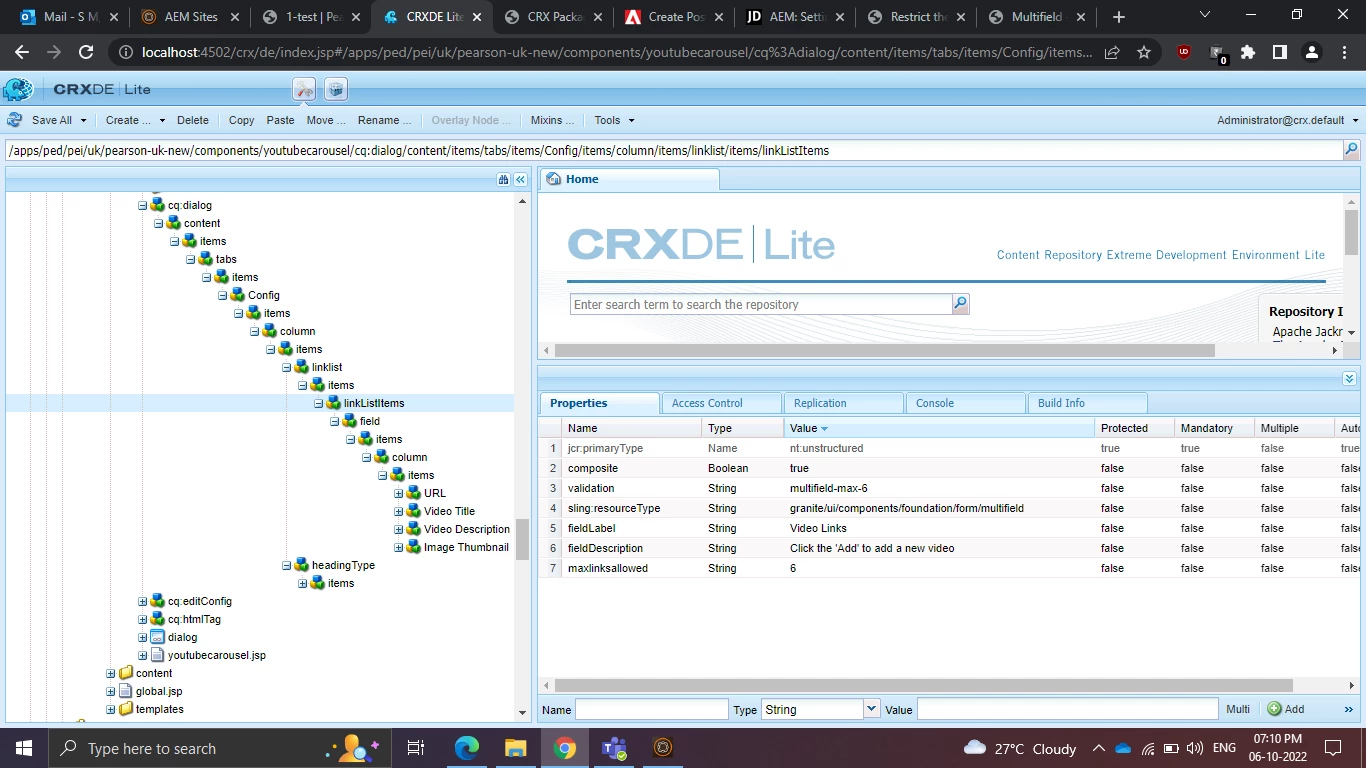
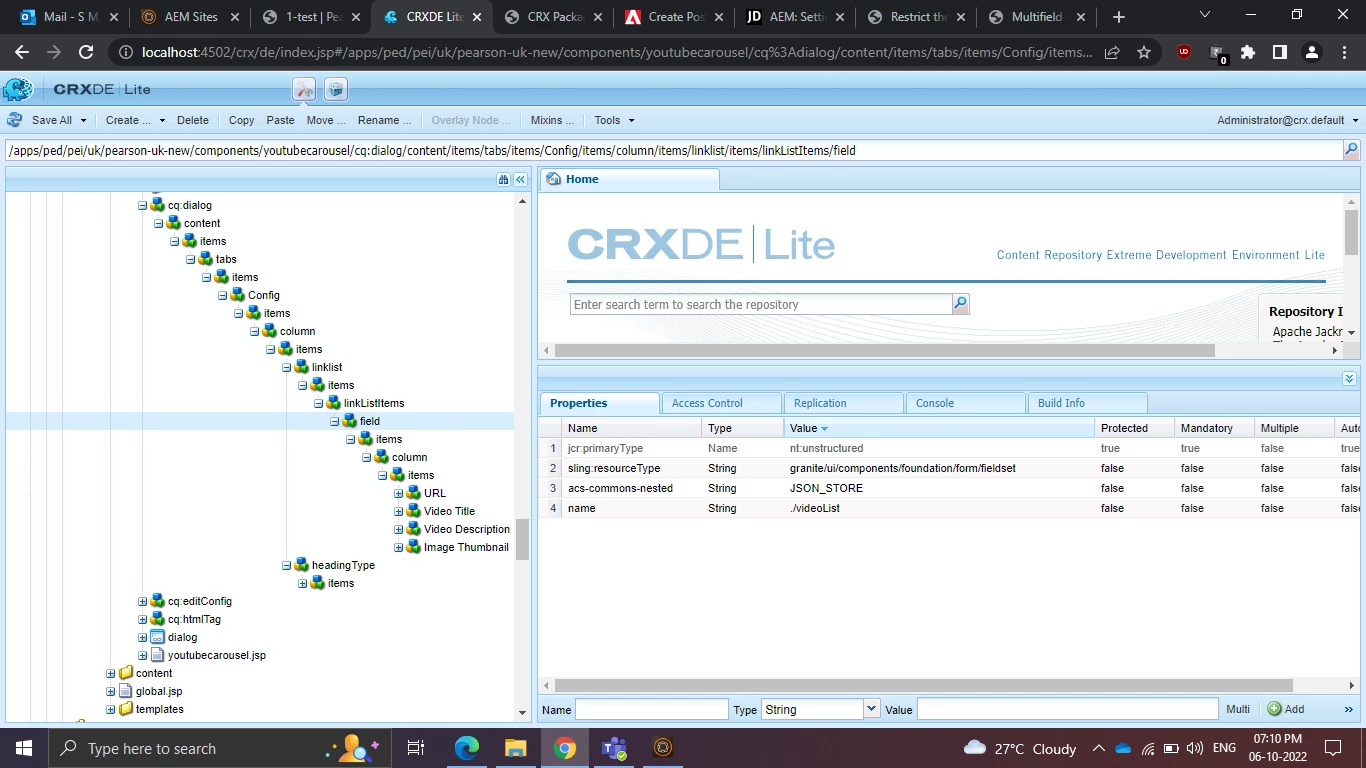
In my scenario the multifield values are storing as JSON array and maximum number of fields added in the multifield is 6. If they try to add more than six field mean that time i want to give a pop-up alert message that shown like Maximum six field should be added.

I tried custom js but that is working well when the multifield values are stored by node by node like item0,item1,item2,etc.but in my case values storing as JSON Array


Kindly give me some solution to resolve this issue.


This post is no longer active and is closed to new replies. Need help? Start a new post to ask your question.
Best answer by HariDo

 @Nandheswara

please check the bellow links ,I hope it has your answer.

http://experience-aem.blogspot.com/2015/02/aem-6-sp2-touch-ui-multi-field-component.html

4 replies

manjunathdj
New Member
October 6, 2022

@nandheswara - Check this 

https://aemhints.com/2020/10/24/limit-multifield-aem65/


let me check for JSON data...

Nandheswara
Level 4
October 6, 2022

If any reference for JSON type values storing means share with me

manjunathdj
New Member
October 6, 2022

@nandheswara very old reference but have an look on JavaScript so u have a idea.

http://experience-aem.blogspot.com/2015/02/aem-6-sp2-touch-ui-multi-field-component.html


Kiran_Vedantam
Community Advisor
Community Advisor
October 6, 2022

Hi @nandheswara,

Can you check my blog for this:

https://allaembykiran.wordpress.com/2021/01/13/nested-multi-field/


Thanks,

Kiran Vedantam.

Level 4
October 6, 2022
HariDoAccepted solution
Level 3
November 3, 2022