How to hide header row on the first page if there is no space for body content (Adobe Lifecycle Designer) | Community
Skip to main content
August 9, 2023

How to hide header row on the first page if there is no space for body content (Adobe Lifecycle Designer)

  • August 9, 2023
  • 1 reply
  • 788 views

Hello everyone,

I have an issue with my table.
I would like to be able to hide the header row on the first page (during pagination) when there is no more space for the content.

I have tried many things, but I haven't found a solution yet.
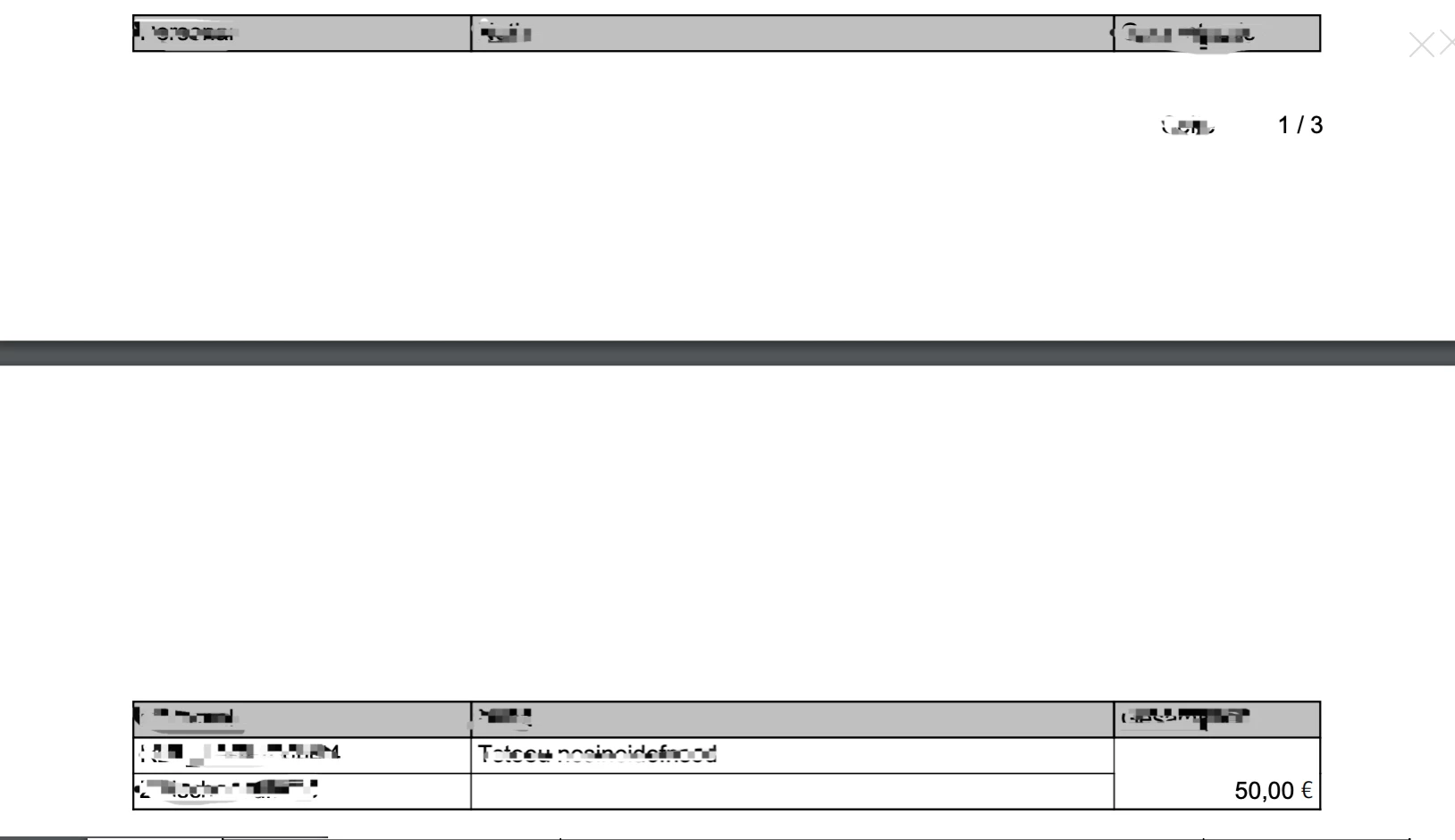
 

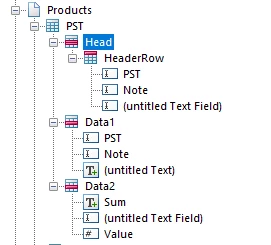
These are my settings:
 

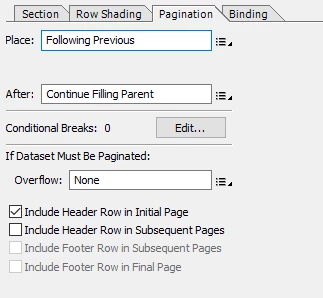
Head Pagination:
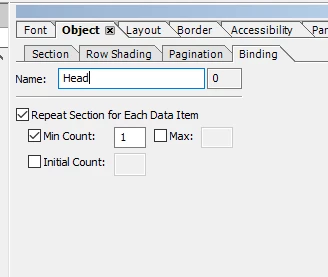
Head Binding:

HeaderRow Pagination:
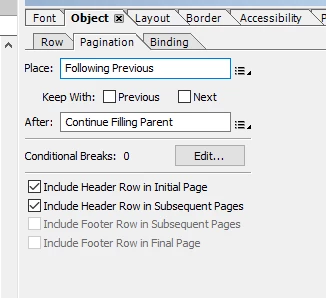

HeaderRow Binding:
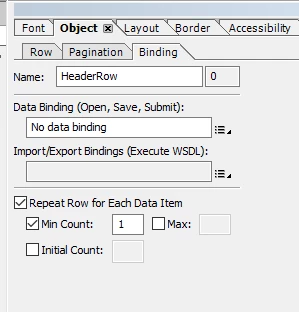

Thanks in Advance!
anna_tech


This post is no longer active and is closed to new replies. Need help? Start a new post to ask your question.

1 reply

Kiran_Vedantam
Community Advisor
Community Advisor
August 9, 2023

Hi @anna_tech 


Can you please confirm if this issue is related to AEM? If not can you please post it in the appropriate channel for a quick response?


Thanks,

Kiran Vedantam