Solved
How to get the value of a dropdown of the cq:dialog in authoring mode with javascript?
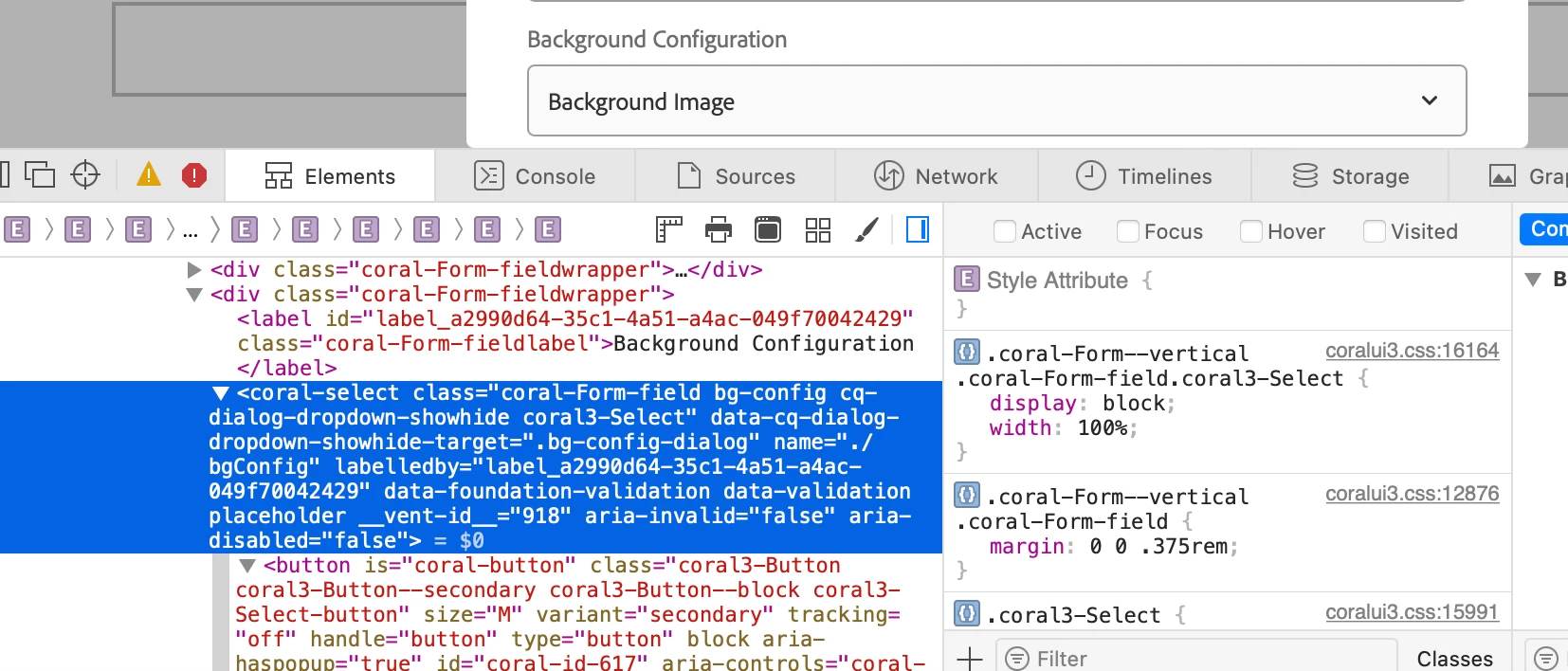
I have a component that has its cq:dialog file, something I need to do is to perform some validations based on the selected dropdown value.
I already have the logic but what I can't get is to obtain the selected value of the dropdown of the cq:dialog
I already tried using:
-- let dropdownValue = $('#sliderTypeValue');
-- let dropdownValue = $('#slideType');
-- let dropdownValue = document.querySelector('#sliderTypeValue');
-- let dropdownValue = document.querySelector('#slideType');
-- let dropdownValue = document.querySelector('#cq-dialog-dropdown-showhide');
-- let dropdownValue = $('#cq-dialog-dropdown-showhide');
But none of them brings me the value of the the dropdown field on cq:dialog authoring.
What can I do in this case?
This is the cq:dialog dropdown I create:
<slideType
granite:class="cq-dialog-dropdown-showhide"
jcr:primaryType="nt:unstructured"
sling:resourceType="granite/ui/components/coral/foundation/form/select"
fieldDescription="Please Choose Slide"
fieldLabel="Slide Type"
name="./slideType"
class="sliderTypeValue">
<items jcr:primaryType="nt:unstructured">
<tfs-slider--text-over-image
jcr:primaryType="nt:unstructured"
text="Title and Text with Background Image"
value="tfs-slider--text-over-image"/>
<tfs-slider--stacked
jcr:primaryType="nt:unstructured"
text="Title Text and Image stacked one below the other"
value="tfs-slider--stacked"/>
<tfs-slider--no-image
jcr:primaryType="nt:unstructured"
text="Title, Text and Button"
value="tfs-slider--no-image"/>
<tfs-slider-50-50-left
jcr:primaryType="nt:unstructured"
text="Image on Left and Title,Text,Button on Right"
value="tfs-slider-50-50-left"/>
<tfs-slider-50-50-right
jcr:primaryType="nt:unstructured"
text="Image on Right and Title,Text,Button on Left"
value="tfs-slider-50-50-right"/>
<tfs-slider--fullwidth-top
jcr:primaryType="nt:unstructured"
text="Title,Text with Full width Image Top"
value="tfs-slider--fullwidth-top"/>
<tfs-slider--fullwidth-bottom
jcr:primaryType="nt:unstructured"
text="Title,Text with Full width Image Bottom"
value="tfs-slider--fullwidth-bottom"/>
<tfs-slider--recipe-detail
jcr:primaryType="nt:unstructured"
text="Slider Recipe Detail"
value="tfs-slider--recipe-detail"/>
<tfs-slider-img-banner
jcr:primaryType="nt:unstructured"
text="Image Banner"
value="tfs-slider-img-banner"/>
</items>
<granite:data
jcr:primaryType="nt:unstructured"
cq-dialog-dropdown-showhide-target=".showhidetargets"/>
</slideType>