How to enable GZip compression in AEM | Community
Skip to main content
Level 4
March 17, 2022

How to enable GZip compression in AEM

  • March 17, 2022
  • 3 replies
  • 5559 views

Hi,


I have enabled Gzip compression in "Adobe Granite HTML Library Manager", still siteimprove flags GZip compression for the site.


Is there anything I have to do.

This post is no longer active and is closed to new replies. Need help? Start a new post to ask your question.

3 replies

DEBAL_DAS
March 17, 2022

could you please refer below section -


Even @joerghoh has shared the similar details at 


https://experienceleaguecommunities.adobe.com/t5/adobe-experience-manager/enabling-gzip-in-aem-dispatcher-web/m-p/163999


Level 4
March 17, 2022

I have done OSGI configuration part, enabled Gzip at "Adobe Granite HTML Library Manager" but did not do anything in dispatcher.


It is not clear in the link you mentioned. could you please make it clear little more detail?

BTW I am using AEM as a cloud service .


Thanks

joerghoh
Adobe Employee
Adobe Employee
March 17, 2022

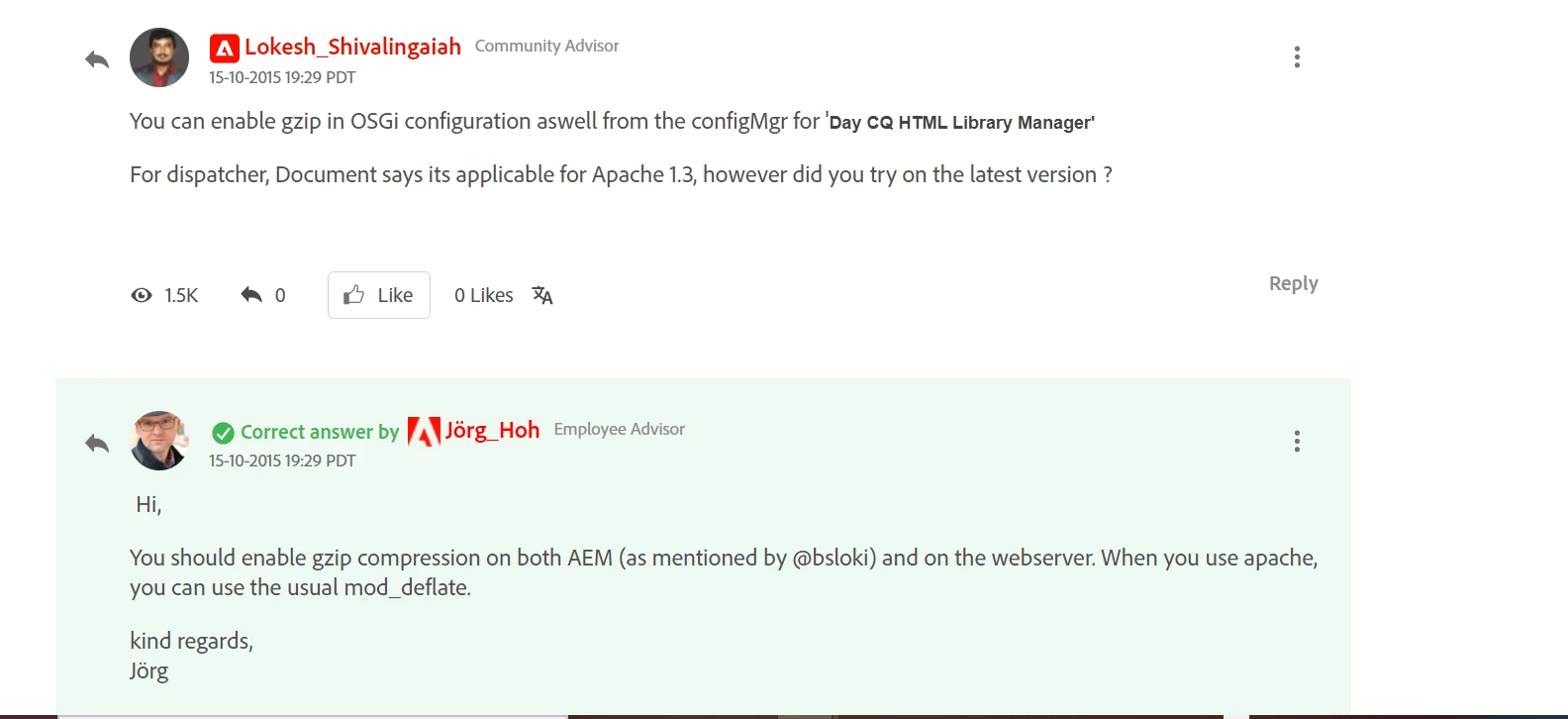
The gzip compression for the clientlibraryManager is limited in usefulness. The majority of your content should be delivered from the dispatcher instances (that means: from the dispatcher cache). You should configure mod_deflate there to enable the transport compression.

Level 4
March 17, 2022

from clientlibManager js and css gets compressed what about others? I think dispatcher will cache these compreesed files only.


Also, could you please explain in details on how to configure mod_deflate in dispatcher.


I am using adobe as a cloud service.


Thanks


SundeepKatepally
Community Advisor
Community Advisor
March 18, 2022

lets say , gzip header is lost when the page is served from either dispatcher or akamai (any CDN) then it may not work.


Just by enabling in AEM it may or may not work.

Ensure that the response header sent from the top most layer in your stack is adding gzip header